
IPv6 (Internet Protocol version 6) is the latest Internet protocol designed to replace IPv4, which is gradually running out of available addresses. With its 128-bit length, IPv6 provides an almost unlimited number of IP addresses while also improving connection speed, security, and support for IoT devices.
However, not all users know whether their network already supports IPv6. Below are 4 simple and quick ways to check IPv6 on your computer or online.
Method 1: Check Online
The fastest way is to visit free IPv6 testing tools:
When you visit these sites, the system will display your current IP address. If you see an IPv6 address (a long string containing “:”), it means your network has IPv6 enabled.
Method 2: Check on Windows
Press Windows + R, type cmd, then hit Enter.
Enter the command:

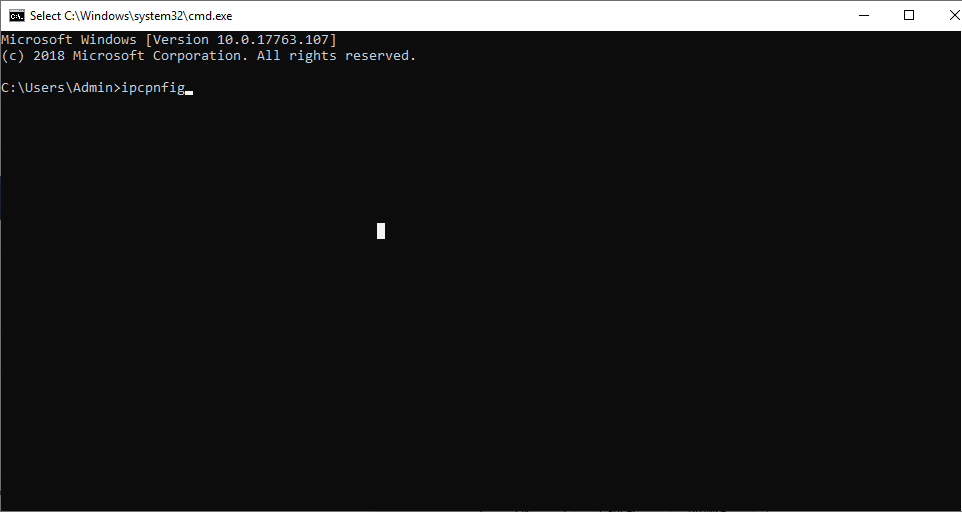
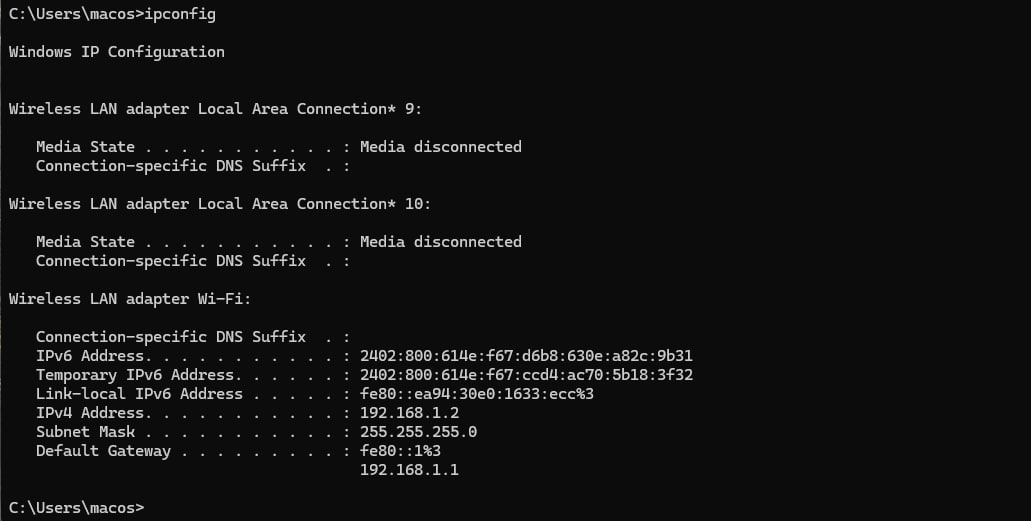
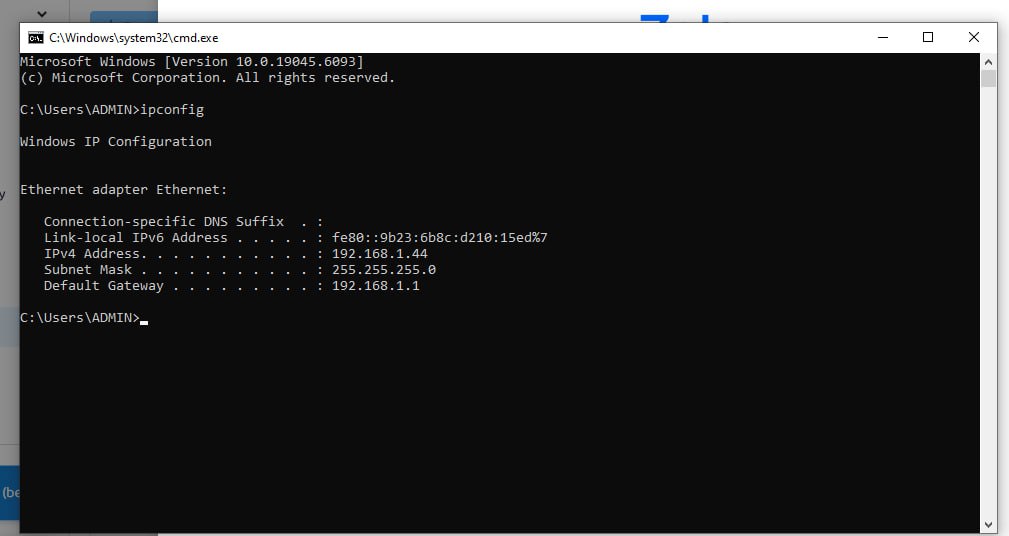
Look for the line IPv6 Address. If you see an address like 2405:4800:abcd:1234::1, it means you are using IPv6.
Using IPv6
Not Using IPv6
Method 3: Check on macOS or Linux
Open Terminal and enter:

or

If a long address containing colons appears (e.g., 2405:4800:xxxx:xxxx::1), it means your device is using IPv6.
Method 4: Check via browser
Visit https://whatismyipaddress.com or https://ipinfo.io.
If the site displays an IPv6 address instead of IPv4, your network is prioritizing IPv6.
Benefits of using IPv6:
No shortage of IP addresses: supports billions of devices connected simultaneously.
Improved speed and performance: more efficient data routing compared to IPv4.
Enhanced security: built-in IPsec reduces the risk of attacks.
Future-ready: compatible with 5G, IoT, Smart Home, and other upcoming technologies.
Checking whether your Internet supports IPv6 is very simple and only takes a few steps. If your modem/router hasn’t enabled IPv6 yet, contact your Internet provider for activation support.
IPv6 is the inevitable trend, offering faster speeds, stronger security, and more stable connections for users.

Related Blogs

In the SEO space, many businesses and agencies build blogging strategies from scratch, focusing on optimizing website rankings through quality content. However, a common challenge is Manage multiple Ahrefs accounts for multiple clients or share access that no additional user fees for Ahrefs.Hidemium who share how Share Ahrefs account safely, comply with terms and avoid the risk of being locked[…]

Doing YouTube is no longer a trend, it is a serious career and can generate sustainable passive income, witnessing the development from "just for fun" to YouTube becoming a "billion dollar money making machine".If you're wondering, "Is YouTube still viable for beginners?", the answer is yes – and even more than before. This article Hidemium Antidetect Browser will summarize all the necessary[…]

Shortening links to earn money is becoming more and more popular in the online money-making community thanks to its simplicity, accessibility and high efficiency. However, to ensure a stable income and avoid risks, choosing a reputable and safe link shortening website is an extremely important factor. In this article, Antidetect Hidemium will introduce the top 8 best link shortening platforms to[…]


Browser Fingerprint: Tại Sao Lại Đáng Quan Tâm Khi Sử Dụng Phần Mềm Anti Detect Browser?
.png)
TikTok is not just an entertainment app but also a "goldmine" for content creators and brands to generate massive income. However, to make your posts on TikTok attract millions of views, selecting the ideal posting time—often referred to as the "golden hour"—is a crucial factor in increasing engagement and effectively connecting with your audience.1. What is the "golden hour" for posting on[…]
