
Are you looking for ways to access websites that are restricted at school, work, or in your area? Hidemium have compiled a list of the top 5 unblocked browsers to help you bypass any barriers easily. These browsers don’t require advanced tech skills, so you can start right away.
1. What Are Unblocked Browsers?
An unblocked browser is a tool that allows you to access websites that are restricted by your Internet Service Provider (ISP), network administrators at schools or workplaces, or local regulations. These browsers are designed to bypass firewalls, filters, and blocking mechanisms, offering unrestricted access.
2. How to Choose the Right Unblocked Browser
When deciding on a browser, consider the following factors:
2.1 Compatibility
Check whether the browser works well on the device and operating system you use, whether it’s a desktop, laptop, phone, or tablet.
2.2 Security Features
Security is crucial to protect you while browsing. Look for features such as:
Data encryption: Ensures that your personal information remains secure.
Ad blocking: Removes annoying ads while you browse.
Anti-tracking: Prevents organizations from collecting data on your browsing habits.
2.3 Legal Compliance
Make sure that the browser you choose does not violate the laws in your region. Using prohibited software could lead to unwanted legal issues.
>>> Learn more: 5 Tips to Optimize Antidetect Browser to Protect Personal Information
3. Best Browsers to Bypass Blocked Websites
If you're looking for solutions to access restricted websites, here is a list of top browsers that not only help you bypass barriers but also come with advanced security features and useful utilities.
3.1 Hidemium
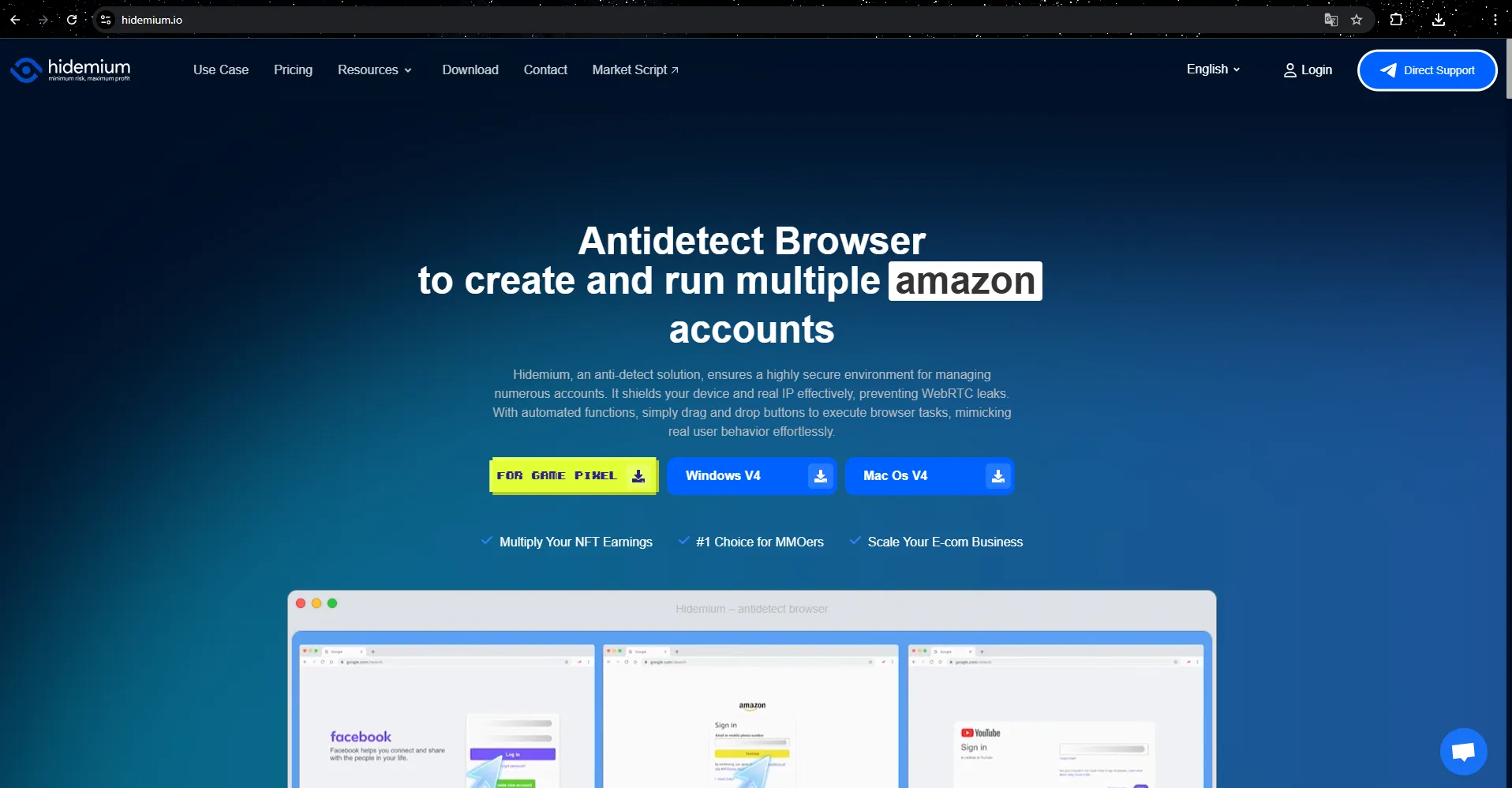
Hidemium is an Antidetect Browser developed by a team of experts with many years of experience in the MMO industry. Built with the goal of meeting strict security, automation, and synchronization requirements, Hidemium is the optimal choice for large MMO teams and businesses in the e-commerce sector.
Managing Diverse Browser Profiles
Hidemium allows users to create and manage multiple independent web profiles, each customizable with parameters such as country, device information, cookies, proxy, fingerprint, language, and screen resolution. This makes it easy for users to adjust and optimize their browsing experience. Additionally, you can share the profiles or folders you've created with your team or clients, maximizing team collaboration.
Fingerprint Browser Emulation and Modification Technology
A key strength of Hidemium is its ability to bypass strong online protection measures such as IP blocking and fingerprint detection. The software uses advanced technology to emulate and modify browser fingerprints, enabling users to browse the web without being detected or tracked. Moreover, Hidemium supports flexible proxy and VPN options, allowing you to change your IP address to bypass geo-restrictions and protect your privacy while browsing.
Powerful Automation Features
Hidemium integrates automation features with built-in scripts, helping users perform repetitive tasks such as logging in, posting, or clicking quickly and efficiently. This saves time and increases productivity, especially for tasks that require high frequency.
Smart and Secure Cookie Storage
Hidemium offers smart cookie storage, allowing it to remember and simulate user behavior like an actual browser, providing a more natural and secure browsing experience. This helps prevent detection when performing online tasks.
Cross-Platform Support and Special Offers
Hidemium works smoothly across multiple platforms such as Windows, macOS, Linux, and Android, ensuring flexibility for users on any device. Additionally, Hidemium provides a free trial package with clean proxies updated daily and the ability to create up to 1000 profiles in the trial package, allowing users to fully experience the features without immediate investment.
With a professional and responsive support team, Hidemium is committed to solving users' issues quickly and accurately, offering peace of mind to customers using the service.
>>> Learn more: The Important Role of Antidetect Browsers in Digital Marketing
3.2 GoLogin
GoLogin is one of the most highly rated browsers, known for its advanced antidetect technology. This browser caters to secure web browsing needs, allowing you to safely and anonymously access blocked websites.
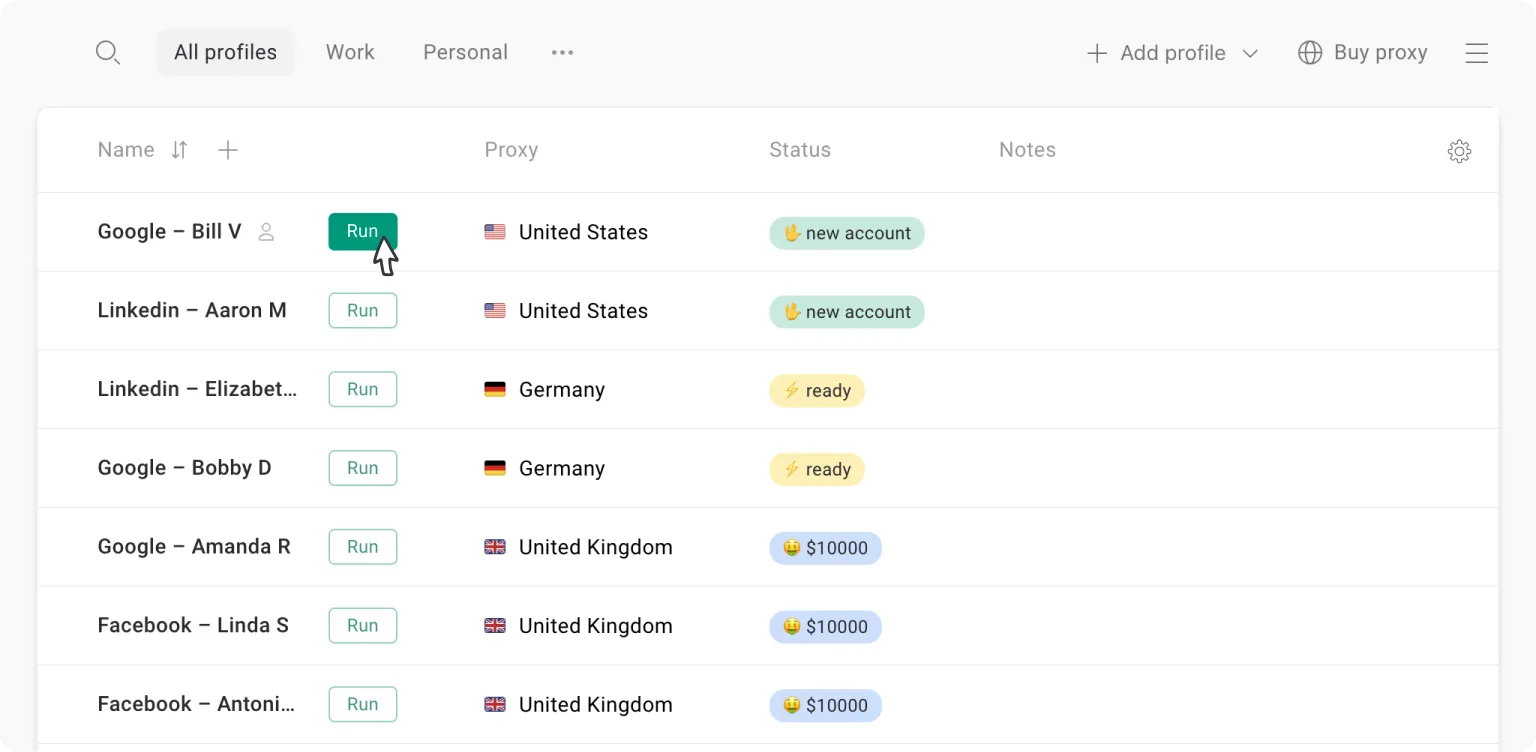
With its ability to encrypt all online activities and hide digital fingerprints, GoLogin helps users bypass restrictions without being detected. It is an effective solution for those looking to prevent tracking from networks or administrators.
Key Features:
Create multiple accounts on the same platform without the risk of being banned.
Free integrated proxy for 5 countries.
Automatic browser fingerprint protection technology, requiring no complex setup.
Bypass advanced tracking systems on platforms like Facebook.
The web version works as a free browser to bypass any type of block.
Platform Support: Windows, Mac, Android, Linux, Web App.
Pricing: Free for 3 profiles. Upgrade packages starting at $24/month for more features.
Conclusion: GoLogin is the good choice for users looking for a secure and advanced browser for their needs.
>>> Learn more: Proxy, VPN and Antidetected Browser Comparison – What are the Main Differences?
3.3 1Browser
1Browser provides a perfect solution for those looking to access restricted content. With the ability to integrate proxy and VPN, this browser allows you to easily bypass firewalls and geographic barriers.
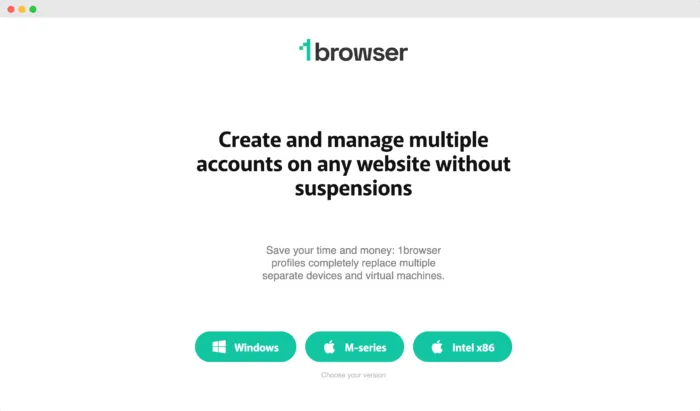
Each browsing profile is designed independently, enhancing security and preventing data leaks. Whether you need to bypass internal network restrictions or access global content, 1Browser effectively meets your needs.
Key Features:
Profile isolation mode ensures privacy.
Built-in free VPN and proxy.
Unblocks geo-restricted content.
Customizable user experience.
Platform Support: Windows, Mac.
Pricing: Free.
3.4 Tor Browser - A Leading Solution for Security and Anonymity
Tor is one of the most popular tools for anonymous browsing and protecting online privacy. Developed by a community of volunteers, Tor is an open-source project that is completely free to use.
The Tor browser, also known as the "onion browser," utilizes onion-routing technology, where your data is encrypted and passed through multiple intermediary layers, similar to the layers of an onion, before reaching its final destination. This helps to conceal your IP address and protect your privacy while browsing the web.
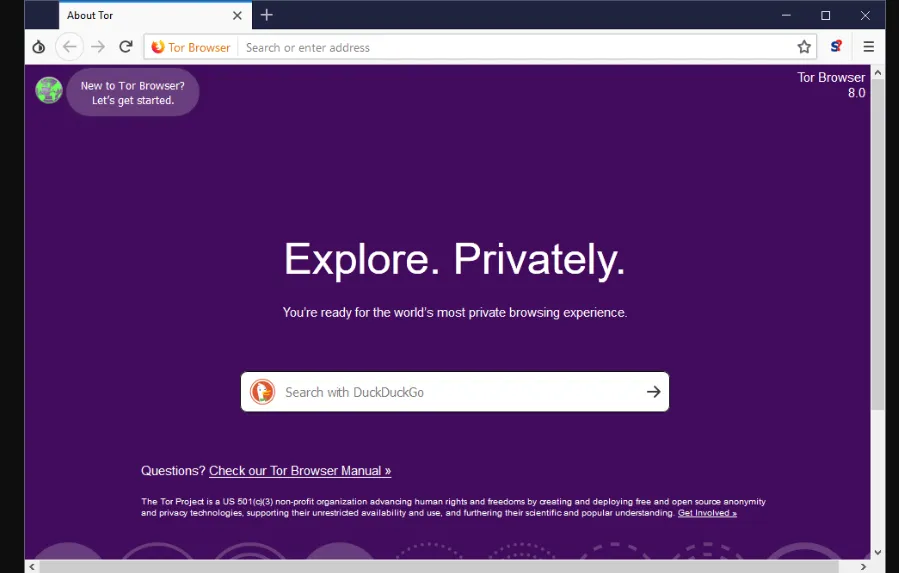
Tor not only enables safe browsing but also grants access to the dark web—a part of the internet that is not indexed by traditional search engines and is often used for anonymous browsing.
Key Features of Tor:
Fingerprint Resistance: All users appear identical, making it difficult for websites to gather data about you and your device.
Routing through Volunteer Servers: Enhances anonymity by routing traffic through volunteer-operated servers.
Circuits Feature: Allows users to control the paths of network traffic.
NoScript: Blocks annoying scripts to enhance security.
IP Address Concealment: Protects your privacy by hiding your IP address by default.
Ad and Tracker Blocking: Ensures smoother browsing by blocking third-party trackers and ads.
Automatic History and Cookie Clearing: Protects your personal information by automatically deleting browsing history and cookies after each session.
Platform Support: Windows, Mac, Linux, iOS, and Android
Pricing: Free
Verdict: Tor is a reliable choice for users prioritizing security and anonymity, though browsing speed may be slower compared to other browsers.
3.5 ProxyBoost.net - Easy and Secure Unblocked Browsers
ProxyBoost.net is an online-based web browser that does not require any software installation. You simply enter the website address you want to access, and ProxyBoost.net will display it through different servers, ensuring your information remains safe and secure.
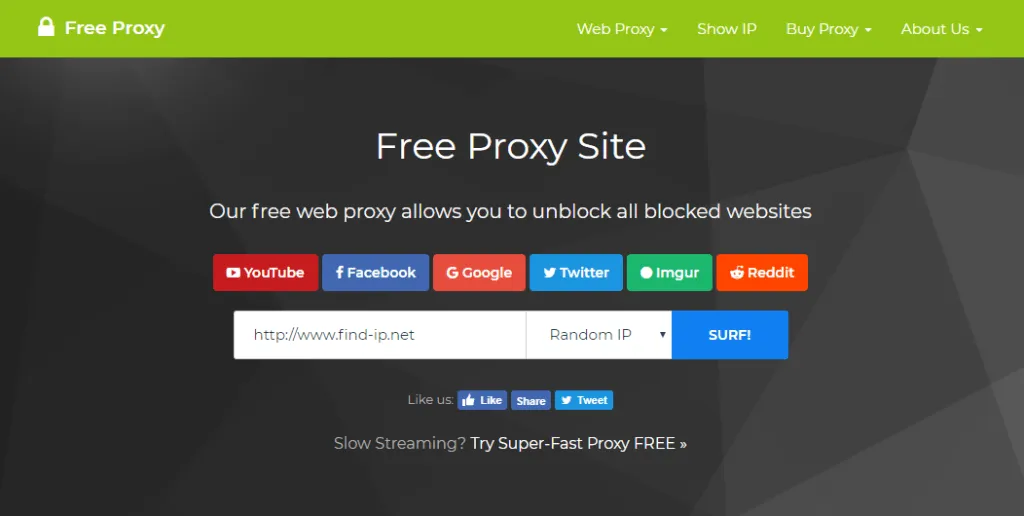
With the ability to select servers from various countries, ProxyBoost.net allows you to bypass geo-restrictions and access blocked websites easily.
Key features of ProxyBoost.net:
Ad and tracker blocking: This feature helps prevent annoying ads and third-party tracking tools.
Secure HTTPS connections: Ensures that every website you visit is encrypted and secure.
40 server locations in 30 countries: Provides the ability to bypass geo-restrictions and expand your web browsing options.
Protection against malware and phishing: Helps you avoid online threats.
Virus scanner: Includes a tool to detect and block malicious code.
Automatic ad and tracker blocking: Automatically stops third-party ads and trackers.
Free VPN and firewall for mobile users: Helps protect your data even when using mobile devices.
Platform support: Windows, Mac, iPhone, Android, and Linux
Pricing: Free
Verdict: ProxyBoost.net is an ideal choice if you want to access blocked websites without the need to install complex software.
>>> Learn more: Best Antidetect Browser: Top Pick for Managing Multiple Accounts
4. How do Unblocked Browsers work?
Unblocked browsers operate through proxy servers, acting as intermediaries between your device and the blocked websites. By changing your IP address and encrypting your data, these browsers help you bypass restrictions and protect your privacy while browsing.
5. What is the difference between VPNs and Unblocked Browsers?
A VPN encrypts your internet connection, protecting your data and IP address by routing your traffic through secure servers, thus enhancing security and privacy. On the other hand, unblocked browsers focus on bypassing geo-restrictions and accessing blocked websites without encrypting the connection. While both tools provide more freedom to browse the web, a VPN offers more comprehensive security.
Related Blogs

In the context of relationships with cyber security threats as cyberattacks continue to increase, protecting small businesses from cyberattacks has become a top priority. 2025 marks a turning point with many advanced technology solutions that help small businesses improve their defenses without spending too much money.This article Antidetect Browser Hidemium will introduce Top 13 Cyber Security[…]
.png)
In the online business and social network management environment, using multiple accounts on the same platform such as Facebook, Twitter or Amazon is a common need. Ghost Browser was born as a convenient solution, helping users easily manage multiple accounts in a single browser interface. This article Hidemium will explain what Ghost Browser is, why it has become the favorite choice of many[…]

In the fiercely competitive world of YouTube, having a large number of subscribers not only helps you increase your influence but also opens up many new opportunities for your channel. So why are subs important and how to increase this number quickly and effectively? Let's explore!1. Why are YouTube subscribers important?In today's competitive YouTube world, owning a channel with many subscribers[…]
In 2026, Facebook remains one of the most powerful platforms for digital marketing, e-commerce, and social media management. Whether you're a media buyer running multiple ad campaigns, a social media manager handling client accounts, or a marketer practicing Facebook account farming to scale your operations, managing multiple Facebook accounts safely has never been more critical — or more[…]
Creating an account to sell on Amazon is not easy for sellers. However, locked Amazon accounts are even more common problems. Losing an account is a significant loss for those who trade even for a day. This is unavoidable in the sales process. So what can you do when Amazon ban your account? Or how to minimize these risks? Find out below!What is a suspended Amazon account? Sanctions from[…]
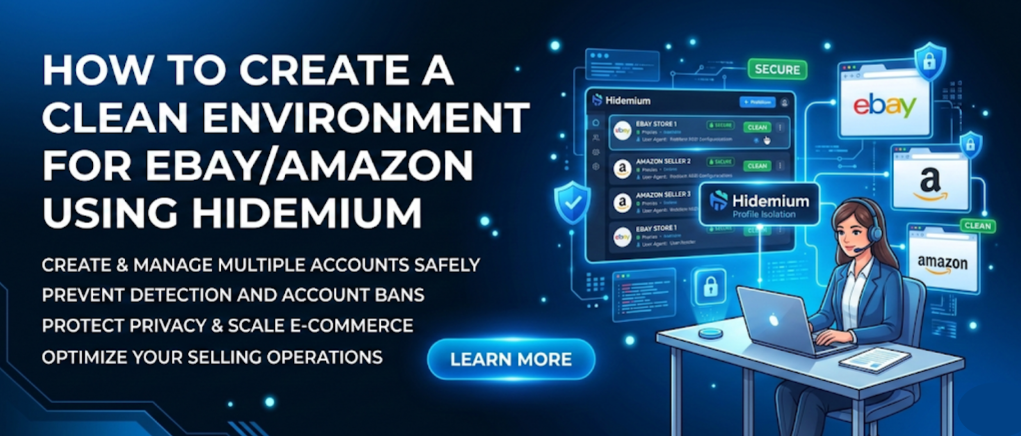
Selling on major e-commerce platforms can generate enormous revenue, but it also comes with extremely strict compliance and review policies. Even a minor slip, such as a leak of device-related data, can lead to account suspension. Let’s explore how to create a clean operating environment for eBay/Amazon using Hidemium in the article below.1. Why is it necessary to create a clean environment when[…]
