
I. Introduction to B2Proxy Residential Proxies
B2Proxy Official Website
B2Proxy is a professional provider specializing in global residential proxy services, offering high-purity residential IPs sourced from real ISP home networks. These proxies are widely used in cross-border e-commerce, online advertising, data collection, social media management, and account registration and verification.
Key Features of B2Proxy IP Services
- Proxy Plans: Residential Proxies / Unlimited Residential Proxies / Static Residential Proxies
- Coverage: 195+ countries and regions worldwide
- IP Pool: 80M+ real residential IPs
- Protocols Supported: HTTP / SOCKS5
- Additional Benefits: 1GB free trial traffic, 24/7 customer support
B2Proxy provides highly available, anonymous, and low-risk residential IPs, making it an excellent match for use with the Hidemium anti-detect browser for multi-account isolation, anti-association protection, and long-term stable operations.
II. Setup Guide
Step 1: Register and Log In to Your B2Proxy Account
1. Visit the B2Proxy official website:
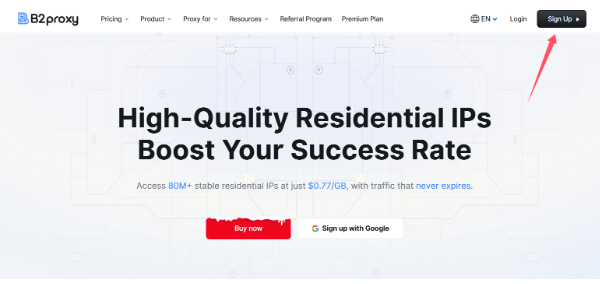
Click “Sign Up” in the top-right corner to create and log in to your account.
2. Enter the user dashboard and select a proxy plan that fits your needs. Available options include:
- Residential Proxies
- Static Residential Proxies
- Unlimited Residential Proxies
3. Go to the “Username / Password” page to generate your proxy credentials.
4. Configure the following parameters based on your requirements:
- Country / Region
- Session type
- Nearest proxy host
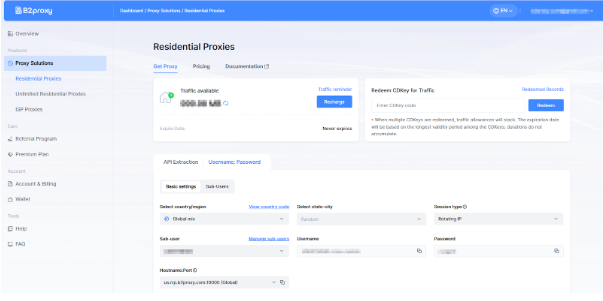
The generated proxy details will include:
- Proxy Host
- Port
- Username
- Password
Please save this information securely, as it will be required when configuring Hidemium
Step 2: Download and Register Hidemium
Download and install the client, then complete account registration and login.
Hidemium is a professional anti-detect browser that creates an independent browser fingerprint, local cache, and network environment for each account, effectively reducing account linkage and risk-control issues.
Step 3: Create a Browser Profile in Hidemium
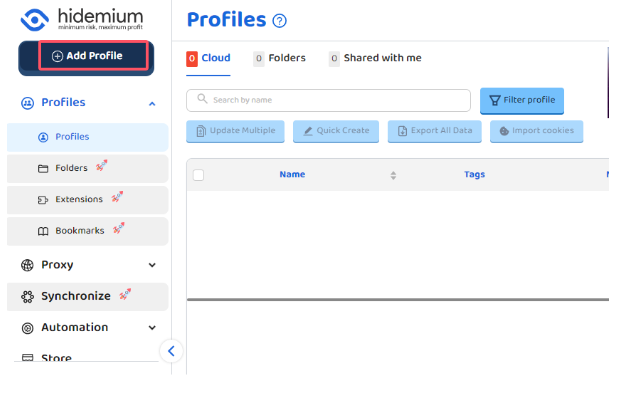
After logging into Hidemium, click “Add Profile.”
Step 4: Bind B2Proxy Residential Proxy in Hidemium
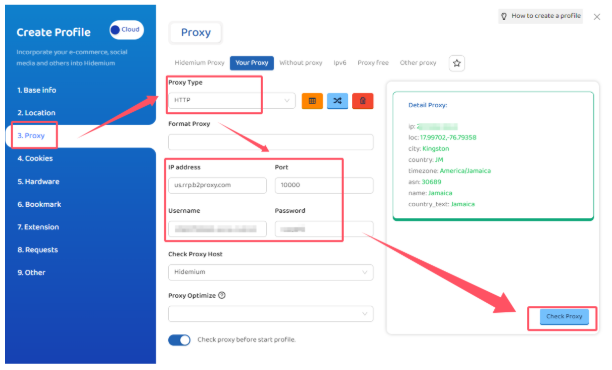
In the browser profile configuration page, locate the Proxy Settings section and fill in the details as follows:
- Proxy Type: HTTP or SOCKS5
- IP / Host: Proxy host provided by B2Proxy
- Port: Corresponding port number
- Username: Proxy username
- Password: Proxy password
Step 5: Test the Proxy and Save the Configuration
After completing the setup, click “Check Proxy.”
Once the system confirms a successful connection, save the browser profile.
Hidemium will then automatically create:
- An independent browser fingerprint environment
- An isolated residential IP network environment
This effectively reduces the risk of account association and improves login success rates and overall stability.
III. Summary
By combining B2Proxy’s real residential proxies with Hidemium’s browser fingerprint isolation, you can effectively solve key challenges in multi-account operations:
- Preventing account linkage
- Creating more realistic and trusted login environments
- High IP purity with lower ban and risk-control rates
- Long-term account stability
- More efficient multi-account and team management
Whether you operate Amazon, TikTok Shop, Temu, Shopee, or independent websites, or engage in advertising campaigns, social media matrix management, or data scraping, the B2Proxy + Hidemium solution can significantly enhance account security and overall operational efficiency.
Related Blogs
.png)
In the competitive arena of Amazon e-commerce, ranking higher in search results is pivotal for success. With over 2 million active sellers vying for customer attention as of 2024, optimizing your product listings with effective Amazon SEO techniques is no longer optional—it's a necessity for any dropshipping business. Whether you're wondering "what is dropshipping" or you're an experienced seller[…]
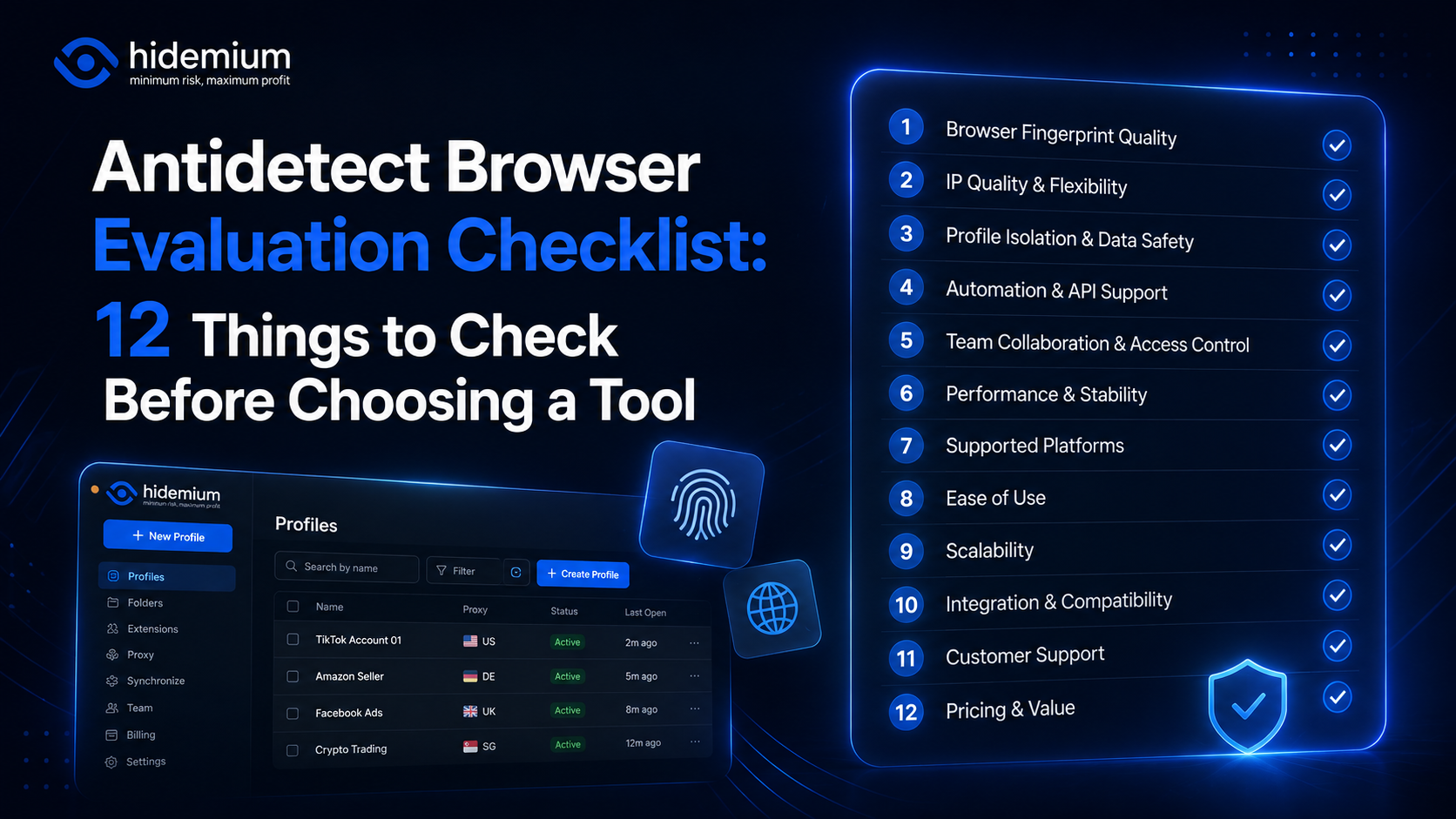
Choosing an antidetect browser is easy when every product page promises the same things:“Realistic fingerprints.”“Secure profiles.”“Fast automation.”“Team collaboration.”The harder question is:How do you actually compare them?A tool may look impressive in a feature list and still become frustrating when you manage 100 profiles, add a team, connect proxies, or automate recurring browser[…]

Whether you are a digital marketer gathering competitive intelligence, a sneakerhead trying to cop limited-edition shoes, or an online shopper hunting for exclusive overseas merchandise, your success relies heavily on one crucial tool: the internet. However, the internet is not as borderless as it seems. Geo-blocks, IP bans, and regional restrictions stand in the way. This is exactly why finding[…]
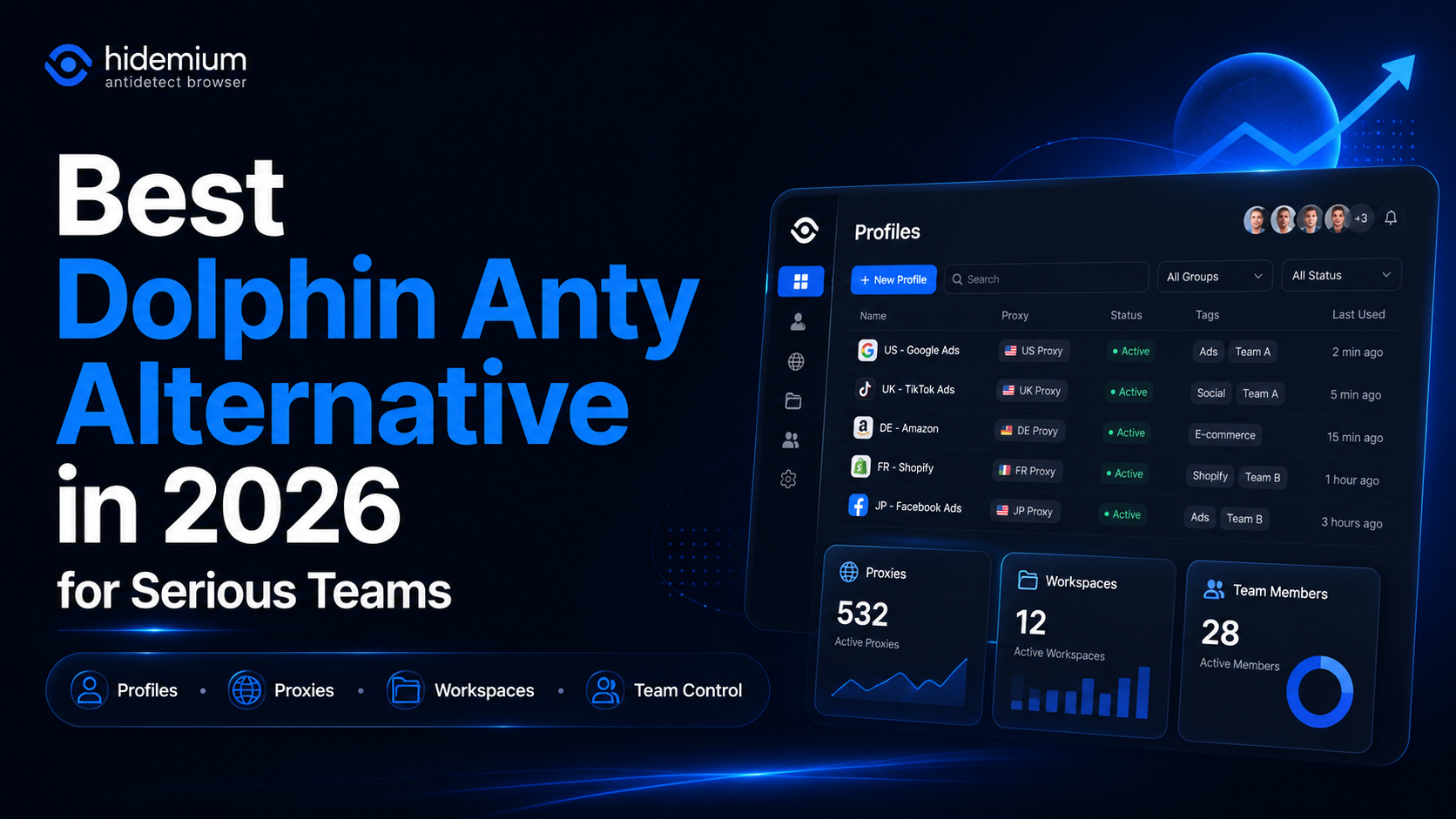
What is the best Dolphin Anty alternative in 2026?The best Dolphin Anty alternative in 2026 is Hidemium for teams that need stronger control over browser profiles, proxies, workspaces, team access, and multi-account operations.Dolphin Anty is known among affiliate marketers and media buyers. It can be useful for campaign-focused workflows where speed matters. But not every team wants only a fast[…]

If you’ve ever run ads on Facebook and encountered issues like being restricted, waiting for approval for too long, or even having your account locked, you’re not alone. According to statistics, more than 60% of new Facebook advertising accounts are often restricted in the first 30 days due to lack of activity history and reliability.As a result, many marketers, advertising agencies, and growth[…]
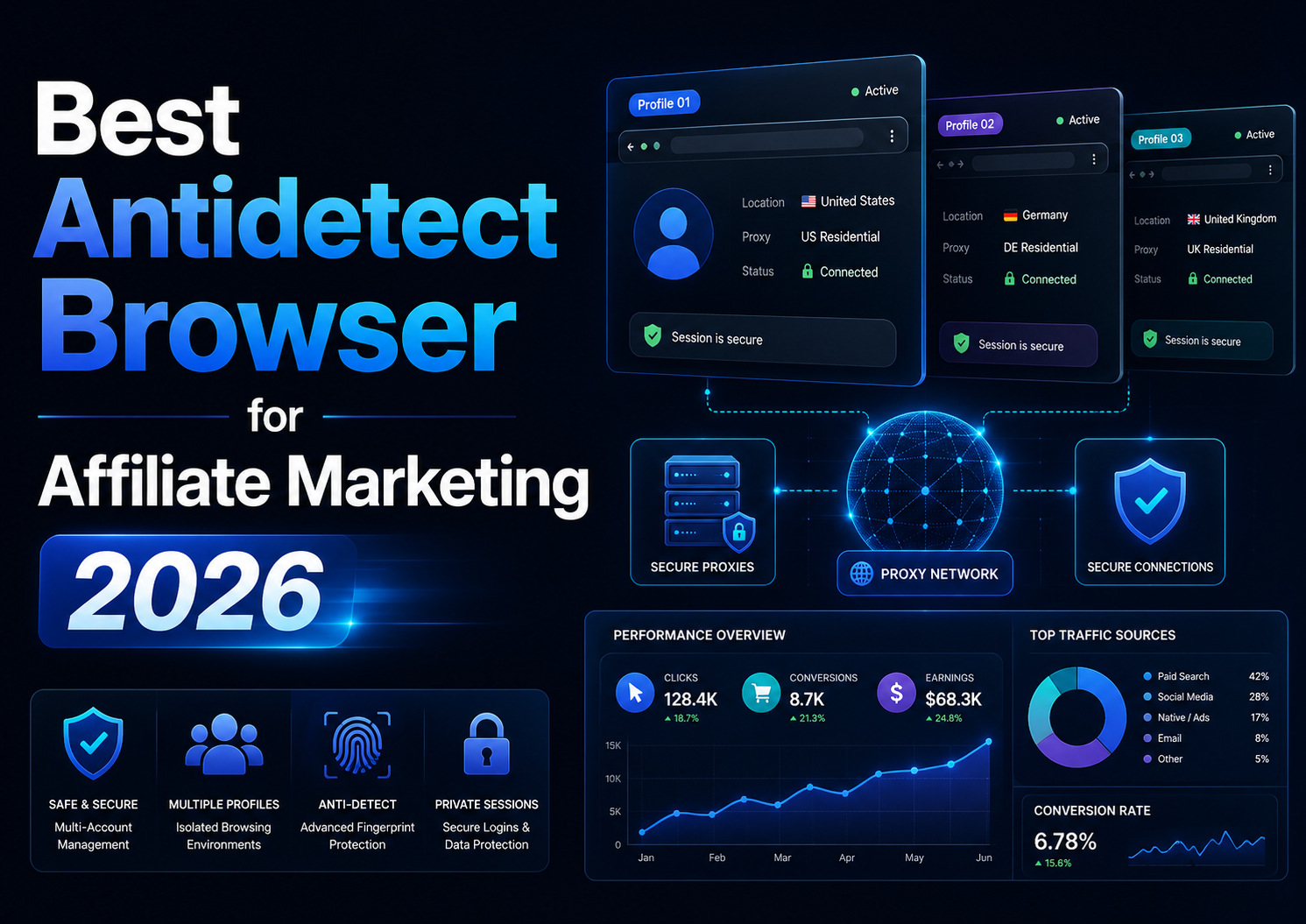
Best Antidetect Browser for Affiliate Marketing 2026Affiliate marketing in 2026 is no longer limited to placing referral links on a website and tracking commissions. Agencies, media buyers, and performance marketing teams often work simultaneously across multiple advertising platforms, affiliate networks, client accounts, analytics tools, landing pages, and regional campaigns.As the number of[…]
