
In the digital age, owning multiple Gmail accounts is not only a personal need but also a vital factor for people MMO (Make Money Online), marketers or YouTubers. However, mass Gmail registration is often subject to Google checkpoints, requires complex verification and is easily locked. So what is the tool that helps you create mass Gmail safely, avoid checkpoints and save time in 2025?
In this article, Hidemium Antidetect Browser will share a tool to register Gmail in bulk without a checkpoint, helping you save time, increase efficiency while still ensuring maximum security.
1. Why Gmail is still an effective marketing tool in 2025
Although social networks are increasingly developing, a series of social networking platforms are born, email is never outdated. In fact, email is still a channel that brings high conversion. As well as the ability to personalize superior to many other advertising channels.
- Low cost: Compared to running Facebook and Google ads, sending emails has extremely low costs but high efficiency if targeted correctly.
- Automation capabilities: Email marketing can set up sending sequences, segment recipients, and track open and engagement behavior.
- Personalization: An email campaign can be tailored to specific audience groups - increasing the likelihood of conversions.
However, to be able to do this, you need to have many reputable, trusted and active Gmail accounts. That is why the need to create Gmail in bulk is increasing and does not stop at manual creation as before.

>>>Learn more: How to create multiple Gmail accounts
2. Why is Gmail a core element for GAMers and YouTubers?
Gmail is not just an inbox, but also a “master key” in the entire Google ecosystem. When you own a Gmail account, you can:
- Go to Youtube, like, comment, or like videos for interactive purposes.
- Manage Google Ads, Google Business Profile. Or track your website with Google Analytics.
- Register and manage accounts on social media platforms, marketing tools or cloud systems.
- Send personalized marketing emails to hundreds - thousands of people without being limited by the main account.
Therefore, in campaigns such as creating mass advertising accounts (running ads, testing accounts,...), sending marketing emails through many different domains, maintaining sub-accounts for backup, owning a series of Gmail accounts in bulk without checkpoint is an essential need.
>>> Learn more: How to set up static IP on Windows quickly, simply and effectively
3. Ways to create Gmail 2025
In the early days, creating a Gmail account manually was relatively simple. You just needed a phone number, entered some basic personal information, and signed up. But by 2025, Google had tightened the requirements for new account registration, including:
- Limits the number of Gmail accounts that can be created on the same IP address. Can be disabled if you try to create multiple accounts on the same IP.
- Requires real phone number verification - difficult to reuse or use regular virtual numbers. Not everyone has a large number of phone numbers.
- Vulnerable to checkpoints or verification requests when there is unusual activity.
If you want to create 5 - 10 accounts per week, you can do it manually, but if you need hundreds or thousands of emails, you clearly need a more professional and automatic solution.
4. Summary of ways to create multiple gmail accounts
Do you need to own multiple Gmail accounts for marketing, automation or digital channel management? In this section, we will summarize the ways to create multiple Gmail accounts effectively, safely and minimize the risk of being checked by Google. From manual methods to using support tools - all will be presented clearly, helping you choose the solution that best suits your needs.
4.1 Create Gmail manually
Advantage:
- Simple, no cost
Disadvantages:
- Extremely time consuming
- Limited number of IPs, devices
- Easily detected by Google as creating abnormalities if there is no interactive activity
4.2 Buy ready Gmail
Advantage:
- Get an account now
- Many shops sell in bulk
Disadvantages:
- Easy to encounter low quality accounts, quickly get checkpointed
- Cannot personalize information, recovery mail, device, IP creation,…
4.3 Use antidetect browser - tool to register Gmail in bulk
Multi-Account Browsing is a user-friendly tool that creates a unique digital identity for each browser profile. This means that each browser session on your computer has a unique digital fingerprint, so Gmail sees them as separate users. This feature protects your multiple Gmail accounts from being suddenly banned, which reduces the risk of Google locking your account due to activity from the same device. A typical tool is Hidemium, which allows you to manage dozens or hundreds of Gmail accounts in the same interface while maintaining your anonymity.
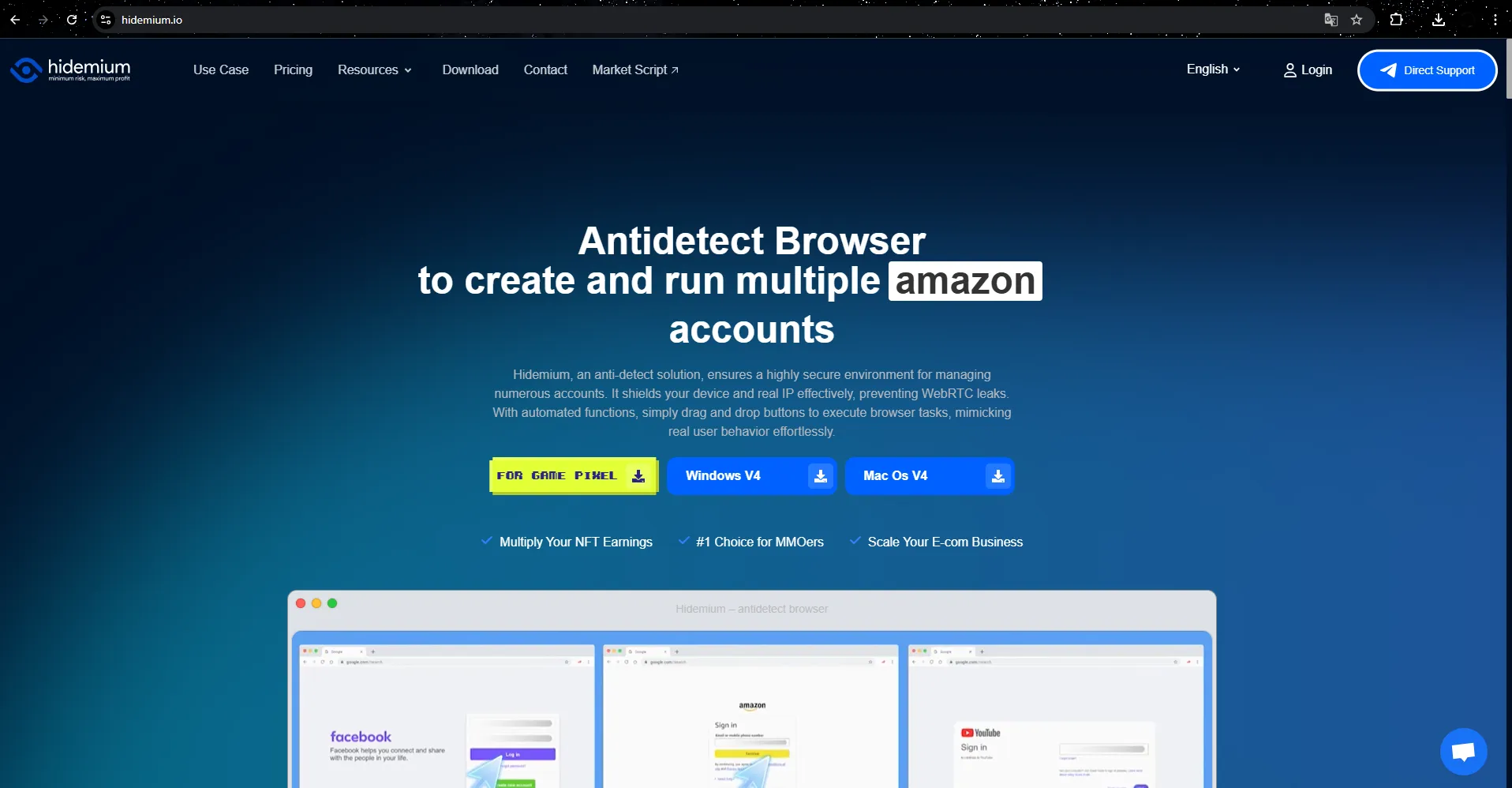
Antidetect Browser Hidemium
This is safe, effective and least checkpoint 2025. This solution allows you to:
- Create each Gmail account on a separate environment
- Hide real IP, use independent proxy for each profile
- Retain browser fingerprints, helping Google believe each account was created by a real user

>>> See also: Reg gmail automatically in batch, create and raise large quantity with Hidemium
Of the three methods above, using an antidetect browser combined with a mass Gmail registration tool is the best method for those who need to create a large number of accounts while still ensuring safety and avoiding checkpoints. Compared to manual methods or using virtual devices, this solution saves time, reduces risks and is easier to manage. Therefore, if you are looking for a comprehensive tool, Hidemium is the reliable choice for creating and operating multiple Gmail accounts effectively and absolutely securely.
5. How to set up multiple Gmail accounts management with Hidemium multi-account browser
Step 1: Sign up and try Hidemium for free for 3 days
- Visit official website https://hidemium.io
- Click “Register”, create an account with email and password
- Download Hidemium software and log in to experience the 3-day trial
You can create, store, and use multiple browser profiles separately, avoiding Google's tracking. After the trial period, you can choose more advanced packages for long-term use.
Step 2: Create browser profiles that simulate real devices
- In the Hidemium interface, select “Create new profile”
- Set fingerprint: operating system, resolution, proxy IP (should use residential or mobile proxy for increased reliability)
- Each profile will act as a separate “device” to help you avoid being marked by Google as an unusual login.
Step 3: Install the Gmail mass registration tool or do it manually
- You can use specialized automatic Gmail registration tools (built-in on the platform or installed).
- The tool will work in each separate profile, helping to quickly create Gmail with pre-customized input fields.
- Or you can also manually operate in each profile to register as a normal user.
Step 4: Save and manage account information
- After creating, you can save each Gmail password, backup recovery to the management panel or CSV file.
- Hidemium allows labeling of each profile for easy categorization: primary Gmail, secondary, backup, ads running, etc.
Step 5: Use account as real device – no checkpoint
- Every time you need to log in, you just need to reopen the correct profile you created to be able to use Gmail without having to verify again.
- Avoid checkpoint errors, account locks or suspicions from the Google system
👉 Hidemium is the ultimate multi-instance browser solution for MMOers, affiliates and YouTubers who need a reliable, checkpoint-free Gmail system.
6. Conclusion
Creating Gmail in bulk is no longer a big obstacle if you have the right tool. With Hidemium – multi-instance browser with built-in proxy and anti-checkpoint, you can rest assured to speed up the account building process without worrying about Google checkpoint. If you are an MMO, affiliate, or are building a large number of YouTube channels, don't miss this automation solution!

Related Blogs

Trường hợp proxy bạn mới mua và check live trên hệ thống nhưng khi chạy trên trình duyệt lại không tải được Trường hợp này do phiên bản core đã cũ, cách sửa ở đây chúng ta thực hiện vào Setting Profiles và chọn Reset Resource để tiến hành tải core chrome mới nhất về nhé. Quá trình tải […]
.png)
Dolphin Anty is an outstanding Antidetect Browser, developed in Russia with the goal of serving users who need to manage multiple online accounts securely. However, in 2025, will this still be the optimal choice for MMO and digital marketing activities? Be tickledof Hidemium DOverview of pros and cons of Dolphin Anty browser to make the most accurate decision.1. What is Dolphin Anty?Dolphin Anty[…]
.png)
GenLogin is marketed as a user-friendly software with a simple interface and basic security features. However, claiming to be "safe" and "user-friendly" is not enough to confirm its actual effectiveness. Many users have reported concerns about the platform potentially exposing personal information and raised issues regarding lack of transparency, particularly related to the integration of the P2P[…]
.png)
Nowadays, websites can easily track user behavior through IP address and device parameters. This means that, even if you have changed your IP or used incognito mode on your browser, the system can still detect that you are logging in and operating multiple accounts at the same time.An effective solution to overcome this situation is to use it antidetect browser – specialized tool to help simulate[…]
Phần Mềm Antidetect Browser Giúp Tăng Hiệu Quả Kiếm Tiền Online Từ Affiliate Marketing

The rapid advancement of AI and Big Data is profoundly transforming how digital platforms collect, analyze, and evaluate user data. In this context, Antidetect Browsers are playing an increasingly important role in supporting multi-account management and adapting to an ever more complex digital environment, opening up new development trends for the future.1. The impact of AI and Big Data on[…]
