
Managing multiple Amazon accounts always comes with the risk of account linking and mass suspension if the login environment is not kept “clean.”
In this article, we will guide you through how to build independent browsing environments, minimize account linking, and effectively manage multiple Amazon accounts using an anti-detect browser such as Hidemium.
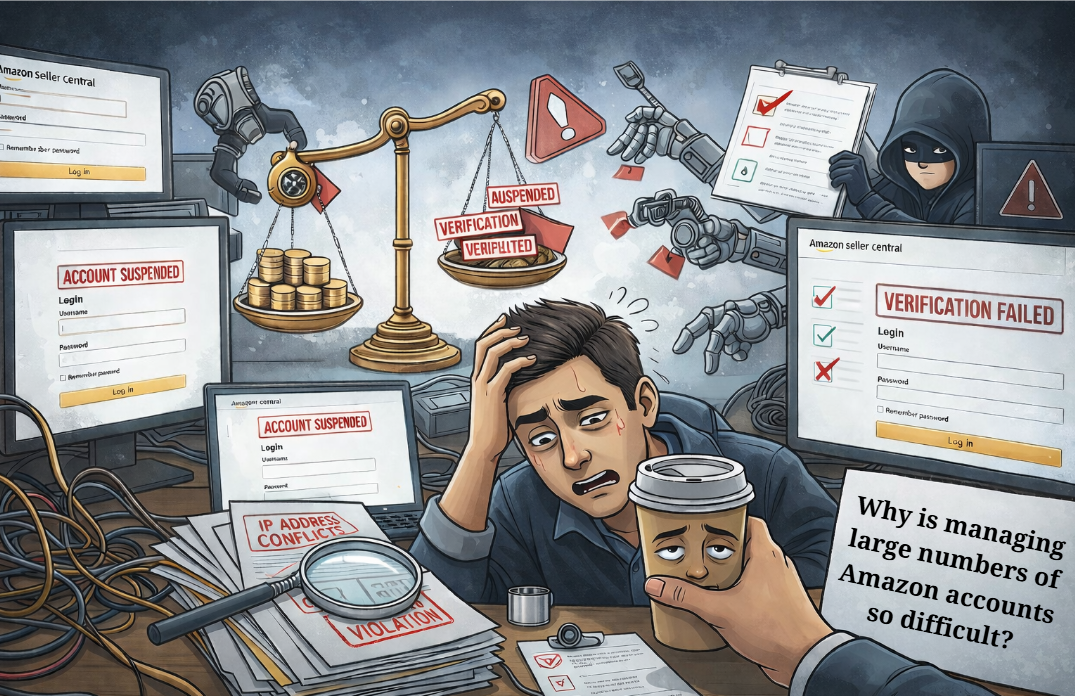
1. Why Is Managing Large Numbers of Amazon Accounts So Challenging?
For those implementing Amazon sales growth strategies, owning multiple accounts is inevitable. However, Amazon is known as one of the strictest platforms in the world when it comes to fraud control. Just a small mistake in IP address or device configuration can cause your entire account system to be wiped out in an instant.
The most common issue is “Linked Accounts.” When Amazon detects multiple accounts sharing the same browser fingerprint, it will suspend all of them. This is when you need to know the most effective way to recover a suspended Amazon account to save the situation—but ideally, it’s still best to proactively explore a guide on creating a clean environment using an anti-detect browser to prevent suspensions from happening in the first place.
2. What Is a “Clean Environment” for Managing Amazon Accounts?
A clean environment for managing Amazon accounts is not simply about changing your IP address with a VPN or proxy. It includes:
Clean IP addresses: Not blacklisted by Amazon.
Unique hardware parameters: Screen resolution, fonts, WebGL, Canvas, Audio, and other attributes must differ for each account.
Natural cookies and browsing history: Making each account appear like it belongs to a real, individual user.
3. Hidemium – The Perfect Solution for Creating a Clean Environment
To manage dozens or even hundreds of accounts without having to buy dozens of physical computers, an anti-detect browser is an essential tool. Among them, Hidemium has emerged as a top choice for the Vietnamese MMO community.
Register and experience Hidemium now at: https://hidemium.io/
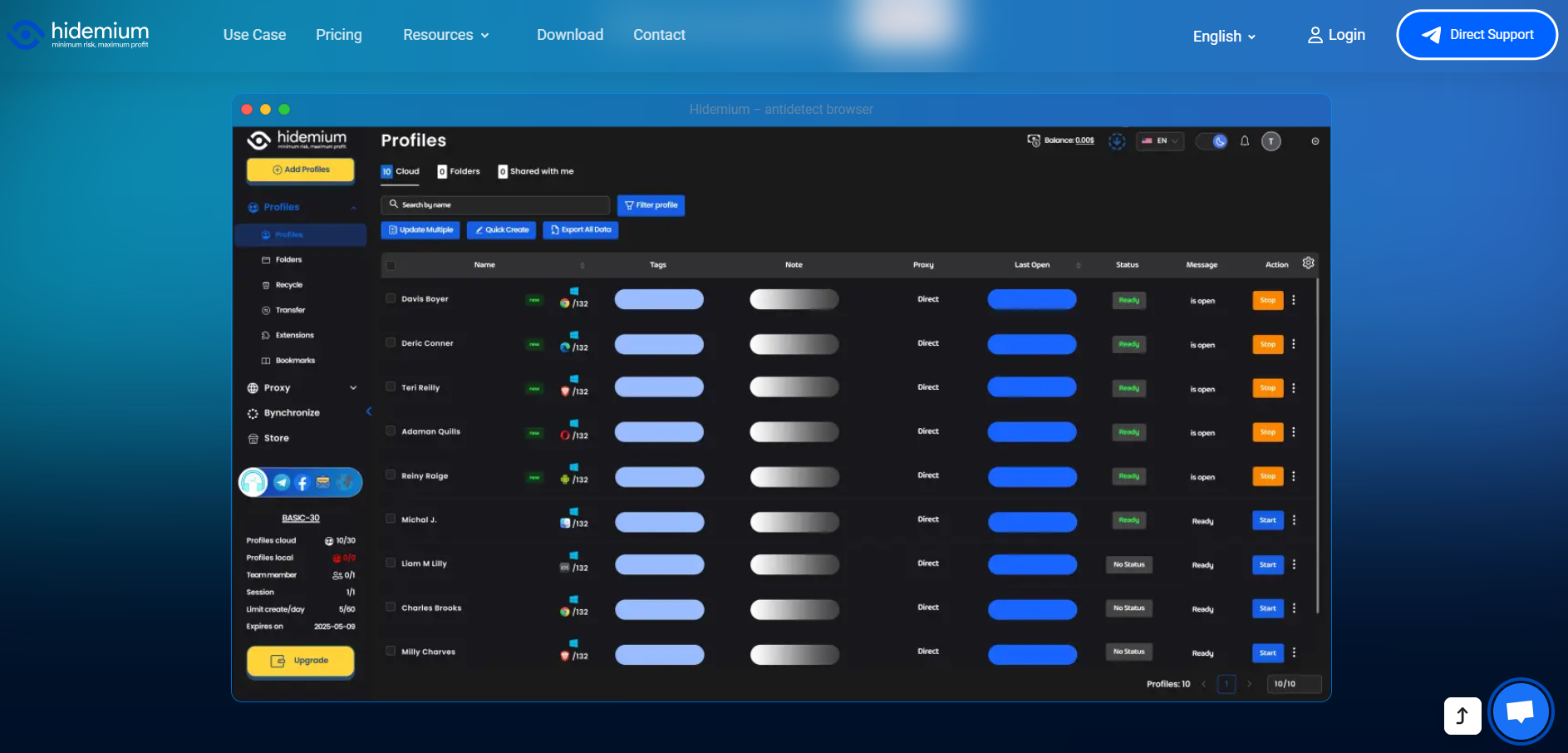
Hidemium allows you to create thousands of separate browser profiles. Each profile has a completely unique set of technical parameters, making Amazon’s algorithms believe that every account is being accessed from a different physical device.
4. Steps to Set Up an Amazon Account Management Environment in Hidemium
Step 1: Create a New Profile in Hidemium
Open the Hidemium application and select “Create New.” Here, you can customize parameters such as the operating system (Windows/macOS) and the browser version.
Step 2: Configure a Proxy
Each Amazon account requires its own unique IP address. You should use residential proxies for the highest level of trust. Hidemium supports easy and seamless proxy integration.
Step 3: Optimize the browser fingerprint
Hidemium automatically generates a random yet highly logical set of parameters. You can check how “clean” the environment is using websites such as Whoer.net or Pixelscan.net directly within the Hidemium browser.
Step 4: Start the account warming process
Once you have a clean environment, begin logging into your accounts. Don’t forget to explore 7 ways to make money on Amazon to choose a suitable business model, such as dropshipping or affiliate marketing.
5. Important Tips to Avoid Amazon Reviews and Checks
Use supporting tools: Don’t forget to combine your setup with 17 Amazon SEO tools to help your products stand out and optimize your store after successful account management.
Interaction schedule: Avoid logging in and making purchases or posting immediately. Spend the first 3–5 days casually browsing like a real user to build natural behavior patterns.
Do not reuse payment information: Each account on Hidemium should be linked to a separate payment method (VCC) to prevent account linking.
6. Conclusion
Building a system to manage large numbers of Amazon accounts is a complex technological challenge. To succeed, you must have a clean environment and a powerful anti-detect browser capable of bypassing Amazon’s multiple layers of security.
Hidemium is the “powerful ally” that helps you solve this problem professionally at a highly affordable cost. Don’t let all your hard work go up in smoke because of a small mistake in your browser fingerprint.
Download Hidemium now to protect your accounts: Download Hidemium

Related Blogs
Are you looking for Shadowrocket – a tool to support fast, stable and secure internet access on iOS devices? In the context of 2025, when the need for private internet and circumvention is increasing, Shadowrocket becomes an application that many people are interested in and trust. So, why is Shadowrocket so popular? What is Shadowrocket? How does it work, and is it easy to install and use?[…]
In today's digital landscape, antidetect browsers have become essential tools for professionals managing multiple online accounts, protecting privacy, or conducting market research. As the market evolves, choosing from numerous best antidetect browser can be challenging. We've thoroughly evaluated the top contenders to bring you a comprehensive guide for 2024.1. What Are Antidetect Browsers?An[…]
GoLogin is the one Antidetect browser long-standing and reputable, outstanding with the ability to protect personal identity and enhance privacy when accessing the Internet. Thanks to the ability maintain anonymity, GoLogin is trusted by the MMO community and professional users for secure multi-account management.However, in the context of 2025 with the appearance of many competitors possessing[…]

Một ngày đẹp trời mở hidemium lên tạo profiles mà anh em thấy thông báo hiển thị lên như này Điều này mách bảo anh em phải nâng cấp lên gói cao hơn rồi đấy.Hôm nay Đạt Văn Tây tôi sẽ hướng dẫn anh em nâng cấp lên gói cao hơn nhé. Đầu tiên anh […]
The restricted or locked account is probably a headache for businesses and advertising people. Facebook advertising is the leading trend in promoting online business in the 21st century. Most companies choose to advertise if they want to reach the right potential customers and generate sales quickly. Having an account problem will directly affect revenue. So […]
AdGuard DNS is a free DNS service designed to block intrusive ads and protect your devices from online threats. Instead of using the default DNS servers provided by your internet service provider, you can switch to AdGuard DNS to filter malicious content right from the first connection. This not only enhances your browsing speed but also improves your online privacy and security.In this[…]
