

Managing multiple Amazon accounts always comes with the risk of account linking and mass suspension if the login environment is not kept “clean.”
In this article, we will guide you through how to build independent browsing environments, minimize account linking, and effectively manage multiple Amazon accounts using an anti-detect browser such as Hidemium.
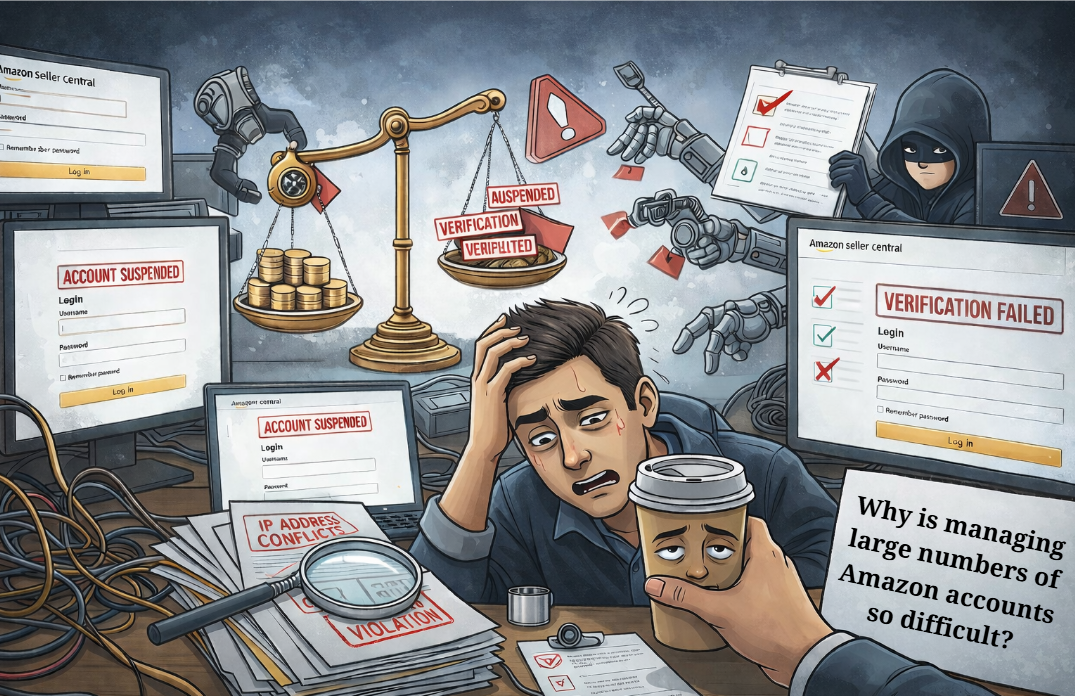
1. Why Is Managing Large Numbers of Amazon Accounts So Challenging?
For those implementing Amazon sales growth strategies, owning multiple accounts is inevitable. However, Amazon is known as one of the strictest platforms in the world when it comes to fraud control. Just a small mistake in IP address or device configuration can cause your entire account system to be wiped out in an instant.
The most common issue is “Linked Accounts.” When Amazon detects multiple accounts sharing the same browser fingerprint, it will suspend all of them. This is when you need to know the most effective way to recover a suspended Amazon account to save the situation—but ideally, it’s still best to proactively explore a guide on creating a clean environment using an anti-detect browser to prevent suspensions from happening in the first place.
2. What Is a “Clean Environment” for Managing Amazon Accounts?
A clean environment for managing Amazon accounts is not simply about changing your IP address with a VPN or proxy. It includes:
Clean IP addresses: Not blacklisted by Amazon.
Unique hardware parameters: Screen resolution, fonts, WebGL, Canvas, Audio, and other attributes must differ for each account.
Natural cookies and browsing history: Making each account appear like it belongs to a real, individual user.
3. Hidemium – The Perfect Solution for Creating a Clean Environment
To manage dozens or even hundreds of accounts without having to buy dozens of physical computers, an anti-detect browser is an essential tool. Among them, Hidemium has emerged as a top choice for the Vietnamese MMO community.
Register and experience Hidemium now at: https://hidemium.io/
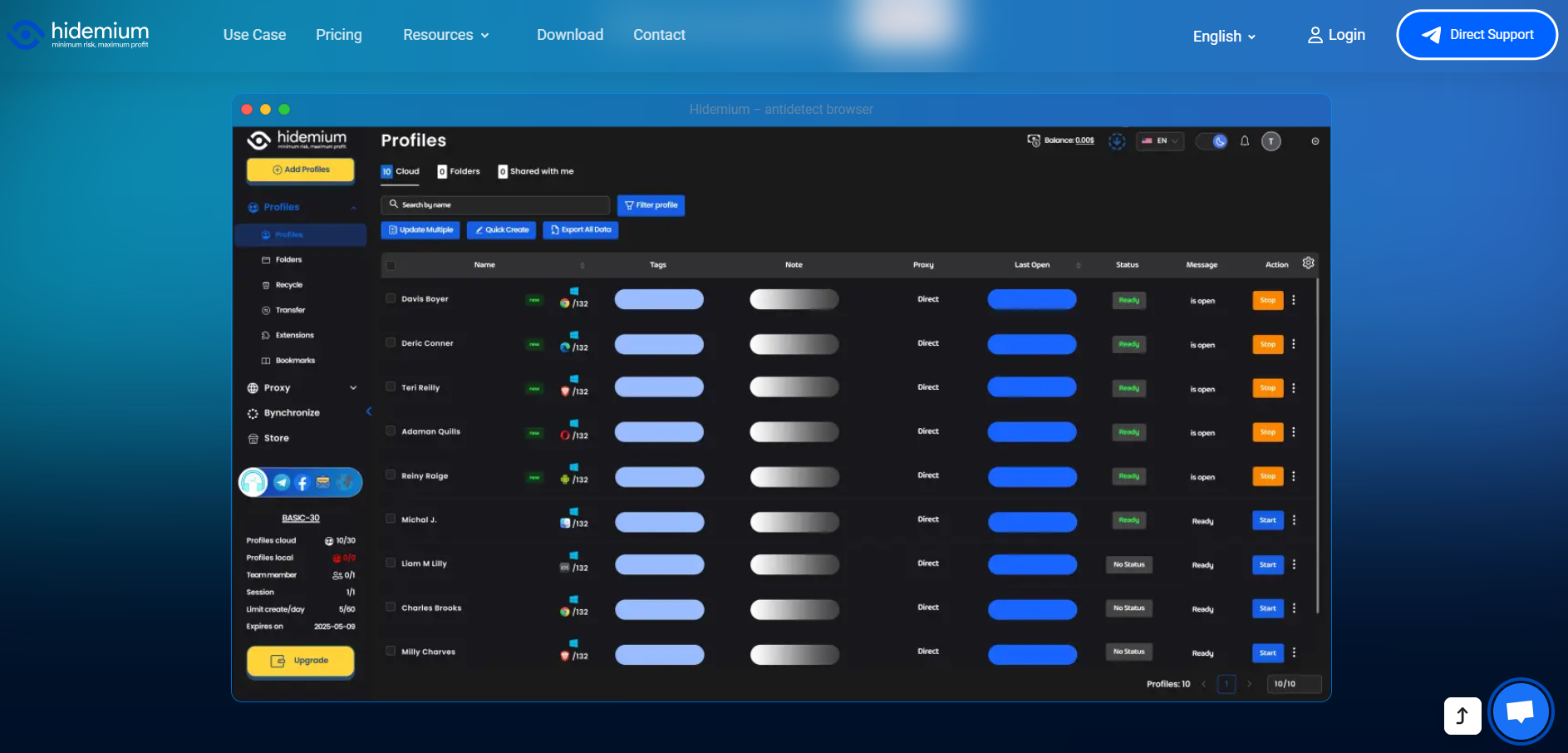
Hidemium allows you to create thousands of separate browser profiles. Each profile has a completely unique set of technical parameters, making Amazon’s algorithms believe that every account is being accessed from a different physical device.
4. Steps to Set Up an Amazon Account Management Environment in Hidemium
Step 1: Create a New Profile in Hidemium
Open the Hidemium application and select “Create New.” Here, you can customize parameters such as the operating system (Windows/macOS) and the browser version.
Step 2: Configure a Proxy
Each Amazon account requires its own unique IP address. You should use residential proxies for the highest level of trust. Hidemium supports easy and seamless proxy integration.
Step 3: Optimize the browser fingerprint
Hidemium automatically generates a random yet highly logical set of parameters. You can check how “clean” the environment is using websites such as Whoer.net or Pixelscan.net directly within the Hidemium browser.
Step 4: Start the account warming process
Once you have a clean environment, begin logging into your accounts. Don’t forget to explore 7 ways to make money on Amazon to choose a suitable business model, such as dropshipping or affiliate marketing.
5. Important Tips to Avoid Amazon Reviews and Checks
Use supporting tools: Don’t forget to combine your setup with 17 Amazon SEO tools to help your products stand out and optimize your store after successful account management.
Interaction schedule: Avoid logging in and making purchases or posting immediately. Spend the first 3–5 days casually browsing like a real user to build natural behavior patterns.
Do not reuse payment information: Each account on Hidemium should be linked to a separate payment method (VCC) to prevent account linking.
6. Conclusion
Building a system to manage large numbers of Amazon accounts is a complex technological challenge. To succeed, you must have a clean environment and a powerful anti-detect browser capable of bypassing Amazon’s multiple layers of security.
Hidemium is the “powerful ally” that helps you solve this problem professionally at a highly affordable cost. Don’t let all your hard work go up in smoke because of a small mistake in your browser fingerprint.
Download Hidemium now to protect your accounts: Download Hidemium
Related Blogs
Amazon – from a humble online bookstore, has grown to become the world’s leading e-commerce platform, with revenue exceeding the GDP of many countries. Contributing significantly to that success is the community of third-party sellers – individuals and businesses who build and operate their own booths on Amazon.However, many successful sellers have had their accounts suspended by Amazon[…]
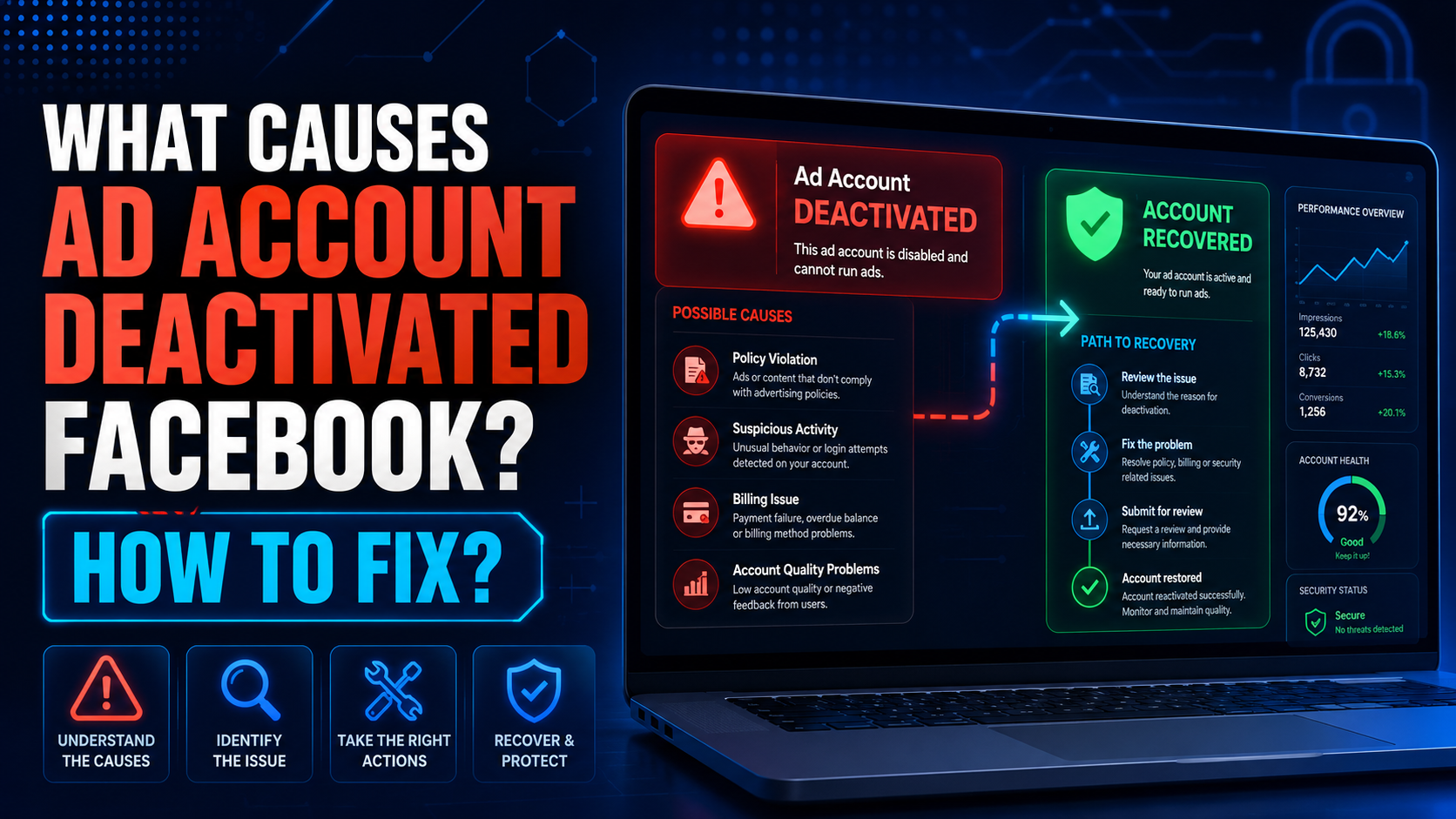
The problem of ad account deactivated Facebook is no longer a rare thing. Due to many reasons, your account “evaporated” from this social networking platform. So what causes the Facebook ad account to be disabled? Follow the article to get the most accurate answer.Reasons Ad account deactivated FacebookAd account deactivatedHow would you feel if one day you couldn’t find your ad account anymore?[…]
.png)
Protecting your identity is essential for any business managing multiple accounts. And your IP address is first. In this article, we will guide all you need to know about hiding your IP and using another IP. From information consistency to data center solutions, from proxies to more.How to hide your IP addressWhat do you want to hide your IP address for?Websites track multiple browser[…]

Why Did You Get Banned Even After Using a Proxy?You carefully set up your proxy. Created a new email address. Used different devices. Yet your account was still banned within 24 hours.Why? A Proxy only hides your IP address — but your browser fingerprint doesn't.Every time you open Chrome or Firefox, the browser sends dozens of identification signals to the server: canvas fingerprint, WebGL[…]
AI visibility is now increasingly talked about measures in marketing and with an excellent reason. As more consumers are asking ChatGPT, Gemini, and Perplexity to provide product recommendations instead of typing an inquiry into Google, companies must be aware of whether AI instruments are actually talking about their brands. It's good to know that there is no need for an enterprise budget to[…]

When managing multiple accounts for MMO, eCommerce, or multi-platform marketing, IP address and geographic location are always among the top risk factors. If multiple accounts log in from the same IP or an incorrect location, platforms can easily detect account linkage, leading to suspensions or bans.This is also why using a proxy alone is no longer sufficiently safe. A more sustainable solution[…]
