How I Cut Thumbnail Time From 90 Minutes to Under 15 Without Lowering Quality
Try Hidemium for free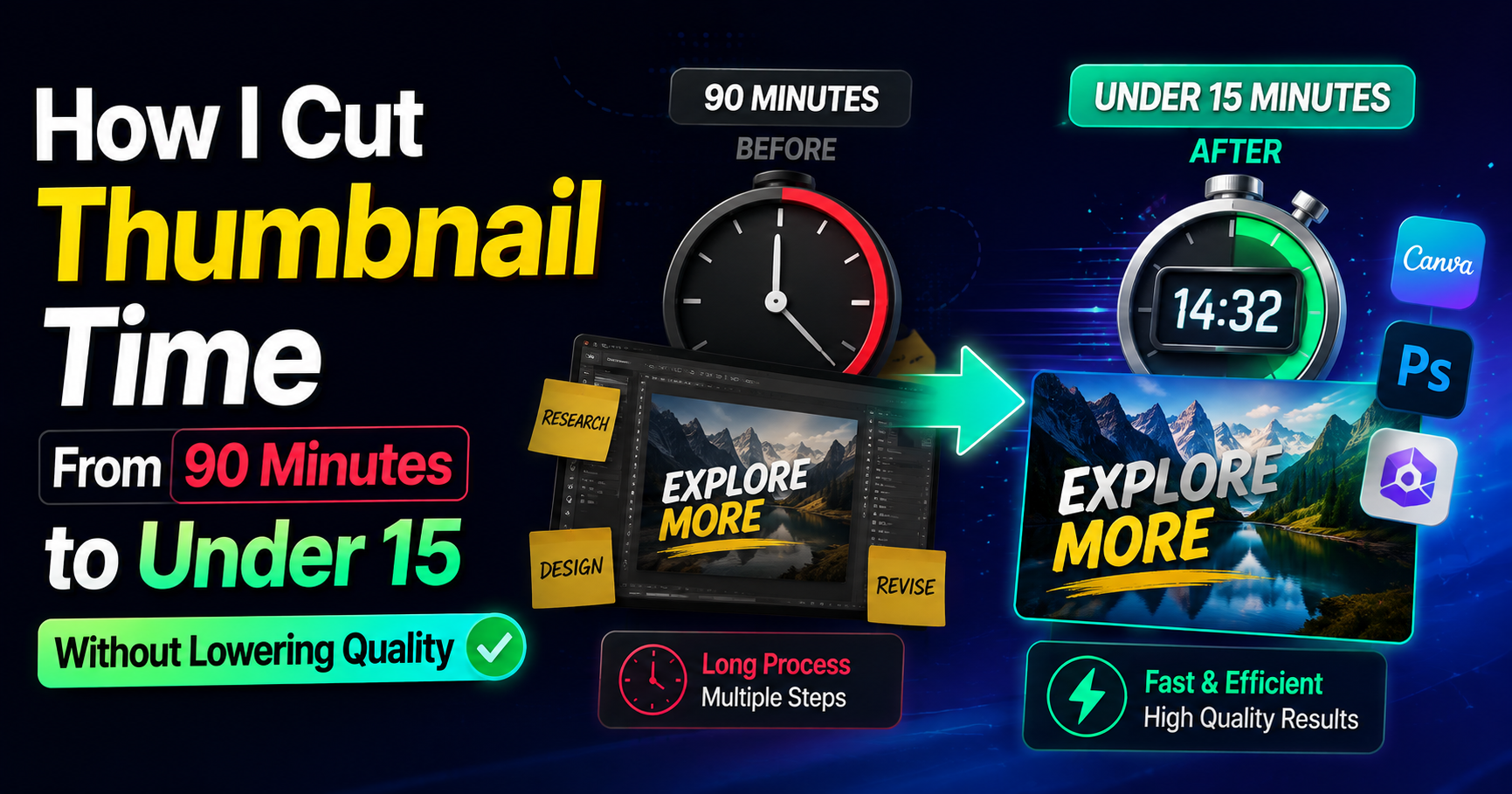

HubSpot’s latest marketing data shows short-form video consistently ranks among the top ROI-driving formats for marketers. That number only matters if people actually click. For freelancers who bill by the hour, every extra minute spent polishing a thumbnail is time that does not get invoiced elsewhere. I learned this the expensive way.
I used to open a design file, stare at a blank frame, and burn billable time chasing “something that pops.” The real cost was not the design work itself. It was the decision fatigue and the revisions that followed. Switching to Thumbs.ai as my main video thumbnail generator changed the math. Here is the exact sequence I now follow, built around the mistakes that used to eat my schedule.
Treating Every Thumbnail Like a Fresh Design Project
Step
Stop opening a blank canvas. Start with a short text description of the video’s core promise and generate options immediately using Thumbs.ai’s text-to-thumbnail function.
Why it matters
A blank file invites endless experimentation. When you begin with generated options, you move from creation mode into selection-and-refinement mode. That shift alone routinely saves 40–50 minutes on a single thumbnail.
Pro tip
Write the prompt the way you would pitch the video in one sentence to a client. Specific beats clever. “Woman looking shocked at laptop showing declining graph” outperforms vague mood descriptions every time.
Ignoring What Already Works on the Platform
Step
Before generating anything new, feed Thumbs.ai an existing high-performing thumbnail—either your own or one from a relevant channel—and use the recreate function to produce variations that keep the structural strengths.
Why it matters
Most thumbnails fail because they ignore proven visual patterns. Recreating from a strong reference transfers hierarchy, contrast, and focal-point logic without forcing you to reverse-engineer them from scratch.
Pro tip
Keep a small reference folder of your own past winners. Recreating from your own work maintains brand consistency faster than starting from external examples.
Accepting Flat or Generic Facial Expressions
Step
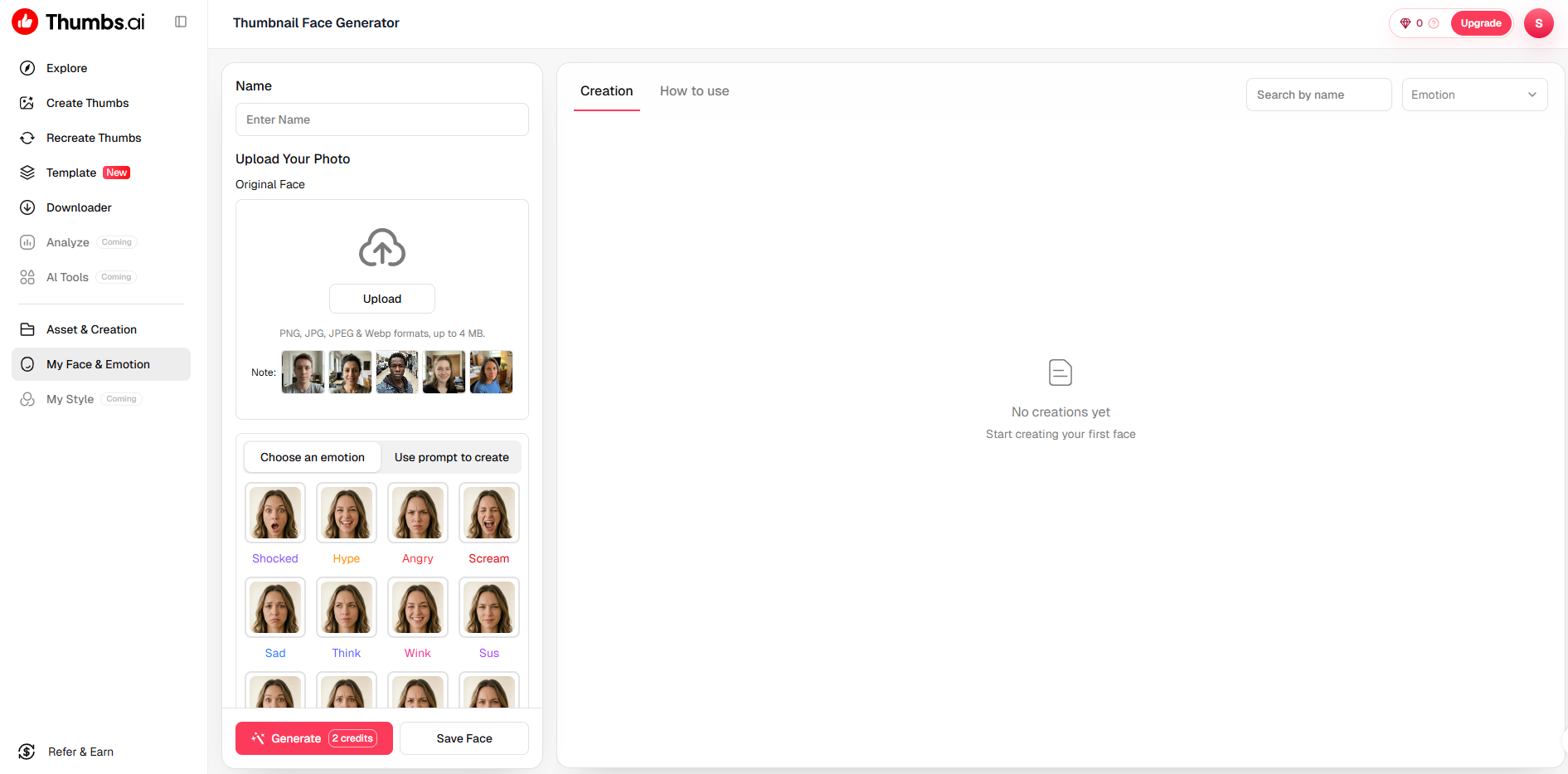
When a face appears in the frame, run it through Thumbs.ai’s AI face expression generator and deliberately push the intensity higher than feels comfortable at first glance.
Why it matters
On a phone screen the difference between a mild smile and a clear emotional signal is the difference between a scroll-past and a click. Subtle expressions disappear at thumbnail size.
Pro tip
Generate three expression levels—restrained, medium, strong—then choose the middle one after viewing them at actual thumbnail scale. The strongest option often looks cartoonish once shrunk.
Designing Only One Version Per Video
Step
Force yourself to generate and export at least four distinct variations for every video before you decide.
Why it matters
A single design locks you into one hypothesis. Multiple versions let you test contrast, text placement, and expression without additional creative effort. Over a month this habit compounds into clearer data on what your audience actually prefers.
Pro tip
Name the files with the variable you changed (color, expression, text size). When one outperforms the others, you know exactly what to repeat.
Trying to Perfect Every Pixel Before Export
Step
Accept that Thumbs.ai has limits on fine typography control and micro-adjustments, then stop once the thumbnail is clear at mobile size.
Why it matters
This is the limitation that turned out useful. Because the generator does not give infinite layer control, it prevents the endless tweaking that used to consume the last 25 minutes of every job. The constraint enforces a hard stop.
Pro tip
Set a personal rule: if the thumbnail reads clearly when the browser window is reduced to phone width, it ships. Anything beyond that is polish the algorithm will not reward.
Skipping the Side-by-Side Reality Check
Step
Place the final candidate next to two or three competitor thumbnails from the same search results or suggested video row before uploading.
Why it matters
A design can look strong in isolation and disappear in the actual feed. The comparison reveals whether your contrast and focal point survive real competition.
Pro tip
Do this check on your phone, not your monitor. Most viewers will encounter the thumbnail at that size and under that lighting.
After six months of running this sequence with Thumbs.ai, my average time per thumbnail settled under fifteen minutes. More importantly, the work stopped leaking into evenings. The Video Thumbnail Generator did not make me a better designer. It removed the parts of the process that were never billable in the first place. The real gain was not prettier images. It was the ability to close the laptop at a reasonable hour and still deliver work that performs.
Related Blogs
.png)
Looking for a reliable unblocked browser to open websites that are restricted at school, work, or in your country? Below is an up-to-date, hands-on comparison of the 5 best unblocked browsers in 2026. Each one helps you get past firewalls and filters, and none of them require advanced tech skills — so you can start in minutes.The 5 Best Unblocked Browsers in 2026 (Quick List)Hidemium — Best[…]

What is Expressvpn? This is one of the keywords that users are most interested in today, especially in the context of the increasing need to protect personal data and access the Internet without limits. Express VPN is a famous virtual private network (VPN) service that allows users to personal information security and Bypass Geo-Restrictions. Let's Antidetect Browser Hidemium Express VPN detailed[…]
.png)
According to a Stack Overflow survey, 76% of programmers are using or planning to apply AI to their work. However, the reality is that many teams still have to modify AI-generated content and code before they can use it.Therefore, the question "Which is better, Claude or ChatGPT?" is increasingly appearing in product, engineering, and operations teams. The issue is no longer whether AI can[…]
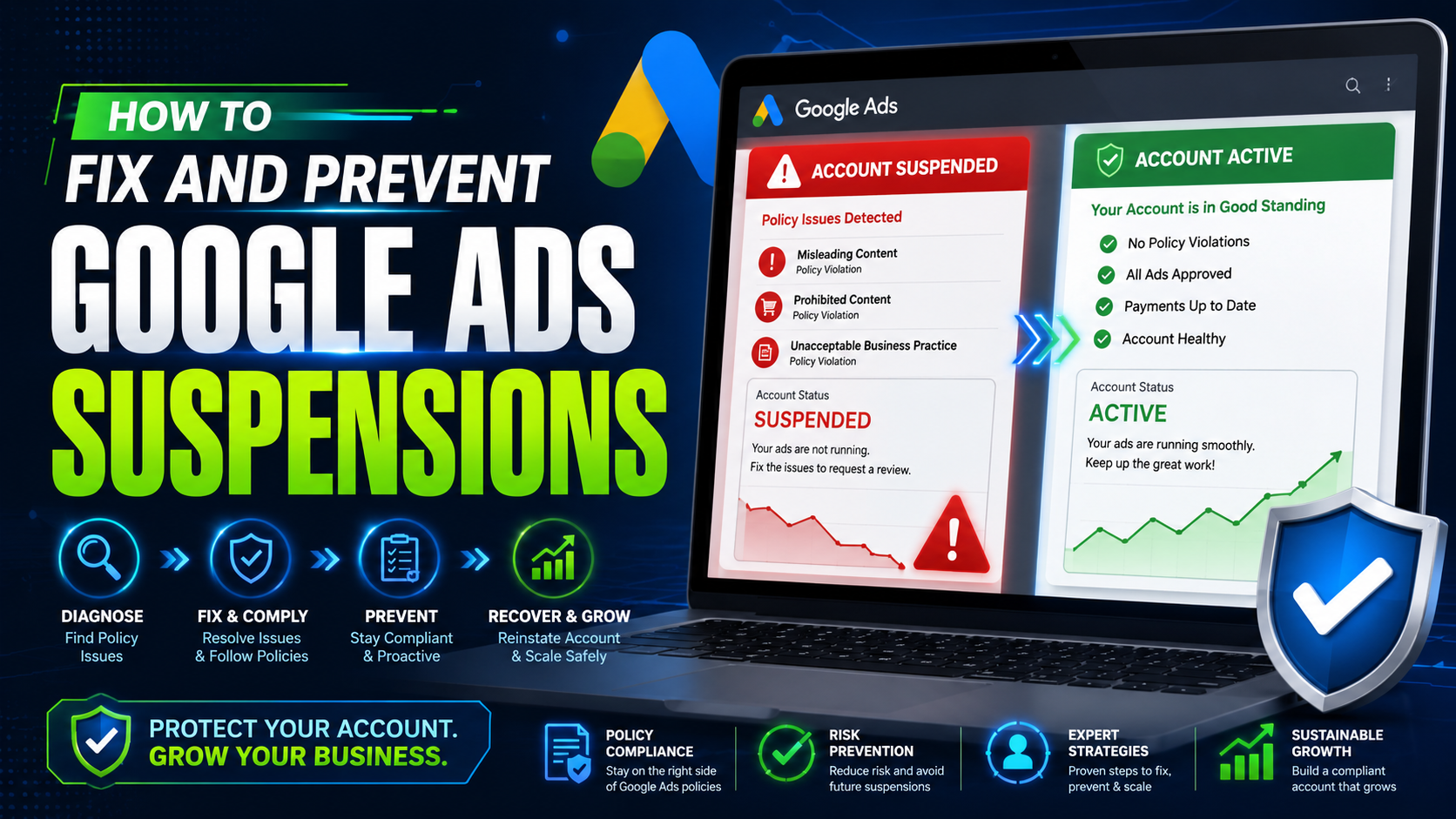
A Suspended Google Adwords account adversely affects the work and business performance of the business when interrupting the advertising campaign. So how to fix and limit the suspension of your account in Google Adwords advertising? Let’s find out through the article!Account suspension due to related errors violates Google Ads policies1. Dodge the systemModify the ad element (text, video, image,[…]
.png)
GoLogin, one of these Antidetect Browser oldest and popular, has established a strong position in protecting online identities and maintaining anonymity while browsing the web. However, with increasingly strong competition from competitors with modern technology, attractive prices and more intuitive interfaces, is GoLogin really worth the investment? Let's find out the details to make the right[…]
.png)
Have you ever wondered: Why use an Antidetected Browser when proxy or VPN can also meet your needs? At first glance, this seems reasonable, but the truth is that these three tools are quite different. While they share the common goal of anonymity and online security, they operate in distinct ways and sometimes cannot replace each other. Surprised? Let’s explore the unique advantages and[…]
