
Can You Browse Instagram Anonymously?
Instagram is one of the most visited social media platforms in the world — but it's also one of the most aggressive when it comes to tracking user behavior. Whether you want to research competitors, view profiles without leaving traces, or simply protect your privacy, browsing Instagram anonymously has become increasingly important in 2026.
The short answer is: yes, you can browse Instagram anonymously — but you need the right tools. Standard private browsing modes and VPNs are not enough. Here's why, and what actually works.
Why Instagram Tracks You Even in Incognito Mode
Many users assume that opening Instagram in an incognito or private browser window makes them invisible. This is a misconception. Instagram and its parent company Meta track you through multiple methods that incognito mode cannot block:
- Browser fingerprinting: Your browser exposes a unique combination of hardware and software signatures that Instagram uses to identify you, regardless of whether you're logged in
- IP address tracking: Your public IP address is visible to Instagram's servers on every request
- Meta Pixel and tracking scripts: These scripts follow your behavior across Meta properties and partner websites
- Device recognition: Screen resolution, timezone, installed fonts, and other device parameters create a recognizable profile
Incognito mode only prevents your local browser from saving history. It does nothing to hide you from Instagram's tracking infrastructure.
What Is an Instagram Anonymous Browser?
An Instagram anonymous browser is a specialized browser that masks your digital identity by spoofing the parameters Instagram uses to track you. The most effective solutions are antidetect browsers — tools designed to give each browsing session a completely unique fingerprint that doesn't connect to your real identity.
Hidemium is one of the leading antidetect browsers available in 2026. It lets you create isolated browser profiles, each with its own unique fingerprint, timezone, language settings, and proxy connection. From Instagram's perspective, each profile looks like a completely different user on a different device.
How to Browse Instagram Anonymously with Hidemium
Here's a step-by-step guide to setting up anonymous Instagram browsing with Hidemium:
- Download and install Hidemium on your Windows or Mac computer
- Create a new browser profile — Hidemium automatically generates a unique fingerprint including a spoofed User-Agent, Canvas signature, WebGL hash, and hardware parameters
- Add a proxy connection — Use a residential proxy from a country of your choice. This changes your apparent IP address so Instagram cannot link your session to your real location
- Launch the profile and navigate to Instagram. You will appear as a completely new, unidentified user
- Browse profiles, stories, and content without being detected or leaving traces linked to your real account
Use Cases for Anonymous Instagram Browsing
There are many legitimate reasons to browse Instagram without revealing your identity:
- Competitor research: Monitor competitors' social media strategies without alerting them to your visits
- Influencer marketing research: Analyze influencer engagement and content without triggering follow-back notifications
- Brand monitoring: Track mentions of your brand or products from neutral, unidentified sessions
- Managing client accounts: Social media managers can operate multiple client Instagram accounts from the same device without cross-contamination or account bans
- Privacy protection: Prevent Meta from building a behavioral profile of your browsing habits
Can Instagram Detect That You're Using an Antidetect Browser?
High-quality antidetect browsers like Hidemium are specifically designed to evade platform detection systems. Hidemium regularly updates its fingerprint profiles to ensure they pass bot detection checks from major platforms. When you use Hidemium with a quality residential proxy:
- Your browser fingerprint appears as a legitimate consumer device
- Your IP address matches a real residential connection in your chosen location
- Your timezone, language, and system settings are consistent with the proxy location
- Each session is completely isolated — no cookies, cache, or storage shared between profiles
This combination makes it extremely difficult for Instagram's detection systems to identify you as anything other than a regular user.
Is It Legal to Browse Instagram Anonymously?
Yes, browsing Instagram anonymously for research, privacy protection, and legitimate business purposes is entirely legal in most jurisdictions. Instagram's terms of service prohibit automated scraping and abuse, but simply browsing content anonymously for competitive research or privacy reasons does not violate any laws.
Always ensure your use of anonymous browsing tools complies with applicable laws and platform terms for your specific use case.
Start Browsing Instagram Anonymously Today
Hidemium makes anonymous Instagram browsing simple and reliable. With isolated browser profiles, built-in proxy support, and continuous fingerprint updates, you can protect your identity while conducting research, managing multiple accounts, and staying ahead of the competition.
Download Hidemium for free and create your first anonymous Instagram browsing profile in minutes.
Related Blogs
.png)
In today's challenging Digital Marketing environment, protecting accounts and safeguarding user information has become a top priority. Antidetect Browser plays a key role in protecting identities and optimizing online marketing strategies. With its ability to mask information and block tracking activities, this tool not only supports the effective management of multiple advertising accounts but[…]
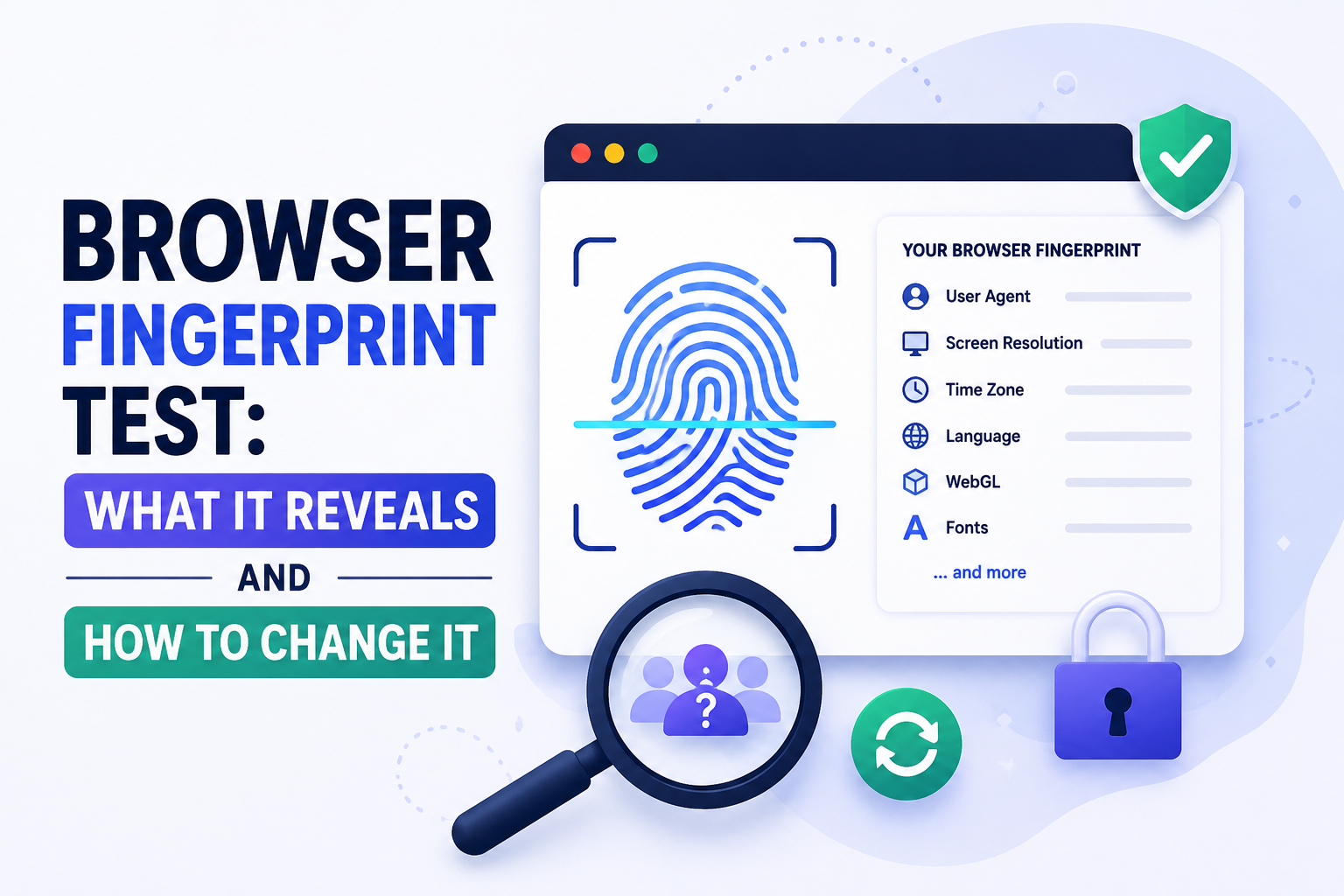
What Is a Browser Fingerprint — and Why Should You Test Yours?A browser fingerprint is a unique identifier built from the technical characteristics of your browser and device — not from cookies, not from your IP address, and not from anything you can clear by going incognito. It is assembled from dozens of data points your browser automatically shares with every website you visit.Running a[…]
.png)
Captcha is a popular security tool used on websites to prevent suspicious activities from automated programs (bots). However, Captcha can sometimes be frustrating for users, especially when fast access is needed or when the Captcha becomes overly complex. In this article, we will explore 7 effective ways to bypass Captcha in 2025, allowing you to overcome these barriers legally and safely.1. What[…]

Accessing blocked websites in Vietnam is no longer too difficult if you know how to use it. Proxy through firewall properly. This is an ideal solution, which helps free internet access, just to make sure safety and security of personal information. Together Hidemium Antidetect Browser Discover the 3 most effective methods of using Proxy to bypass firewalls today.1. Use free Proxy websites to[…]
Public Wi-Fi connections are becoming an indispensable part of modern life, especially when you travel, work remotely or entertain yourself at cafes, airports or shopping malls. However, using public Wi-Fi poses many security and privacy risks. In this article, Hidemium will share 5 simple but effective tips to help you stay safer when connecting to public Wi-Fi, avoiding data theft or personal[…]

Do you think you're truly safe when using the Internet? This might not be as true as you believe. Websites often track your activities using various methods. Among these, browser fingerprinting is considered the most precise and effective tracking technology. This technique creates a unique device fingerprint based on your browser attributes and other identifiable information, posing significant[…]
