

The restricted or locked account is probably a headache for businesses and advertising people. Facebook advertising is the leading trend in promoting online business in the 21st century. Most companies choose to advertise if they want to reach the right potential customers and generate sales quickly. Having an account problem will directly affect revenue.
So how to create multiple Facebook ad accounts and manage them to serve business activities while ensuring safety?
What is an ad account?
Advertising is a function of Facebook that allows users to advertise products they want to sell. To reach the right audience quickly and widely, users need to create an account to run ads and pay for Facebook.
What are the advantages of creating an account to run Facebook ads?
- Reach many potential audiences in a wide range and short time.
- The interface is familiar and easy to use, as most people are familiar with the Facebook platform.
- Directly advertise products without creating a website.
- There are many optional advertising methods.
Facebook ad accounts are currently divided into two types:
Personal ad account – Personal account: a commonly used account type, which is the account when you create Facebook and can run ads by default. However, a personal account only serves a small need simply because it has more limited functionality than a business account.
Business account: This type of account is not used to like, share, or chat like a personal account. The business account is used to develop the brand, manage Facebook Fanpage, etc.
How to create multiple Facebook ad accounts
How to create a personal ad account
- Step 1: Go to facebook.com.
- Step 2: Enter information to create an account.
- Step 3: Click the register button.
- Step 4: Activate the account (get the Facebook code sent to the phone number or email you entered and then enter it in the confirmation box).
- Step 5: Set up other information such as avatar, cover, hometown, etc.
How to create a business ad account
Before creating an ad account, you must create a business manager – Facebook Business Manager.
- Step 1: Need a personal Facebook account, fully updated information, security settings (how to create a personal account above).
- Step 2: Access Facebook Business Manager: business.facebook.com > select the Create account button.
- Step 3: Enter the business name, and email address > select Continue.
- Step 4: Set up information for business accounts: country, address, phone number, website, service purpose > select Submit.
- Step 5: Confirm email and complete registration.
You can now create a business ad account in the business manager.
- Step 1: Open the Account tab > select Ad Account > select Add > select New Ad Account.
- Step 2: Account settings: advertising account name, advertising on behalf of, time zone, currency, payment method > select Create ad account.
- Step 3: Add an account management member; you can choose now or skip to add later.
- Step 4: Receive notification of successful account creation, and the ad account you just created will appear in the business manager.
Create multiple Facebook ad accounts
- With a personal Facebook account: create up to 3 business advertising accounts
- For each business Facebook account: create up to 3 ad accounts.
So how to create more Facebook ad accounts?
Long-term operation with an increasing advertising budget will be a plus point for Facebook to allow you to create more ad accounts.
You can create multiple Facebook accounts by creating multiple individual accounts. But the verification problem needs to be very careful because creating multiple accounts is very easy to be locked out of Facebook.
If you need to create and manage multiple Facebook ad accounts, you can refer to the Hidemium browser anti-detection software. With the ability to create and manage multiple accounts with just one click. Hidemium primarily simulates your profiles working on different real devices, making the platform not detect suspicious signs. Try Hidemium plan now with seven days free trial!
Related Blogs
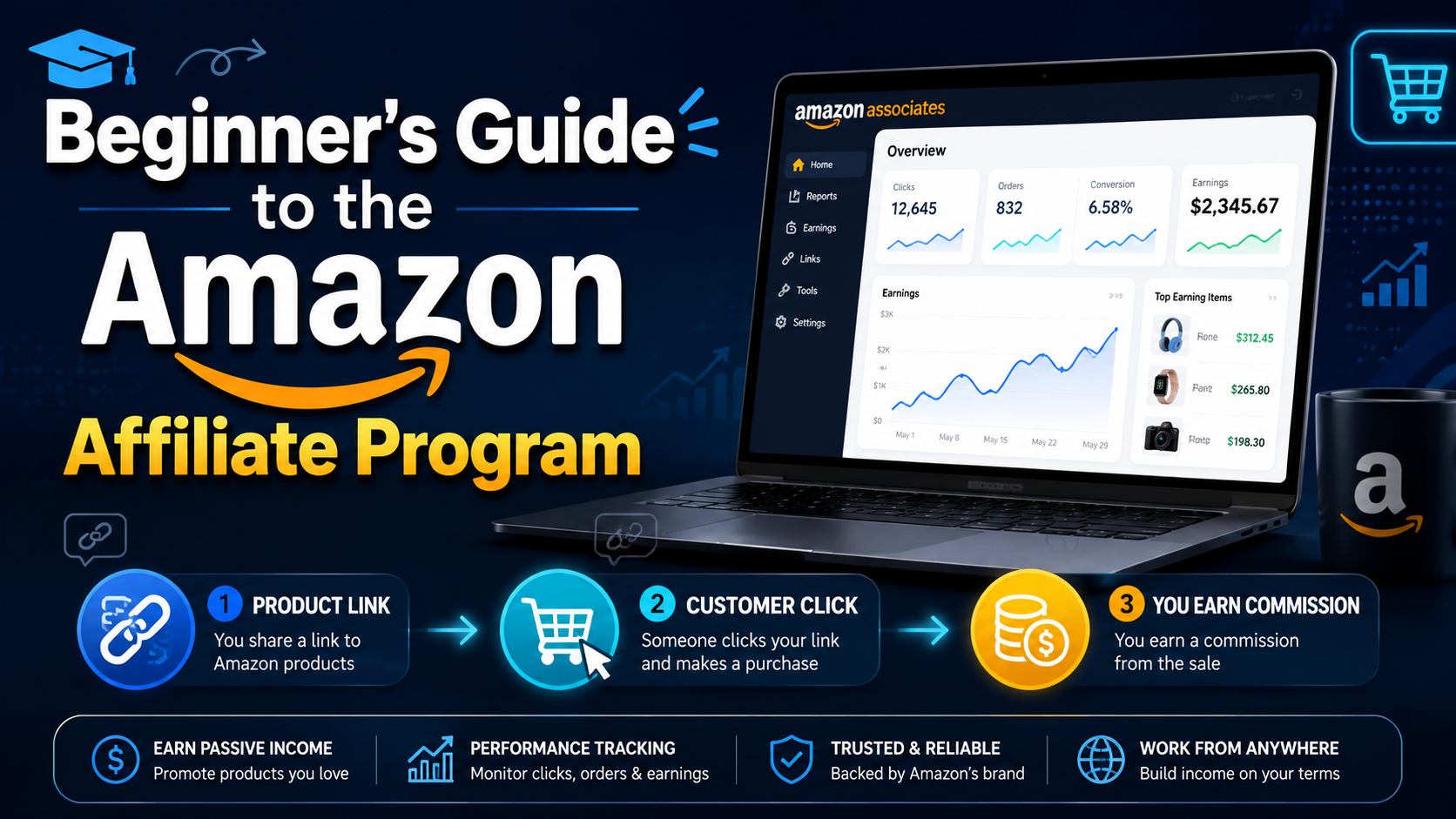
Amazon Affiliate program, also known as Amazon Associates, is a way of making money from your website or blog. You must signup, wait for approval, and place Amazon links on your website. You’ll receive a commission when someone purchases on Amazon through one of the links you share.You’re at the right place if you need help figuring out where to start. Whether you are planning a large or small[…]

Have you ever heard of the Browser Fingerprint feature? It’s okay if you don’t know because most people rarely talk about it. Browser Fingerprinting is a highly accurate method to identify browsers and track online activity uniquely.However, there is still a way to remove fingerprints from the Internet. But first, let’s start by exploring what is Browser Fingerprint and how does it work?What is[…]

In a network system, MAC address and IP address Both serve to identify devices, but they perform completely different functions. Understanding the difference between these two types of addresses not only helps you manage your network better, but is also key to ensuringinformation security – especially for those working in the field Cyber Security or digital marketing.Let's go together Hidemium[…]

In the era of AI explosion, many businesses need to use many tools at the same time such as ChatGPT for content, MidJourney for images, or Veo3 for video. To reliably use these tools across regions, Croxy residential proxies (80M+ IPs, 195+ countries) are key to overcoming IP blocks and ensuring a stable base for account sharing. However, the cost of purchasing each tool individually or[…]
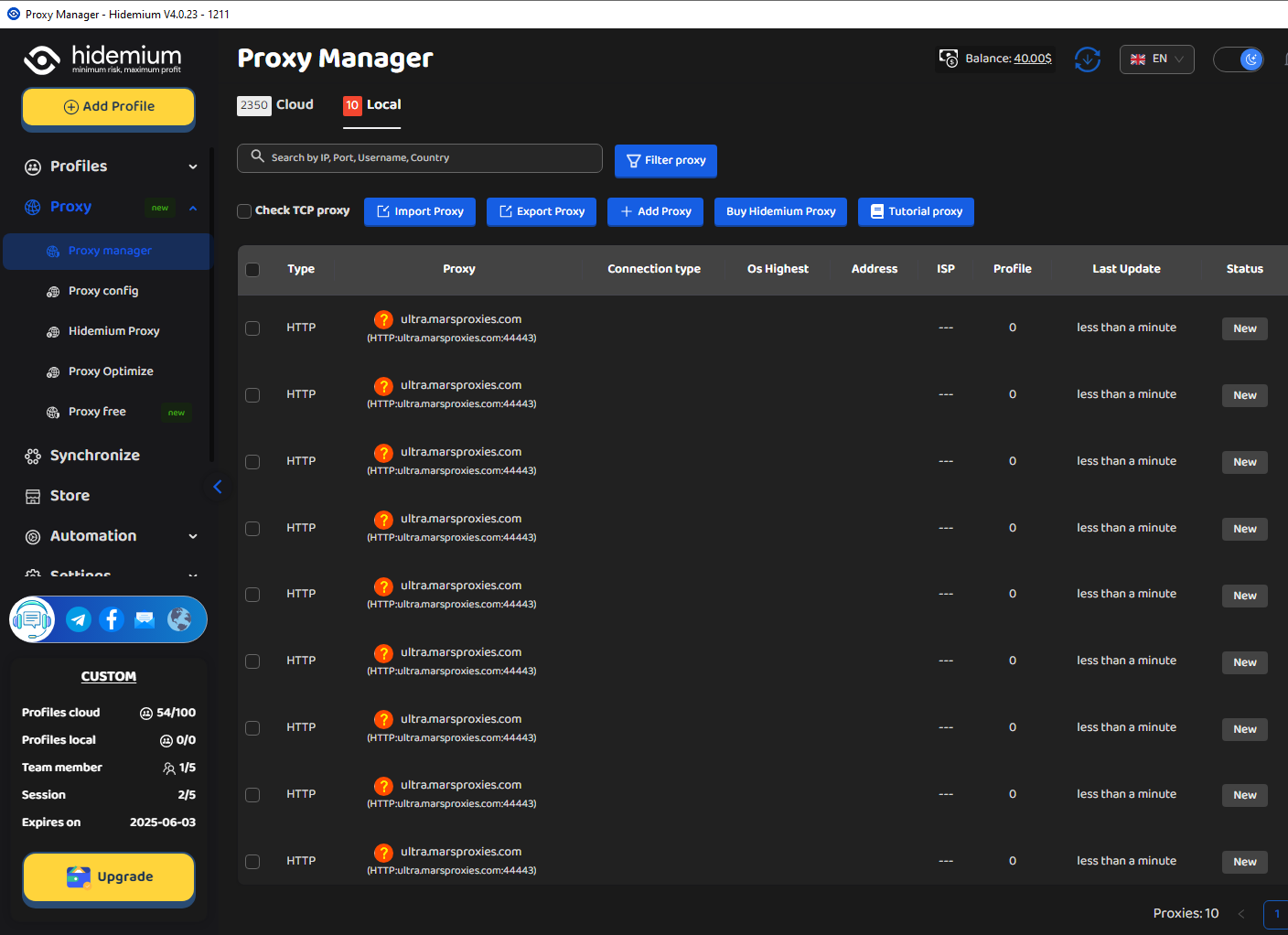
MarsProxies and Hidemium: Integration Guide Managing multiple accounts from a single device has long been essential, especially for those handling numerous advertising, e-commerce, or social media accounts.An effective anti-detect browser simplifies this by isolating each account’s browser profile, cookies, and data, allowing safe management of multiple accounts without letting target websites[…]
Digital marketing today runs on speed and volume. Brands are expected to push out fresh creatives constantly, and traditional video production simply can’t keep up. That’s where an AI Facebook ad generator comes in. These tools take product links, scripts, or raw assets and turn them into ready-to-use Facebook video ads with minimal manual editing. 1. Pollo AI Pollo AI works as a practical AI […]
