.png)

Using multiple Gmail accounts can help you separate personal and work emails, but it can also become challenging when you constantly switch between accounts or need to keep track of important emails. You may encounter issues like sending emails from the wrong account or managing a cluttered inbox. Here are effective methods and tools to help you efficiently manage multiple Gmail accounts.
1. Managing Multiple Gmail Accounts Directly in Gmail
Managing your Gmail accounts across all devices is straightforward with a few simple steps:
Log in to your primary Gmail account.
Click your account icon in the top right corner, then add any secondary accounts.
You can also create additional email addresses within the same account by going to Settings > Gmail Settings > Multiple Email Addresses > Add Another Address. This feature allows you to create up to five secondary email addresses in a single Google account.
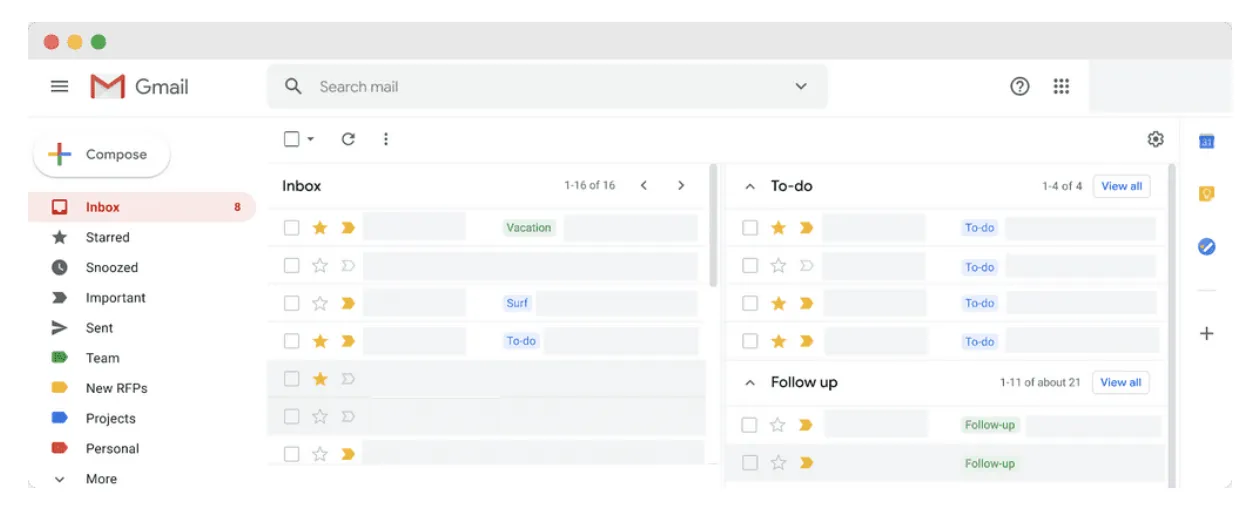
2. Using Custom Inboxes to Organize Emails from Multiple Accounts
After consolidating your Gmail accounts, you can create distinct folders within your main inbox to organize emails from each account. However, this method requires managing passwords for each account and being careful to use the correct account when sending messages. A dedicated email marketing platform like CampaignLark can help separate everyday inbox management from campaign planning, automation, and performance tracking
3. Challenges of Using Multiple Gmail Accounts
Managing multiple Gmail accounts may present difficulties, such as:
Remembering multiple passwords and monitoring accounts to prevent deactivation.
Distinguishing between personal and business accounts.
Handling security issues, especially if one account is compromised, potentially affecting others.
4. Security Issues When Managing Multiple Gmail Accounts
Google doesn’t prohibit users from having multiple Gmail accounts. However, if it detects spam-like or suspicious activity, it may temporarily suspend an account. Here are a few key points to keep in mind:
Account Verification: You can use the same phone number to verify multiple accounts, but it’s best to use a unique number for each account to avoid simultaneous suspension.
Virtual Phone Numbers: Using virtual phone numbers could lead to account restrictions or bans, as Google’s algorithm may associate them with spam accounts.
5. Effective Methods for Managing Multiple Gmail Accounts
Below are some popular tools to manage multiple Gmail accounts:
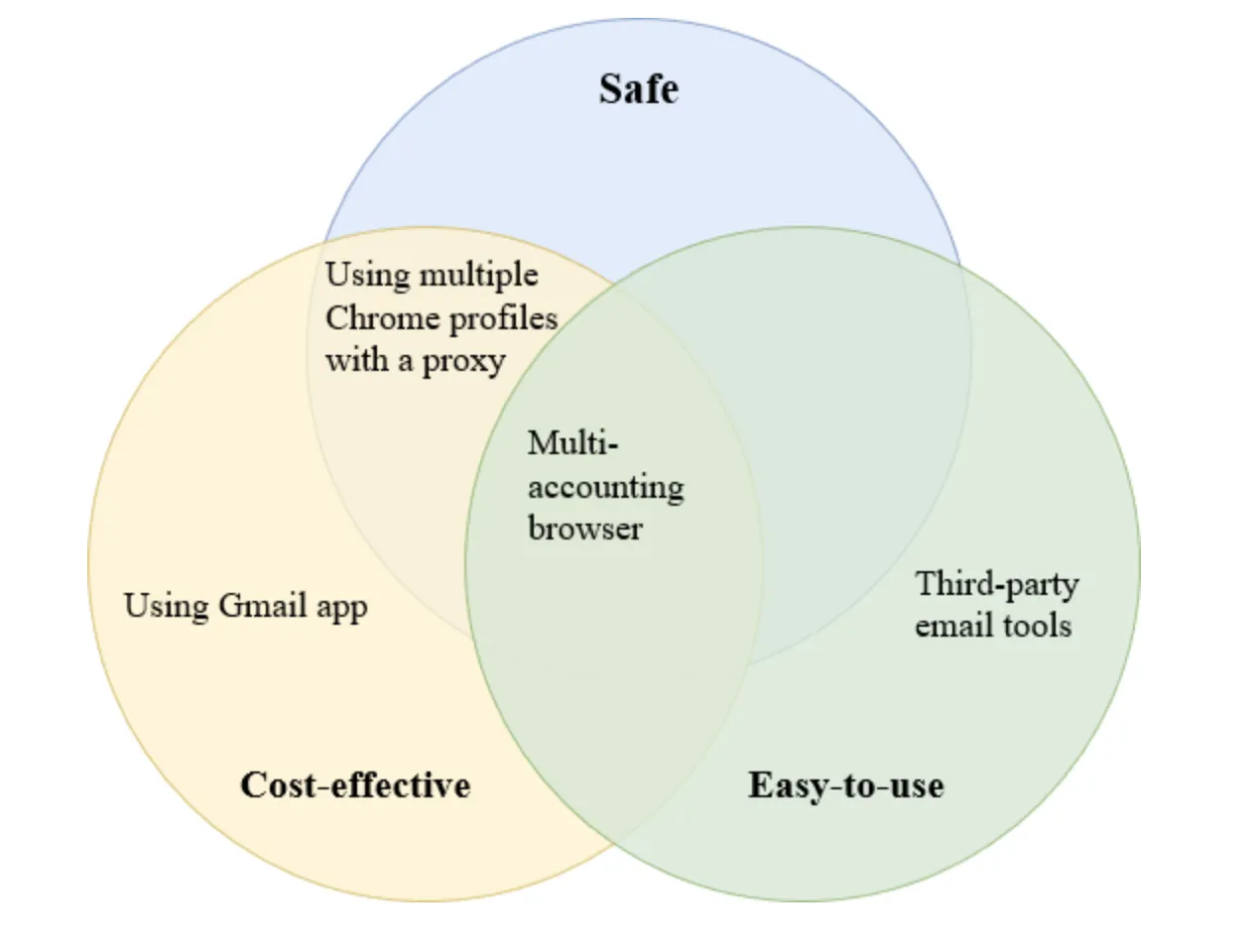
5.1 Creating Multiple Chrome Profiles
You can create a separate Chrome profile for each Gmail account, allowing for easier, more organized account management. To increase security, use a proxy for each Chrome profile to avoid Google detecting multiple accounts from a single IP address.

5.2 Using Third-Party Email Management Tools
Extensions like Drag convert Gmail into a shared inbox for teams, allowing all members to manage emails from a single workspace. However, this tool doesn’t fully guarantee your digital identity’s safety when managing multiple Gmail accounts.
5.3 Using Multi-Account Browsers
A multi-account browser generates unique digital fingerprints for each Gmail account, reducing the risk of account suspension due to shared devices. A tool like Hidemium allows you to manage dozens or even hundreds of Gmail accounts within one clean interface while ensuring identity security.
6. Setting Up Multi-Account Gmail Management with Hidemium
Register for a Hidemium Account: Download Hidemium and register with an email and password to start a 7-day free trial. After the trial, you can select from advanced plans for long-term use.
Configure Proxies for Each Account: Hidemium lets you set up a unique proxy for each Gmail account to ensure digital identities are not linked. This proxy helps protect your accounts from Google tracking and prevents simultaneous account suspensions.
Managing multiple Gmail accounts can be streamlined and secured with the right tools. Choose the best method and tool to save time and ensure security across all your accounts.
Related Blogs
Are you trying to make money on YouTube but can't seem to hit 4,000 watch hours? Don't worry! This is a frustrating milestone for many new YouTubers, but with this article, you can speed up the process and get monetized sooner.Let's explore 15 Fastest Ways to Get 4000 Hours of Watch Time to Enable Monetization 2025— combining content strategy, channel optimization, and anonymity tools[…]

Want to keep your business and personal life separate on Twitter? Don’t mix business with pleasure. Just create a second (or third) Twitter account and switch quickly. So how to manage accounts on this platform at the same time easily? Continue reading the following article to learn how simple Twitter manages multiple accounts!How to create a new Twitter account on the web?How does Twitter manage[…]

In 2025, making 100 dollars online per day has become more realistic than ever. The rapid development of digital platforms and new business models has created opportunities for anyone to build a stable source of income right at home. In this article, Hidemium will introduce 21 legal methods that help you increase your profits, along with helpful tips to maximize your earning potential.1.[…]
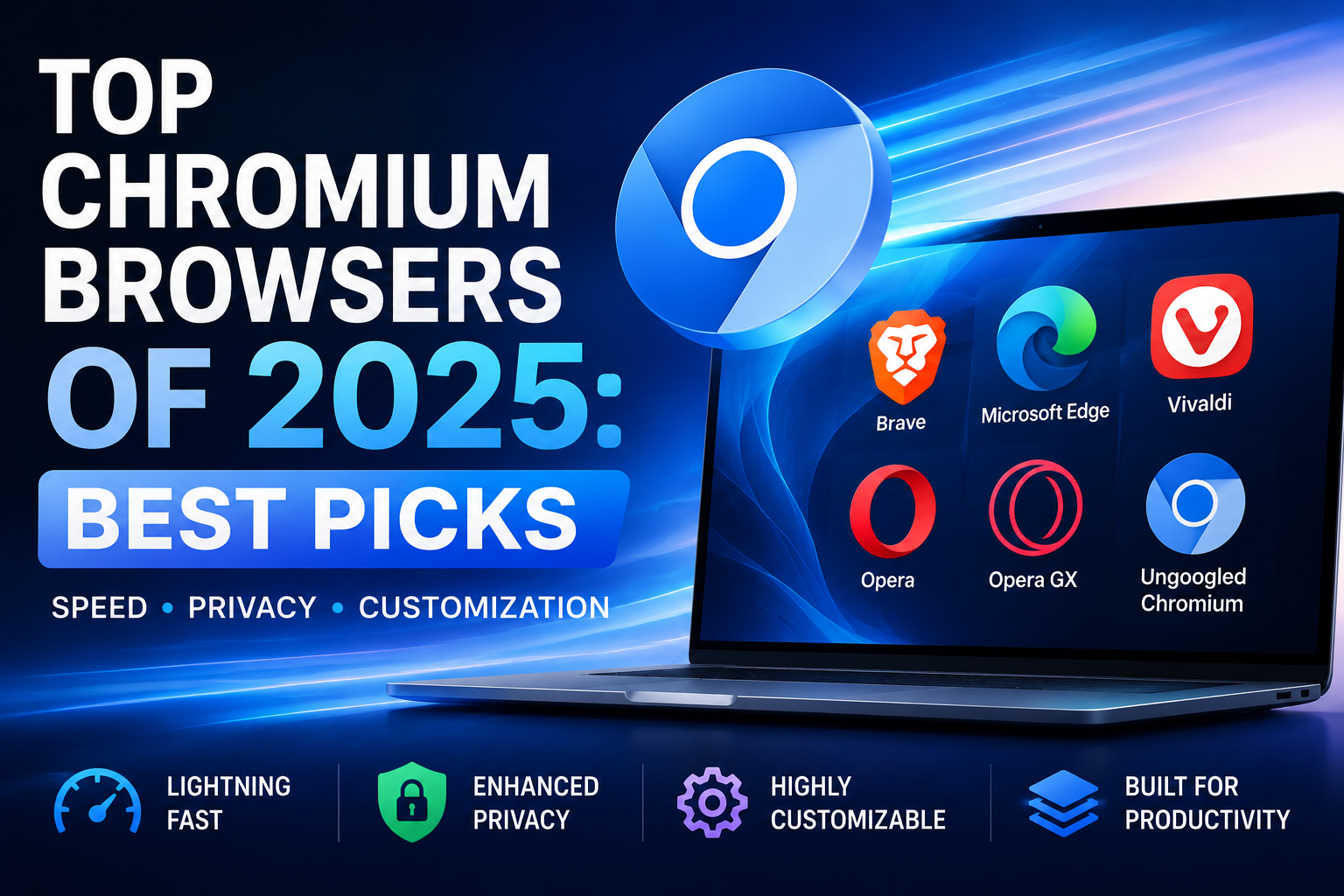
If you are reading this, chances are you are using a web browser built on Chromium. While Google Chrome is the undisputed heavyweight champion of the internet, it is far from the only fish in the sea. In fact, many of the most innovative, secure, and fast web experiences today are found on alternative chromium-based browsers.Whether you are frustrated by Chrome’s notorious memory hogging,[…]
In today’s digitally connected world, it’s critical that devices and networks communicate effectively with each other. That’s why gateways are more important than ever. Whether you’re an IT professional, a network engineer, or simply want to understand how networks work, this article will help you understand how your devices and networks work. Antidetect Browser Hidemiumwill help you understand[…]
Which is the better choice for your online business—VPN or Proxy? While many people mistakenly believe that simply using a VPN to change their IP address is enough for security, major platforms can still easily detect shared IP ranges and blacklist associated accounts. The difference between data encryption (VPN) and dedicated IP rotation (Proxy) is often the line between smooth operations and[…]
