.png)

How to Use Proxy302’s Proxies with Hidemium
Try Proxy302 For Freewith the link:https://share.proxy302.com/hidemium
Click 【Start free trial】 and enter your personal information. Click【Register account】, the account is created successfully. If you have an account, just【Log in】.

Why Use Hidemium?
Hidemium is a modern antidetect browser trusted by professionals across the globe. It offers strong identity protection and allows users to manage countless digital personas with ease.
What Makes Hidemium Stand Out:
- Create unlimited browser profiles with unique fingerprints
- Native support for HTTP/SOCKS proxies
- Built-in automation and session isolation
- Ideal for social media management, scraping, dropshipping, and ad verification
- Clean UI and cross-platform performance
Now, let's talk about how to set up Proxy302 using Hidemium.
If you haven't signed up with us yet, you can register through:
Step 1: Adding Proxy
1. Log in to Proxy302 and generate a proxy.
Example as [Static IP-Pay by Traffic;Static Residential;HTTP;Enterprise Premier Route(Node 1);US]

2. Copy Proxy302 proxy information:【HSOT: PORT: USER: PASS】.
Step 2: Binding Proxies
1. Once inside the Hidemium dashboard, click on Add Profile

2. Click on the Proxy column and select Your Proxy.

3. Paste the parameters information into Hidemium's Proxy dialog box

4. After filling in all the information, click on Check Proxy to see if it works, then select Create profile with Hidemium.
Step 3: Start Browser Profiles
1.Select "Profile", then find the newly configured "Browser profile" in the list and click "Start".

2. If the displayed IP address matches the generated IP address, the proxy configuration was successful.

Related Blogs
.png)
Captcha is a popular security tool used on websites to prevent suspicious activities from automated programs (bots). However, Captcha can sometimes be frustrating for users, especially when fast access is needed or when the Captcha becomes overly complex. In this article, we will explore 7 effective ways to bypass Captcha in 2025, allowing you to overcome these barriers legally and safely.1. What[…]
In the fiercely competitive landscape of SEO, managing time-consuming and labor-intensive manual tasks is a major hurdle for many professionals.API Automation Offers a powerful solution that helps you simplify your processes and SEO optimization effectively. In this article Antidetect Browser Hidemium will help you implement APIs step by step to automate everything, freeing up resources and[…]
🗓️ Last updated: June 2026Your IP address can reveal your location, internet provider, and parts of your online identity. Whoer helps you check this information in seconds, including your IP address, anonymity score, DNS status, WebRTC leaks, and browser fingerprint.In this guide, Hidemium explains how to use Whoer.net to test your online privacy, verify whether a VPN or proxy is working[…]

Are you looking for a way to generate passive income without complicated skills, techniques, or owning a website? Affiliate marketing with ClickBank is the ideal choice for beginners, and when combined with tools Antidetect Browser Hidemium, you can optimize your campaigns for maximum effectiveness. In this article, we will guide you step by step to make money online with ClickBank without a[…]

2025 is the time of explosion of AI (artificial intelligence) and MMO (Make Money Online – make money online). It is no longer a game for the technology giants, now anyone who owns a laptop, internet connection and a little curiosity can also make money from the digital world.From writing content in ChatGPT, designing photos with Midjourney, to automating your money making with Hidemium API— all[…]
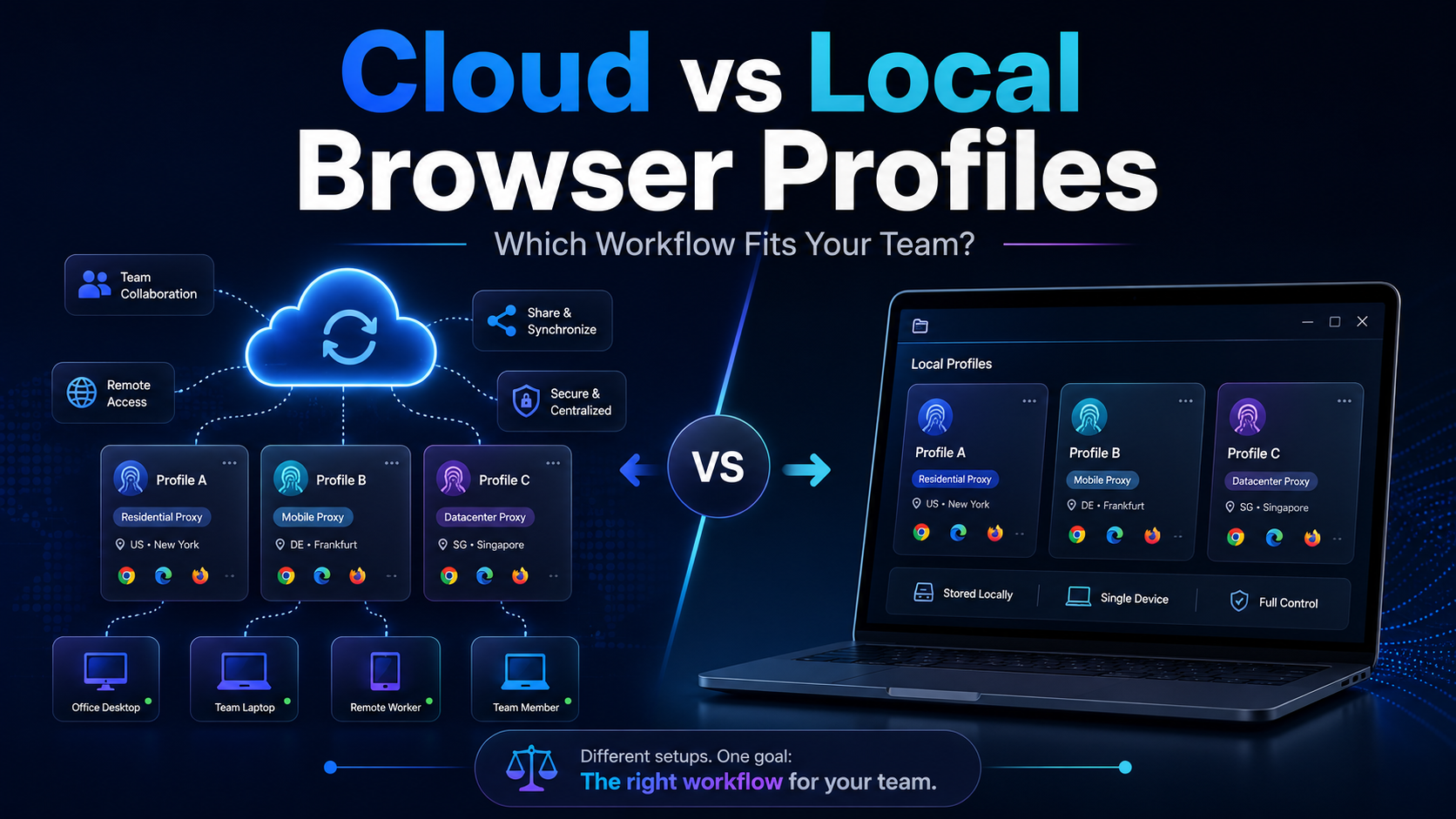
Cloud vs Local Browser Profiles: Which Workflow Fits Your Team?When a team starts managing multiple browser profiles, one of the most important decisions is whether to use cloud profiles or local profiles.Local profiles can be attractive because profile data is primarily stored and operated on the user's device, providing more direct control and reducing reliance on synchronization. Cloud[…]
