
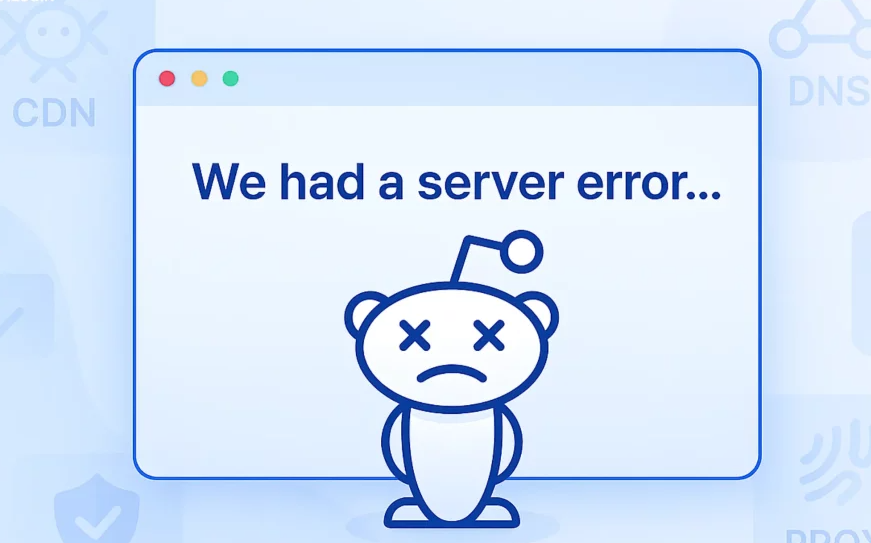
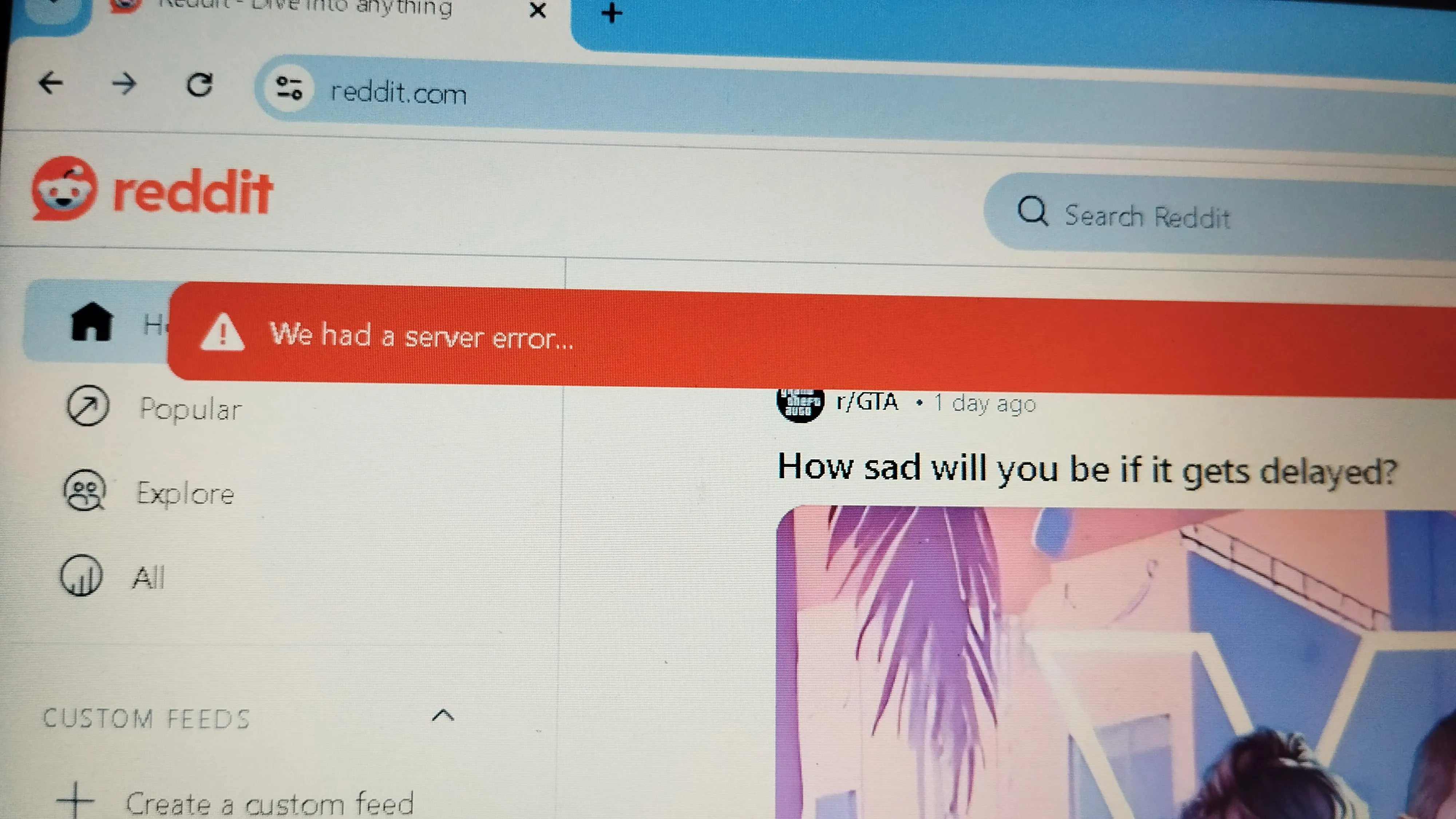
While following an interesting topic on Reddit, a notification suddenly appeared “We had a server error...” (We encountered a server error), you must be feeling annoyed. So what does this error actually mean and how to fix it quickly?
In fact, this is a message indicating that there is a problem connecting your device to the Reddit server. The cause could be from the Reddit system, or simply a minor glitch related to your phone, computer or internet connection. Together Hidemium Find out the cause and how to fix this error.
1. What happens when Reddit says “We had a server error”?
When this error message appears, everything you do will be interrupted, from reading comments to posting new posts. Usually, this is a temporary technical error. However, in some special cases, the error may be related to the Reddit account being suspended or shadowbanned.
According to Reddit Help, when an account is flagged, you can still see the content you post, but you can no longer interact with it, such as commenting, messaging, or posting new posts. This can lead users to mistakenly believe they've encountered a server error.
2. Is a suspended account the main cause of the error?
Not necessarily. Account restrictions are just one of many possible causes of error messages. Most cases stem from more common technical issues. Here's a summary:
Reason | Popularity | Note |
| Reddit servers down | Very popular | Affecting multiple users at the same time |
| Internet connection problem | Popular | Due to weak Wi-Fi signal or unstable mobile network |
| Account suspended/banned | Less common | Can block posting, commenting or messaging permissions |
| Application or browser error | Popular | Usually due to old version, cache error or software conflict |
If you see the message “We had a server error. Please try again later”, don't worry too much. Most of the time it's just a temporary technical issue that can be fixed on its own. However, if the issue persists and you can't post, comment, or message, check your Reddit account status to make sure it hasn't been restricted.
>>> Learn more: Suspended Reddit Accounts: What to Do in 2025
3. Why does Reddit often report server errors?
Notification “server error” on Reddit is one of the most annoying problems that can easily interrupt your browsing experience, especially when you are following an important topic. So what causes this situation to happen so often? Let's analyze it in detail.
3.1. Reddit Servers Are Overloaded
Reddit attracts millions of visitors every day. When there's a viral post, a big AMA (Ask Me Anything) event, or a big news story that's widely shared, a sudden surge of users can overload the system. Imagine hundreds of people trying to get through a small door—some of them will experience server errors.
Not only that, Reddit also depends on third-party services to stay up and running. If one partner goes down, Reddit can be affected. For example, in 2021, a major outage from the cloud service Fastly caused Reddit and many other major websites around the world to go offline.
3.2. Periodic maintenance and upgrades
Just like your phone or computer needs software updates, Reddit’s system needs to be regularly maintained and upgraded. During this time, some features may be temporarily disrupted, resulting in a “server error” message. These issues are usually short-lived, but can appear when you least expect it.
3.3. Unintended technical errors
No platform is perfect, and Reddit is no exception. Occasionally, a new update or change to the code can accidentally introduce a bug that causes an outage and a “server error” message. The good news is that Reddit’s engineering team usually catches it quickly and fixes it, getting the service back up and running quickly.
3.4. Problems from local network connection
Server errors don't always come from Reddit. In many cases, the problem lies with your network connection itself. Unreliable Wi-Fi, issues with your Internet Service Provider (ISP), or incorrect DNS configuration can all cause your device to lose connection to Reddit's servers. Additionally, if you're using a VPN and the service is down or your IP address is blocked by Reddit, you'll see an error message.
3.5. User behavior flagged by the system
This is an often overlooked cause. Reddit uses advanced algorithms to detect and limit unusual behavior to prevent spam and violations of community guidelines. The system tracks you based on your IP address and your “digital fingerprint.” Actions that can cause your account to be flagged include:
Repeatedly posting low quality content.
Use one IP address for multiple accounts and switch constantly.
Login with time zone does not match IP geographic location.
When behavior is recognized as bot-like or suspicious, Reddit may silently restrict access. In that case, instead of a detailed notification, you'll just see a generic error.
3.6. Rate Limiting
To protect its systems, Reddit limits the number of requests that can be sent from an IP address in a short period of time. This is rare for regular users, but it is common for accounts using bots or automated tools. When the limit is exceeded, Reddit will temporarily block the connection and display an error message instead of loading the page normally.
>>> Learn more: Selling Reddit Accounts: Potential Risks and Safer Solutions
4. How to fix “We're having server issues” error on Reddit
When an error occurs“We're having server issues” on Reddit, don't worry too much. In most cases, with just a few simple steps below, you can restore access in just a few minutes.
4.1. Refresh the page
A small action sometimes brings a big effect. Just press the button refresh on browser or use the key F5 to reload the page. This may clear up the temporary error and get you back to browsing Reddit right away.
4.2. Clear your browser's cache and cookies
Cache and cookies that have been stored for a long time can disrupt your Reddit experience. Clearing your browsing data can help:
Google Chrome: Settings → Privacy & security → Clear browsing data → selectCookies and other site data and Cached files→ Clear data.
Firefox: Options → Privacy & security → Cookies and site data → Clear data.
Microsoft Edge: Settings → Privacy, search & services → Clear browsing data → select data to clear → Clear now.
Safari: Safari → Preferences → Privacy → Manage Website Data → Find Reddit → Delete → Done.
4.3. Check VPN connection
If you use a VPN to access Reddit, be aware that some free or low-quality VPNs often use blacklisted IP addresses. This may cause you to see errors. Solution:
Change VPN server: Try selecting a different location in the VPN app.
Temporarily disable VPN: If you turn off your VPN and Reddit works fine, it's likely the VPN you're using is the problem.
4.4. Try another browser or device
To determine if the error is coming from the current configuration, try:
Change browser: For example, use Firefox instead of Chrome.
Switch to another device: Sign in on another phone or computer.
Use Incognito/Private mode: This new session will skip cached data and extensions, allowing you to quickly check for errors.
If Reddit works fine with one of the above options, the problem may lie with the main browser configuration or installed plugins.
4.5. Check Reddit's official status
When you have tried many ways but Reddit still won't load, it is very likely that the cause is from the Reddit system itself. In this case, any user-side troubleshooting efforts will be ineffective.
To verify, visit redditstatus.com and check Reddit's active status in real time. If the newspaper “Major incident” or “Partial failure”, the only solution is to wait for Reddit's technical team to handle it.
In case status page does not show errors, But you still can't access Reddit on multiple devices or networks, the problem is most likely with your flagged account or IP blocked. Also, you should visit subreddits like r/redditdown or r/help to see if the community is experiencing the same issue. If a lot of people are discussing the same issue, it's likely a system issue and you can only wait for Reddit to fix it.
4.6. Using Hidemium to Manage Multiple Reddit Accounts
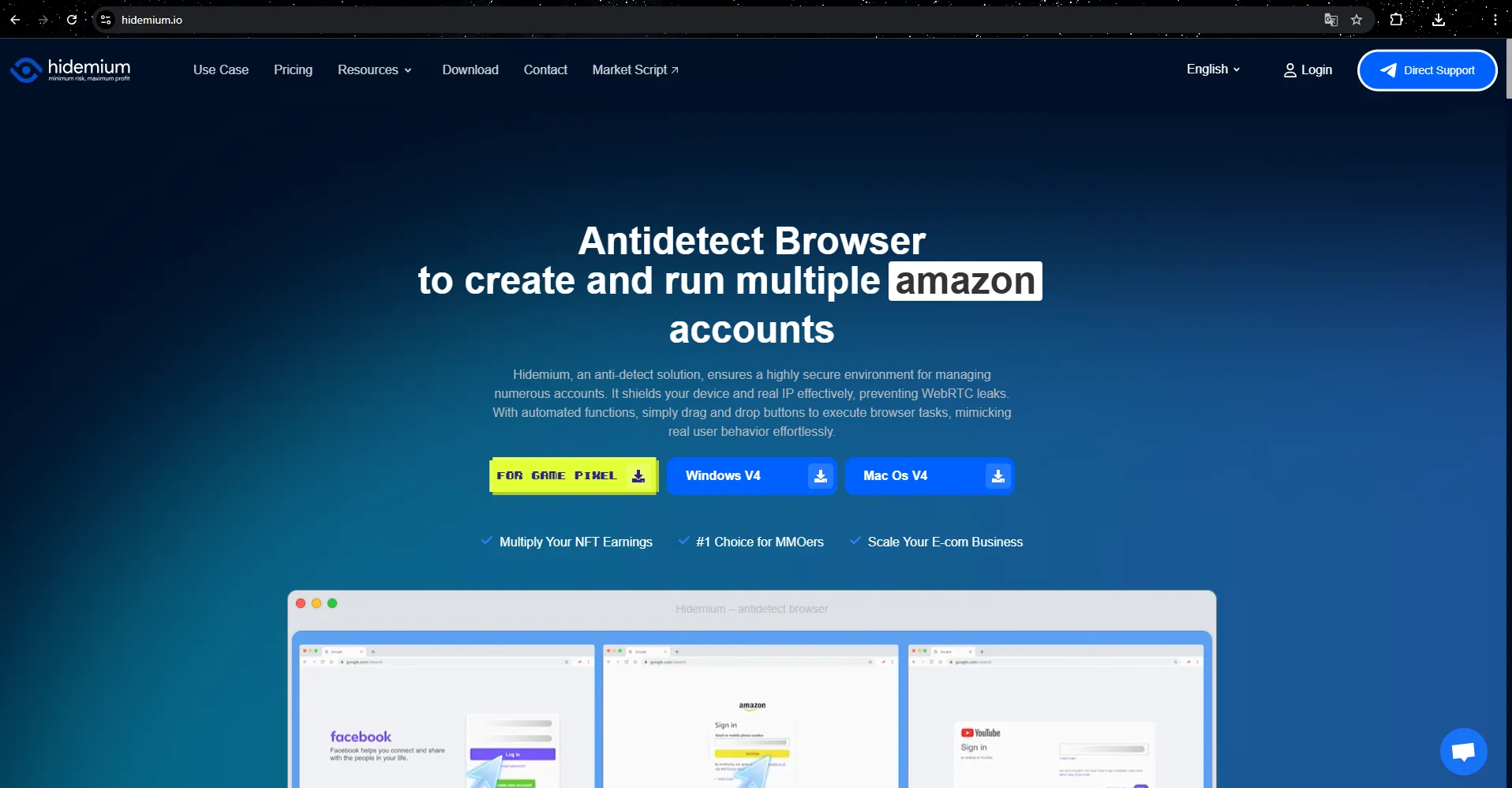
If you have multiple accounts, manually logging in and managing them can easily lead to being detected or locked out. A safer solution is to use Hidemium – professional Reddit multi-account management tool.
Centralized management, simple operation: Hidemium lets you keep all your Reddit accounts neatly organized in one interface. When you need to use them, just hit the button"Open"for direct, quick and convenient access.
Each account, a separate profile: Hidemium creates secure and independent profiles, which helps reduce the risk of suspension due to detection of multiple account linking.
Attractive free package: Users can experience up to 1000 free profiles, supporting bulk management of Reddit accounts at no cost.
Thanks to that, Hidemium is the optimal choice for those who need Manage multiple Reddit accounts safely, securely, and efficiently.
>>> Learn more: Best Antidetect Browser: Top Picks for Managing Multiple Accounts
5. Conclusion
Reddit is one of the most vibrant social media platforms, but sometimes users still encounter errors like “We experienced server issues, please try again later”. The good news is that most of these problems have clear causes and specific solutions.
To fix Reddit error, you can:
Check official status at redditstatus.com.
Follow discussions on supporting subreddits.
Keep your browser up to date.
Use support tools such as Hidemium or Dicloas for more secure multi-account management.
Whether you are a regular user or a multi-account administrator, applying the above methods will help you Maintain a stable experience, limit errors, and minimize the risk of account bans on Reddit.
6. Reddit Server Error FAQ
1. What does the “We encountered a server error” message mean?
This is a general message indicating that there is a problem connecting your device to Reddit's servers. This could be due to server overload, unstable internet, or suspicious account activity.
2. Can a VPN cause this error?
Yes. Many free or popular VPN services use shared IPs that have been blocked by Reddit for spam-related reasons. If you connect through these IPs, Reddit may deny access and display a server error.
3. How do I know if I'm shadowbanned?
Reddit doesn't send direct notifications when an account is shadowbanned. To check, you can:
Log out and go to your profile URL. If it says “does not exist,” it’s likely your account has been shadowbanned.
Send your appeal via reddit.com/appeal to confirm account status.
4. Does this error mean that the IP address is banned?
Maybe. Sometimes Reddit uses general server errors to silently apply IP bans. If all your accounts are getting the error, even when using different devices or browsers, it's likely that the IP has been flagged.
5. What should I do if I have tried many ways but the error still exists?
If you've done the basics like clearing your cache, switching devices, or checking your network connection and you're still having trouble, the problem may be on Reddit's end. Here's what you should do:
Waiting for the technical team to fix it.
Contact Support directly if the problem persists.
6. Can I continue to access Reddit when I get a server error message?
Yes, but you need to try some alternatives:
Refresh the page, clear cache and cookies.
Sign in with another device or browser.
Use the old version at old.reddit.com.
If all of the above doesn't work, it's likely a general system error from Reddit's side, you just need to wait for them to fix it.

Related Blogs

In the digital age, online privacy and security are becoming increasingly important. Proxyium emerged as a leading solution, allowing users to easily change their IP address, browse the web anonymously and protect personal information from cyber threats. With the ability to access restricted content and effectively hide their identity, Proxyium is not only useful for individuals but also[…]
.png)
In international flash sale campaigns, where time is of the essence and opportunities are fleeting, having an effective tool to assist in your shopping is incredibly important. Antidetect Browser is the solution that helps you manage multiple accounts and participate in flash sales without the risk of detection. This tool changes browser fingerprints, IP addresses, and personal identification[…]

Are you trying to make money on YouTube but can't seem to hit 4,000 watch hours? Don't worry! This is a frustrating milestone for many new YouTubers, but with this article, you can speed up the process and get monetized sooner.Let's explore 15 Fastest Ways to Get 4000 Hours of Watch Time to Enable Monetization 2025— combining content strategy, channel optimization, and anonymity tools[…]


In the digital era, making money online (MMO) has become a popular trend, offering flexible and accessible opportunities for everyone. Whether you want to earn extra income or build a long-term business, there are always suitable options available. However, for beginners, the abundance of information can be overwhelming. Don’t worry! This article will guide you through 22 practical ways to make[…]
.png)
In the age of strong digitalization, using multiple accounts on platforms like Facebook, Google, TikTok or Amazon is common, especially for those doing affiliate marketing, advertising, or online business. However, these platforms are increasingly tightening their policies, easily detecting and locking accounts if unusual behavior is detected. And this is where browsers come in Antidetect Browser[…]
