
NordVPN is a reputable VPN service that helps secure personal data and ensure privacy when accessing the Internet. If you are in need of a solution to hide your IP, bypass regional content restrictions, and browse safely, this article is for you. Antidetect Browser Hidemium will help you better understand NordVPN – from outstanding features to points to note.
1. What is NordVPN?
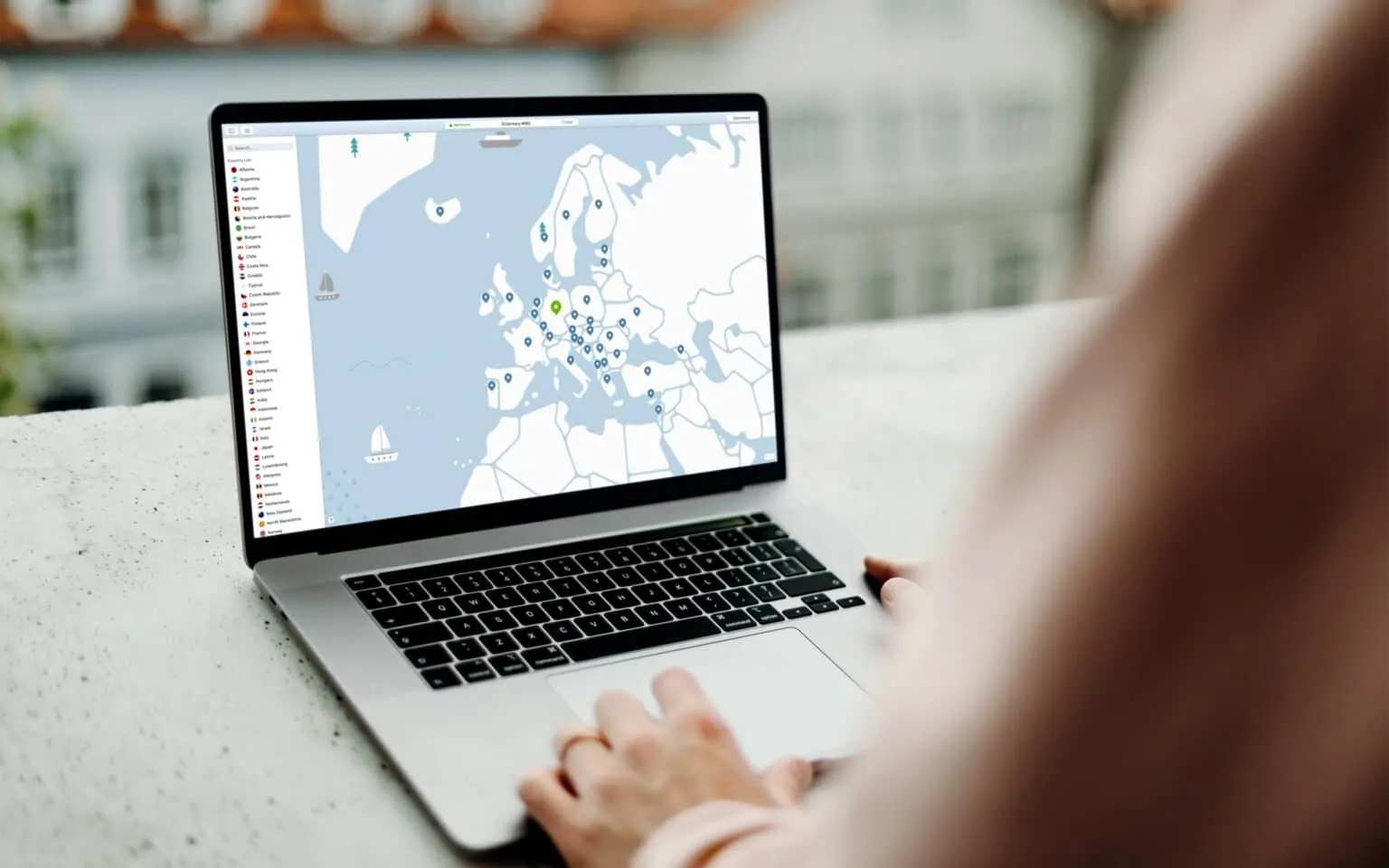
NordVPN is a virtual private network (VPN) that stands out with the ability to encrypt data and route traffic through an intermediary server, helping to hide real IP addresses and effectively protect personal information. In addition to the ability to access geo-restricted content, NordVPN is also compatible with many popular devices and operating systems such as Windows, macOS, iOS, Android, Chrome and Apple TV, providing a flexible and convenient experience for users.
>>> Learn more: Top 10 best free VPN apps for Android in 2025
2. Outstanding advantages of NordVPN - Reliable VPN service for modern users
NordVPN is one of the world’s leading VPN providers, known for its advanced security technology and unlimited internet access. Here are some of the notable features that make NordVPN the preferred choice for millions of users:
2.1. Superior data security with strong encryption technology
NordVPN uses AES-256 encryption combined with DHE-4096 key exchange protocol - a military security standard that helps fully protect personal information. In particular, the Double VPN feature helps encrypt data twice through two different servers, improving safety when accessing public Wi-Fi networks or untrusted websites.
2.2. Kill Switch – Effective solution to prevent data leaks
NordVPN's Kill Switch feature automatically disconnects the internet when the VPN crashes. This ensures no data is leaked outside, helping users maintain privacy and safety while surfing the web or working online.
2.3. CyberSec – Ad and malware blocking tool
CyberSec is an advanced feature that helps users prevent annoying ads, malware and websites containing malicious code. Not only does it protect devices from potential dangers, CyberSec also contributes to improving access speed and user experience.
2.4. Multi-platform connection – Protects 6 devices simultaneously
NordVPN allows connecting up to 6 devices at the same time on many operating systems such as Windows, macOS, iOS and Android. This is especially useful for individual users using multiple devices or families that need to share security access.
2.5. Flexible packages - Long-term cost savings
NordVPN offers a variety of packages to suit different needs. Long-term packages such as 1 year or 2 years have significant preferential prices, helping users save while still ensuring stable performance and service quality.
2.6. 24/7 customer support – Fast and dedicated
NordVPN is always ready to support users via live chat or email 24/7. Regardless of whether you have technical problems or need service advice, NordVPN's professional customer care team will accompany you and provide timely support.
>>> Learn more: Compare Proxy, VPN and Antidetected Browser – What are the main differences?
3. Limitations to keep in mind when using NordVPN
Although NordVPN stands out with its high security capabilities and stable connection speed, there are still some disadvantages that users should consider:
3.1. The configuration interface is not friendly to new users
One of the big downsides to NordVPN is its relatively complicated setup process. Users need to download a ZIP file containing the configuration of the servers, with two options TCP and UDP for each server. There are more than 9,300 files such as al1.nordvpn.com.tcp443 good za12.nordvpn.com.tcp443, making choosing the right server time-consuming and confusing – especially for beginners.
3.2. Restrictions when using torrents
Although NordVPN does support torrenting, it is only on specific servers. This makes the usage experience inconsistent and frustrating for users who need to download large files frequently. Besides, torrent download speed sometimes does not meet expectations, reducing usage efficiency.
3.3. Slow connection to server and application
Another weakness of NordVPN is that the connection establishment speed is not really optimal. On average, users need to wait 14–30 seconds to complete the process of connecting to the server - not to mention the application startup time, causing a feeling of slowness and lack of convenience during use.
>>> Learn more: Top 15 trustworthy free proxy websites
4. Detailed instructions for downloading and installing NordVPN on all platforms
Are you looking to download and install NordVPN to protect your internet privacy? Here are detailed step-by-step instructions, applicable to devices running Windows, macOS, iOS, and Android:
Step 1: Sign up for a NordVPN account
First, visit NordVPN's official website at https://nordvpn.com/ and choose the service package that suits your needs. Then, proceed to create an account by filling in personal information and making payment according to the instructions.
Step 2: Download the NordVPN application
After completing registration, log in to your NordVPN account on the website. In the "Downloads" section, select the correct application version suitable for the operating system you are using (Windows, macOS, Android or iOS) and click "Download" to start downloading.
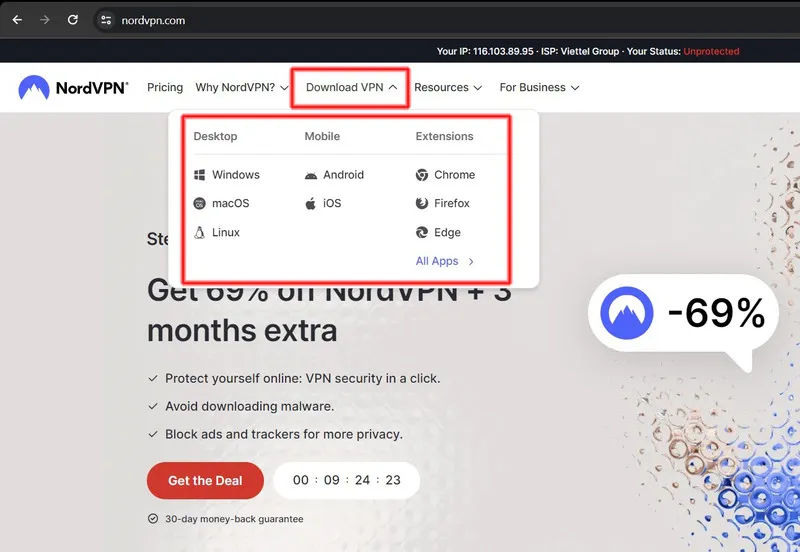
Step 3: Install the application
For Windows & macOS: Open the downloaded file. On Windows, double-click the .exe file to begin the installation. On macOS, simply drag the application icon into the “Applications” folder.
For iOS & Android: Go to the App Store or Google Play, search for “NordVPN”, then download and install the app. Open the app and log in with the account you created earlier.
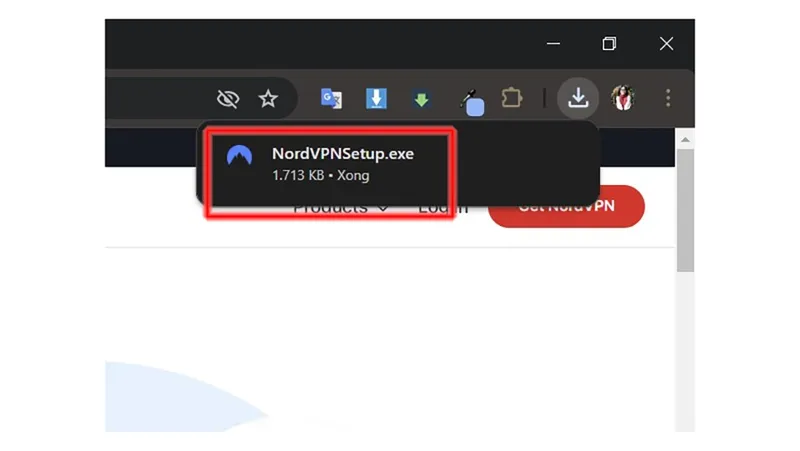
Step 4: Connect to VPN and use
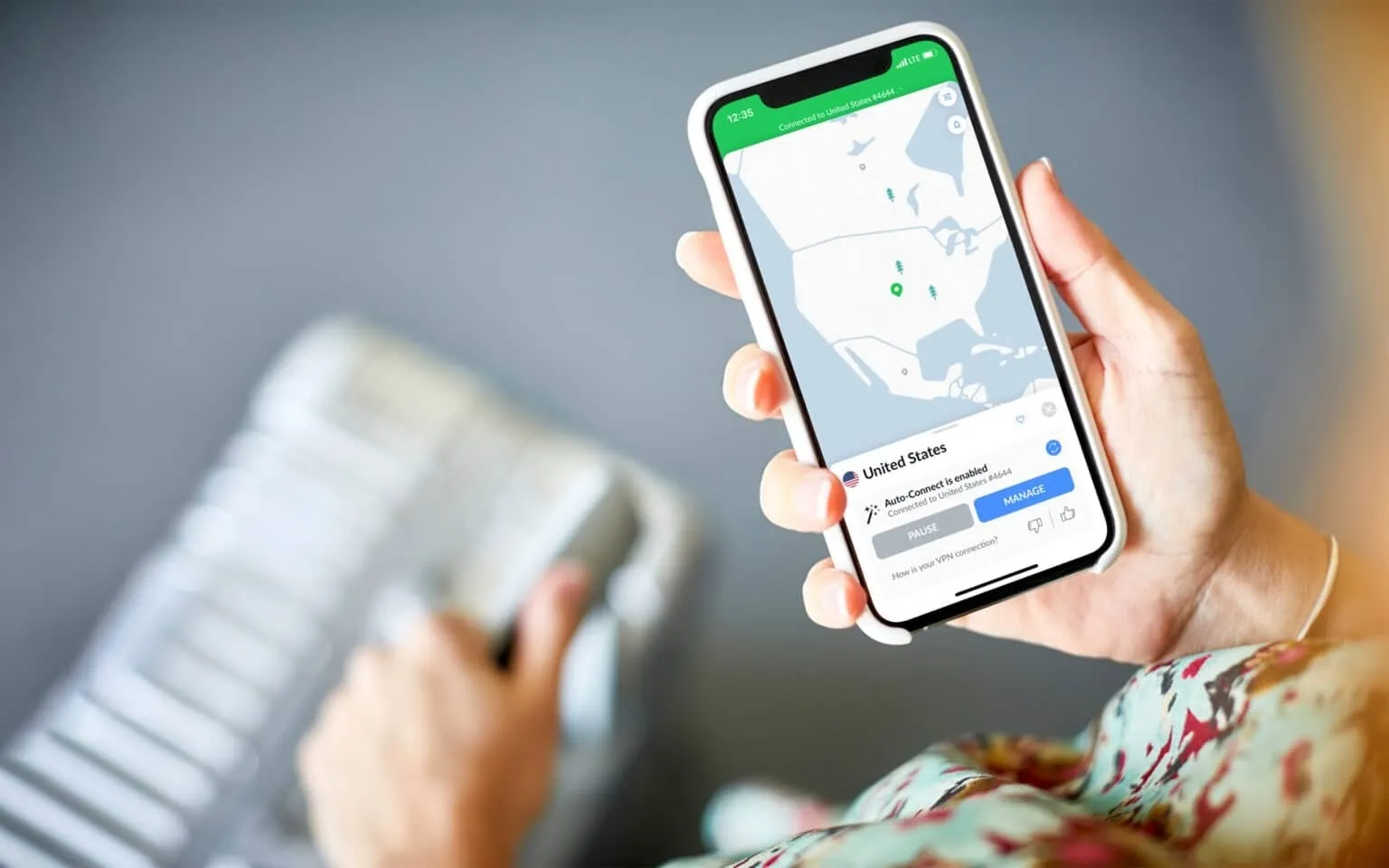
After logging in, you can manually select the desired VPN server or use the "Quick Connect" feature to have the system automatically select the fastest and most stable server. Click “Connect” to start your safe, secure, and unlimited web surfing experience.
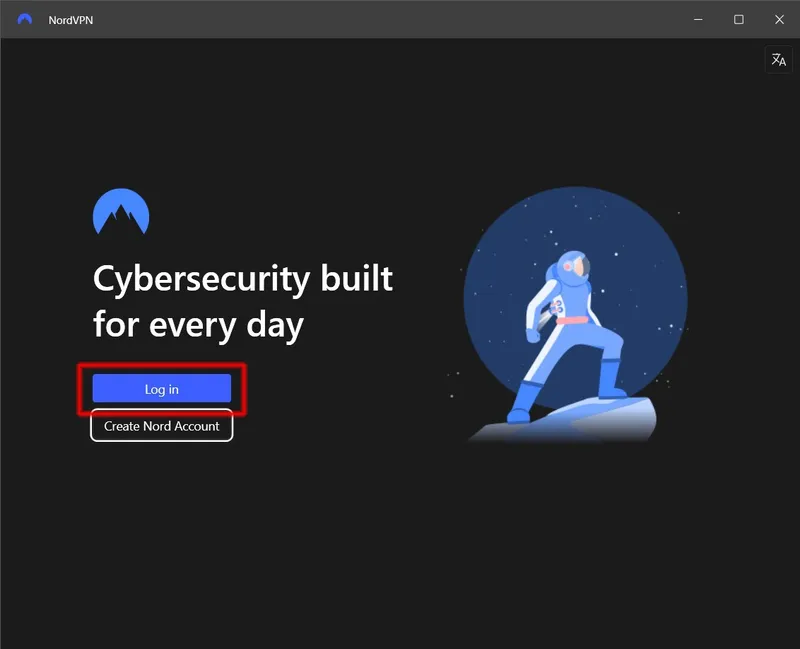
Through the above instructions, you can easily download, install and use NordVPN on any device. With fast speeds, strong encryption, and thousands of global servers, NordVPN is the ideal VPN solution for those who need to secure their data and access geo-blocked content. If you need further technical support or advice on suitable solutions, do not hesitate to contact the Hidemium team for quick and effective help.
>>> ARTICLES WITH THE SAME TOPIC:
Related Blogs
.png)
Dolphin Anty is an outstanding Antidetect Browser, developed in Russia with the goal of serving users who need to manage multiple online accounts securely. However, in 2025, will this still be the optimal choice for MMO and digital marketing activities? Be tickledof Hidemium DOverview of pros and cons of Dolphin Anty browser to make the most accurate decision.1. What is Dolphin Anty?Dolphin Anty[…]
.png)
How to Get Social Media Help: Tips, Tools, and Resources That Actually WorkWhether you're locked out of your account, dealing with a sudden algorithm change, or trying to protect your digital footprint, navigating social media platforms can feel like a full-time job. Fortunately, social media help is well within reach — if you know exactly where to look and what strategies to apply.Platforms like[…]
What is Expressvpn? This is one of the keywords that users are most interested in today, especially in the context of the increasing need to protect personal data and access the Internet without limits. Express VPN is a famous virtual private network (VPN) service that allows users to personal information security and Bypass Geo-Restrictions. Let's Antidetect Browser Hidemium Express VPN detailed[…]
When applied correctly, the 10 Antidetect Browser tips not only significantly reduce the risk of account restrictions but also enhance stability in multi-account management. Close synchronization between browser fingerprints, IP addresses, and access behavior helps platform AI systems assess activity as more natural.In addition, these techniques optimize marketing operations, save management[…]
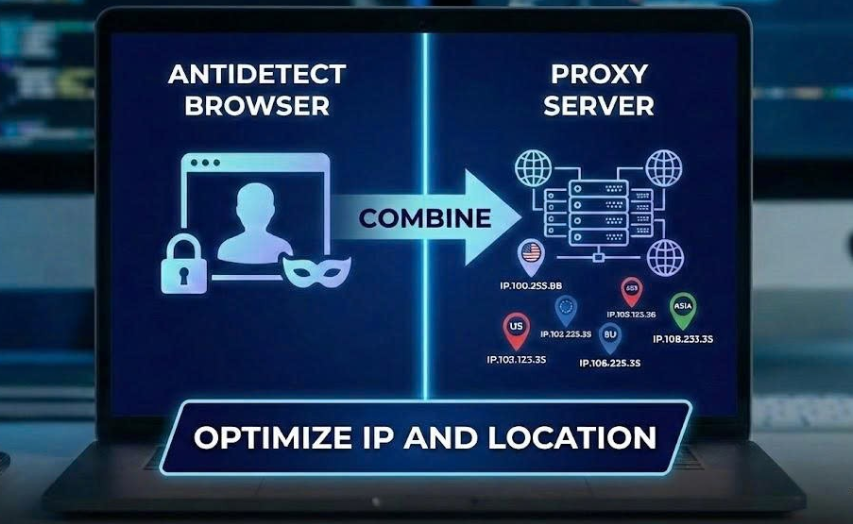
When managing multiple accounts for MMO, eCommerce, or multi-platform marketing, IP address and geographic location are always among the top risk factors. If multiple accounts log in from the same IP or an incorrect location, platforms can easily detect account linkage, leading to suspensions or bans.This is also why using a proxy alone is no longer sufficiently safe. A more sustainable solution[…]
You want to reach outwardly millions of potential customers and increase sales quickly? Vinted is the online sales platform that you should not miss. Along with the boom of the industry old stuff, Vinted offers the opportunity to reach a diverse group of customers with different budgets and styles.However, this platform also applies strict policy, especially restricting or prohibiting sellers[…]
