
WLAN is a popular form of wireless networking that allows multiple devices to be connected via radio waves without the use of cables. However, this concept is often confused with WiFi. So are WLAN and WiFi the same thing? Same Hidemium Antidetect Browser Find out more in the following article.
1. What is WLAN?
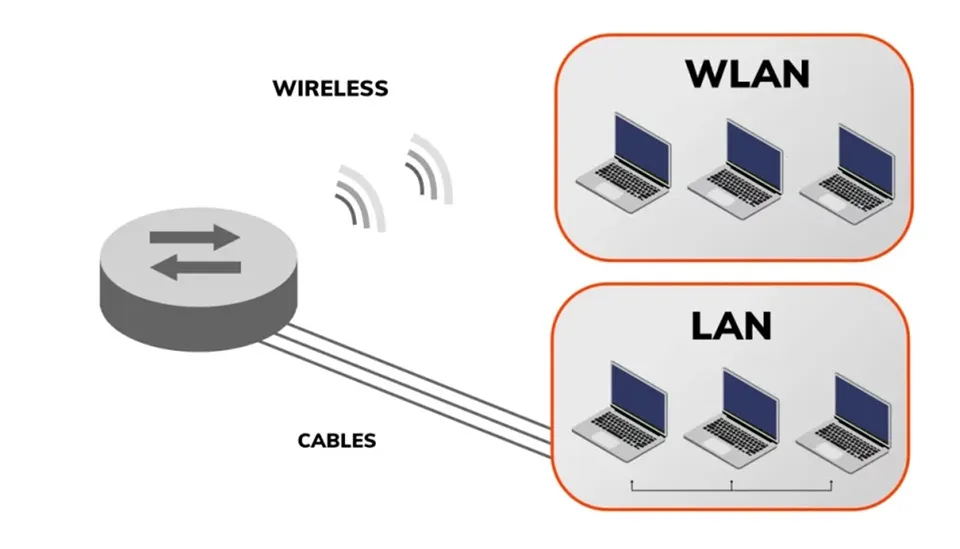
WLAN (Wireless Local Area Network)– wireless local area network – is a network system that allows devices such as computers, smartphones, tablets, etc. to connect to each other via radio waves. The main goal of WLAN is to provide a flexible, easy-to-install and cost-effective network connection solution compared to traditional wired network systems.
>>> Learn more: What is a User Agent? How to change UA on 4 popular browsers
2. How WLAN works
Now that we understand what WLAN is, let's explore how it works in practice.
2.1. Operating principle
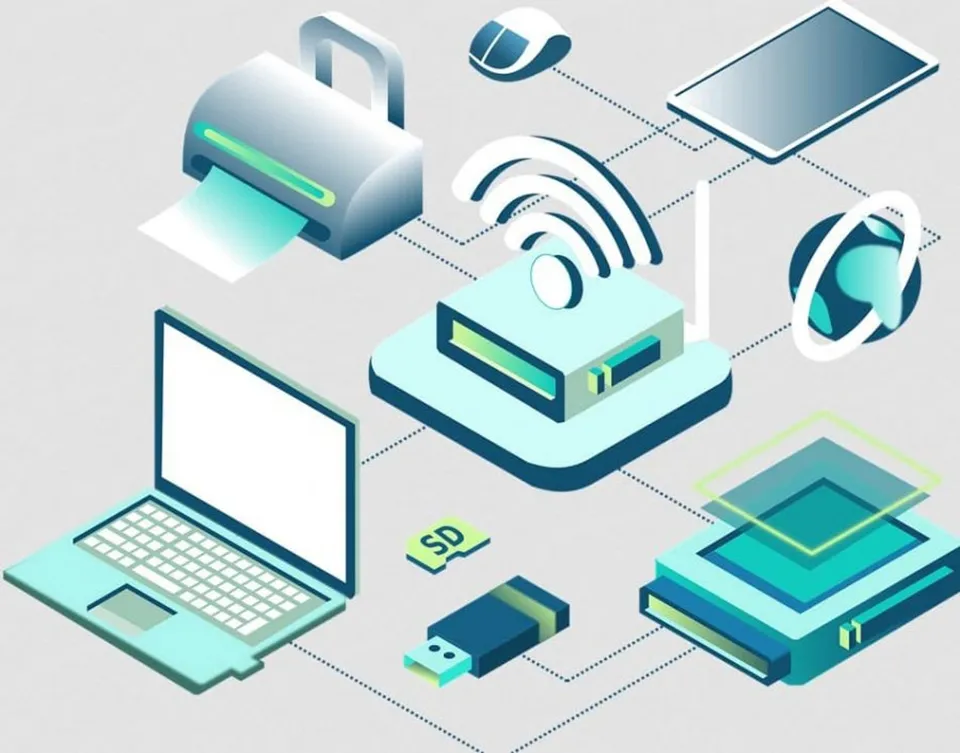
Devices in a WLAN system communicate with each other via radio waves. The center of the network is the Access Point (AP)– the device responsible for transmitting signals and receiving data from other devices. When a device needs to send information, the signal will be transmitted to the AP, then the AP will forward it to the destination device correctly.
2.2. Operating frequency range
WLANs typically operate on two main frequency bands:
2.4 GHz: This frequency band has the ability to cover farther and penetrate walls well, but is susceptible to interference due to many devices using the same frequency.
5 GHz: The advantages are faster transmission speed and less interference, but the coverage range is shorter than 2.4 GHz.
>>> Learn more: What is a PAN Network? Advantages, Disadvantages and Applications of PAN
3. The relationship between WLAN and Wi-Fi
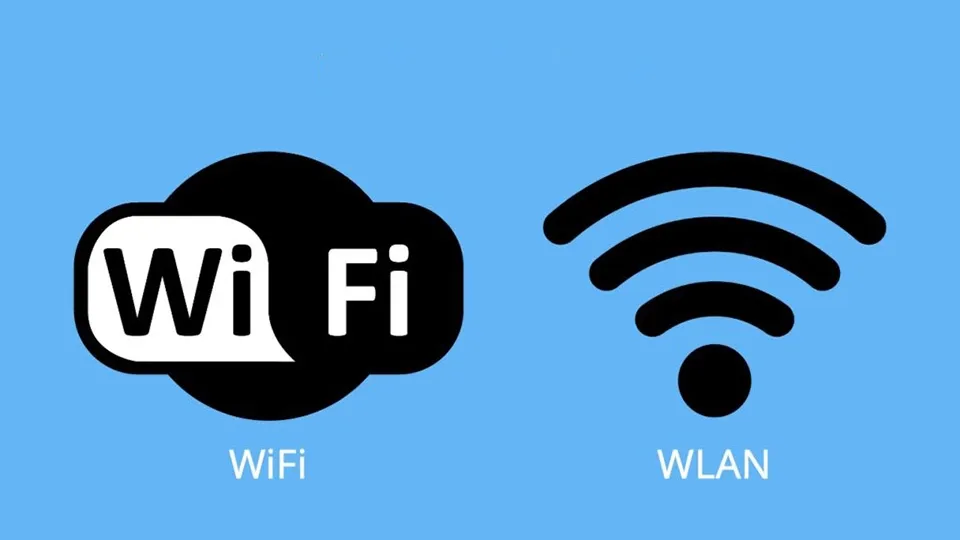
In many cases, the term WLAN and Wi-Fi are often used interchangeably. However, technically, the two concepts are not exactly the same WLAN (Wireless Local Area Network) is a general term for wireless local area networks, while Wi-Fi (Wireless Fidelity) is a specific wireless communication standard, widely used for establishing WLAN networks.
To put it simply, Wi-Fi is a form of WLAN., but not all WLAN systems use the Wi-Fi standard. This difference helps users better understand wireless network technology and choose the right solution for their needs.
>>> Learn more: What is an ISP? Things to Know About Internet Service Providers
4. Distinguishing WLAN and WAN: Two easily confused concepts
WLAN and VAN are two types of networks with completely different functions and scope of application.VAN (Wide Area Network) is designed to connect networks over large distances, spanning hundreds to thousands of kilometers, and can even scale globally. Meanwhile, WLANs operate only within a small scope such as in a home, office or business premises.
Regarding infrastructure, WAN can operate wirelessly via satellite or wired via fiber optic cable, while WLAN uses radio waves and does not require much complex infrastructure. Additionally, WLANs typically support only a limited number of devices., while WAN can serve thousands of users at the same time, suitable for businesses with many branches or organizations operating globally.
5. What are the outstanding advantages of WLAN?
WLAN (Wireless Local Area Network) – also known as wireless local area network – first appeared in the United States, mainly to meet the needs of Internet access in households. At that time, the deployment of network cable systems was limited due to the architectural characteristics of detached houses with gardens, along with the rapid increase of mobile devices such as laptops and tablets. These factors have promoted the strong development of WLAN technology.
Compared with traditional wired networks, WLAN offers many outstanding advantages:
High flexibility: WLAN allows convenient wireless connection, especially suitable for large or complex spaces such as airports, hotels, restaurants, trains, airplanes and public areas, providing flexible mobility for users.
Save on infrastructure investment costs: WLAN deployment does not require complex cabling systems, helping businesses and individual users save significantly on installation and maintenance costs.
Easy to expand and upgrade: WLAN supports flexible equipment upgrades and coverage expansion, suitable for constantly changing technological requirements in the digital age.
Quick and convenient access: As long as they are within the coverage area, users can easily connect to the Internet and network resources without complicated configuration, helping to increase work efficiency and user experience.
>>> Learn more: What is a Gateway? Learn more about network gateways
6. Disadvantages of WLAN to note
Besides the outstanding benefits, WLAN also has certain limitations compared to wired networks:
Higher security risk: Because it uses wireless signals, WLANs are vulnerable to attack or eavesdropping if not properly secured, especially in public environments.
Lower data transfer speed: Although convenient, WLAN speeds are often slower than wired connections, especially when multiple devices are accessing at the same time.
Poor stability: WLAN waves are easily affected by obstacles, signal interference or distance from the hotspot, resulting in unstable or interrupted connections.
7. Effective security solution for WLAN
To enhance the security of WLAN networks - one of the popular wireless connection technologies today - users should implement the following measures:
Use WPA2 or WPA3 encryption standard:These are the most advanced security protocols available today, helping to encrypt transmitted data and prevent unauthorized intrusion from outside.
Set strong password: Passwords should be created with a combination of uppercase and lowercase letters, numbers, and special characters. This helps reduce the risk of brute force attacks.
Turn off SSID broadcasting: Hiding your network name (SSID) will limit the devices that can detect your WLAN, thereby minimizing the risk of unauthorized access.
WLANs are playing an increasingly important role in modern connectivity infrastructures thanks to their flexibility, affordability, and rapid deployment. However, to ensure the safety of personal data and connected devices, attention to wireless network security is indispensable.
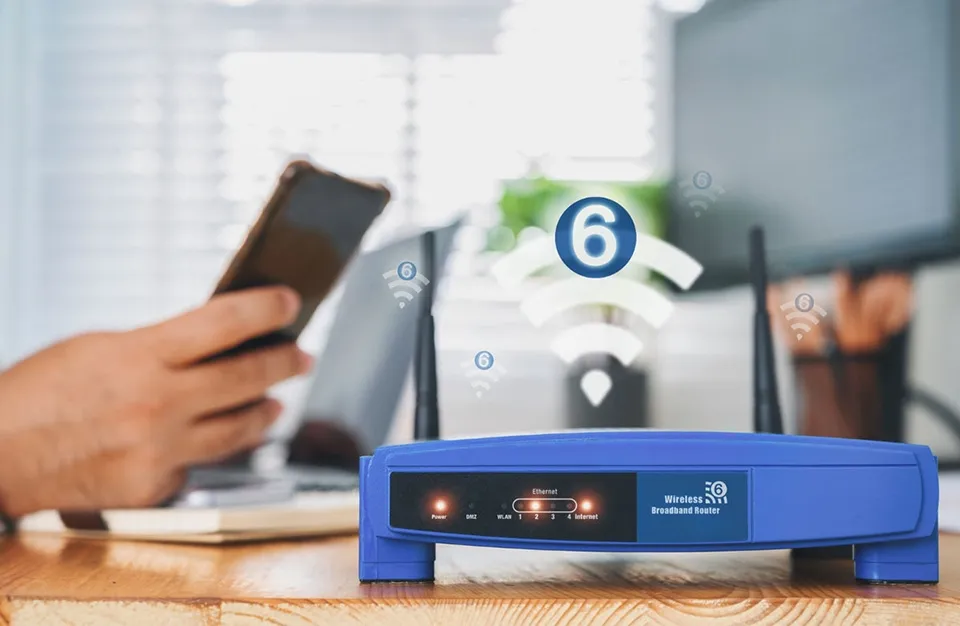
In the future, with the strong development of Wi-Fi 6 and new connection standards, WLAN promises to bring a more stable and faster network experience. Hopefully through this article, Hidemium has helped you understand better What is WLAN?, its benefits, and the importance of applying it WLAN security measures in the digital age
Related Blogs

You're wondering...How to calculate TikTok earningsHow can you maximize your income from today's most popular short-video platform? Understanding TikTok's reward system and applying smart monetization strategies is key to turning your passion for content creation into a stable source of income.This article Hidemium will give you a comprehensive overview of How TikTok calculates earnings, analyze[…]

In the digital era, online platforms such as Facebook, Google, TikTok, Amazon, Shopee, and others continuously leverage AI and Big Data to analyze browser fingerprints, user behavior patterns, and connections between accounts. This puts individuals and businesses managing multiple accounts at high risk of suspension if they lack the right solution. Antidetect browsers have emerged as a “shield,”[…]

Browser Profile Management: A Practical Operating System for TeamsBrowser profile management is often misunderstood as the simple process of creating multiple browser profiles and assigning a different proxy to each one.That approach may work for an individual managing a small number of accounts. However, it becomes difficult to maintain when a team is responsible for dozens or hundreds of[…]

There is a point where a group chat stops being a management system. Usually it arrives quietly. You add the tenth contractor, or the second warehouse, or a support rotation in another timezone, and suddenly nobody can tell you who read the new returns policy, who finished the safety module, or which version of the shift roster is the real one. That is the problem this software category exists to[…]

One of my recent Instagram comment tests looked like an amazing deal for about thirty seconds. I ordered 10 comments from a service, and 25 appeared under the post almost immediately.Lucky me? Not quite.There were only 10 distinct texts in the entire delivery. Several had been posted multiple times by different accounts—some three times, some four. What initially looked like a generous bonus was[…]
.png)
Creating posters for events, promotions, or announcements used to require detailed design work and hours of manual effort. Today, AI poster makers like VistaCreate can generate visually striking layouts in just minutes using smart templates, automation, and ready-made design elements.While these tools all aim to simplify the design process, they differ in how much creative control they offer, how[…]
