
Amazon – from a humble online bookstore, has grown to become the world’s leading e-commerce platform, with revenue exceeding the GDP of many countries. Contributing significantly to that success is the community of third-party sellers – individuals and businesses who build and operate their own booths on Amazon.
However, many successful sellers have had their accounts suspended by Amazon unexpectedly, simply because they violated unclear or ambiguous policies. In fact, account suspensions are becoming more common, affecting about 35% of sellers on the platform.
In the article below, Hidemium will share all the knowledge and practical experience – from analyzing official regulations, studying real-life situations, to summarizing forum posts – to help you understand the common reasons for account suspension. At the same time, the article also provides detailed instructions on how to recover your account and effective prevention measures to protect your business on Amazon in the long term.
1. Why is my Amazon account suspended? Common reasons you need to know
Amazon is known as one of the most stringent e-commerce platforms out there. However, the platform is quite secretive when it comes to giving specific reasons for suspending seller accounts. With a complex set of policies, even well-adhering sellers can accidentally violate them.
Below are common reasons why Amazon accounts are locked, compiled from real cases on the Seller Central forum:
Failed identity verification: This is a common mistake for beginners. When personal information (full name, phone number, address...) does not match the verification documents required by Amazon, the registration process may be rejected or the account may be suspended.
Low account performance: Amazon evaluates accounts based on a variety of metrics such as defective order rates, late delivery rates, and product policy compliance. If an account fails to meet these criteria, it is highly likely to be suspended.
Selling fake or false product information: Amazon has a very strict policy on intellectual property. Even if you sell authentic products, if the ASINs do not match or the condition of the product is misrepresented (e.g., a used item is listed as new), your account may still be flagged for infringement.
Selling prohibited or restricted products: If you sell a product that is banned or illegal in the area where you or your customers live, Amazon will immediately take action to process your account.
Submitting fake or altered documents: Using an altered invoice, license or any document is one of the most serious violations. Most cases involving this issue cannot be successfully appealed.
Create new account after suspension: Amazon has the ability to track IP addresses, devices, and browser fingerprints. If you open a new account after your old one is locked, the system will link them together and disable the new account as well.
>>> Learn more: Effective Strategies to Increase Sales on Amazon
2. Managing Multiple Amazon Accounts: Be Careful to Avoid Suspension
Owning multiple Amazon accounts is a sensitive topic and can easily lead to suspension if sellers do not comply. Under current policy, you allowed to operate multiple Amazon accounts when there is a valid business reason, but prior notice and approval from Amazon are required.
However, Amazon does not provide a specific definition of “legitimate business need.” They only give general examples like running two separate businesses with two different brands. This creates confusion when sellers find themselves in situations like:
Apply different business models on each account, such as dropshipping on one account and building your own brand on another.
A/B testing to test the effectiveness of pricing strategies, product descriptions, or other elements to optimize user experience and improve business performance.
Test automation tools or sourcing strategies in a limited environment before deploying at scale.
While Amazon allows you to create multiple accounts, it’s not that simple. Even if you follow all the right procedures, your account can still be suspended for reasons beyond your control—like being caught using the same IP address or device that logged into another account years ago.
Therefore, to protect businesses and limit risks, the safest solution is Completely separate Amazon accounts. Using support tools such as Hidemium can help you effectively stay anonymous, avoid being linked, and ensure the business ecosystem is always operating stably.
>>> Learn more: How to Rank Higher on Amazon: Essential SEO Listing Optimization Tips
3. Consequences when Amazon account is suspended
Even a short-term suspension of your Amazon account can have a serious impact on your business. Sellers will not be able to list new products or process existing orders until the issue is resolved. More seriously, Amazon can withhold revenue for months, disrupting your cash flow and directly impacting your finances.
Not only that, a suspended account also loses product rankings on internal search engines and access to the Buy Box – an important purchasing position that helps increase order rates. Even if you successfully restore your account, restoring your reputation and trust on the platform is not easy.
Amazon Account Suspension Statuses
Depending on the severity of the violation and the seller's response, an Amazon account can fall into one of three states:
Suspended Account: This is a common state when the system detects a policy violation. The account has some permissions restricted and needs to submit a Plan of Action (POA) to be considered for reinstatement.
Denied Account: When a POA is rejected by Amazon but the account is not completely locked. The seller can edit and resubmit the plan. In fact, there have been many cases where it took 5 or more appeals to get approved.
Banned Account: This is the most serious situation where all appeals fail and Amazon refuses to reinstate the account. In this case, the seller is forced to start over with a completely new account, with no connection to the previously banned account.
>>> Learn more:How to get Amazon affiliate marketing links
4. How to Recover a Suspended Amazon Account
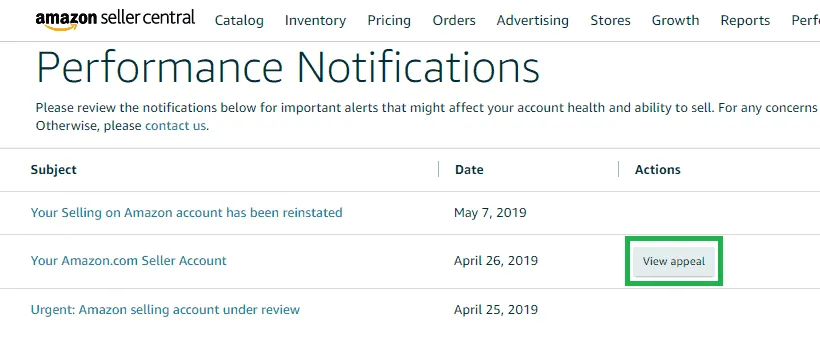
When your Amazon account is suspended, the most important thing you can do to regain access is to compose and send Plan of Action (POA) suitable for Amazon approval.
4.1 Prepare carefully before writing POA
Because there are many reasons why an account may be suspended, there is no one-size-fits-all POA template. However, successful appeals generally have in common that they are well-written and logical.
Typically, Amazon will send a notice stating the reason for the suspension. If you don’t see a specific reason, you should proactively check your account activity, recent performance metrics, or any changes that may be relevant. From there, gather the necessary evidence such as purchase invoices, customer communication history, authorization letters from suppliers, shipping information, etc. to support your POA argument.
Once you've identified the issue, you should take corrective action, such as updating your credit card information, email address, or any missing verification data. Being proactive about fixing errors will help strengthen your case when submitting to Amazon.
4.2 Write a convincing appeal letter
An effective action plan should focus on three main parts:
Admit Violation or identify possible causes if you are not sure about the specific error.
Clearly present corrective action has been taken to resolve the issue.
Commitment to preventive measures to prevent similar incidents from occurring in the future.
This is the most important part of the POA, which determines the success rate of account recovery. When writing, be cooperative, honest and provide sufficient evidence to support your argument.
Once you have completed your POA, simply submit it according to Amazon’s official instructions. The review process can take anywhere from a few weeks to a few months, especially if your application has been rejected before. However, following the appeals process is the only way you have a chance of getting your Amazon account back.
>>> Learn more: 17 Amazon SEO Tools to Help Your Products Stand Out and Increase Sales
5. How to avoid Amazon account suspension?
The best way to avoid Amazon account suspension is to strictly adhere to the platform’s policies and guidelines. While this may seem like a simple matter of following the instructions, it can be more complicated because it can be difficult to clearly determine whether a particular behavior is considered a violation or a misuse of multiple accounts.
Using different banking information, physical addresses, emails, businesses, or brands for each account can be a good start, but Amazon can also detect links between accounts through hidden factors like IP addresses or browser fingerprints.
5.1 Using Proxies
Accessing multiple accounts from the same IP address is a clear sign for Amazon to identify the link. Even if you use different browsers or different physical devices, if they connect through the same router, a shared IP makes you vulnerable to detection.
The solution is to use a proxy – an intermediary between your device and Amazon that routes traffic through a proxy server before reaching Amazon, causing the IP to appear as a proxy IP instead of the real IP. Residential proxies are the best choice, as they use IP addresses from real users, which helps avoid suspicion.
5.2 Use separate equipment
While proxies help hide your IP, they can’t guarantee complete anonymity if the device you use to access is the same. Amazon may rely on “device fingerprints” – including hardware configuration, browser version, cookies, screen resolution, fonts, etc. – to detect the connection.
Investing in a separate smartphone for each account may sound feasible, but it doesn’t scale. Say you run 6 different Amazon stores, you’d need to buy at least 6 new devices at a cost of around $300 – not to mention the difficulty of maintaining and managing them effectively.
5.3 Antidetect Browser
Among the solutions, an anti-detection browser (like Hidemium) is considered the most optimal, smart, and cost-effective approach. This tool allows you to manage multiple Amazon accounts on the same computer, but each account is run in an independent environment with different browser fingerprints and hardware parameters – almost simulating a separate device.
With Hidemium, you can optimize your computer configuration to run multiple accounts smoothly at the same time. Instead of spending $300 on separate devices, you can use that money to subscribe to the Hidemium package annually. In addition, Hidemium also integrates a proxy, helping you save a significant amount of money while still ensuring absolute security for your Amazon account system.
>>> Learn more: Best Antidetect Browser: Top Pick for Managing Multiple Accounts
6. Manage multiple Amazon accounts efficiently with Hidemium
One of the reasons I decided to stick with it for the long termHidemium, after trying more than a dozen similar tools, is the one with a beginner-friendly interface but still fully integrated with advanced features for professional users.
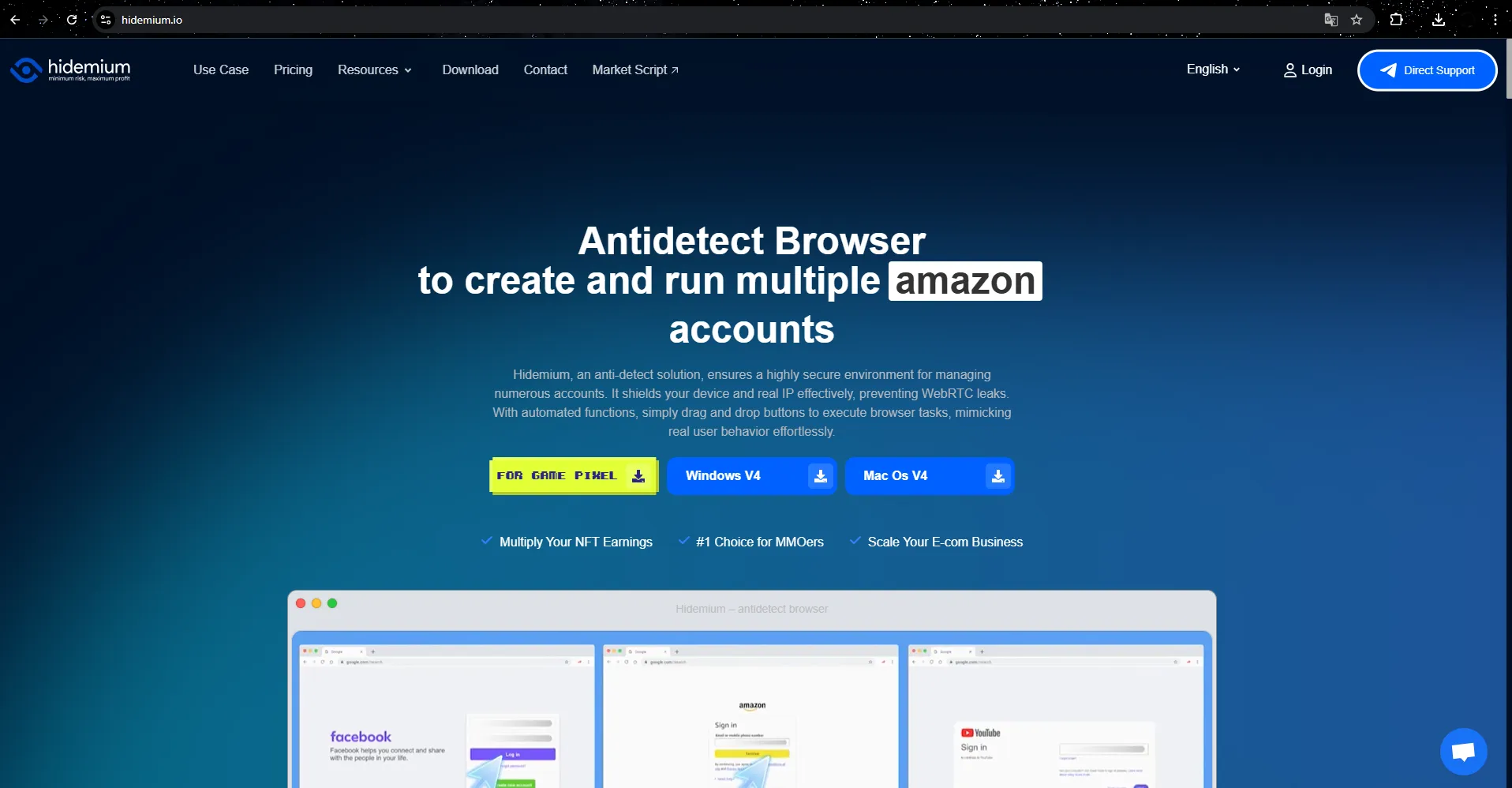
Hidemium’s landing page clearly explains why an anti-detection browser is crucial to protecting your Amazon account from being locked or flagged. Downloading and installing Hidemium is simple, with a 3-day unlimited free trial activated immediately upon registration – allowing you to experience the full functionality before making a decision.
6.1 Create a Profile
Hidemium works on the basis of the mechanism create browser profile – each profile corresponds to an independent browser with its own set of fingerprints. To create a new profile, simply click on the button "Add Profile" on the management interface and set up basic parameters.
Each profile needs a name and proxy. You can use Hidemium's built-in proxy for different countries or link to an external proxy. Whichever proxy you choose, it should be a priority residential proxy because they provide the most stable and undetectable IPs. The proxy checker feature helps you confirm that the IP is working properly and ensures that each profile has a unique IP.
The profile builder allows for deep customization of elements like extensions, random fingerprints, and security settings. However, new users can choose “Quick Create” without worrying about these areas. Once created, each profile is ready to use immediately.
6.2 Connect your profile to your Amazon account
You can easily assign each profile to a different Amazon account. Click "Start" to open the browser corresponding to the selected profile – the interface and functionality are similar to the regular Chrome browser, supporting web access, saving cookies, bookmarking,...
Hidemium's strengths are Each profile operates completely independently, not linked to the computer you are using or other profiles. With just different IP addresses and login information, you can run multiple Amazon accounts at the same time without being detected as a single user.
6.3 Stop and manage records
To stop a profile, simply close the browser window or press the "Close" button in the management list. When you restart the profile, it will continue from the previous session.
Job tag and group records by project or purpose will make management easier, especially when you operate multiple accounts at the same time or work in a team. In addition, Hidemium also supports Share secure records for partners or collaborators, without fear of losing accounts because IP and fingerprints are synchronized across multiple devices and securely stored on the platform.
7. Conclusion
Whether you’re selling on Amazon or any other platform, proactively minimizing uncertainty is a smart strategy. Unlike risk, which can be assessed and accepted if the reward is worth it, uncertainty is a difficult factor to control, and can easily make even the most stable businesses fall into a passive position.
Having multiple linked Amazon accounts means that if just one account goes down, the entire system is at risk, which is a risk that should not be taken, even if Amazon has a fairly flexible and seller-friendly policy.
If your business is expanding through multiple Amazon accounts, be proactive in protecting yourself by using an anti-detection browser like Hidemium. This solution helps you operate multiple accounts safely, clearly separated and without worrying about being locked in bulk.
Get started with Hidemium today and have the peace of mind to grow your business long-term without worrying about being interrupted by factors beyond your control.

Related Blogs
.png)
In an era where artificial intelligence is increasingly developing, anti-bot systems and automatic detection mechanisms are also increasingly sophisticated, making finding a antidetect browser Being truly effective is more difficult than ever. However, Hidemium and MuLogin still stand out as two options worth considering with strong anonymity capabilities, helping to maintain stable operations[…]

In the context of global digital transformation, the two most prominent technologies today are AI (Artificial Intelligence) and Blockchain. If AI brings the ability/Intelligent data processing, learning and accurate prediction, Blockchain creates a transparent, decentralized and highly secure platform. When combined, they not only help optimize processes, improve reliability, but also open up the[…]

If you are using Binance exchange to invest in crypto, or trade digital assets, have you ever wondered. “Can I create multiple Binance accounts?”. This is a common question, especially for those who want to separate personal and business accounts, or sub-accounts for capital, creating Referrals Marketing (Refer others to get rewards).In this article,Antidetect Browser Hidemium will help you[…]

Protecting your identity is essential for any business managing multiple accounts. And your IP address is first. In this article, we will guide all you need to know about hiding your IP and using another IP. From information consistency to data center solutions, from proxies to more. What do you want to hide your IP […]
In today's digital age, online account security is an important factor for every user. YouTube, the world's largest video sharing platform, is no exception. A hacked YouTube account can lead to loss of data, videos, and even personal or business reputation. In this article, learn how to recover a hacked YouTube account effectively with Hidemium Antidetect Browser.1. How to know if your YouTube[…]
In the digital age, owning and managing multiple Google accounts not only is it a personal need, but it is also an indispensable part of the operations of businesses, marketers or freelancers. The article below Hidemium will guide you how to Create a large number of Google accounts safely and efficiently in 2025, and suggests strategies, support tools, and management tips to help you optimize[…]
