
Discord today is not only for gamers but has become an essential communication tool for studying and working. However, being blocked from Discord at school, company or some limited networks make many people upset and ask questions: “How to unblock Discord everywhere?”
This article will help you answer. First, we will learn about the concept “Discord Unblocked” and common reasons why this platform gets blocked. Next, you will be guided 7 Safe and Effective Ways to Unblock Discord, focusing on reliable tools. In particular, with Hidemium – a dedicated anti-detection browser, you will have detailed instructions to access Discord smoothly, securely and without interruption.
1. What is “Discord Unblocked”?
Discord Unblocked means bypassing restrictions that prevent you from accessing the Discord app or website. Common scenarios include:
Bypass the firewallBlock Discord at school or work.
Troubleshoot access issues on devices, typically Chromebooks.
Unblock specific users that you have previously blocked.
Simply put, use Discord Unblock Tool helps you restore full access to the platform. Whether it's for gaming chat, online learning, or keeping Stay in touch with friends, unblocking Discord ensures you stay connected easily, anywhere.
>>> Learn more: How to Fix the Error "Your Discord Account Has Been Disabled"
2. Why is Discord blocked?
There are many reasons why Discord is blocked, from security issues, community policy violations to restrictions from the network you're using. Whatever the reason, being locked out is always inconvenient. Here are 5 common causes and how to fix them to help you unlock discord fast:
1. Banned IP
When Discord detects unusual behavior like spam, botting, or Terms of Service violations, your IP address may be blacklisted (temporarily or permanently). Additionally, Discord often blocks IPs from poor quality VPNs or proxies. To fix this, select reputable proxy service like Webshare to ensure stable and secure connection.
2. Account locked
If you break the rules — like spamming, harassing, or using an unauthorized bot — your account may be disabled. At that point, you'll see an error message with an email explaining why. In this case, changing IP or using proxy will not work. The only solution is Contact Discord support directly to complain.
3. Your network is limited
Some schools, agencies, or even countries take measures Block Discord Domain Names and IP Addresses. If you are on a restricted network, try using VPN, quality proxy like Webshare or switch to mobile data connection to access.
4. Error from browser or device
Sometimes Discord is down due to corrupt cache, conflicting extensions or incorrect network configuration. To handle this, you can:
Clear cache and cookies (Chrome: chrome://settings/clearBrowserData)
Turn off extensions like ad-blockers
Update Discord App
Try logging in on another browser or device
5. Limit login speed
If you log in too many times in a short period of time or do a lot of quick actions (like adding friends in quick succession), Discord may temporarily block you to protect the server. Here's how to fix it:
Wait a few hours and then log in again.
Restart modem/router to change IP
Use reliable proxy service like Webshare to get new IP
>>> Learn more: How to Make Money on Discord: A Beginner's Guide
3. How to unblock Discord effectively
Job Unblock Discord is sometimes quite complicated, but you can definitely try different solutions. Choosing the right method will depend on the level of network restrictions and the tools you have at your disposal.
Previously, we shared how unblock roblox and unblock youtube at school or work. These platforms have many similarities with Discord, so you can refer to them. Right after this, we will introduce 7 Ways to Access Discord Safely and Effectively.
3.1. Using VPN
VPN (Virtual Private Network) is one of the most powerful ways to unlock discord. This tool helps hide your real IP address, connect to servers in different regions, there by bypassing any geographical restrictions. Thanks to that, you can access Discord anywhere in the world.
How to do:
Choose a reputable VPN service (eg ExpressVPN).
Download VPN App compatible with devices (Windows, Mac, iOS, Android, Linux…).
Connect to a server in the country where Discord operates normally.
Login Discord and Enjoy unlimited chat experience.
With a VPN, you will always remain anonymous. Discord has been unblocked, no matter where you are.
3.2. Access Discord via the web version
In addition to desktop and mobile apps, Discord also has a web version that works directly on browsers like Chrome or Firefox. In many cases, the network only blocks the application from installing and forgets to restrict the web version. Just go to discord.com, you can still connect and chat easily.
Advantage:
No additional downloads or installations required.
Quick and convenient access.
Disadvantages:
The web version may lack some advanced features compared to the app.
Network administrators can easily detect and block web access.
3.3. Using Proxy Server
Server proxy acts as an intermediary layer between your device and the internet. When you access Discord through a proxy, the system will recognize proxy ip address instead of your real IP. This way, you can Bypass Network Restrictions and Access Discord even if blocked.
Advantage:
Simple setup, easy to use.
There are free versions that cover basic needs.
Disadvantages:
Not as secure as VPN.
Free proxies are often slow, unstable and unreliable.
3.4. Unblock Discord by changing IP address
Another method to Unblock Discord is to change the IP address. This method requires you to choose a reputable proxy provider, has the ability to hide real IP addresses, while ensuring fast, stable and secure access speed.
With a quality proxy service, your traffic will be routed through a private server, allowing Discord to recognize you as connecting from a different location. This way, you can free Discord access even in strict network environments such as schools, companies or countries with blocking regulations.
However, not all proxies are safe. Free or low-quality proxies can cause loss of speed, connection interruptions and privacy risks. To ensure a stable experience, you should prioritize high quality proxy, support Encrypt data and maintain anonymity.
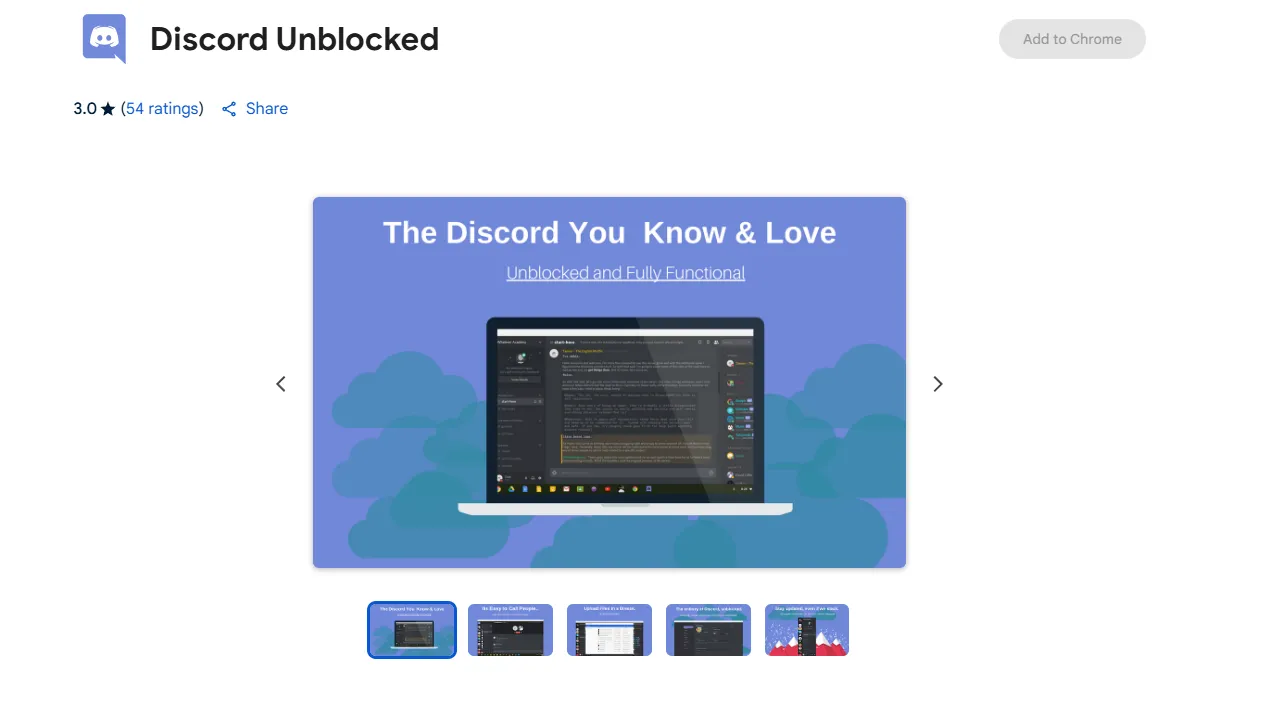
3.5. Using the Discord Unblocked extension on Chrome
In addition to proxies, you can use Chrome Extension for Discord Unblocker. These extensions will route Discord traffic through another server, bypassing network filters. You can easily find them on Chrome Web Store and choose the utility with good reviews.
Advantage:
Quick installation, works directly on the browser.
Suitable for Chromebook users.
Disadvantages:
Usually only supports the Discord web version.
Less friendly with devices other than Chromebooks.
Some poor quality extensions may cause data leakage or insert ads.
3.6. Using the Tor browser
Tor Browser is a browser known for its security and privacy. It routes your Discord traffic through a global network of volunteer servers, which helps to hide the true destination of your data. This makes Tor an effective solution for Unblock Discord on heavily regulated networks.
Advantage:
Passes many advanced filters.
Free and focused on user privacy.
Disadvantages:
Slow speed due to having to go through multiple layers of encryption and servers.
Not suitable for regular use.
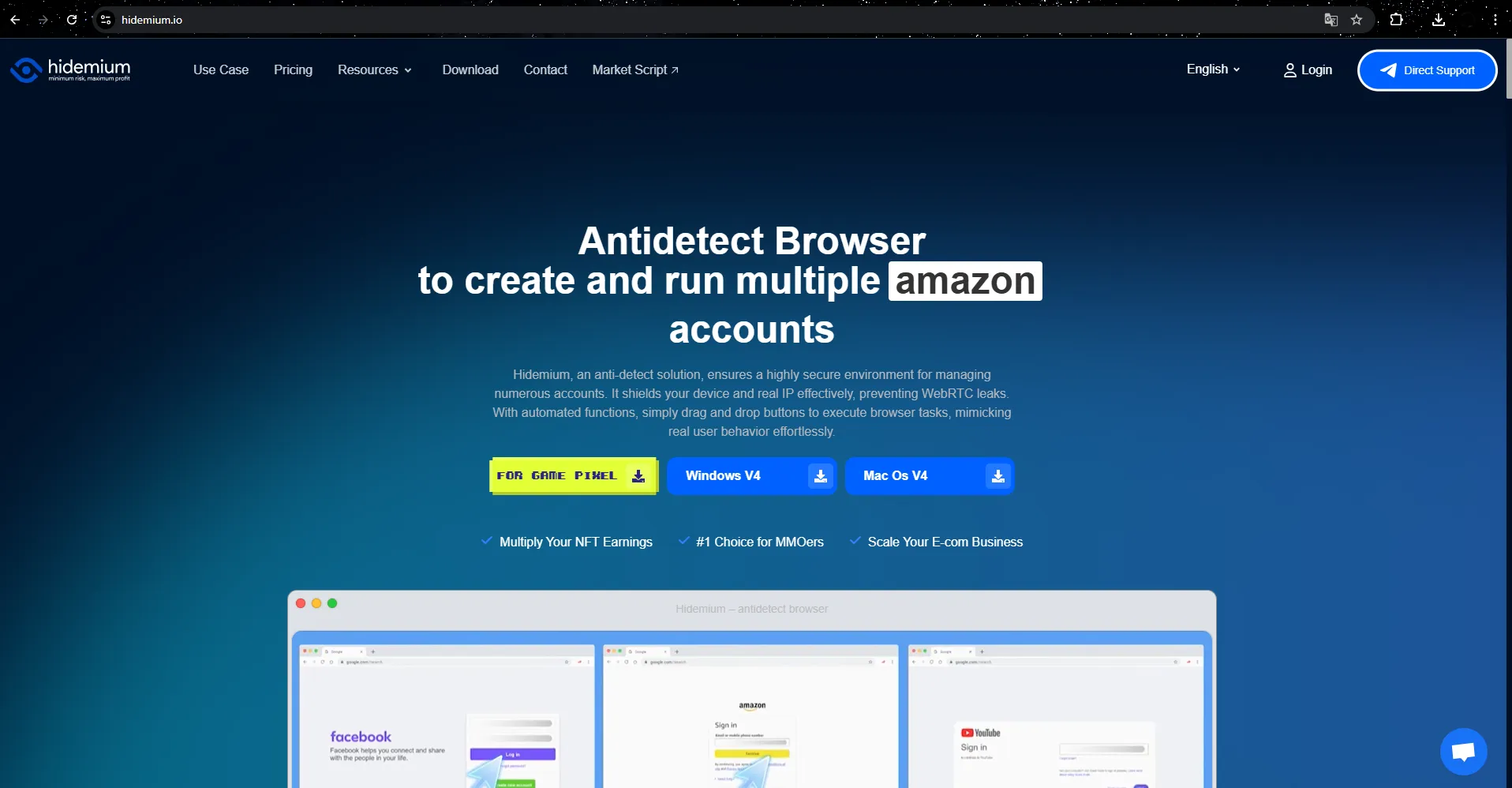
3.7. Use Anti-Detection Browser
In case VPN or Tor no longer works, especially in demanding environments such as schools or companies, antidetect browser is the optimal choice for accessing Discord.
Why choose Hidemium?
Unlike regular browsers, Hidemium specifically designed to bypass advanced network filters. Each profile in Hidemium acts as a standalone device with IP address, cookies, settings and unique fingerprints. This helps you access Discord securely, as the network treats each login session as if it were from a completely new user.
Hidemium's Outstanding Features in Unblocking Discord:
Unique fingerprints: Each profile has its own fingerprint, avoiding being identified as “Discord traffic”. If a profile gets blocked, you can simply create a new one in seconds.
Global Proxy Support: Proxy integration helps hide your real location, easily unblock Discord at school or work.
Friendly interface: Simple installation and usage process, suitable even for beginners.
High stability: Unlike many easily detectable VPNs or proxies, Hidemium ensures that each session appears as a new, legitimate user.
Cross-platform compatibility: Hidemium works smoothly on Windows, Mac, Linux, Android, iOS, and even Chromebooks.
>>> Learn more: Blocked IP: Most Effective Solutions to Overcome IP Blocking in 2025
4. Conclusion
Unblock Discord There isn't always a one-size-fits-all solution. If you just need quick access to chat, using mobile hotspot or web browser can bring immediate results. In case of basic blocking, VPN may be a temporary option. However, when faced with strict network filter, Hidemium stands out as the leading solution.
With the ability to create Device-independent fingerprint and integration anonymous proxy, Hidemium helps you use Discord in a nearly undetectable way, ensuring a stable and secure connection.
👉 Don't let network barriers limit your experience—choose the right tools to keep enjoying Discord at its best Continuous, secure and efficient.
5. FAQ – Frequently Asked Questions About Unblocking Discord
1. How to access Discord when blocked?
You can try the following:
Restart your modem or router.
Check Discord server status.
Temporarily disable your firewall or antivirus software.
Review your router settings to make sure they aren't blocking Discord.
2. Is it safe to use Discord?
Yes. With the right privacy settings, you can use Discord safely. Prioritizeonly accept friends and acquaintancesand participateprivate serverinstead of public.
3. Why do schools block Discord?
The main reason is due to concerns aboutonline harassment, cyberbullyingand risk of exposure to inappropriate content.
4. How to unblock Discord at school?
Please openGoogle Chrome, install the utilityDiscord Unblocked, then re-access Discord from the school Chromebook itself.
5. Does Discord prohibit NSFW content?
Yes. Except in special cases such as education or news, most NSFW content is restricted to users18 years and older.

Related Blogs
.png)
Dolphin Anty is an outstanding Antidetect Browser, developed in Russia with the goal of serving users who need to manage multiple online accounts securely. However, in 2025, will this still be the optimal choice for MMO and digital marketing activities? Be tickledof Hidemium DOverview of pros and cons of Dolphin Anty browser to make the most accurate decision.1. What is Dolphin Anty?Dolphin Anty[…]
The world of e-commerce and dropshipping is growing rapidly, with more and more businesses looking to take advantage of the opportunities presented by online sales. However, with this growth comes an increase in online fraud, which can lead to account locks, chargebacks, and other financial losses. To prevent these issues, many businesses are turning to […]
When managing multiple accounts on the same device, many individuals and businesses face issues such as unstable profiles and frequent account suspensions due to overlapping fingerprints, IP addresses, or behavioral patterns. This is where Antidetect Browsers become a foundational solution—giving each account its own distinct “digital identity,” enabling more stable operation and making detection[…]

TikTok Shop is becoming one of the most potential sales channels for MMOers. However, one of the most annoying errors that users often encounter is the situation Cart is locked, buy button not showing. In this article, we will analyze the causes leading to this situation TikTok Shop Cart Locked, how to fix it, and how to use the Hidemium app to keep your TikTok Shop profile safe and secure, no[…]

