
TikTok Shop is becoming one of the most potential sales channels for MMOers. However, one of the most annoying errors that users often encounter is the situation Cart is locked, buy button not showing. In this article, we will analyze the causes leading to this situation TikTok Shop Cart Locked, how to fix it, and how to use the Hidemium app to keep your TikTok Shop profile safe and secure, no more worries about your shopping cart being blocked.
1. Reasons why TikTok account and TikTok Shop have their shopping cart locked.
When doing business on the TikTok platform, sellers need to comply with the rules and policies of this application. If violated, the TikTok channel and TikTok Shop can have their shopping cart locked or deleted completely. Here are the two main reasons:
1.1 Violation of TikTok policy
Typically, Tiktok account suspensions occur because users have violated community policies or failed to comply with the platform's content regulations. Specifically:
- Upload videos with offensive, obscene, violent, or illegal content such as drug use, arms trafficking, or political attacks.
- Using inappropriate language when talking about ethnicity, religion, gender, or insulting any organization or individual on videos or in the comments section.
- Tiktok accounts show signs of impersonating others or posting content that violates copyright and intellectual property rights. For example, using videos and images of the owner without permission, not citing the source when posting copyrighted works, etc.
- Reup or comment spam content too much.
- Repeating the above violations too many times after receiving an account warning notice from Tiktok.
One of TikTok's important policies is not to accept copyrighted or obscene or offensive content. Therefore, when running TikTok ads and selling on TikTok, businesses need to pay attention not to use copyrighted or suggestive videos or audio. If violated, the channel and store will have their shopping cart locked and will not be able to continue operating on this platform.

Violation of TikTok policy
1.2 Violation of TikTok Shop policy
In addition to complying with TikTok's general policies, Sellers need to pay attention to the policies for TikTok Shop booths.
Violating TikTok Shop Policies can lead to serious consequences for Sellers, directly affecting their business operations and reputation. Below are the main consequences that Sellers may face:
Store lock:
- Temporary lock: The store will be locked for a certain period of time (from a few days to a few weeks) depending on the severity of the violation. During the locked period, Sellers cannot post new products, process orders or interact with customers.
- Permanent lock: If Sellers commit serious or repeated violations of the policies, their store may be permanently locked. This means that Sellers will lose access to their store and all related data.
Remove product:
- Infringing products: Products that violate product guidelines will be removed from the store. Sellers may lose revenue from these products.
- Remove all products: In cases of serious violations, TikTok can remove all products from the store, leaving Sellers with no products to sell.
Decrease reputation score:
- Each time a violation occurs, a store will be awarded violation points. When the violation points reach a certain level, the store's reputation will be lowered. This can affect the store's visibility in search results and reduce the number of customers visiting the store.
Impact on reputation:
- Violating policies can affect the reputation of Sellers and stores. Customers may leave negative reviews about stores, leading to loss of customers and revenue.
- Loss of participation in promotions: Sellers who violate policies may be removed from promotions and coupon codes, which affects their ability to reach customers and increase revenue.

2. How to check account violation score
Sellers can refer to the following steps:
2.1 For TikTok accounts
- Step 1: Go to TikTok app > Tap Profile > Select Menu in the top right corner > Settings and privacy.

- Step 2: Go to Support > Select Safety Center.

Step 3: Go to Account Status, your account status will be displayed in this section. If your account is not in violation, TikTok will display Your account is in good standing.

2.2 For TikTok Shop
To be able to accurately check the number of violation points of the store, you just need to follow these 4 steps:
- Step 1: Access toTikTok Shop Seller Center.
- Step 2: Log in to your TikTok Shop account.
- Step 3: Click on “Account Status”.
- Step 4: Select “Store Status”. At this point, Seller will see a dashboard related to the score and the type of violations you have encountered.

3. Why MMOers are Easily Blocked by TikTok Shopping Cart
TikTok is increasingly tightening censorship to limit fraudulent behavior, especially from MMO users. Strategies such as:
- Mass breeding,
- Virtual seeding, automatic order placement by tool,
- Virtual livestream, farming with bots...
… are all systemized TikTok's AI detects based on unusual signs such as:
- Duplicate IP,
- Cookies are duplicated, login sessions are not natural,
- Browser fingerprints are the same across multiple accounts.
Even if you are functioning normally, Sharing a proxy or network with someone who has been flagged by TikTok can also get your account implicated – leading to locked cart, lost interaction or constant checkpoint.
⚠️ This is why MOTHers should Be careful in establishing a clean operating environment, and use anti detect browser like Hidemium.
>>> Learn more: Tips to run multiple TikTok accounts without getting locked?
4. Hidemium – Effective solution to prevent TikTok Shop shopping cart lock
4.1 What is Hidemium?
Hidemium is an anti detect browser tool developed by a team of experts with many years of experience in the MMO field. Specially designed to support complex tasks such as high security, automation and synchronization, Hidemium is the preferred choice of large-scale MMO teams and businesses in the e-commerce industry.
Hidemium is a browser antidetect browser Specially designed for:
- MMO maker,
- Advertising team,
- Seller doing business on TikTok Shop,
- And e-commerce businesses.
Hidemium helps users create hundreds of independent browser profiles, simulates real devices – to Avoid being detected by TikTok, locked shopping cart, checkpoint or blocked account.

Antidetect Browser Hidemium
4.2 Outstanding features of antidetect browser Hidemium
- Each profile on Hidemium acts like a completely new computer with:
- Private Proxy: IP by region, by network operator, easily changed as required.
- Independent fingerprint: Customize User-Agent, timezone, WebRTC, Canvas, Font, GPU... to avoid duplication with other devices.
- Persistent Session Cookies: Sign in once and use it forever, without being kicked out by TikTok in the middle.
- Automate with Script Automation: Record actions, repeat actions without using spam tools - very difficult to be detected by TikTok.
4.3 Specific benefits of using Hidemium to fix TikTok Shop shopping cart lock error
When combining the above features, Hidemium helps you:
- Completely separate sales accounts: Don't let TikTok suspect the connection between profiles.
- Keep chart visible, not locked: The system works like a real user, avoiding checkpoints.
- Increase the trust of TikTok Shop account: Thanks to the stable operating environment, there are no signs of fraud.
- Manage hundreds of accounts easily: From individuals to teams, everyone can expand the system without worrying about being blocked en masse.
5. Instructions for creating a TikTok Shop profile using Hidemium to avoid locking the shopping cart
Now that you know the cause of the error, let's go through the detailed steps to create a secure TikTok Shop profile:
Step 1: Create new profile
- Go to Hidemium dashboard > Create new profile.
- Select Residential proxy (Vietnam or sales region).
- Set up a completely different fingerprint.
Step 2: Log in to TikTok and set up Shop
- Open profile > Go to TikTok > Log in.
- Enable some basic cookies (create session).
- Go to https://seller.tiktok.com to register for Shop.
- Update information, full follow, ID card, phone number.
Step 3: Save session & backup
- After the Shop is approved, sync cookies, export session.
- Use backup to restore if blocked.
Seeding/auto strategy without basket block
After the profile is working normally, you want to "seed 100 orders/day" without being blocked. How to do:
- Create a separate profile to place orders, proxy to another Shop.
- Use script record: go to video > click new purchase > enter address.
- Random delay, using 5–7 rotating profiles.
Safe and natural seeding like real people is the key to a sustainable TikTok Shop.
>>>Learn more: Tiktok Shop Optimization Tips: Get Your Videos to the Top Easily
Conclusion: Safe and sustainable solution for TikTok Shop MMO creators
Having your shopping cart locked or your buy button hidden on TikTok Shop is no longer a small problem if you are doing serious business or implementing a large-scale MMO strategy. TikTok is increasingly tightening its algorithm, quickly detecting unusual behaviors from IP, fingerprint, and duplicate devices, causing a series of profiles to have their reach restricted, products hidden, or even permanently locked.
Using Hidemium – a specialized anti-detection browser for MMOs – is a smart move to help you create a clean operating environment, completely separate between accounts, thereby avoiding checkpoints, keeping the shopping cart stable and optimizing the closing rate.
👉 If you are experiencing TikTok Shop hidden cart errors, or are worried about raising multiple accounts at the same time, start by setting up a clean profile with Hidemium today.
Investing in the right tools will not only help you troubleshoot, but will also create a solid foundation for any MMO strategy in 2025.
>>>> SEE MORE:
Related Blogs

In an era of shrinking internet privacy, the need for anonymity while browsing the web has become more important than ever. In fact, most websites now use fingerprinting techniques to collect user data. Even when using incognito mode, these technologies can still identify your device through the unique characteristics of your browser and system.Modes like “Incognito” or “Private Browsing” only[…]
.png)
Residential proxies enable breathing of browsing software. Residential proxies are more effective at connecting you than data center proxies since they originate from actual devices. Reading this post right now if you’re unsure about the circumstances under which and from whom to get a residential proxy.What is a residential proxy?Proxies are more difficult to identify than datacenter IPs because[…]
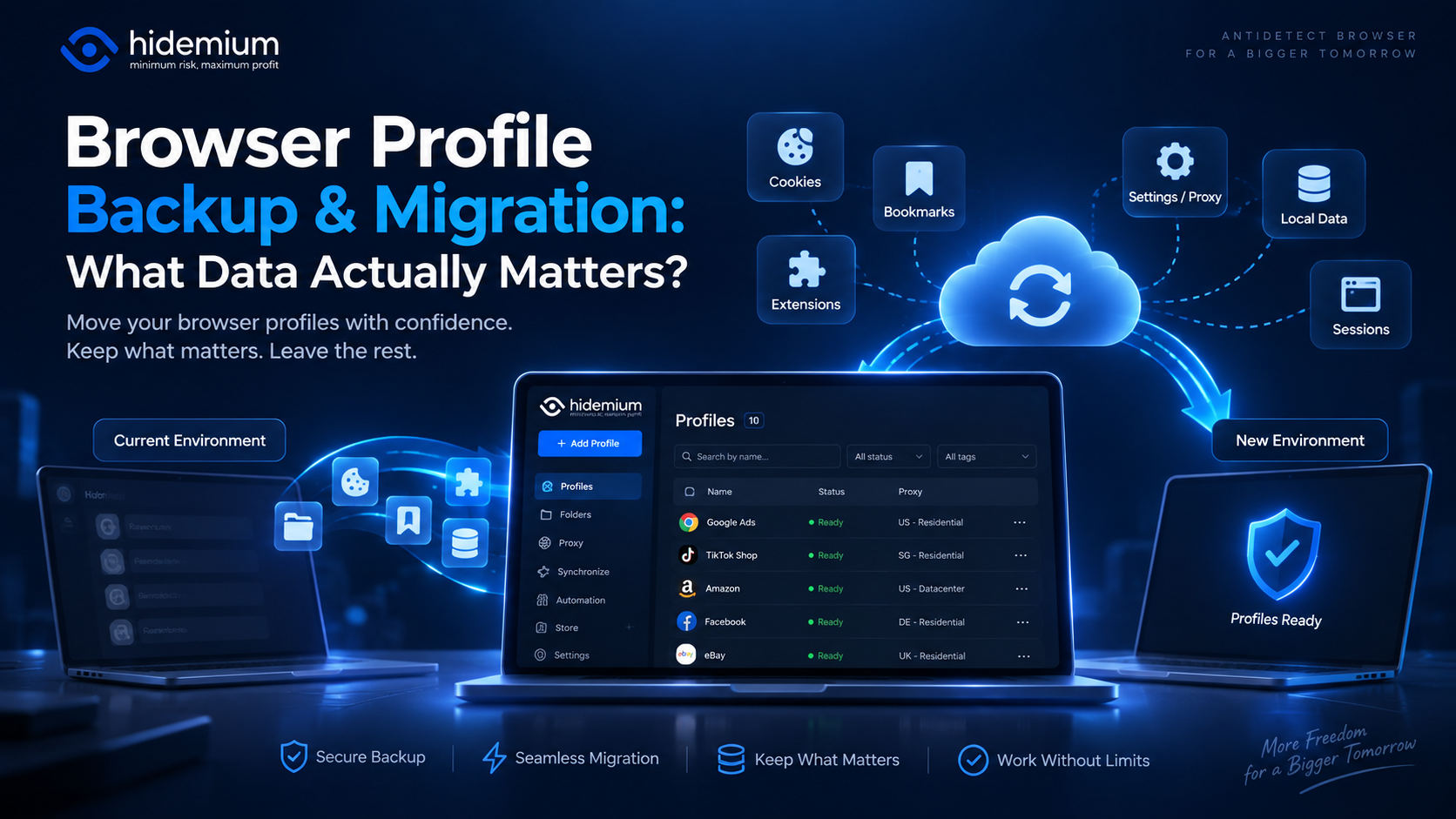
Moving a browser profile sounds easy:Export → Import → Open.But that is rarely the whole story.A migrated profile may open successfully while the user is logged out, extensions are missing, proxy settings have disappeared, or website data behaves differently.In other words:The profile moved, but the working environment did not.That is why browser profile backup migration should not be treated as[…]
Opening a store on Etsy is an excellent opportunity to start a business. However, to attract customers and increase traffic to your store, you need a clear strategic plan and effective execution.This article by Hidemium will guide you step-by-step on setting up an Etsy store and share effective strategies to help you drive traffic and boost sales growth. 1. What is Etsy?Etsy is a popular[…]
.png)
In the field of computer networks, port port is a familiar concept, acting as an important bridge in work Data transmission and connection between devices. Ports appear in both hardware and software, supporting effective communication between components in the system. So What is port?, what is its outstanding function and how is it classified? Let's go together Hidemium Antidetect Browser –[…]

Reaching the image creation limit in ChatGPT can significantly disrupt your creative process. You might be experimenting with ideas, refining every detail to get the perfect image—and then suddenly you're "blocked" because you've run out of attempts. This is a common situation for many people working with AI image creation.That's why more and more people are looking for ways to...Exceeding[…]
