In an era of shrinking internet privacy, the need for anonymity while browsing the web has become more important than ever. In fact, most websites now use fingerprinting techniques to collect user data. Even when using incognito mode, these technologies can still identify your device through the unique characteristics of your browser and system.
Modes like “Incognito” or “Private Browsing” only help limit the storage of browsing history or cookies on your device, but cannot completely prevent advanced tracking. Modern methods can create a nearly unique identifying profile based on browser configuration, hardware, and system environment — meaning you're still being tracked even after changing your IP address or deleting cookies.
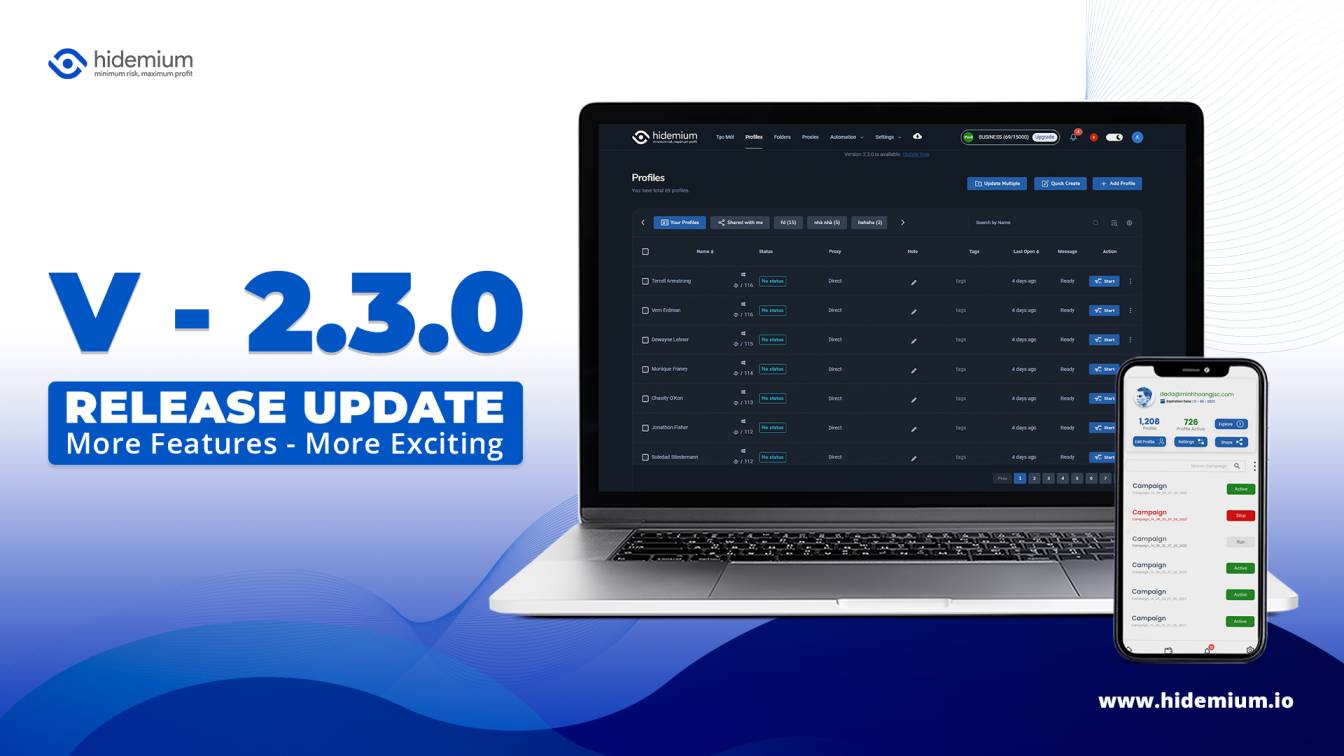
In this article, you will get a comprehensive overview of the most popular incognito browsing solutions available today. In particular, tools such as Hidemium Antidetect Browser will be analyzed to help you understand how they work, how well they protect your privacy, and when you should use them.
1. Why doesn't "Incognito Mode" provide true anonymity?
To understand why specialized incognito browsing is necessary, you first need to clearly see the limitations of the "Private" or "Incognito" modes available on popular browsers. Many people mistakenly believe that enabling this mode means becoming "invisible" on the internet — but in reality, it's just a very basic layer of protection, primarily operating on your device.
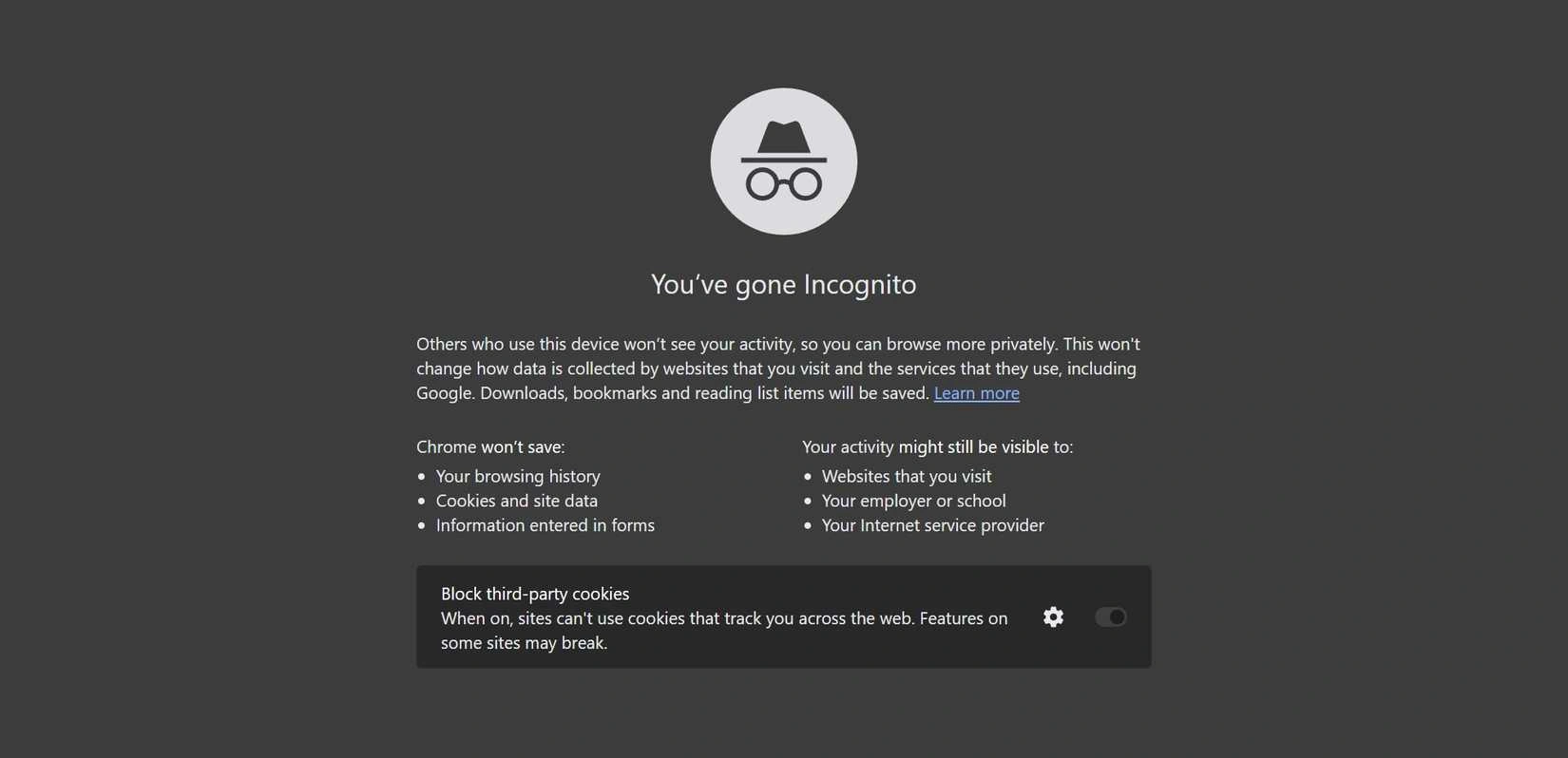
What exactly does incognito mode do?
When using incognito mode, the browser will:
Do not save your browsing history after you close the session.
Delete cookies and website data generated during that session.
Remove temporary files and autofill information.
These features help protect privacy.on personal computer, Especially when you share a device with others.
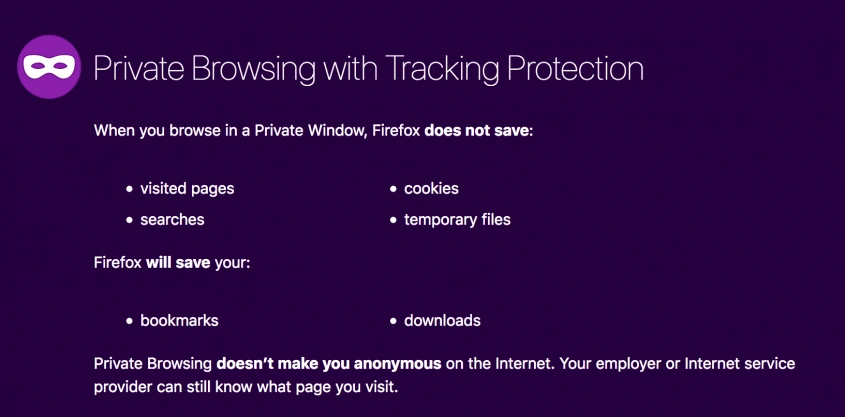
But what does incognito mode NOT accomplish?
Despite its name "anonymity," this mode cannot hide you from modern tracking systems:
IP addresses are still exposed to websites, internet service providers (ISPs), and system administrators.
Browser fingerprints can still be collected and analyzed.
Downloaded files and bookmarks remain saved on the device.
It is not possible to prevent tracking from companies, schools, or advertising networks.
Essentially, incognito mode only helps you "erase your local footprint" on your device, but it doesn't guarantee anonymity online. Modern tracking systems can still identify you through many factors other than cookies or browsing history.
That's why more and more people are turning to more in-depth solutions like Hidemium— a place that not only deletes data, but also helps control and change the entire browser fingerprint, thereby minimizing the possibility of being tracked online.
>>> Learn more: How to set up a static IP address on Windows quickly, simply, and effectively.
2. How does incognito browsing actually protect you?
Unlike typical private browsing, a truly incognito browser is built with a single goal in mind: Minimize the amount of information you reveal when accessing the internet. It acts as a layer of protection between you and websites, helping to limit the possibility of being tracked or identified.
This solution is not only suitable for privacy-conscious users, but also essential for those working in areas such as managing multiple accounts, marketing, or data collection.
Hide and control browser fingerprints.
One of the most powerful tracking methods available today is browser fingerprinting— A technique for creating identification profiles based on parameters such as screen resolution, operating system, font, GPU, and hardware configuration.
These factors combined can create a nearly unique “digital identity.” Incognito browsing addresses this by: blocking fingerprint data collection, or creating a new, more common fingerprint to “blend in.”
Tools such as Hidemium even allows for customizable fingerprints for each browser profile, increasing their naturalness and reducing the risk of detection.
Concealing your real location via IP address.
Your IP address can reveal your geographical location and internet provider. This is one of the important factors that websites use to identify users.
Incognito browsing helps protect you by: hiding your real IP address, routing connections through proxies or intermediary servers, and displaying a different access location than your actual location.
Thanks to this, you can browse the web as if you were in a completely different country or region.
Block trackers and cookies
Many websites use cookies and tracking tools to remember user behavior. This is why you often see "follow-up" ads after you've just viewed a product.
Incognito browsing will: block or limit tracking cookies, isolate data between websites, and prevent linking behavior across multiple browsing sessions.
This helps ensure that your activity on one website won't be used to track you on other platforms.
By combining multiple layers of protection—from IP masking and fingerprint control to tracking blocking—a truly incognito browser can create a seamless experience a unique identity for each access session.
This helps you regain control of your personal data and browse the web in a safer, more private environment.
>>> Learn more: How to Effectively Fake IP Using VPN and Proxy – A Complete Guide
3. Hidemium – The leading incognito browser for privacy and security.
With the increasing need to protect digital identities, choosing the right tool is no longer an "option" but a matter of survival. Whether you're a marketer, seller, affiliate, or simply want to stay safe online, a powerful incognito browser will give you complete control over your digital footprint.
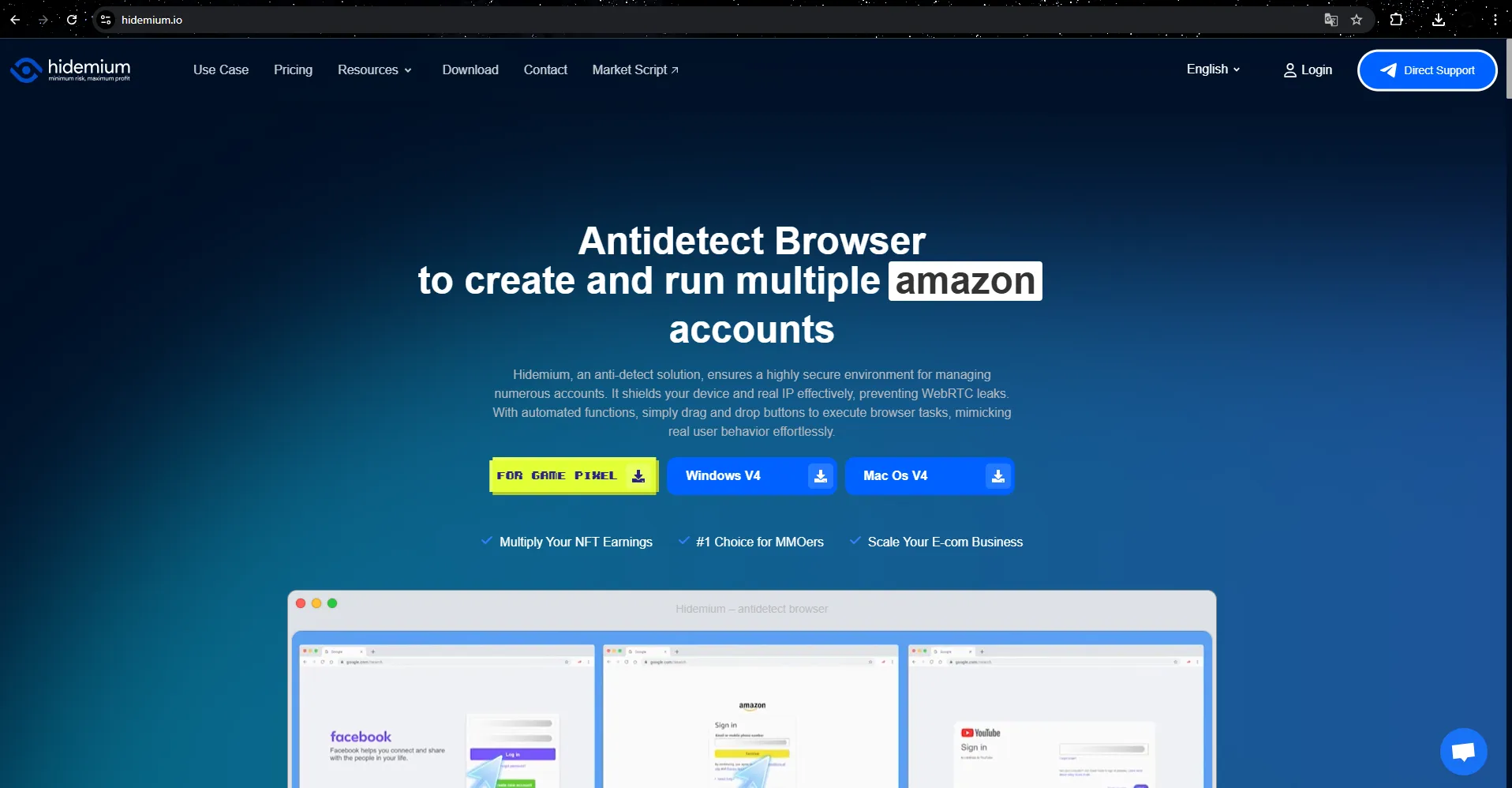
Among the current solutions, Hidemium stands out as a sophisticated antidetect browser, designed for those who need more than just "basic privacy." Unlike mainstream browsers like Tor or Brave, Hidemium focuses on...Multi-account management, enhanced anonymity, and process automation..
Anti-fingerprint detection and spoofing technology
The core of Hidemium lies in its ability to create Each browser profile is a completely unique identity.
This platform allows you to:
Fingerprint emulation (Canvas, WebGL, User-Agent, Timezone…)
Combine IP/proxy according to each profile.
Create a "natural" web browsing environment, just like a real user.
As a result, each account you use will appear as an independent entity, minimizing the risk of being detected or linked by the platform.
Professional multi-account management
Hidemium is particularly suitable for cases such as:
Nurturing TikTok, Facebook, and Google accounts
Affiliate marketing, dropshipping, eCommerce
run ads across multiple accounts
You can:
Create and manage hundreds of separate profiles.
Storing cookies, history, and sessions independently.
Switch between accounts in just a few clicks.
Each profile functions as a "lightweight virtual machine," but with better speed and cost optimization.
Safe teamwork & flexible delegation of authority
Another strength of Hidemium is its ability to support the team:
Share your profile without revealing sensitive information.
Assign permissions based on roles (admin, member, etc.)
Track activity and synchronize data.
This allows the team to manage multiple accounts simultaneously while maintaining security.
Intelligent automation
Hidemium integrates automation tools to optimize workflows:
Drag and drop to create automated scripts (no-code).
Automatic login, posting, browser operations
Synchronize actions across multiple profiles (sync)
This is a major advantage for those who need to scale their system quickly without spending too much manual effort.
Outstanding advantages
High level of security with anonymity and data encryption mechanisms.
Supports various proxy types (residential, datacenter, etc.)
Cloud synchronization, multi-device access.
There's a free version to try.
Suitable for both individuals and large teams.
If you just need to browse privately, regular browsers might suffice. But if you work with multiple accounts, run ads, or need a high level of anonymity, then a tool like Hidemium almost mandatory.
This is not just a browser — it is a comprehensive solution for digital identity control. This helps you operate online more safely, efficiently, and sustainably.
>>> Learn more: 7 Free Online IP Fingerprint Verification Tools
4. How to remain completely anonymous online: A 3-step strategy
An incognito browser is simply foundation. However, this is not the entire protection system. To achieve true anonymity, you need to combine multiple layers of defense—like building a “digital fortress”—where each layer handles a different vulnerability: fingerprint, IP, and usage patterns.
Here is a three-step strategy used by many experts:
Step 1: Use a dedicated antidetect browser.
The first layer of protection should be an anti-detection browser such as Hidemium.
Unlike regular browsers, Hidemium allows you to:
Create a unique fingerprint for each profile.
Simulates the device environment (OS, browser, hardware, etc.)
completely isolate the activity sessions
This allows each profile to function as a "different user," minimizing the possibility of being tracked by the system.
Step 2: Combine with a high-quality proxy.
If the browser protects “internally,” then the proxy handles it “externally”—specifically, IP address.
To ensure safety, you should:
Prefer residential or mobile proxy.
Avoid free or low-quality proxies.
Use a separate IP address for each profile.
One important point: IP address is needed synchronization logic with fingerprint (time zone, language, location, etc.). Tools like Hidemium help set this up, making your digital identity look more natural.
Step 3: Control behavior & prevent data leaks
No matter how good a tool is, it can't save you if you have bad habits when using it.
Some important principles:
Do not use the same profile for multiple purposes.
Do not log in to your personal account on an "incognito" profile.
Do not reuse proxies between important accounts.
Always keep cookies, cache, and sessions separate.
Hidemium supports this by:
isolate data for each profile.
Do not share sessions between environments.
It helps you maintain clear "boundaries" between identities.
>>> Learn more: Top 7 ways to bypass IP bans
5. Frequently Asked Questions about Incognito Browsing
Here are some of the most common questions when starting to learn about and use incognito browsing:
1. Is using incognito browsing legal?
Yes. In most countries like the US, Canada, or the EU, using incognito browsing is acceptable completely legal.
They are used for many legitimate purposes such as:
Protecting personal data when using public Wi-Fi.
Limit tracking from ISPs and websites.
managing multiple accounts for work purposes
2. Is Incognito mode the same as private browsing?
No. This is a very common misconception.
Incognito mode: only deletes history and cookies on your computer
Incognito browser: Higher-level protection, including IP, fingerprint, and online behavior tracking.
Tools such as Hidemium are designed to handle the entire identification system, not just local data.
3. Will using incognito mode get my account banned?
The answer is: It is still possible..
Incognito browsing helps you:
Reduce the likelihood of being detected.
separate accounts
But if you:
spam
platform policy violation
exhibiting unusual behavior
...then your account may still be locked.
👉 Simply put: a tool that helps you be "hard to detect," not "immune to the rules of the game."
4. Is it necessary to use a proxy when you already have incognito browsing?
You should use them — and ideally, use both.
Incognito browsing → protects fingerprints & the environment
Proxy → hides IP and location
When combined, you will have parallel layers of protection makes digital identities seem more natural and much harder to trace.
5. Is it possible to be 100% anonymous on the internet?
The fact is Nothing is absolutely 100%.
Modern tracking systems are still capable of detecting users in some cases. However:
high-quality incognito browser
good proxy
proper usage habits
...can help you become almost "invisible" to most commercial tracking systems, advertising, and online platforms..
6. Conclusion
By 2026, basic privacy protections will no longer be sufficient to combat increasingly sophisticated tracking systems browser fingerprintingFrom AI-powered detection mechanisms to the modern internet, security solutions need to be more robust and proactive.
If you're just a casual user who wants to limit ads and tracking to a basic level, browsers like Brave or Mozilla Firefox (When properly configured) it was a significant upgrade over the default browser.
However, for those working in fields such as multi-account marketing, affiliate marketing, dropshipping, eCommerce, or any job where "being discovered" means losing accounts, a comprehensive solution like this is essential Hidemium almost mandatory. This isn't just a browser, but a system that helps you Digital identity management, fingerprint control, IP address, and behavior monitoring comprehensively.
Online privacy is no longer a given — it's something you have to do proactive protection.
Choosing the right tools not only keeps you safer but also opens up the possibility of working efficiently and sustainably in an increasingly demanding digital environment.
Ultimately, how you browse the web—safely or vulnerable to tracking—depends entirely on your choices today.

Related Blogs
.png)
In the digital age, protecting privacy and accessing geo-restricted content on Android has become essential. Using a free VPN is an effective solution to browse securely, bypass access restrictions, and protect personal data. Here’s the list of the top 10 free VPN apps for Android in 2025, rated based on speed, security, and user experience.1. What is a VPN and why do you need it on Android?A VPN[…]

In the field of affiliate marketing, cookie stuffing is a common form of fraud. This occurs when tracking cookies are installed on users' devices.without their knowledge. This allows fraudsters to receive commissions for actions they didn't actually commit.The consequences extend beyond just lost costs. Businesses also face issues such as inaccurate marketing data, unreliable performance reports,[…]

Selling on Amazon offers great profit potential, but success requires the right strategies. With fierce competition among millions of sellers, optimizing Amazon search engine optimization (SEO) and using Amazon Sponsored Products ads are the keys to increasing visibility and achieving sustainable sales growth. This article will guide you on how to increase Amazon sales by combining these two[…]

Changing a VPN is an important solution to help users stay anonymous, secure personal information, and access regionally blocked websites. Especially in the digital age, when privacy threats are increasing, using a VPN is a smart choice to protect your identity online. Together Antidetect Browser Hidemium Learn how to change VPN simply and effectively on both computers and laptops.1. Instructions[…]
In today's digital age, online account security is an important factor for every user. YouTube, the world's largest video sharing platform, is no exception. A hacked YouTube account can lead to loss of data, videos, and even personal or business reputation. In this article, learn how to recover a hacked YouTube account effectively with Hidemium Antidetect Browser.1. How to know if your YouTube[…]