.png)

In the digital age, protecting privacy and accessing geo-restricted content on Android has become essential. Using a free VPN is an effective solution to browse securely, bypass access restrictions, and protect personal data. Here’s the list of the top 10 free VPN apps for Android in 2025, rated based on speed, security, and user experience.
1. What is a VPN and why do you need it on Android?
A VPN (Virtual Private Network) creates a secure connection between your Android device and the internet. It encrypts your data, hides your IP address, and allows access to blocked websites or apps. Using a VPN on Android offers the following benefits:
Security on public Wi-Fi: Prevent hackers from stealing your data.
Bypass geo-restrictions: Watch Netflix, YouTube, or access apps blocked in Vietnam.
Online anonymity: Protect your privacy and avoid tracking.
However, not all free VPNs are safe. Some apps may contain ads, limit bandwidth, or even sell your data. Therefore, choose reputable VPNs from the list below.
2. Benefits of using a VPN on Android:
Privacy protection: VPNs hide your real IP, replacing it with the server’s IP to conceal your location and identity. Data is encrypted (commonly using AES-256), preventing ISPs and hackers from tracking your online activities.
Firewall bypassing: VPNs allow access to geo-blocked or censored content (like Netflix, YouTube, or some sites in Vietnam) by rerouting data to bypass restrictions.
Safety on public Wi-Fi: Encrypts your connection on public Wi-Fi (cafes, airports) to prevent sensitive data theft.
Speed optimization: Some VPNs, like Speedify, use Bonding Mode to combine multiple connections (Wi-Fi and 4G) for better speeds.
Global content access: Easily watch global streaming content (like US Netflix, BBC iPlayer) or play region-locked games.
3. Criteria for Choosing a Free VPN for Android
Unlimited or High Data Limits:
Free VPNs often restrict bandwidth (e.g., 500MB/day or 10GB/month), causing interruptions during streaming, downloading large files, or continuous browsing.
Stable Connection Speed:
Slow speeds can disrupt streaming, gaming, or browsing. Free VPNs usually have slower speeds due to limited servers or heavy traffic.
Clear Privacy Policies:
Some free VPNs may log or sell user data, posing security risks. A "no-logs policy" ensures your data is not recorded.
User-Friendly Interface:
A simple interface makes it easy for new users to connect and customize settings without technical knowledge.
4. Top 10 Best Free VPNs for Android
4.1 Planet VPN
Free VPN Without Registration, Logs and Limits
Planet VPN is a lightweight VPN service created for secure and convenient daily browsing across multiple devices. The application installs in just a few moments, does not require creating an account, and offers a simple interface that allows users to connect quickly, even if they have never used a VPN before.
The free plan provides access to 11 server locations around the world and comes without restrictions on speed or bandwidth. Planet VPN masks your IP address, helps keep personal information safer on public Wi-Fi networks, and allows access to websites that may be limited in certain regions. The connection is stable enough for everyday tasks such as browsing, messaging, and using online platforms.
Planet VPN states that it uses encryption and follows a strict no-logs policy, meaning that user activity is not tracked or stored. While the premium version includes additional security features, the free option still delivers reliable privacy protection without requiring a subscription.
Planet VPN Features
- Free VPN with unlimited data and speed
- 11 server locations worldwide
- No registration required and strict no-logs policy
- Quick setup with one-click connection
- Works on Windows, macOS, Linux, iOS, Android, and browsers
4.2 Windscribe
Pros: 10GB free data per month, access to 10 countries, ad-free.
Cons: Limited number of servers (400 servers).
Highlights: User-friendly interface with built-in ad blocker. Allows usage on multiple devices simultaneously.
Download: Google Play Store.
4.3 TunnelBear
Pros: Easy-to-use interface, AES-256 encryption, supports 20+ countries.
Cons: 500MB daily data limit (free version).
Highlights: Fun, beginner-friendly design. GhostBear feature helps bypass censorship.
Download: Google Play Store.
4.4 Hide.me
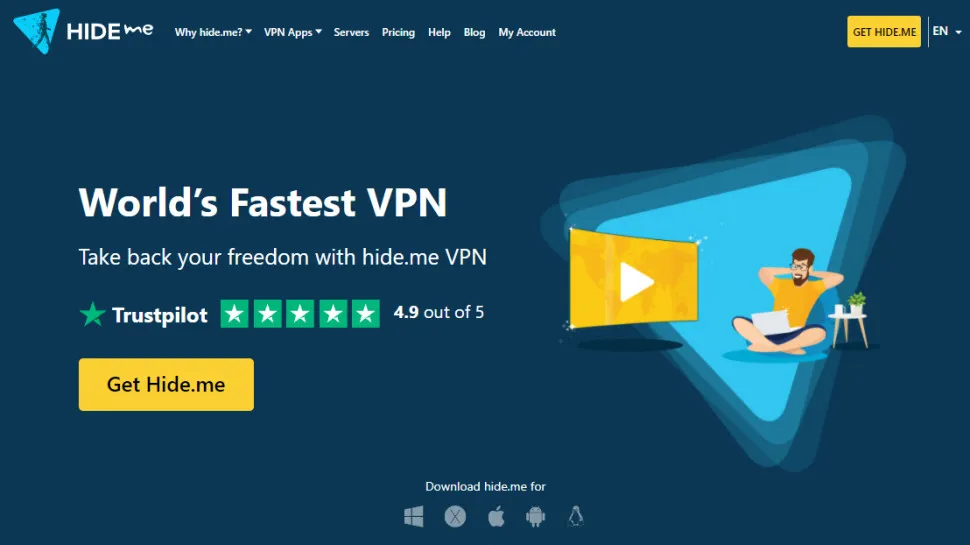
Pros: 10GB data/month, no-logs policy, fast speeds.
Cons: Only 5 free servers available.
Highlights: Based in Malaysia, Hide.me offers Stealth Guard feature and WireGuard protocol for strong security.
Download: Google Play Store.
4.5 Hotspot Shield
Pros: 500MB/day data limit, stable speed, integrated malware filter.
Cons: Ads in the free version.
Highlights: Ideal for browsing and checking emails. Over 5 million downloads on Android.
Download: Google Play Store.
4.6 Turbo VPN
Pros: Simple interface, stable speed, easy activation.
Cons: Limited servers, contains ads.
Highlights: One-tap connection, perfect for non-tech-savvy users.
Download: Google Play Store.
4.7 Avira Phantom VPN
Pros: Unlimited device connections, AES-256 encryption, decent speed.
Cons: 500MB/month data limit.
Highlights: Auto-connect options for public Wi-Fi protection.
Download: Google Play Store.
4.8 Speedify
Pros: Bonding Mode boosts speed, 2GB/month data.
Cons: Collects basic data, limited free speed.
Highlights: Optimized for streaming and video calls, available in 35 countries.
Download: Google Play Store.
4.9 Betternet
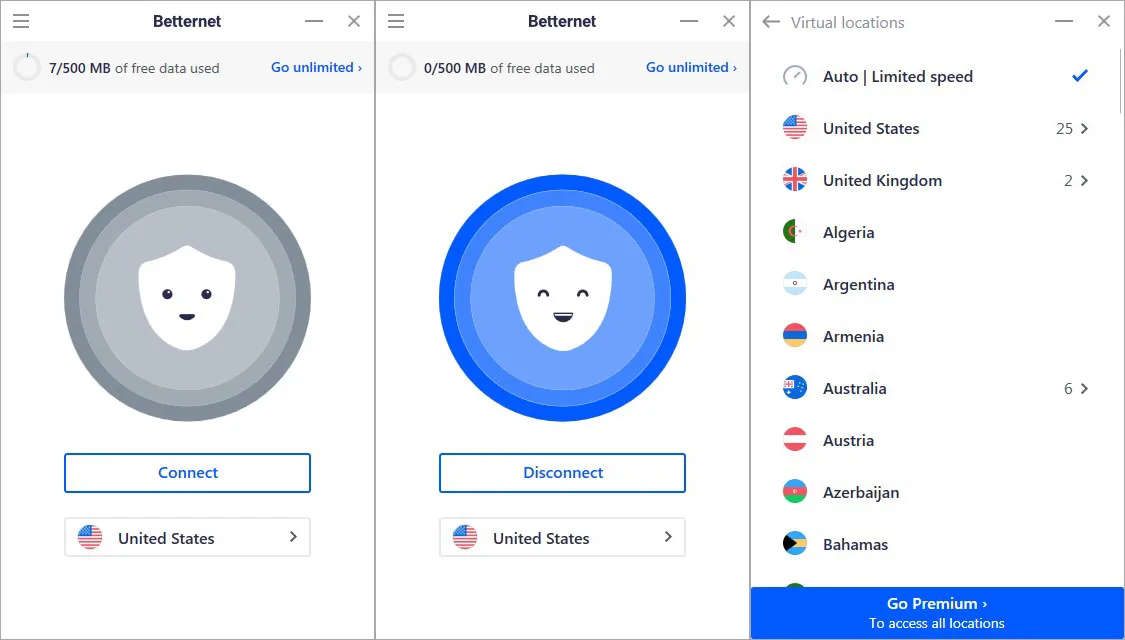
Pros: Unlimited bandwidth, no registration, good speed.
Cons: US-only servers, contains ads.
Highlights: User-friendly, ideal for basic browsing.
Download: Google Play Store.
4.10 CyberGhost
Pros: 45-day money-back guarantee, fast speed, 2200+ servers.
Cons: Not completely free (trial only).
Highlights: Intuitive interface, supports Netflix and geo-restriction bypass.
Download: Google Play Store.
5. Limitations of Free VPNs for Android
Free VPNs for Android are popular for convenience and anonymous browsing. However, they come with drawbacks that users should be aware of.
Privacy Risks: Many free VPNs on Google Play may compromise personal data by collecting user information and selling it to third parties like advertisers or unknown entities.
Limited Servers and IPs: Most free VPNs offer few servers, limiting IP options and making it hard to bypass geo-blocks or access platforms like Netflix, Hulu, Disney+. Some even block popular sites to push users to upgrade.
6. Effective VPN Alternative: Hidemium – Safe, Flexible, and Superior
Due to the inherent limitations of free VPNs, they are not the optimal solution for protecting personal data and improving the online experience.
VPNs usually change the IP address for the entire device, meaning all browsers and applications share the same IP. This becomes inconvenient when managing multiple accounts that require different IPs. Every time you switch, you must disconnect the VPN and select a new server, which is time-consuming and inefficient.
The best alternative is to use a proxy in combination with an antidetect browser, which allows assigning a unique IP to each browser or session. However, IP switching alone is not enough. Major platforms like Google, Facebook, and TikTok can still identify users via Browser Fingerprint—a set of detailed information such as browser type, OS, hardware, fonts, resolution, and more.
That’s where Hidemium stands out.
Hidemium – A Powerful Antidetect Browser for Professionals
Hidemium enables individuals and businesses (MMO, marketers, e-commerce, affiliates, etc.) to create and manage multiple independent browser profiles. Each profile has a unique fingerprint and IP, ensuring a fully isolated and unlinked environment.
Key Features of Hidemium:
Complete anonymity: Automatically simulates and hides all device, browser, and OS-related parameters.
Flexible proxy integration: Supports Socks5, HTTP/HTTPS, Residential, and Mobile proxies.
Professional profile management: Easily store, clone, and assign user roles for teams.
Automation with Prompt Script: Integrates AI like ChatGPT, Claude, Gemini for fast, automated browser tasks.
With Hidemium, you can run hundreds of accounts at once without worrying about bans, identity verification, or suspicious activity flags. It's a safer, more efficient VPN alternative that saves time, boosts productivity, and ensures total anonymity.
>>> Learn more: Comparison of Proxy, VPN, and Antidetect Browser – What's the key difference?
7. Conclusion
Using a free VPN on Android is an excellent way to protect your privacy and access restricted content without incurring costs. Among the options listed, Proton VPN stands out with unlimited bandwidth, while Windscribe and TunnelBear are suitable for beginners. Test these VPNs to find the one that best meets your needs.
If you require higher speeds and unlimited access, consider ExpressVPN, which offers a 30-day money-back guarantee. Have you used any of these VPNs? Share your experience in the comments!
Frequently Asked Questions (FAQ)
Are free VPNs safe?
Reputable free VPNs like Proton VPN and Windscribe are generally safe. However, avoid using apps from unknown sources to protect your personal data.
Can free VPNs be used to watch Netflix?
Some free VPNs, such as Proton VPN and Windscribe, support streaming, but effectiveness may vary. Paid VPNs like ExpressVPN offer a better experience.
Why choose a VPN with AES-256 encryption?
AES-256 encryption is the highest security standard, safeguarding your data from hackers and third parties.
Related Blogs

LinkedIn Premium offers a variety of plans to suit every professional's needs. In this article, you'll learn how to get LinkedIn Premium for free completely, along with a list of outstanding offers in 2025.Whether you're looking for a job, generating leads, growing your business, or recruiting top talent, LinkedIn Premium is the tool to help. Plus, Hidemiumalso share one New alternatives in 2025,[…]
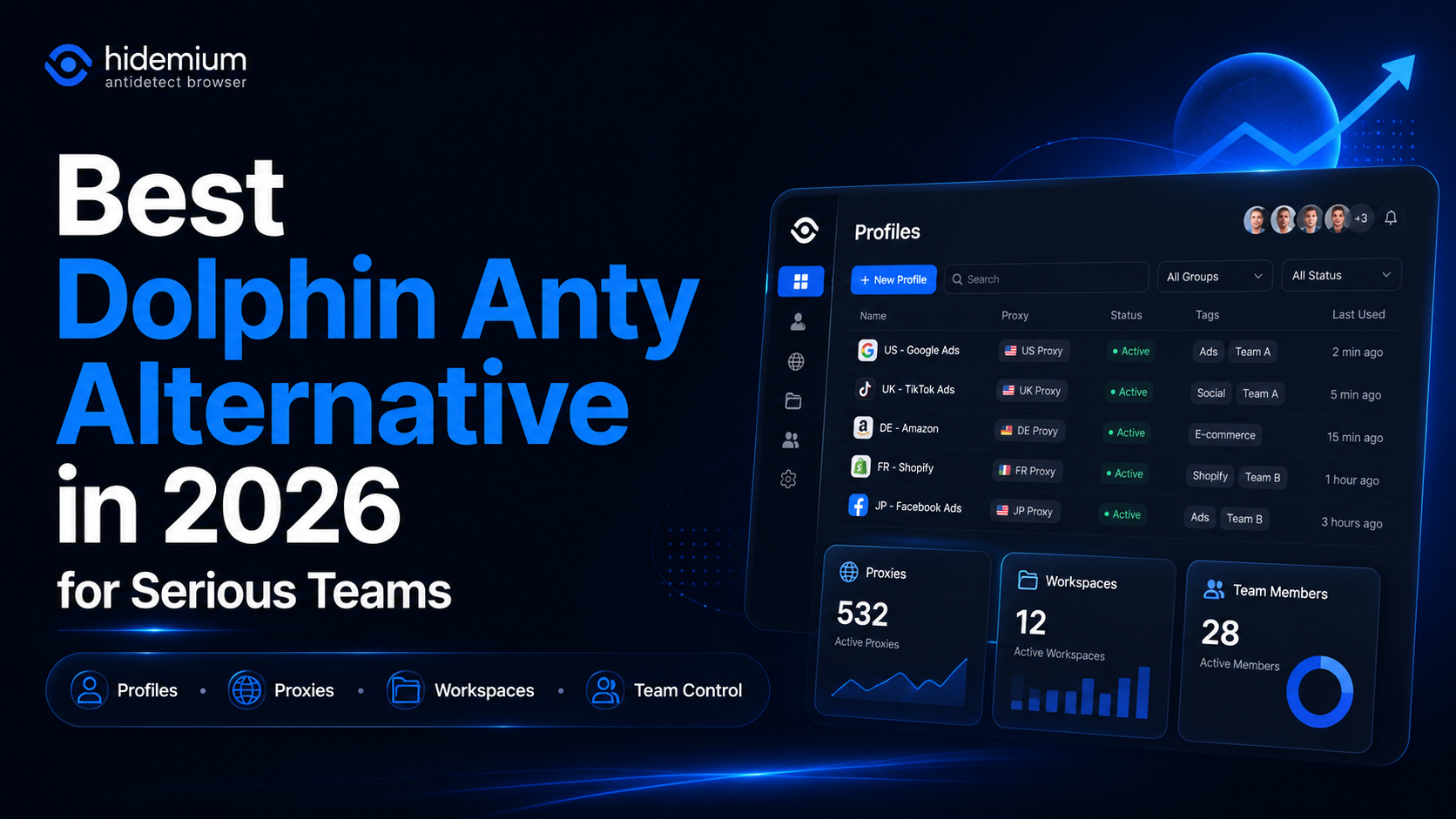
What is the best Dolphin Anty alternative in 2026?The best Dolphin Anty alternative in 2026 is Hidemium for teams that need stronger control over browser profiles, proxies, workspaces, team access, and multi-account operations.Dolphin Anty is known among affiliate marketers and media buyers. It can be useful for campaign-focused workflows where speed matters. But not every team wants only a fast[…]
The being shadowban on TikTok on personal accounts is annoying enough, but if this situation happens to business account or more seriously customer account, the impact will be huge.Since May 2025, TikTok's algorithm has been upgraded, enhancing its ability to detect not only infringing content but also subtle signs of violation like bot-like automated behavior, misuse of hashtags, or posting[…]
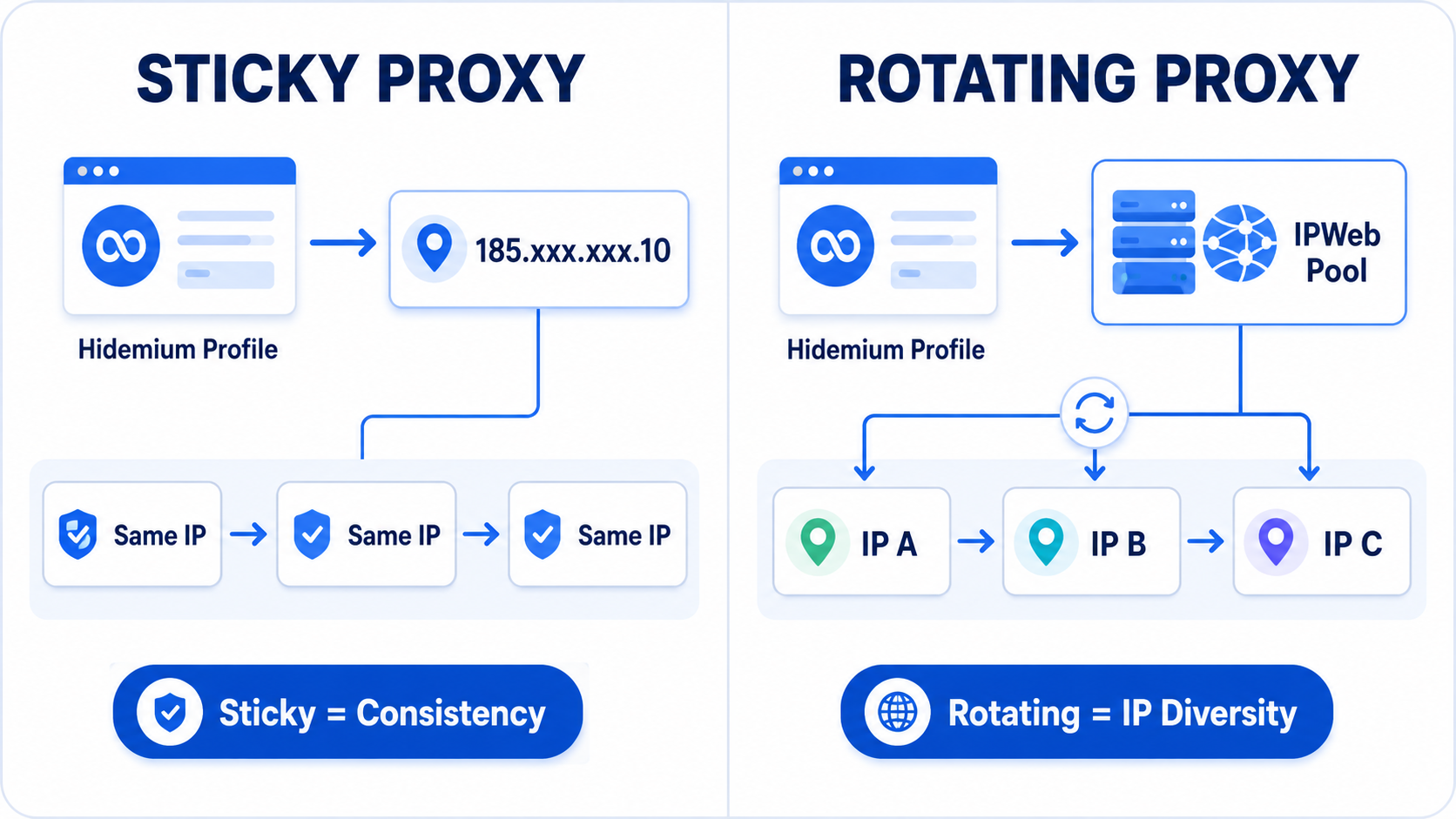
Title:Rotating vs Sticky Proxies for Hidemium: Which IPWeb Setup Should You Use? Meta description:Rotating or sticky proxy for Hidemium? Compare both IPWeb proxy setups, see which works best for stable sessions, research, geo testing and browser profiles. Rotating vs Sticky Proxies in Hidemium: Which IPWeb Proxy Setup Is Right for You?If you're using IPWeb proxies with Hidemium Antidetect[…]

In the digital age, YouTube is not only an entertainment platform but also a fertile ground for building brands, making money and growing businesses. Whether you are an individual content creator or a company promoting products, increasing views for YouTube videos is a prerequisite for success.However, increasing YouTube views in 2025 is no longer as simple as before. Competition is fiercer,[…]
Error dns_probe_finished_nxdomain on the phone often makes users unable to access some websites, even though the Internet connection is still working normally. Don't worry! In this article, Antidetect Browser Hidemium will guide you through how to fix this DNS error simply and effectively, restoring web accessibility in just a few steps.1. What is dns_probe_finished_nxdomain[…]
