BitBrowser 2025 – A Simple and Powerful Anti-Detect Browser for Multi-Account Management
Try Hidemium for free.png)

BitBrowser 2025 – A Simple and Powerful Anti-Detect Browser for Multi-Account Management
Managing multiple online accounts across platforms has become a daily necessity for marketers, e-commerce sellers, crypto users, and digital professionals. However, the risks of account linkage, bans, and privacy leaks are more real than ever. That’s where BitBrowser comes in—a robust anti-detect browser designed to give you safe, isolated, and efficient multi-account access in a single tool.
Let’s explore what makes BitBrowser stand out in 2025.
What is BitBrowser?
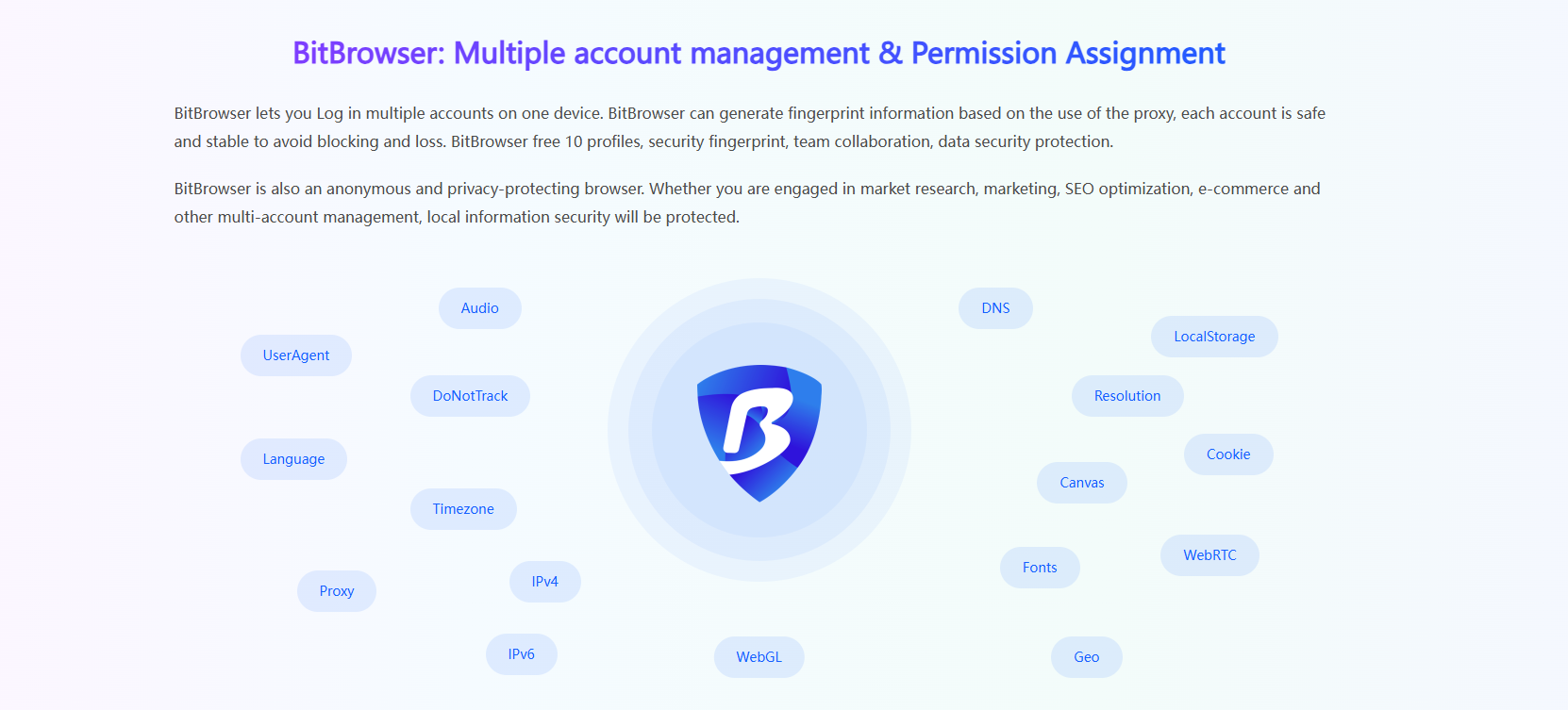
BitBrowser is an anti-detect browser that allows users to run multiple browser profiles simultaneously, with each window acting as a completely independent environment. Each profile comes with its own device fingerprint and proxy IP, preventing any possibility of account correlation between profiles.
The browser is built on both Chromium and Firefox kernels, with deep customization at the system level to ensure high-level isolation, privacy, and safety. Whether you’re managing ten or a hundred accounts, BitBrowser helps you keep them separated and secure.
What does BitBrowser do?
BitBrowser mainly realizes: multiple browser windows, multiple accounts (FB/TK/X/WS..), to prevent the occurrence of associated accounts between windows. Each window simulates independent computer information and proxy IP addresses to make the environments independent and isolated from each other, thereby improving account security! Deeply developed using Google and Firefox kernels, it achieves a safe and pure environment effect at the physical level. There is 100% no correlation between browser windows. With the multi-employee collaborative management function, it improves your account security and operational efficiency!
How is BitBrowser Different from Regular Browsers?
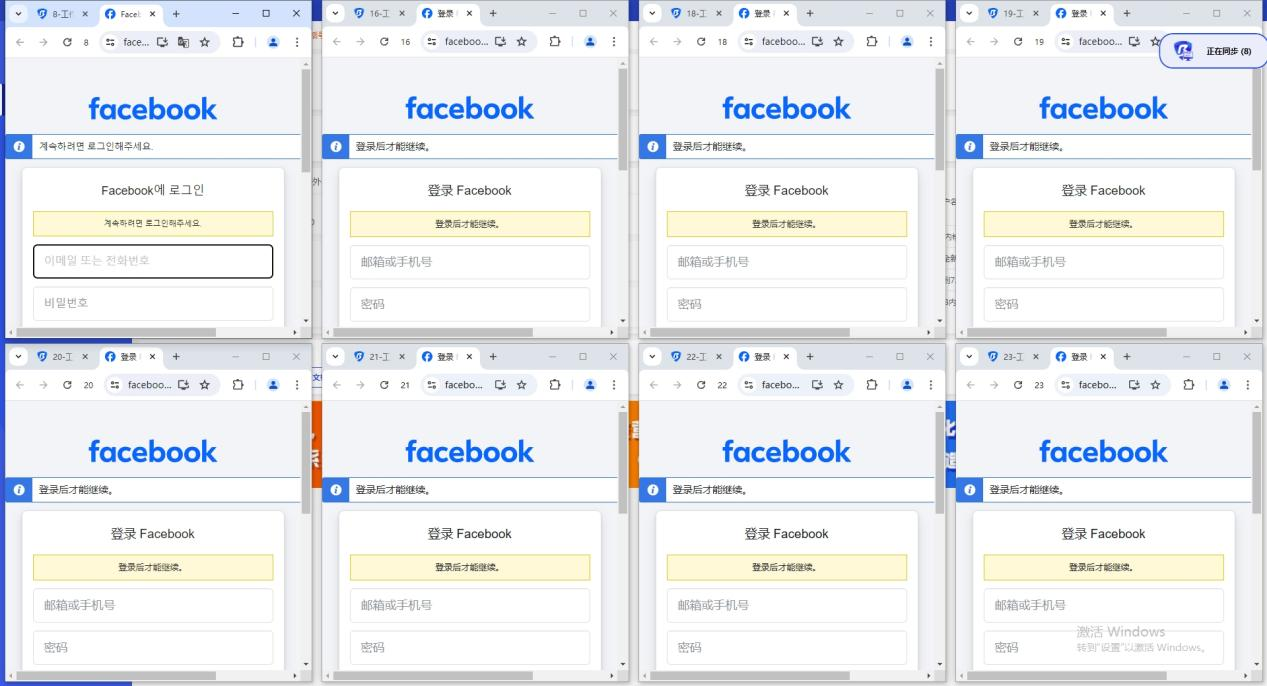
BitBrowser can log in to multiple accounts to prevent association. When you open BitBrowser, you can open multiple accounts on the same platform in the browser window to reduce the risk of unrelated accounts.
Which businesses are suitable for BitBrowser?
BitBrowser is ideal for:
- In the cross-border e-commerce industry, you can open multiple store windows to log in to multiple store accounts.
- For social media account maintenance, etc., do social media account matrix, maintenance and other operations.
- For web3.0 virtual business, it has a good effect of preventing multiple logins from being associated, and can also protect local privacy, blockchain, etc.
For advertising placement/SEO optimization, etc., it protects local information very well. Supports changing addresses to protect local information, etc. Research work, etc.
How to use BitBrowser?
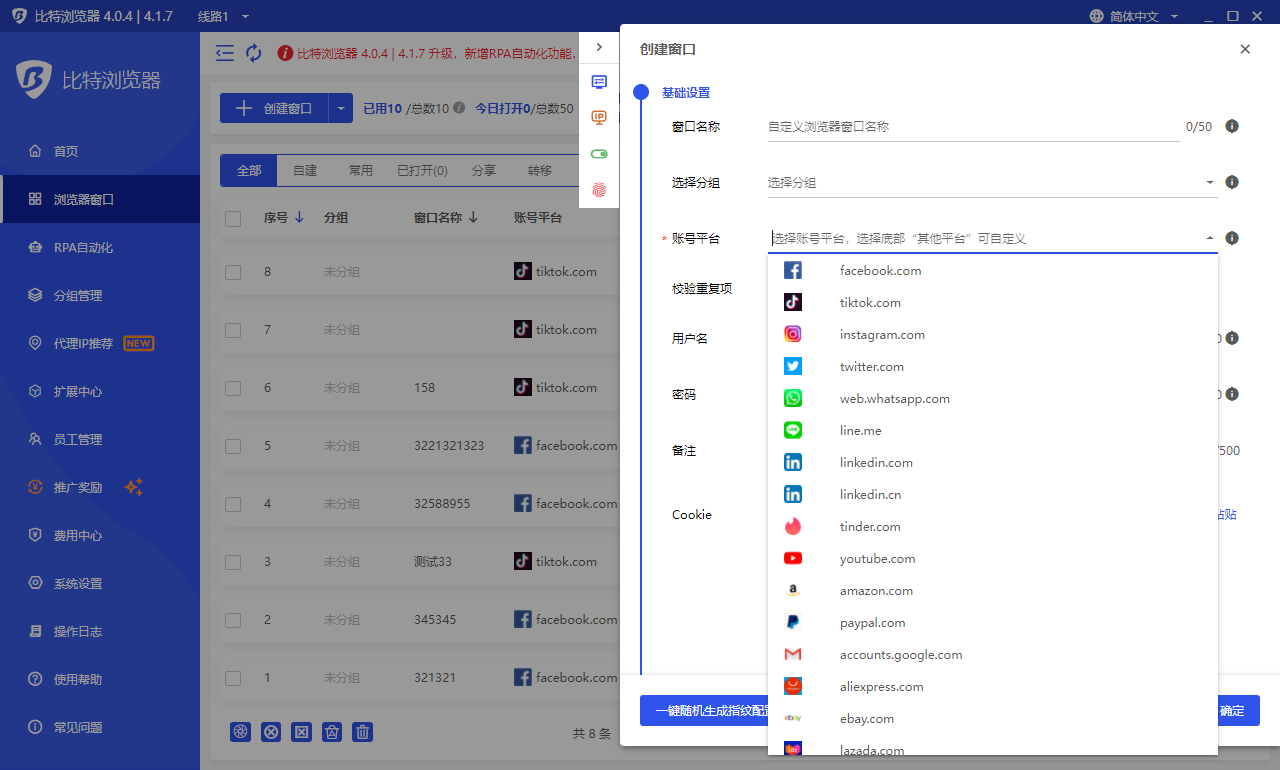
The method of using BitBrowser, Bit Fingerprint Browser supports 10 profiles for free (10 windows are set up and opened), and it is necessary to carry static/dynamic proxy IP to the window to set it, and the local environment starts global mode. Only after the fingerprint is generated can it operate normally. If the proxy is not set, the local proxy is used. If 10 windows are not enough, you need to purchase a membership package.
What are the functions of BitBrowser?
- For details, please see the official website link: BitBrowser
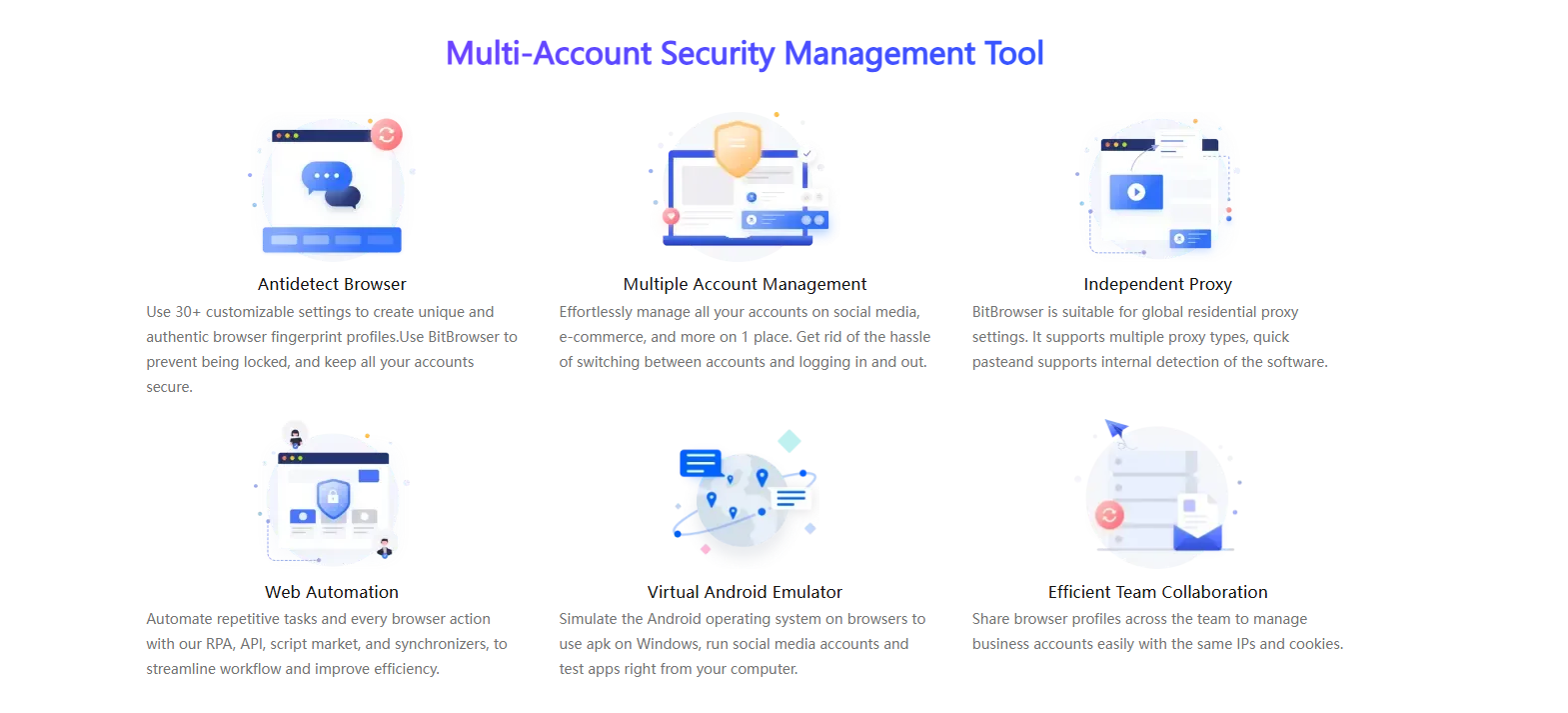
- One-click synchronization: control multiple windows at the same time.
- Proxy settings: support global proxy environment construction. Static/dynamic.
- Google/Firefox kernel: supports deep kernel development. You can switch to use the kernel in the browser.
- RPA automation: you can set up automation programs for the creation port, and automatically perform simple and brainless work.
- API interface: Local AP|The software comes with local services, which supports users to operate the software window and run automation scripts through the Local API interface call.
Script market: provides the ecology of the script market and provides a publishing section for more users and developers.
Batch Management Features
- Import/export multiple profiles in one go.
- Batch cookies import/export for selected profiles.
- Batch proxy and fingerprint configuration.
Remote team control: Create sub-accounts and assign tasks to team members securely.
BitBrowser offers a reliable and user-friendly solution for anyone managing multiple online identities or accounts. Whether you're running an e-commerce business, building a social media empire, testing blockchain applications, or protecting your online privacy, BitBrowser helps you work securely, efficiently, and without limits.
Start with 10 free profiles and experience the difference for yourself.
👉 Visit BitBrowser Official Website
If you’d like help creating shorter versions of this content for platforms like Telegram, Twitter, or LinkedIn—just let me know!
Related Blogs

What is Expressvpn? This is one of the keywords that users are most interested in today, especially in the context of the increasing need to protect personal data and access the Internet without limits. Express VPN is a famous virtual private network (VPN) service that allows users to personal information security and Bypass Geo-Restrictions. Let's Antidetect Browser Hidemium Express VPN detailed[…]
How Does Epic Games Know If You Bought an Account?Have you ever been tempted to buy a "stacked" Fortnite or Rocket League account loaded with rare skins and premium items? You are certainly not alone — the secondary market for gaming accounts is booming. However, buying, selling, or sharing accounts strictly violates Epic Games' Terms of Service. If caught, the account gets permanently banned,[…]
Best Antidetect Browser for Social Media MarketingSocial media marketing is no longer limited to publishing content on one Facebook or Instagram account. Agencies and in-house marketing teams may manage several brands, regional pages, advertising accounts, content calendars, and client workspaces at the same time.This creates an operational challenge. When multiple accounts are opened in the same[…]

IP checking services today are indispensable tools for protecting your online identity and enhancing your privacy. When you connect to the Internet, your device is assigned an IP address, revealing basic information such as your approximate location, Internet service provider (ISP), and even the type of network you are using.Thanks to the IP checker tool, you can quickly grasp this data in just a[…]

Opening a store on Etsy is an excellent opportunity to start a business. However, to attract customers and increase traffic to your store, you need a clear strategic plan and effective execution.This article by Hidemium will guide you step-by-step on setting up an Etsy store and share effective strategies to help you drive traffic and boost sales growth. 1. What is Etsy?Etsy is a popular[…]

Here's a number that should keep product managers up at night: 62.54% of global website traffic now comes from mobile devices. Not desktops. Not tablets. Phones.And if you're building anything for the web in 2025, that stat changes everything about how you approach development and testing. The desktop-first mentality that dominated web development for two decades? It's basically over.Why Mobile[…]
