
Bluesky is a decentralized social network that is gaining popularity, developed by Jack Dorsey – co-founder of Twitter. With the goal of becoming a transparent and open alternative to traditional platforms, Bluesky is attracting strong attention from the global user community.
As Bluesky's popularity grew, especially among brands, marketers and entrepreneurs, a question often asked is: Can I use multiple Bluesky accounts at the same time for different purposes?
The short answer is YES. However, running multiple accounts simultaneously also presents many technical, management, and security challenges. In this article, you will learn in detail about the ability to use multiple accounts on Bluesky, the barriers you may encounter, and how tools like Hidemium antidetect browser can help you optimize this process efficiently and safely.
1. What is Bluesky?
Bluesky is a new generation social networking platform, built on AT Protocol (Authenticated Transfer Protocol) – a modern networking protocol that gives users complete control over their personal data. Unlike centralized platforms, Bluesky puts the user at the center of everything.
After a year of limited invite-only activity, February 6, 2024, Bluesky officially opened to the public, allowing anyone to register and post short Twitter-style posts.
Bluesky's unique feature lies in its ability to Customize content display algorithms. Users can choose – and even build – their own timeline algorithms to suit their individual needs. Additionally, the platform supports account migration features, allowing users to keep their login names, followers, and data intact when switching between applications that also use the AT protocol.
Thanks to its outstanding advantages in openness, transparency and data control, Bluesky is gradually becoming an attractive destination for content creators, journalists, business and anyone looking for a reliable alternative to X (formerly Twitter).

>>> Learn more: Bluesky vs Twitter/X: Which Social Network is Worth Using?
2. Does Bluesky allow multiple accounts?
YES, Bluesky allows users to create Multiple accounts with unlimited numbers, as long as each account is registered with a separate, verified email address. Both the mobile app and web browser versions support account switching functionality, but only at a basic level:
On mobile: Press and hold a profile icon to quickly switch between accounts.
On a web browser: Click or hover over the avatar to select another profile.
However, supporting multiple accounts does not mean an effective management process. When using multiple Bluesky accounts at the same time, users often encounter the following limitations:
Auto-posting or cross-posting is not supported: Bluesky does not have a built-in content scheduler. Users are forced to post manually or use a third-party tool like Buffer or SocialBee.
Manual copying is time consuming: There is no option to post one content to multiple accounts at once – every action must be done individually.
Difficulty in context management: Only one timeline is displayed at a time, making it easy to miss notifications or interactions from sub-accounts.
Browser fingerprinting risk: Similar to many other web platforms, Bluesky has the ability to track and link accounts through device fingerprints. If one account is flagged, other accounts may be affected as well.
Therefore, if you need to operate a multi-account system professionally, securely and save more time, using antidetect browsers like Hidemium is the solution chosen by many experts. Hidemium helps separate browser fingerprints, avoid linking between accounts and supports safe and effective account maintenance.

>>> Learn more: Bluesky vs Threads: The Race Between Two New Social Media Platforms
3. Manage multiple Bluesky accounts safely and efficiently with Hidemium
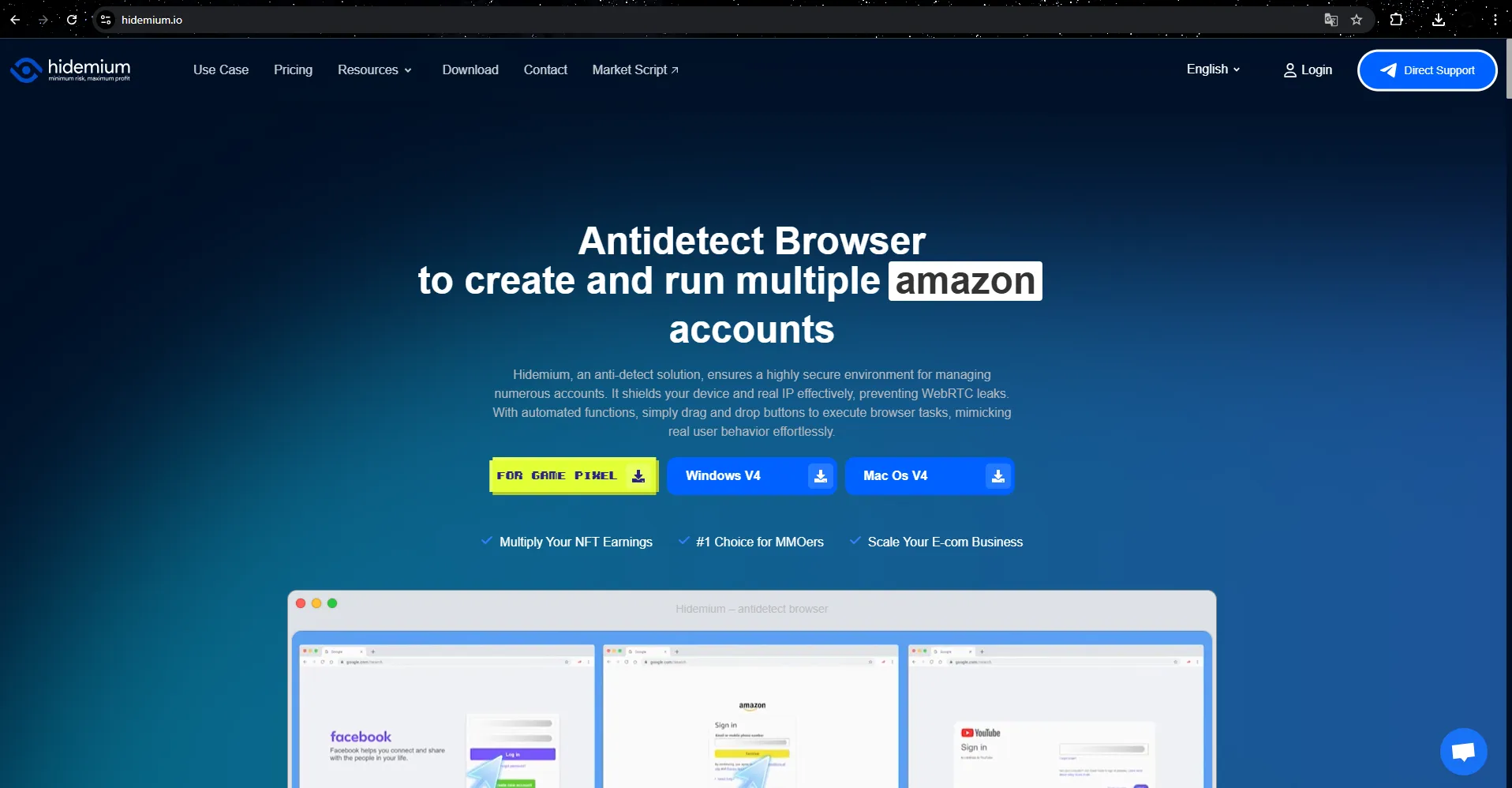
Hidemium is a dedicated antidetect browser, developed specifically for those who need to manage multiple social network accounts, especially X (Twitter) accounts. Unlike popular browsers, Hidemium allows users to create multiple independent profiles, each with its own IP and fingerprint, helping accounts to always be separate and operate absolutely securely.
3.1 How Hidemium works to protect digital identities and optimize management efficiency
Customize browser fingerprint
With each profile, you can set parameters such as resolution, operating system, browser type... randomly. This helps X not to recognize or link accounts together even though they are operating on the same device.
Attach separate proxy to each profile
Hidemium doesn't change your IP directly, but it allows you to attach separate proxies to each profile. This way, each account will have a different IP address, ensuring your real location is hidden and avoiding being marked or banned en masse.
Manage cookies, extensions and bookmarks independently
When you create a profile, you can pre-add cookies, extensions, or bookmarks. This allows each profile to function as a separate browser, similar to using multiple computers on the same device.
3.2 Why choose Hidemium?
Each profile created on Hidemium will be recognized by websites as a completely different device, helping you manage dozens to hundreds of X accounts effectively while still ensuring absolute security and anonymity.
If you are working in the field of account maintenance, automation, seeding or affiliate marketing, then Hidemium is the top choice for reliable anonymous browser today.
>>> Learn more: Best Antidetect Browser: Top Pick for Managing Multiple Accounts
4. How to use Hidemium to manage multiple Bluesky accounts
Getting started with Hidemium is easy. New users get a 3-day free trial that allows them to create up to 1,000 browser profiles. The trial comes with all the premium features like proxy configuration, browser fingerprinting, and efficient multi-account management. Here’s a step-by-step guide:
Step 1: Install Hidemium and create an account
Download Hidemium for the operating system you are using (Windows, macOS, Linux, or the Web App version). Next, sign up for a free account and log in to the app once the installation is complete.
Step 2: Create a new browser profile
Click “Add Profile” to initialize the virtual browser.
Name the profile (eg:Bluesky – Customer A).
Hidemium will automatically generate a unique browser fingerprint. You can customize the operating system, browser version, screen resolution if needed. However, the default settings are enough for most cases.
Proxy settings:
Use Hidemium's built-in proxy: Trial includes some free traffic.
Use a third party proxy: Enter HTTP(S) or SOCKS5 information in the required format.
Do not use proxy: Quick setup, but all profiles will share the same real IP –Not recommended if you need to manage multiple accounts.
Select the proxy country and proxy type (it is recommended to choose “Resident” for more natural IP operation). Then, click “Check Proxy” to test the connection and confirm that the IP is correctly recognized. Finally, click “Create Profile”.
Step 3: Launch the profile
Click “Create Profile” to open a new browser window. While the interface resembles Chrome or Firefox, each profile uses unique fingerprints, cookies, and proxies you’ve set up previously.
Step 4: Log in to your Bluesky account
In the newly opened browser, go to https://bsky.app, then log in to your existing Bluesky account or create a new account with a unique email. Hidemium will save your login session, so you don't have to re-enter it each time you use it.
👉 Tips: Use the correct browser profile for each account to keep operating environments separate.
Step 5: Manage multiple accounts
Want to add another Bluesky account? Just create a new profile, assign a different proxy, and log in to the second account.
Note: Never log into multiple Bluesky accounts from the same profile — each account needs a separate browser.
Step 6: Easy concurrency management
Once you have multiple profiles, you can run them in parallel:
Click “Start” on Account 1 profile → separate browser opens.
Click “Start” on Account 2 profile → operate completely separate from account 1.
5. Conclusion
Bluesky allows users to create unlimited accounts, however, the platform's native application is not optimally designed for managing multiple profiles at the same time on a large scale. This causes a lot of inconvenience, especially for marketers, content creators or professional working groups, when having to manually operate between accounts, reducing work efficiency.
In a context where social media strategies increasingly require flexibility and optimization, smart account management tools like Hidemium becomes necessary. Hidemium helps you manage multiple accounts Bluesky safely, independently and simultaneously, while completely eliminating the risk cross contamination between sessions.
To better understand how platforms track users through browsers, you can refer to Hidemium's guide to browser fingerprinting and account security.
Start your trial-free 3 days today to experience a more efficient, scalable and professional account management solution with Hidemium.
6. Frequently Asked Questions
1. Can I use multiple Bluesky accounts?
Yes. Bluesky allows users to create multiple accounts, as long as each account uses a separate email address or phone number. The platform also has a built-in account switching tool, making it easy to switch between profiles on the same device without having to manually log out or log back in.
2. What is the best solution to manage multiple Bluesky accounts?
For basic needs, Bluesky's built-in conversion tool can do the trick. However, for those who operate multiple accounts for marketing, branding, or market research purposes, Hidemium is the optimal choice. This tool creates separate browser profiles, each with its own fingerprint, cookies, and proxies, ensuring that every login session is completely isolated, as if it were operated by a different user.
3. How to manage multiple Bluesky accounts securely and separately?
Use separate emails, strong passwords, and enable two-factor authentication (2FA) for each account. Avoid logging into multiple accounts on the same browser or device session, as shared cookies and caches can link accounts. Using tools like Hidemium will help you create a completely independent environment for each account, ensuring security and avoiding being detected or flagged by the platform's system.

Related Blogs
.png)
In the online business and social network management environment, using multiple accounts on the same platform such as Facebook, Twitter or Amazon is a common need. Ghost Browser was born as a convenient solution, helping users easily manage multiple accounts in a single browser interface. This article Hidemium will explain what Ghost Browser is, why it has become the favorite choice of many[…]
In the digital age, using two computers in parallel to serve work is becoming more and more popular. To optimize performance and share data easily, connecting 2 computers via IP address is a useful solution, especially when both devices are on the same local network. Here are detailed instructions on how to do it.Antidetect Browser Hidemium:1. How to connect 2 computers via internal IP[…]
.png)
GenLogin is marketed as a user-friendly software with a simple interface and basic security features. However, claiming to be "safe" and "user-friendly" is not enough to confirm its actual effectiveness. Many users have reported concerns about the platform potentially exposing personal information and raised issues regarding lack of transparency, particularly related to the integration of the P2P[…]
Automatic CAPTCHA solving is now a standard part of data scraping, web-service testing, and other automation jobs. CAPTCHAs were built to block bots. For developers and scrapers, they are just one more barrier. Anti-CAPTCHA services remove that barrier by mixing algorithms (OCR, neural nets) with human solvers when pure automation fails. This piece runs a technical comparison of eight services:[…]
Public Wi-Fi connections are becoming an indispensable part of modern life, especially when you travel, work remotely or entertain yourself at cafes, airports or shopping malls. However, using public Wi-Fi poses many security and privacy risks. In this article, Hidemium will share 5 simple but effective tips to help you stay safer when connecting to public Wi-Fi, avoiding data theft or personal[…]
