Download YouTube Videos Legally: Your Safe Guide

How can I download YouTube videos legally and safely?
Whether you are preparing for a long flight, commuting through a cellular dead zone, or simply want to curate a personal archive of educational content, the desire to save YouTube videos is incredibly common. However, the internet is flooded with sketchy websites and misleading software promising free downloads, leaving many users confused about the right way to proceed. If you are wondering how to download YouTube videos legally and safely, you are not alone.
Navigating the complex web of digital copyrights and platform rules can be daunting. This comprehensive guide will walk you through the legitimate ways to save YouTube content, ensuring you can enjoy your favorite videos offline without violating any terms or laws.
.png)
Understanding the Legal Landscape of YouTube
Understand YouTube’s Copyright Rules Before Downloading
Before you hit "download" on any random site, it is crucial to understand the platform's rules. The official YouTube Terms of Service copyright policy explicitly states that you are not allowed to download, copy, reproduce, distribute, or broadcast any content unless specifically permitted by YouTube or the respective content creators.
Why is this so strict? It all comes down to protecting creators. Under the strict guidelines of the Digital Millennium Copyright Act video streaming platforms are legally obligated to protect the intellectual property of their uploaders. When you bypass the platform's official channels to download a video, you deprive creators of ad revenue and view counts, which are their primary sources of income.
Is It Legal to Screen Record YouTube Videos?
You might naturally ask: is it legal to record YouTube videos using screen-capture software instead? From a strict legal perspective, using screen recording tools to capture copyrighted material without permission is a direct violation of YouTube’s Terms of Service and constitutes copyright infringement. While personal, private use might rarely result in legal action, it is technically against the rules. Therefore, avoiding YouTube copyright infringement means utilizing official features or understanding specific public licensing agreements.
The Easiest and Safest Method: YouTube Premium
If you are looking for the absolute best answer to how to legally download YouTube videos, the solution is YouTube Premium. Google has built a native, seamless way for users to save content directly within its ecosystem.
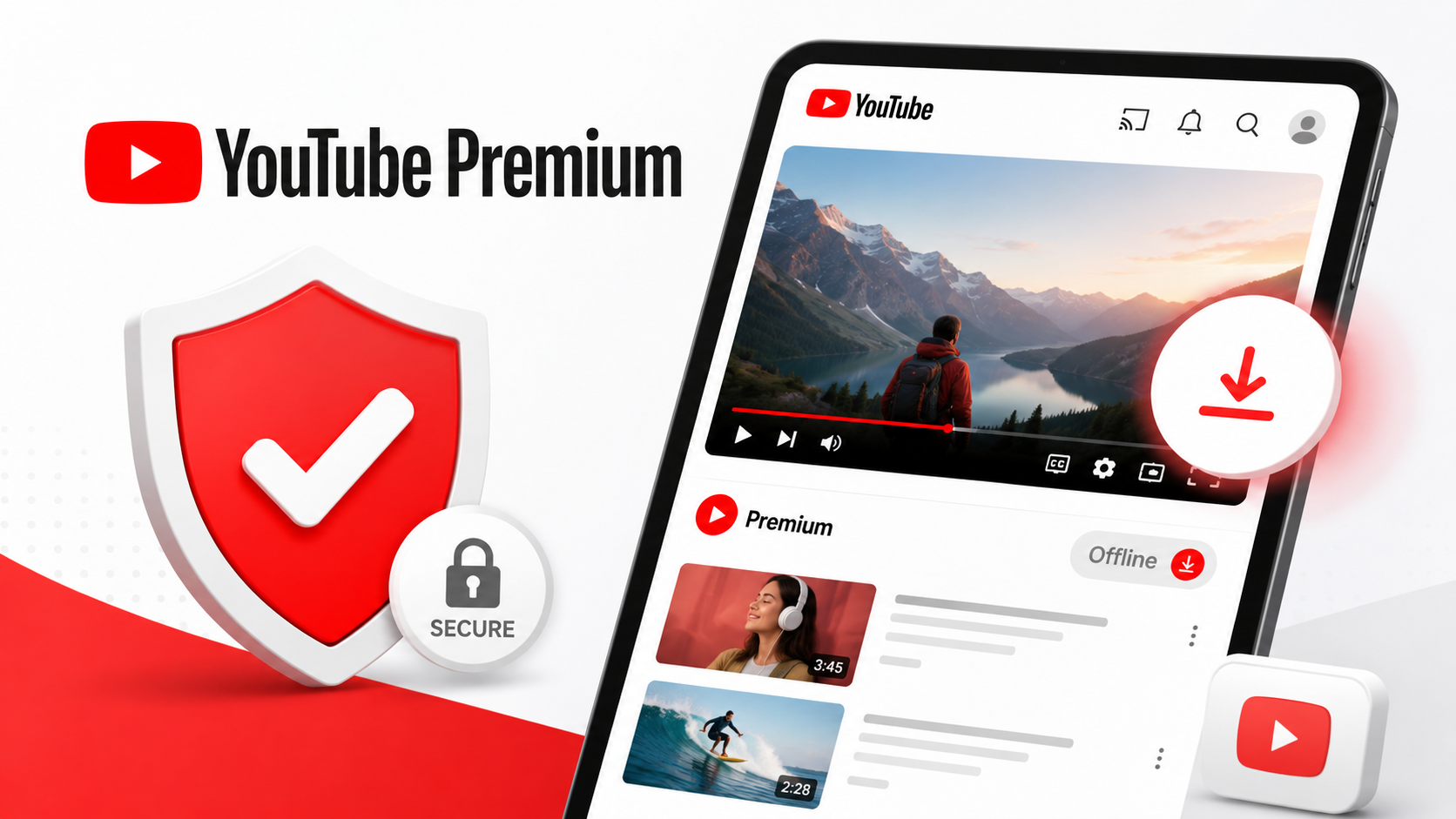
Unpacking YouTube Premium Subscription Benefits
Upgrading to a Premium account is the most straightforward way to save YouTube videos. The YouTube Premium subscription benefits are extensive, designed specifically to enhance the user experience while ensuring creators are fairly compensated. When you pay for Premium, a portion of your subscription fee goes directly to the creators you watch, making this the most ethical choice.
One of the standout perks is the suite of YouTube Premium offline viewing features. Subscribers can easily download videos, entire playlists, and music to their mobile devices for offline consumption.
How to Use the Official Download Features
Using the official tools is intuitive. The YouTube mobile app download button functionality is seamlessly integrated into the user interface. Here is how you can use it:
- Open the YouTube app on your smartphone or tablet.
- Search for and select the video you want to watch.
- Beneath the video player, locate and tap the "Download" button (usually represented by an arrow pointing downward).
- Choose your preferred video quality (ranging from standard definition to Full HD, depending on your device and storage).
- The video will be saved in your "Library" under the "Downloads" tab.
Official YouTube App Offline vs Desktop
Historically, downloading was restricted to mobile devices. However, recent updates have changed the landscape of the official YouTube app offline vs desktop experience. Today, Premium subscribers can also download videos directly to their laptop or desktop computers using Google Chrome, Edge, or Opera browsers. Simply click the download button below the video player on the desktop site, and you can easily access your saved content via the side menu when you are offline.
Free and Regional Alternatives
What if you cannot afford a Premium subscription? You might be wondering how to watch YouTube videos without internet legally for free.
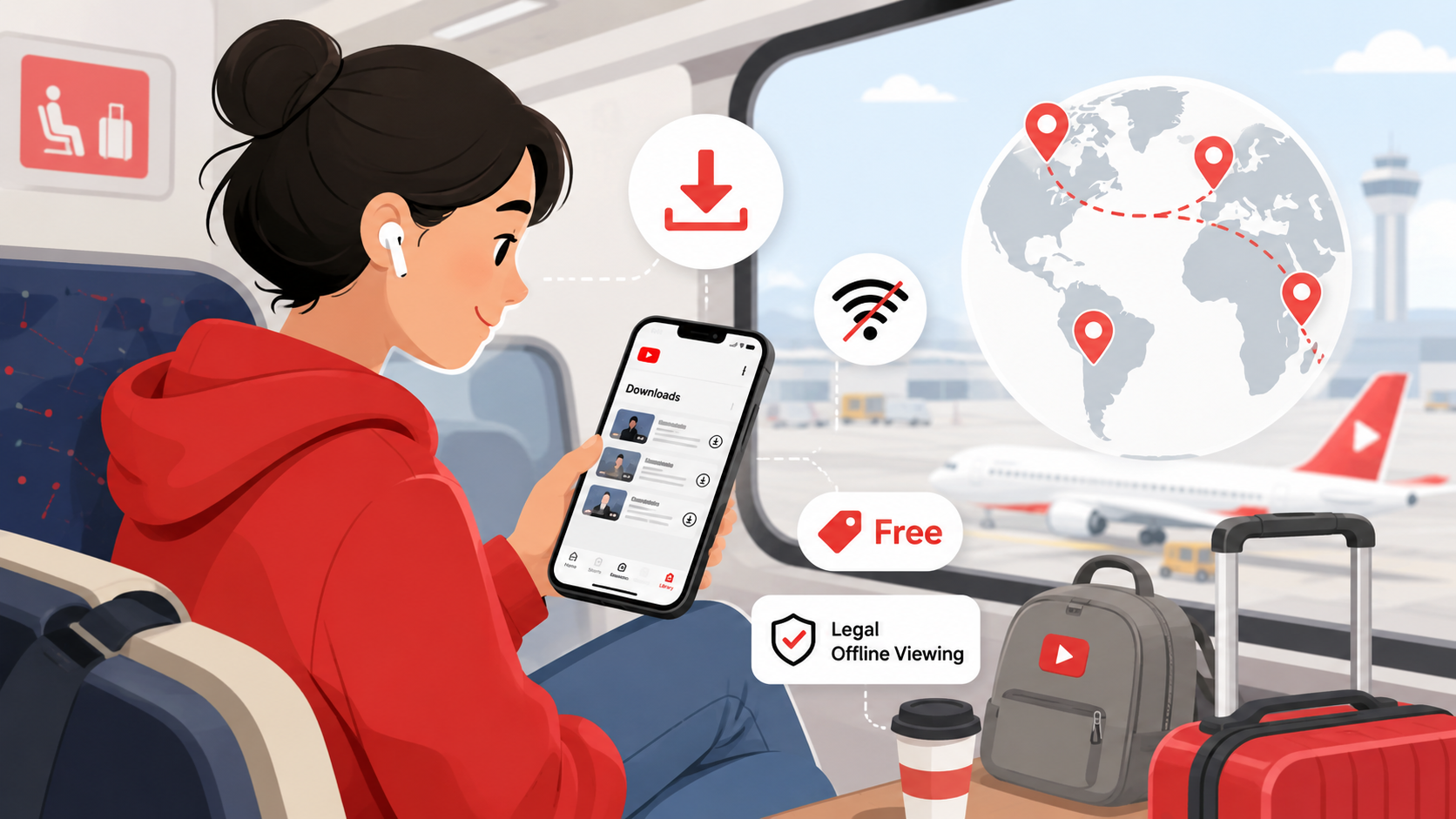
In certain developing regions and emerging markets where internet connectivity is sparse or expensive, YouTube actually allows users to download select videos for free on the standard mobile app. If you reside in one of these regions, you will see a download button active on non-music videos even without a Premium account.
Furthermore, we must acknowledge the legacy of the YouTube Go application. Originally designed for emerging markets, the YouTube Go app features for limited data allowed users to preview videos and download them in smaller file sizes to conserve bandwidth. While Google eventually discontinued this standalone app, its core data-saving mentalities and targeted offline viewing features have been integrated directly into the main YouTube app to help users manage their data more effectively.
Creative Commons, Public Domain, and Fair Use
If you are a student, educator, or content creator looking to download YouTube videos legally to use in your own projects, you are operating under a different set of rules. In these instances, you must look for specific types of licenses.
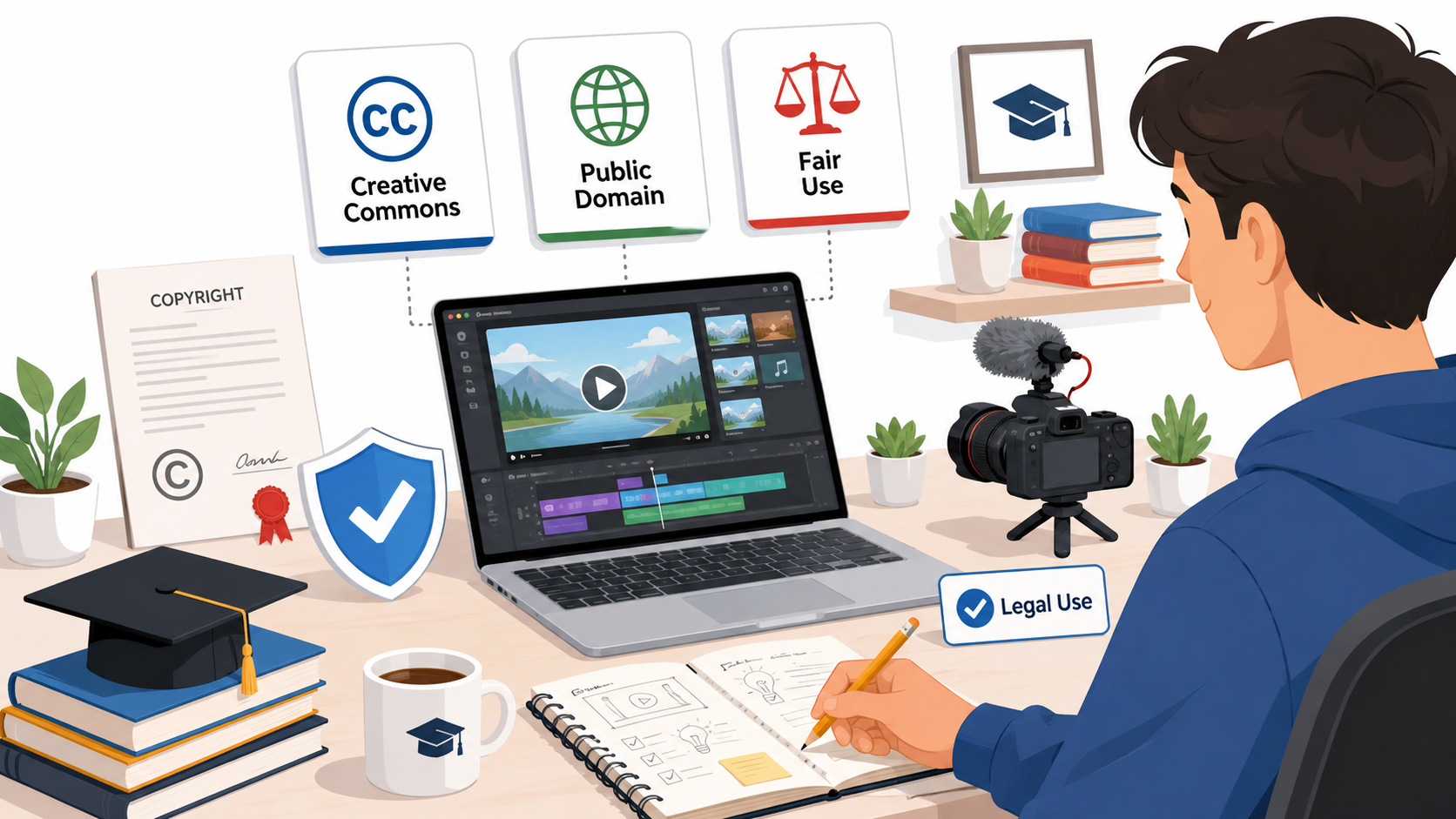
Navigating Creative Commons Video Licensing Rules
YouTube allows creators to mark their uploads with a Creative Commons (CC BY) license. The Creative Commons video licensing rules essentially mean the original creator grants the entire YouTube community the right to reuse and edit their video, provided appropriate credit is given.
To find these videos:
- Search for your topic on YouTube.
- Click on the "Filters" button.
- Under the "Features" column, select "Creative Commons."
When you find a video with this license, you have the creator’s explicit permission to reuse it. This is a vital method for how to download videos from YouTube legally for creative purposes.
Finding Public Domain Video Sources on YouTube
Another excellent avenue is public domain content. Public domain video sources on YouTube include historical footage, ancient government broadcasts, and vintage films whose copyright terms have officially expired. Because no one holds the exclusive copyright to public domain works, you are free to download and use them without legal repercussions. Channels like the National Archives or NASA frequently upload public domain content.
The Fair Use Doctrine in Digital Media
You have likely heard of "Fair Use," but it is often misunderstood. The Fair Use doctrine in digital media is a legal defense, not a strict rule. It permits limited use of copyrighted material without acquiring permission from the rights holder—typically for purposes like criticism, parody, news reporting, or education.
However, Fair Use does not inherently give you the right to use unauthorized methods to download the source material. If you are a creator relying on Fair Use to critique a movie trailer or a news clip, obtaining the footage remains a legal gray area. Most professional creators rely on official press kits or stock footage rather than ripping videos directly from YouTube to ensure they stay entirely within legal boundaries.
Third-Party Downloader Apps and Converters: Safe or Sketchy?
A simple web search will reveal thousands of third-party YouTube downloader apps and YouTube video converter sites. But are they legal?

The short answer is: using these tools to download copyrighted content without permission violates YouTube’s Terms of Service. If YouTube detects such activity, they reserve the right to terminate your account. Furthermore, many of these third-party websites are riddled with malware, intrusive pop-up ads, and phishing scams, making them incredibly unsafe for your devices.
When is it Okay to Use Third-Party Tools?
There is a small caveat. The tools themselves are not inherently illegal; it is how you use them. You can legitimately use a YouTube video converter or downloader software in a few specific, highly restricted scenarios:
- Downloading Your Own Content: If you lost the original file of a video you created and uploaded, using a third-party tool to back up your own intellectual property is perfectly legal. (Note: YouTube Studio also provides an official way for creators to download their own uploads in 720p).
- Downloading Public Domain or CC0 Content: If the video is definitively in the public domain, utilizing a third-party tool to secure the file is generally acceptable from a legal copyright standpoint, though it may still technically breach YouTube's platform TOS.
- With Explicit Written Permission: If you have directly emailed a creator and they have given you written permission to download and use their video, using third-party software to execute the download is a legitimate way to acquire the file.
If your use case does not fall into one of these three categories, using external tools is not the answer to how to download YouTube videos legally.
Summarizing Your Options for Offline Viewing
To recap, if you want to know how to legally download YouTube videos, you should follow these guidelines:
- For personal entertainment: The absolute safest, most ethical, and most convenient method is paying for a Premium subscription. It guarantees you are saving YouTube videos for offline use legally while supporting the creators who work hard to entertain and educate you.
- For creative projects: Utilize YouTube's search filters to find Creative Commons content, or source from verified public domain channels.
- For backing up your own work: Use the official download tools provided inside YouTube Studio.
Final Thoughts
The internet has made accessing information easier than ever, but it is our responsibility to consume that media ethically. While the temptation to use a quick, free third-party website is strong, the risks—ranging from malware infections to copyright infringement—simply aren't worth it.
By understanding platform policies, respecting the Digital Millennium Copyright Act, and utilizing official features like YouTube Premium, you can enjoy uninterrupted, high-quality offline video viewing with complete peace of mind. Ultimately, choosing to legally download YouTube videos ensures a healthier, more sustainable digital ecosystem where creators can continue making the content we love.
Related Blogs
.png)
How to Get Social Media Help: Tips, Tools, and Resources That Actually WorkWhether you're locked out of your account, dealing with a sudden algorithm change, or trying to protect your digital footprint, navigating social media platforms can feel like a full-time job. Fortunately, social media help is well within reach — if you know exactly where to look and what strategies to apply.Platforms like[…]
Cherry Proxy (formerly known as 360Proxy) still maintains its position as one of the services trusted civil proxy on the market. The name has changed, but the core quality has not. If you have used 360Proxy before, you will feel familiar; if not, now is the perfect time to explore it in more detail.In this article, Hidemium will be comprehensively evaluated 360Proxy/Cherry Proxy 2025: from[…]
How to Integrate IPRoyal with Hidemium — Complete Privacy at Your FingertipsIn today’s digital landscape, privacy, speed, and scalability are crucial. Whether you’re a digital marketer, developer, or eCommerce entrepreneur, managing multiple accounts and operations demands tools that are secure, seamless, and efficient.That’s why combining Hidemium with IPRoyal creates a powerful solution — one[…]
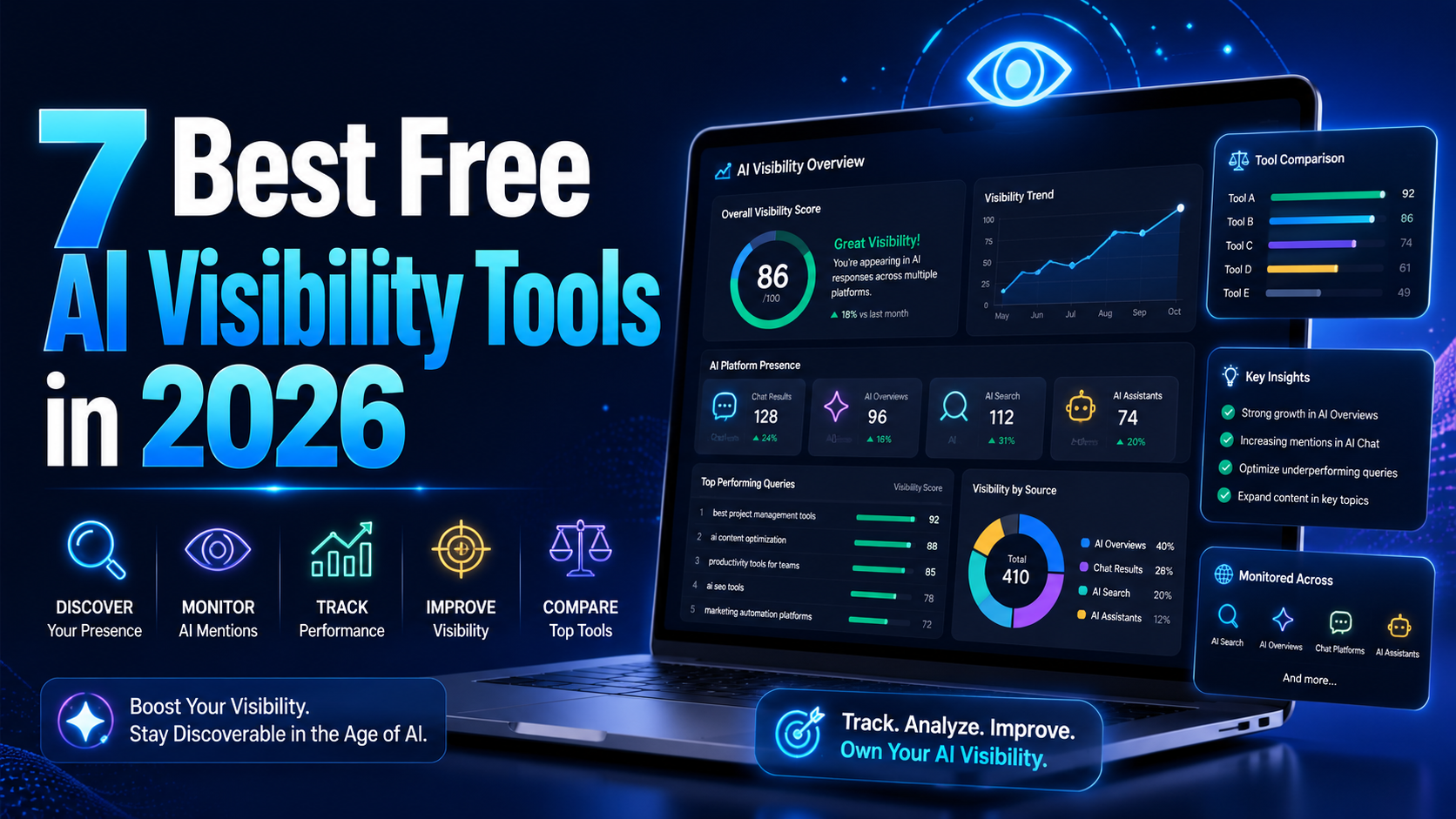
AI visibility is now increasingly talked about measures in marketing and with an excellent reason. As more consumers are asking ChatGPT, Gemini, and Perplexity to provide product recommendations instead of typing an inquiry into Google, companies must be aware of whether AI instruments are actually talking about their brands. It's good to know that there is no need for an enterprise budget to[…]
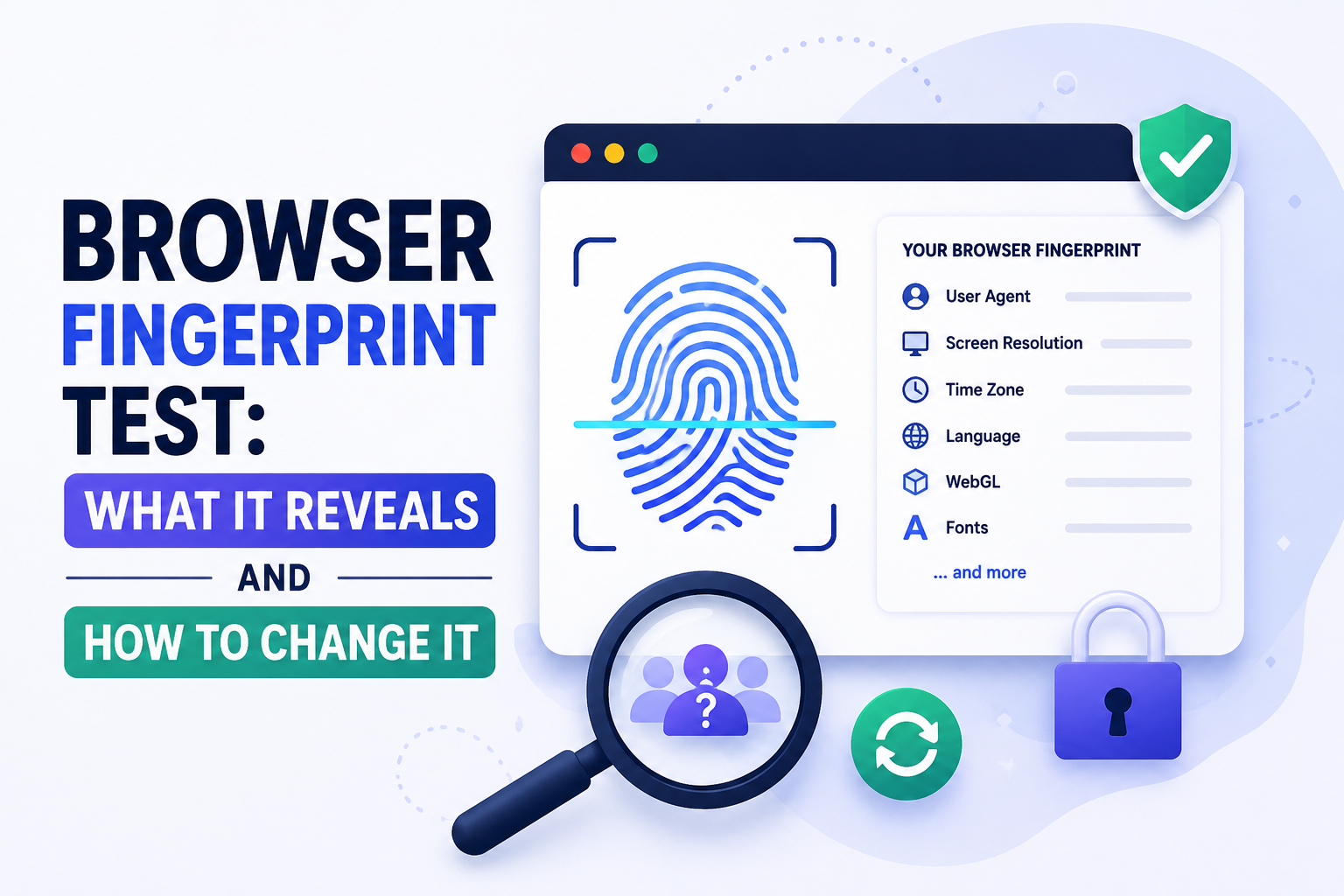
What Is a Browser Fingerprint — and Why Should You Test Yours?A browser fingerprint is a unique identifier built from the technical characteristics of your browser and device — not from cookies, not from your IP address, and not from anything you can clear by going incognito. It is assembled from dozens of data points your browser automatically shares with every website you visit.Running a[…]
Are you sure your browser isn't accidentally revealing personal information? BrowserLeaks is a well-known testing platform that helps detect data that browsers may be secretly exposing. Through browser fingerprinting and privacy vulnerability tests, this tool reveals a lot of information that users often don't realize.Understanding how BrowserLeaks work—and how to mitigate tracking signals—is a[…]
