.png)

In the field of computer networks, port port is a familiar concept, acting as an important bridge in work Data transmission and connection between devices. Ports appear in both hardware and software, supporting effective communication between components in the system. So What is port?, what is its outstanding function and how is it classified? Let's go together Hidemium Antidetect Browser – Explore in detail through the following article.
1. What is port?
In information technology, “Port” is understood as a communication point that allows devices or software connect and exchange data. Port can exist in form physical port (hardware port) or software download (used in computer networks to identify specific services).
Some common applications of ports:
Physical port: Are connection ports on devices such as USB, HDMI, Ethernet – helps transmit data and connect hardware such as mouse, keyboard, hard drive, screen.
Software port: Operates in a network environment, identifies specific services. For example, port 80 used for HTTP (web access), port 443 for HTTPS (secure web), and port 25 used for SMTP email service.
Porting software: Is the process of converting software from one operating system or platform to another, ensuring the software can run stably in the new environment.
Easy to understand example: When you connect an external hard drive via a USB port, this is a physical port that helps data move between the device and the computer. Similarly, when accessing a website, the browser will send a request through port 80 or 443 to the server to receive the website content back.
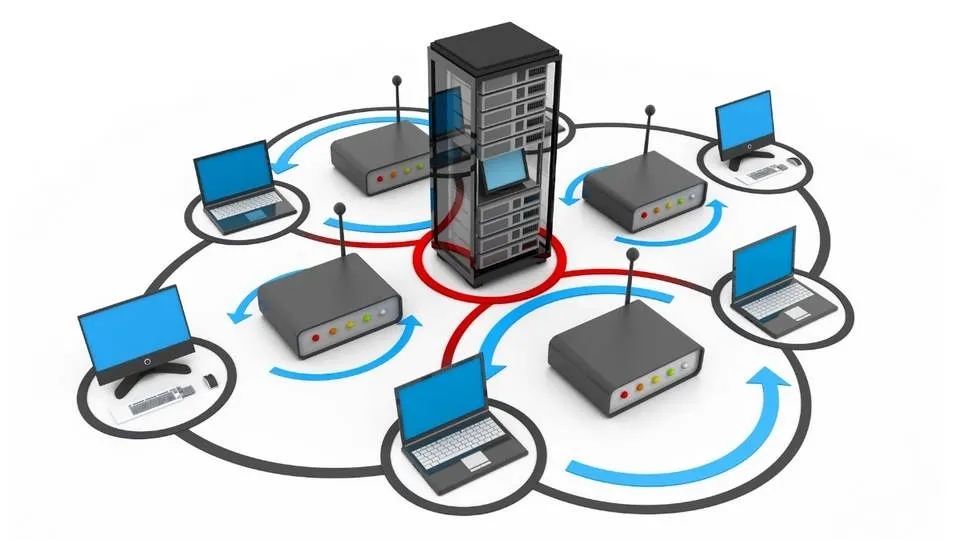
2. Basic functions of Port - Understand correctly to optimize system performance and security
Ports on the device not only play a connection role but also undertake many important functions in transmitting data and ensuring network security. Below are the basic functions that users need to understand to use the port effectively.
2.1. Supports data transmission and control
Although they do not directly filter content, ports play an important intermediary role in the process of transferring data between devices and networks. Thanks to that, the connection is faster and more stable.
Data selection and processing are often handled by specialized tools such as information filtering systems, search engines or content management platforms. After processing, the data will be transferred through the port - the port now performs the task of checking and controlling the input data flow. If the data does not match the required format or port, the system will automatically deny access, helping to protect the device from the risk of unauthorized intrusion.
2.2. Automatically identify and route data
When a port is registered and configured on the device, the system is able to automatically recognize the data type and route it to the correct corresponding port. Exactly matching data bits to the port makes the transmission process seamless, minimizing errors and optimizing transmission speed.
2.3. Contribute to preventing malicious access
Effective port management is one of the important measures to improve system security. If open ports are not controlled, they can become vulnerabilities for hackers or malware to exploit.
To minimize risks, users should regularly check port configuration, use firewalls, anti-virus software, and intrusion detection and prevention systems (IDS/IPS). In addition, the port also acts as the initial data filtering layer, helping to prevent malicious files before entering the system.
2.4. Other extended functions
In addition to the ability to transmit data, ports also play an important role in many other functions:
Connect peripheral devices: USB port helps connect mouse, keyboard, external hard drive, printer...
Data exchange: Ethernet or USB port supports efficient data transfer between devices.
Charging and power supply: Some ports such as USB are used to charge the battery or supply power to the device.
Network connection: Ethernet port allows access to internet and internal network resources.
Transmits audio & video signals: HDMI port, audio jack helps output signals to the screen, TV or speaker system.
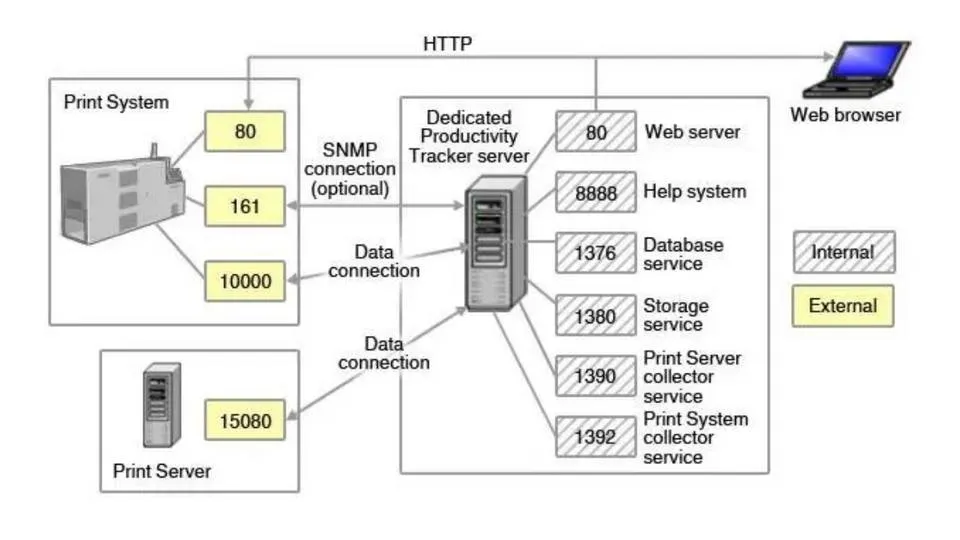
3. Popular types of ports today
In the field of information technology, Port port plays an important role in connecting, transmitting data, charging devices and ensuring stable operation between electronic devices. Below are the most popular types of connection ports today, often appearing on computers, phones, and other technology devices.
3.1. Classify ports according to function
The Port port type designed to serve each specific connection need, from data exchange to audio and video signal transmission. Some common Port types by function include:
USB (Universal Serial Bus): Is a multi-purpose connection port, supporting connection with peripheral devices such as mouse, keyboard, hard drive, printer or phone.
Ethernet: LAN or Internet connection port via network cable, providing stable and high-speed connection.
HDMI (High-Definition Multimedia Interface): Dedicated port for transmitting high-quality sound and images to your TV, monitor or sound system.
Thunderbolt: High-speed data transfer port, supports connecting multiple devices at the same time such as external hard drives, high-resolution screens.
DisplayPort: Mainly used to output image and sound signals, suitable for computer screens and specialized graphics devices.
Audio Jack: Familiar audio port to connect headphones, speakers or microphones.
3.2. Classify ports according to protocol
In addition to physical function, Port ports are also classified according to protocol version, plays a key role in network communication and data exchange between systems:
Port 20 (TCP): Used in FTP data transmission, serving the process of uploading and downloading files.
Port 21 (TCP): Plays the role of controlling FTP connections and managing data transfer activities.
Port 22 (TCP/UDP): Used for SSH protocol, ensuring secure remote access.
Port 23 (TCP): Applies to Telnet - a remote connection tool but has low security.
Port 25 (TCP): Send email via SMTP protocol.
Port 80 (TCP): Popular port for accessing websites via HTTP protocol.
Port 119 (TCP/UDP): Supports accessing online news services using the NNTP protocol.
Port 143 (TCP/UDP): Allows remote email access via IMAP.
Port 161 (TCP/UDP): Used in managing and monitoring network devices using SNMP protocol.
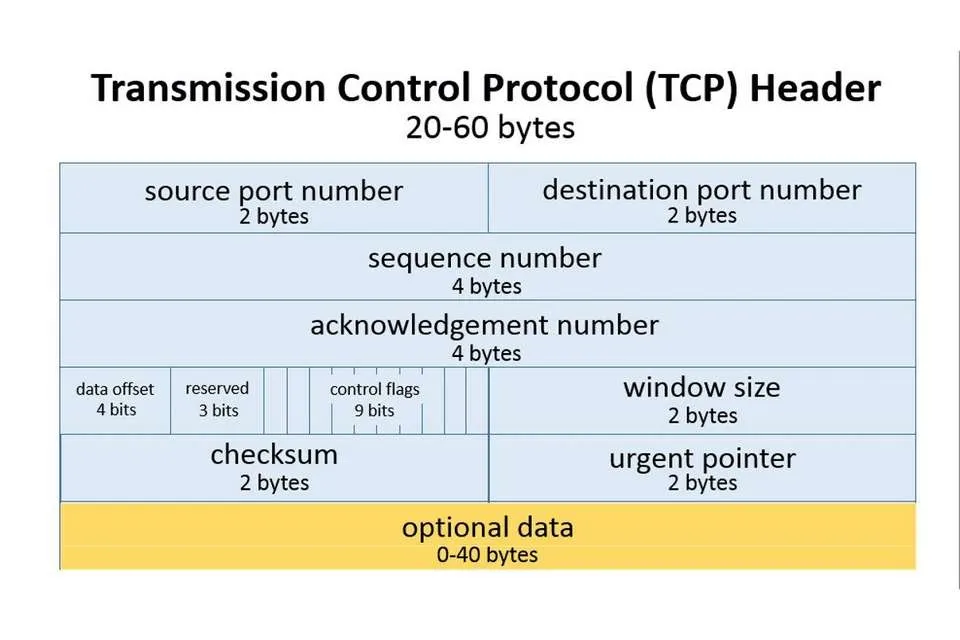
4. Important factors when registering a port
Port registration is not as simple as choosing a random number. To ensure the system operates effectively and stably, you need to consider many of the following technical factors:
4.1. Hard drive parameters
Hard drive configuration directly affects Port selection. Depending on the type and number of drives being used, you need to determine the appropriate number of ports to ensure stable connectivity. Consulting experts or technical documents will help you make a more accurate decision.
4.2. Storage system and data type
Each port has the ability to optimize for different types of data and file sizes. Therefore, before registering the Port, you should clearly determine:
Type of file format supported by the system.
Current storage capacity and future usage needs.
5. Instructions on how to check Port number on Windows
Checking active Ports on Windows helps you monitor the network effectively and quickly handle related problems. The steps are as follows:
Press the key combination Windows + R to open the Run dialog box or search for "Run" in the search bar.
Enter cmd then press Enter to open the Command Prompt window.
Type ipconfig to display network connection information.
Enter again netstat to see a list of active ports on the system.
6. Port Frequently Asked Questions (FAQ)
When learning about Ports, you may have some questions related to how they work, functions and roles in the network system. Below are common questions and detailed answers:
6.1. What is Port 8080?
Port 8080 is a commonly used network port for the HTTP protocol - acting as a replacement for Port 80 in many cases such as:
Run backend web services.
Website development and testing environment.
Deploying internal business services.
6.2. What is IP Port?
IP Port is a combination of IP address and port number, used to determine the exact location of a specific service in the network system. We can imagine the IP address as a home address and the Port number as a room number - helping data go to the right application or device.
6.3. What is Network Port?
Network Port (network port) is a logical connection point that allows data transfer between devices on the network. Each Port is assigned a word number 0 to 65,535, helps route information to the right destination.
6.4. What is Port 80?
Port 80 is the default port for the HTTP protocol, used to transmit web content such as text, images and HTML code from the server to the user's browser.
6.5. What are interfaces?
In software development, Interface (interface) is a means to help users interact directly with the system. The interface plays an important role in enhancing user experience, ensuring easy-to-understand and intuitive operations.
Above is important information to help you clearly understand the concept of Port, how it works and applications in the network system. Hope the article from Hidemium will provide you with useful knowledge to apply effectively in work and study.
>>> Learn more: What is AdGuard DNS? How to configure AdGuard DNS on all devices.
Related Blogs

Bright Data is one of the top-rated premium proxy providers out there. But with its hefty price tag, is it really worth the money? In this article, Antidetect Browser Hidemium will analyze the pros and cons of Bright Data in 2025, compare performance with other proxy solutions, and help you decide whether to invest or not.1. What is Bright Data?Bright Data is a company with a huge network of IP[…]
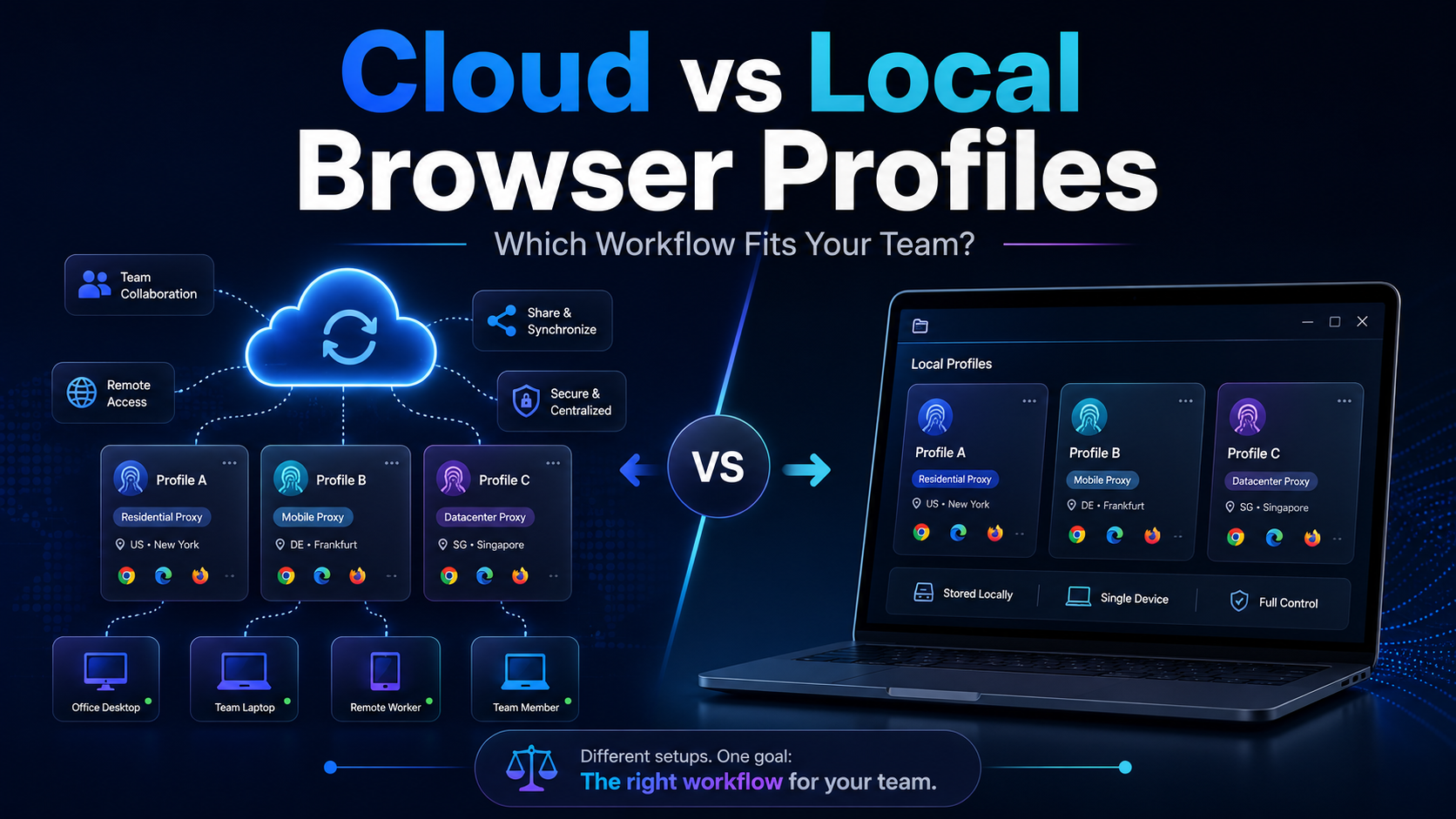
Cloud vs Local Browser Profiles: Which Workflow Fits Your Team?When a team starts managing multiple browser profiles, one of the most important decisions is whether to use cloud profiles or local profiles.Local profiles can be attractive because profile data is primarily stored and operated on the user's device, providing more direct control and reducing reliance on synchronization. Cloud[…]

What is Cloudflare WARP? This is a service VPN (virtual private network) Developed by Cloudflare, it helps users protect personal data while effectively increasing Internet access speed. If you are looking for a safe, fast and stable web surfing solution, let's go Antidetect Browser Hidemium Explore details about Cloudflare WARP in the article below.1.What Is Cloudflare WARP and How Does It Work[…]

IP Checker is a feature of Hidemium that automatically matches the location settings of your browser fingerprint profile to your external IP address settings.Web platforms consider a mismatch between system and IP location information a red flag. IP Checker location allows you to avoid this flag IP, fly under the radar, and achieve greater account security.What is IP Checker?When a browser[…]

Cherry Proxy (formerly known as 360Proxy) still maintains its position as one of the services trusted civil proxy on the market. The name has changed, but the core quality has not. If you have used 360Proxy before, you will feel familiar; if not, now is the perfect time to explore it in more detail.In this article, Hidemium will be comprehensively evaluated 360Proxy/Cherry Proxy 2025: from[…]

Managing multiple social media accounts sounds simple—until you actually do it.If you're handling 5, 10, or even 15 accounts, you probably know the feeling: writing similar captions, repeating the same workflow, and constantly switching between accounts. It quickly becomes time-consuming and hard to scale.That’s where a structured workflow using Claude AI can make a real difference. Instead of[…]
