
By 2026, Discord will no longer be just an ordinary chat platform. The platform's security system has evolved into a sophisticated one complex anti-fraud ecosystem, using artificial intelligence, device recognition technology, and real-time user behavior analysis.
This means that methods previously used to manage multiple accounts—such as changing IP addresses, deleting cookies, or logging in using incognito mode—have become obsolete. For individuals or businesses needing to manage multiple Discord accounts, understanding how the platform detects unusual activity is crucial.
In this article, Hidemium Antidetect Browser will analyze why traditional methods are no longer effective, how Discord actually identifies and links accounts, and the necessary solutions for securely managing multiple accounts in today's secure environment.
1. Why are old methods no longer effective with Discord in 2026?
Today, Discord has evolved far beyond its role as a chat app for gamers. It has become a large community platform with The fraud detection and control system is very strict..
For those who manage multiple accounts—such as community managers, marketers, or customer support staff—this means that even a small mistake can affect the entire account system.
Previously, users could avoid detection through simple methods such as:
Restart your router to change the IP address.
Clear your browser cache.
Log in using incognito mode.
However, by 2026, these measures will almost certainly be in effect no longer effective Discord's AI system is now capable of analyzing various hidden signals to determine if accounts belong to the same person. These signals may include: device fingerprint, access behavior, and browser environment characteristics..
Without understanding how these detection mechanisms work, newly created accounts can be locked faster than you set them up.
1.1 The “Something’s going on here” error and the Device Hash mechanism
One of the familiar messages many users encounter is this error:
“Something’s going on here.”
This isn't a random system error. In fact, it's a signal that Discord has a physical device identified which you are using.
Previously, users could bypass this step by verifying their phone number. However, nowadays, this notification is usually included with...The locking mechanism is behaving suspiciously, and sometimes leads to long-term account restrictions.
The main cause lies in a technique called...Device Hashing.
Discord collects a lot of information from your device to create a unique hardware identifier (device hash). Some of the factors used to create these fingerprints include:
Screen resolution and browser window size
Audio configuration via AudioContext
TGPU information via WebGL renderer
List of fonts installed on the system
When you log in to multiple accounts from the same device, all those accounts will send the same message device hash to the Discord system.
For fraud detection algorithms, this is a clear indication that...a device is controlling multiple accounts. When a device hash is added to the risk list, any new accounts logging in from that machine may be immediately restricted or locked.
1.2 Why Incognito Mode Doesn't Keep You Safe
Many people still believe that an Incognito or Private Mode window can help separate multiple accounts. However, by 2026, this is a common misconception.
Incognito mode is designed only for Do not save your browsing history on your device. It was not created to hide your identity from websites.
Even when you use incognito mode, the browser still sends the full message environmental fingerprint to the server. This information includes:
IP address
Operating system version
Browser version
JavaScript runtime fingerprint properties
Therefore, Discord's algorithm can still detect that multiple accounts are logging in from their same browser environment, even when they are opened in separate tabs.
For those who manage multiple accounts, this poses a significant risk. Whether you're managing a community, handling support tickets, or building a marketing system, using incognito tabs can lead to an entire cluster of accounts being detected and suspended simultaneously.
To minimize this risk, professional operating systems often use specialized multi-account management tools. These tools create a completely separate browser environment, ensuring each account has its own privacy, unique digital fingerprints and is not linked to other accounts.
>>> Learn more: 7 Effective Ways to Unblock Discord in 2025
2. How modern antidetect browsers help manage multiple Discord accounts securely.
If incognito mode can't protect you, then what's the real solution? The answer lies in specialized tools called...Antidetect Browser.
Unlike simple methods that merely attempt to hide some basic information, antidetect browsers are designed to create a completely independent browser environment for each account. In other words, instead of just hiding identity, these tools build...a new digital identity for each profile which you use.
The core technology behind this system is profile isolation.
Imagine a regular browser like Chrome is like this: a large room. In that room, all tabs share the same environment: the same cookies, the same fingerprint, and the same device identifier. If one account is detected or flagged, the risk quickly spreads to other accounts because they all coexist in the same browser environment.
Conversely, a professional multi-account management tool will separate each account into a distinct environment.Each profile functions like this:a completely independent computer, with its own data system and fingerprint.
2.1 Spoofing fingerprints to avoid account linking
Platforms like Discord often rely on a lot of hardware information to identify a user's device, including:
Screen resolution
GPU information via WebGL
Audio configuration from AudioContext
Other browser environment parameters
Antidetect browser will Customize this data for each profile. This helps each account appear to be active on a different device. This process is called...fingerprint spoofing.
This mechanism is particularly effective in problem-solving Device Hash.
In cases where antidetect is not used
Your computer has a fixed fingerprint reader — for example, called a fingerprint reader Hash-A.
If you log into 5 Discord accounts from the same device, the system will see it. Hash-A appears 5 times from a security algorithm perspective, this indicates that multiple accounts are being controlled from the same computer.
Case study for using antidetect browser
Antidetect browser will generate A unique fingerprint for each profile..
For example:
Account 1 sends fingerprint Hash-B
Account 2 sends fingerprint Hash-C
Account 3 sends fingerprint Hash-D
For Discord's AI system, these signals look like this: Completely different users logging in from different devices..
As a result, errors such as “Something’s going on here” usually won't appear, because each account's device hash is different.
2.2 Control your browser environment to avoid detection.
In addition to changing fingerprints, modern antidetect browsers allow control over many other important factors of the access environment, such as:
Canvas API data
WebGL information
WebRTC leak
Configure proxy and IP address
By managing these parameters in a synchronized manner, users can operate the system dozens or even hundreds of Discord accounts without being interconnected by the systems.
In the context of increasingly stringent security measures in 2026, the use of specialized multi-account management tool. It's almost the only way to scale operations without constantly facing verification requests or account suspensions.
>>> Learn more: How to fix the "Your Discord account has been disabled" error.
3. Important criteria when choosing a tool to manage multiple Discord accounts
Understanding how Discord detects unusual activity is just the first step. To operate multiple accounts securely, you need to choose the right approach appropriate management tools.
Not all software for managing multiple accounts offers the same level of protection. Some tools only provide basic privacy features, while professional platforms are designed with more comprehensive solutions. Advanced fingerprint profile isolation and simulation system. Suitable for large-scale operations.
Therefore, before choosing a tool in 2026, you should evaluate it based on some important criteria below.
3.1 Fingerprint Customization Options
This is the most important factor for any antidetect tool.
An effective solution should allow deep control over browser fingerprint parameters, such as:
AudioContext
WebGL renderer
Canvas fingerprint
Hardware information and browser environment
If a tool only allows changes to User-Agent. However, that's almost certainly not enough to bypass modern detection systems. Discord can easily spot inconsistencies between UA and other hardware information, leading to warnings like...“Something’s going on here”.
Therefore, the possibility Synchronize and customize fingerprints comprehensively. This is the most important criterion when choosing a tool.
3.2 Process Automation (RPA)
When managing multiple accounts, manual operations can quickly become overwhelming.
For example, if you manage dozens or hundreds of Discord accounts, activities like logging in, sending messages, or performing routine tasks can be very time-consuming.
Therefore, many modern tools have integrated this RPA (Robotic Process Automation).
This feature allows:
Record mouse and keyboard actions.
Create automated scripts for repetitive actions.
Operate multiple accounts simultaneously without programming.
This allows you to automate tasks such as account startup, server interaction, or performing repetitive activities without manual intervention.
3.3 Integrated proxy support
A separate browser environment is not enough if all accounts use the same IP address.
Good multi-account management tools usually allow this Attach a separate proxy for each profile. This helps ensure that each account connects from a different network location.
Typically, the types of proxies supported include:
HTTP
HTTPS
SOCKS5
Proxy residential
The combination Unique fingerprint and unique IP address. This will help create a more natural access environment, thereby reducing the risk of being flagged by Discord's security system.
3.4 Supporting teamwork
In many cases, multi-account systems are operated by an entire team—for example, a community management or customer support team.
Therefore, the tool you choose should have the following features Secure profile access control and sharing..
Instead of directly providing your account password, you can grant access to your browser profile. Team members can then simply open that profile to work without needing to know your original login credentials.
This helps to increase security and control access more effectively.
3.5 Cookie import support
When operating a large-scale system, account setup speed is a crucial factor.
Some tools allow this Import cookies directly into your browser profile. This is usually in JSON format. This allows you to log into your account instantly without having to go through a manual login process.
This approach is particularly useful when working with pre-existing accounts, as it helps to:
Skip the login screen
Reduce the likelihood of SMS verification being triggered.
Save time when deploying multiple accounts.
>>> Learn more: Manage multiple Discord/Twitter accounts (latest 2026 method)
4. 10 Best Antidetect Browsers for Managing Discord Accounts in 2026
Choosing the right multi-account management tool can determine the success or failure of your entire Discord system. With increasingly stringent security updates in 2026, using a regular browser is almost no longer sufficient to protect multiple accounts simultaneously.
The antidetect browser Modern methods help create a separate browser environment for each account, change device fingerprints, and incorporate proxies to avoid Discord's detection systems.
Here it is Top 10 browsers that avoid detection Designed for managing multiple Discord accounts, and evaluated based on security level, automation features, and scalability.
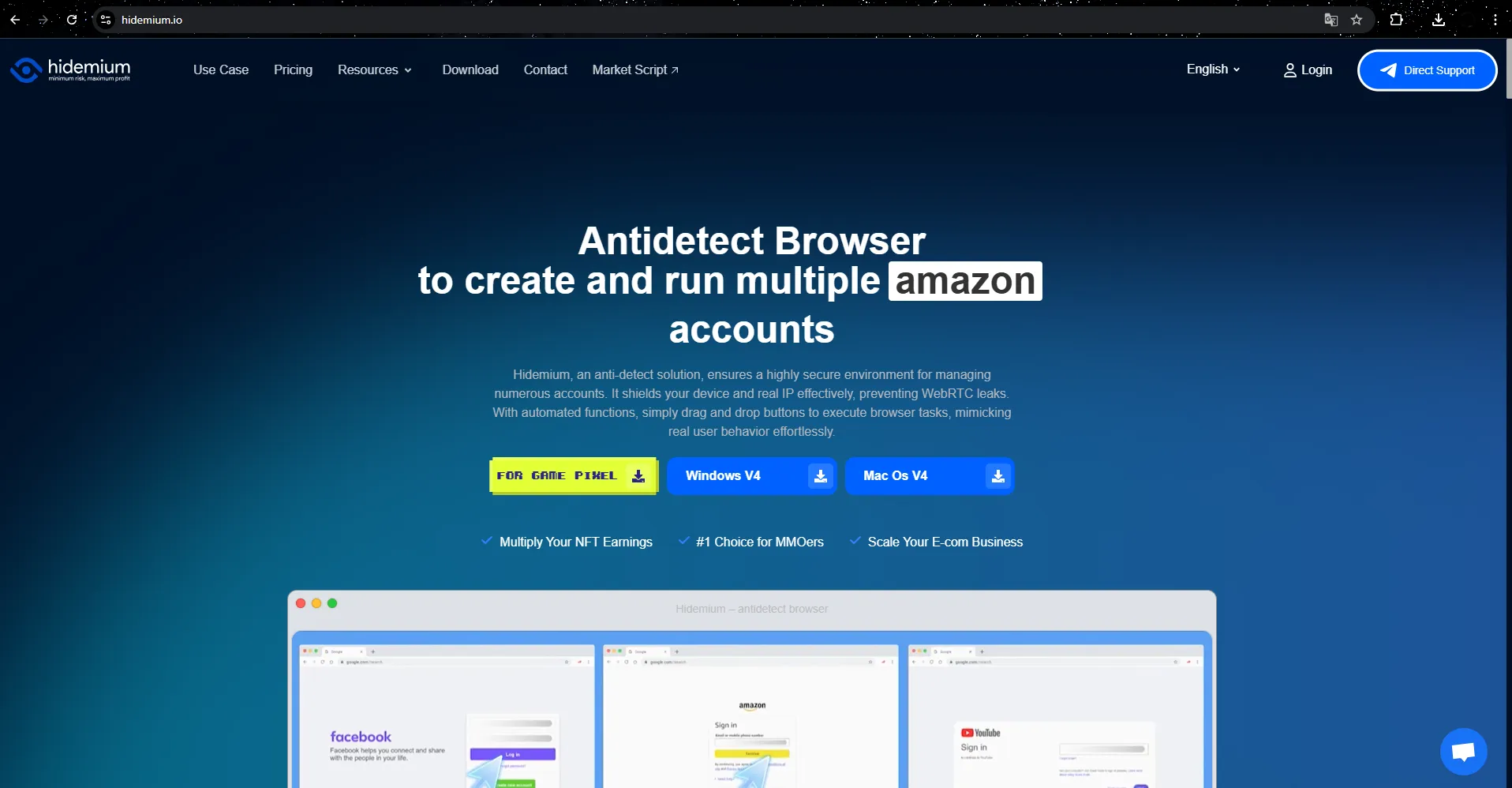
4.1 Hidemium – A flexible solution for desktop and mobile environments
Hidemium is an antidetect browser that is highly rated by the MMO community and account managers for its capabilities Simulates both computer and mobile device environments. This makes it easy for users to switch between different types of devices when running their Discord account.
One of Hidemium's outstanding strengths is drag-and-drop automation builder. This allows you to create action scripts without writing code. Thanks to this, you can automate tasks such as logging into accounts, sending messages, or running simple bots.
In addition, Hidemium also supports Share your profile with the team.This helps Discord community management teams work efficiently without sharing passwords.
Price:
Free (5 profiles) – Basic Package from $15/month
Key features
Browser profiles for both PC and mobile
Visual automation builder
Supports sharing profiles with groups.
Manage multiple accounts in separate environments.
Advantage
Flexibility in device simulation
Automation is easy to use.
Suitable for both individual users and small teams.
Disadvantages
The pricing system has multiple tiers.
The international user community is still expanding.
Evaluate:
A worthwhile option to consider if you need one Combine mobile and desktop environments when running your Discord account.
4.2 DICloak – A powerful tool for managing multiple accounts
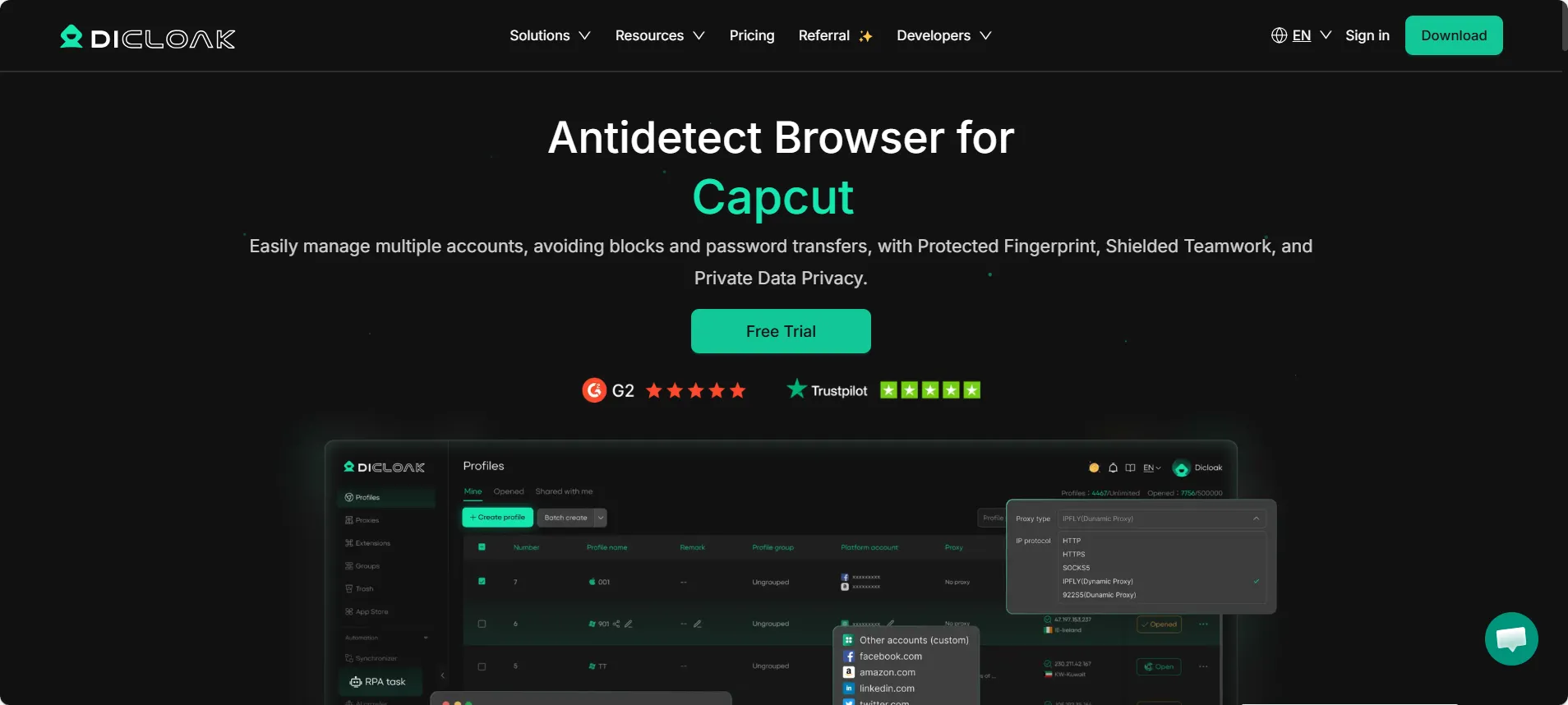
DICloak is specifically designed to bypass Discord's complex device verification mechanisms. Instead of simply changing the IP or User Agent, this tool creates a different approach a completely new digital identity for each profile.
DICloak interferes deeply with fingerprint components such as Canvas, AudioContext, and WebGL, ensuring each account has an independent browser environment.
In addition, the software also integrates RPA automation. This helps automate tasks such as logging in or creating accounts.
Price:
Free (5 profiles) – Basic $8/month
Main features
Advanced fingerprint simulator
Integrated RPA Automation
Import cookies in bulk
Team collaboration tools
Advantage
High rate of rash avoidance
User-friendly interface
There is a free plan.
Disadvantages
Some advanced features require some getting used to.
Evaluate:
Suitable for those who want Manage multiple Discord accounts securely over the long term.
4.3 Multilogin – Enterprise Standard
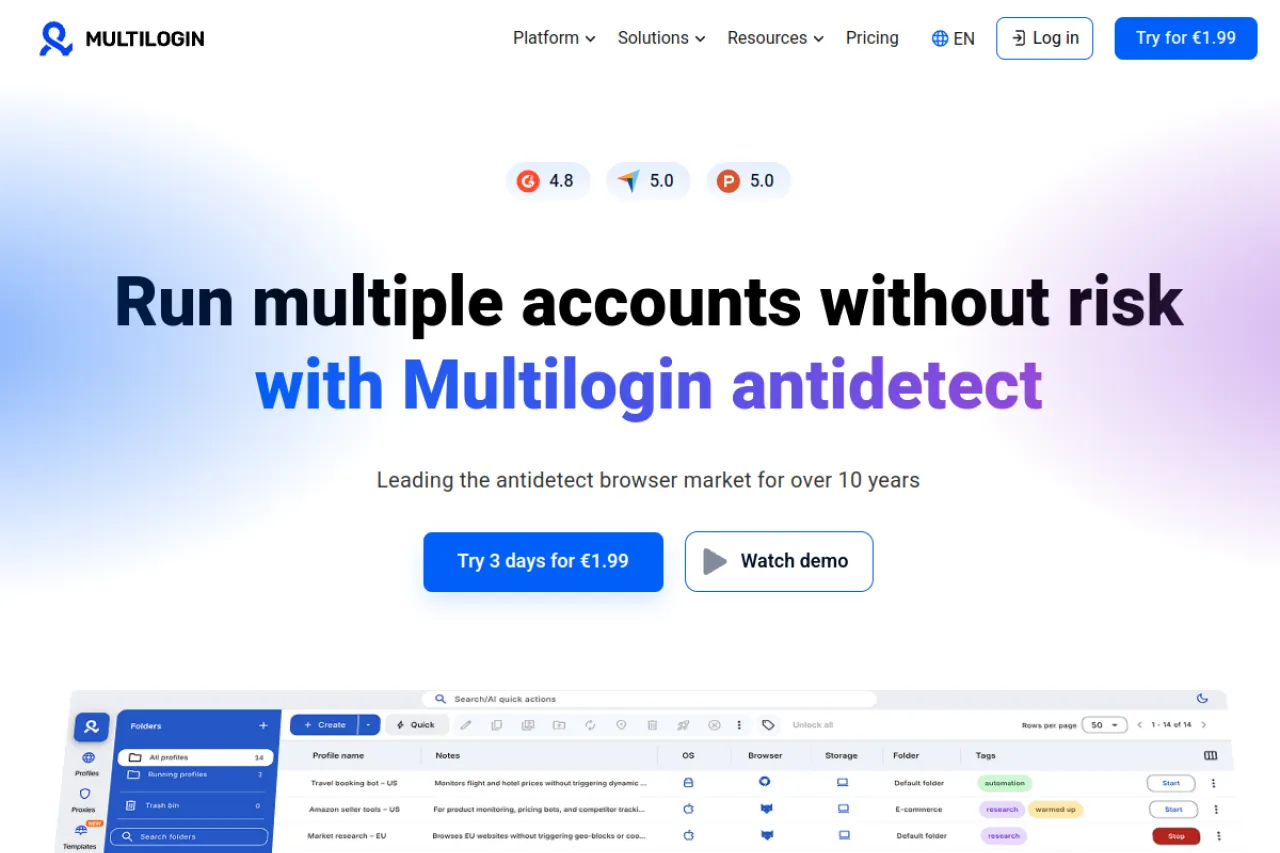
Multilogin is one of the oldest software programs in the field of antidetect browsers. This tool uses two separate engines Mimic and Stealthfox Replacing the core of Chrome and Firefox aims to minimize fingerprint leaks.
Multilogin is particularly suitable for agency or large enterpriseI need to manage hundreds of accounts.
Price: from €99/month
Advantage
High stability
Professional support system
Disadvantages
High cost
There is no free plan.
Evaluate:
Suitable for large organization, However, it may be too expensive for individual users.
4.4 GoLogin – Access your profile on the cloud platform
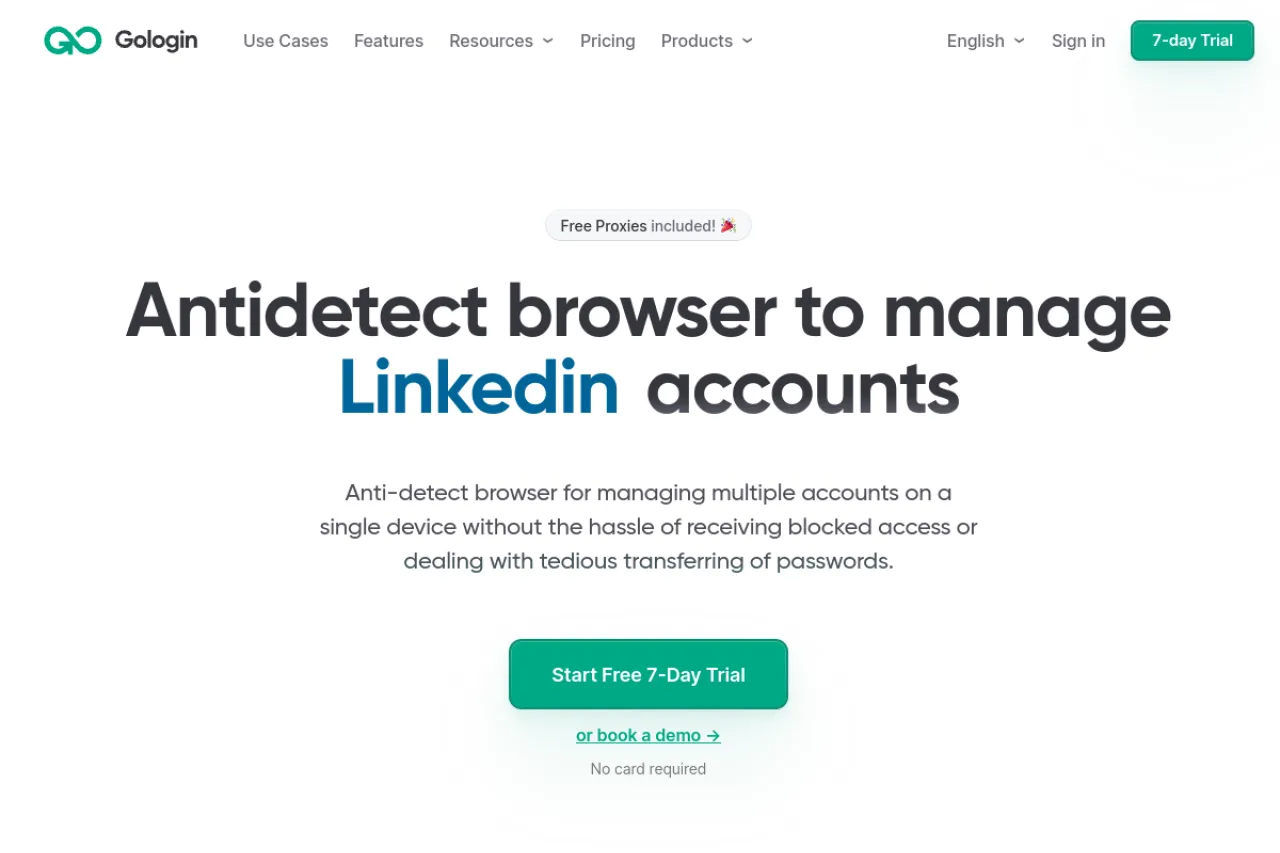
GoLogin provides the ability to run profiles directly on cloud. This allows you to access your account from any device without installing heavy software on your computer.
In addition, GoLogin also has Android app. This helps you manage your Discord account right on your phone.
Price: from $24/month
Advantage
Access your profile from multiple devices.
There is a mobile app.
Disadvantages
Launching a cloud server is sometimes slower than a local server.
4.5 AdsPower – A powerful automation tool
AdsPower is known for its system RPA automation that requires no coding. Users can record browser activity and have it automatically replayed across multiple accounts.
This is especially useful if you need it Send mass DMs or perform repetitive tasks on Discord.
Price:
Free (2 profiles) – from $9/month
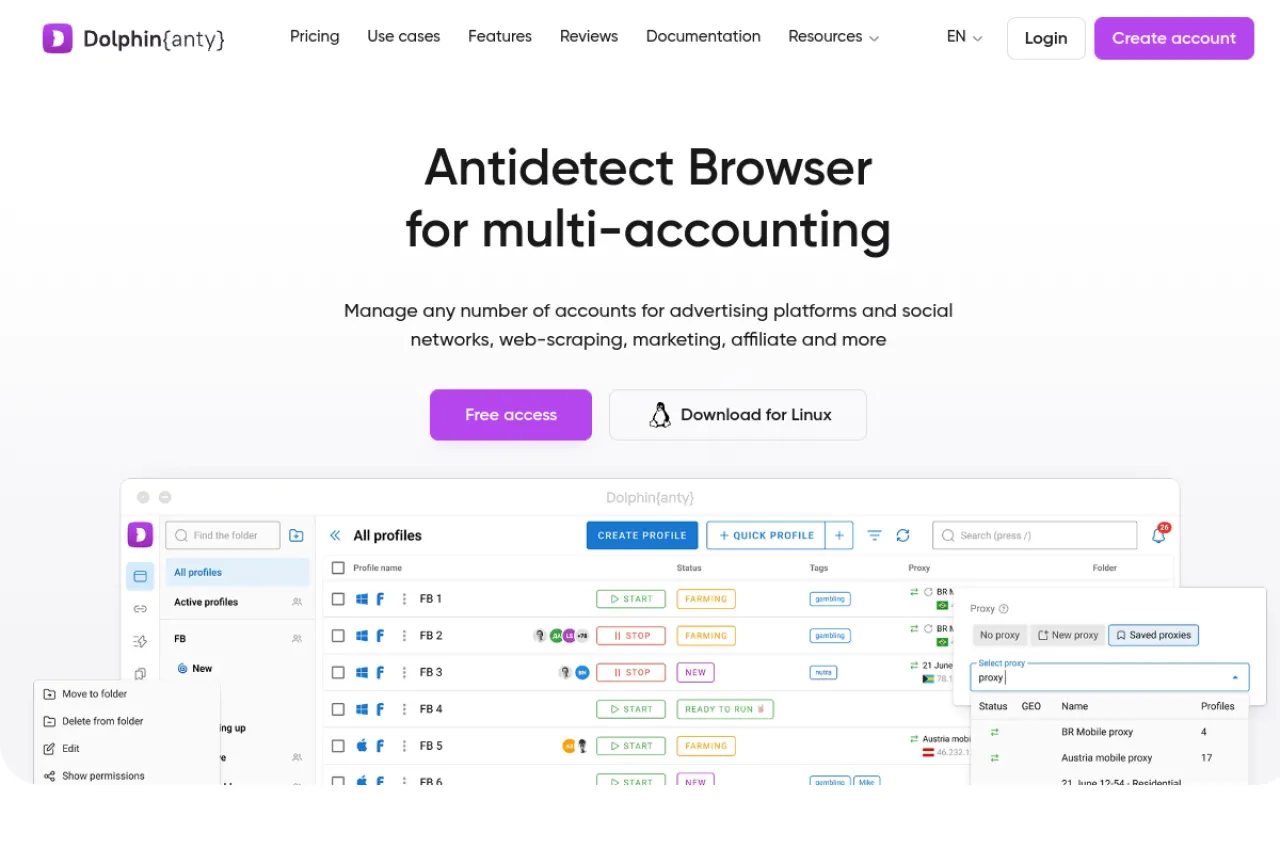
4.6 Dolphin Account – Modern Account Management Interface
Dolphin Anty stands out with Intuitive interface and the ability to easily manage hundreds of profiles. This tool allows you to assign profile permissions to each member of the group.
Price:
Free (10 profiles) – from $89/month
4.7 Incognito – Customize fingerprint details
Incognito is suitable for users who like Deeply customize fingerprint parametersThis includes a list of fonts, WebGL, and system settings.
Price:
Free (10 profiles) – from $29.99/month
4.8 Browser.lol – A one-time cloud browser
Browser.lol functions as a virtual browser that runs directly within the web browser. This tool is suitable for short-term tasks such as checking links or verifying accounts.
However, it is not an ideal choice for operating a long-term account system.
4.9 Octo Browser – Real device fingerprint
Octo Browser uses fingerprint data from real device. This helps the profile look more natural to anti-fraud systems.
Price: from €29/month
4.10 MoreLogin – Simulates a mobile phone environment
MoreLogin offers the ability Emulate an Android device on your computer. This helps increase reliability because Discord generally trusts traffic from mobile devices more.
Price: Free (2 profiles) – from $9/month
5. Frequently Asked Questions about Antidetect Browser when Managing Multiple Discord Accounts
1. How many Discord accounts can one antidetect profile be used for?
The safety principle is Each profile should only log in to one Discord account. Think of each profile as a completely independent computer.
If you log in to multiple accounts within the same browser profile, Discord may link those accounts through browser fingerprint. When one account experiences a problem or is locked, all remaining accounts are at risk of being affected.
2. Can Discord detect the use of antidetect browsers?
With high-quality tools like DICloak or Hidemium, the platform can hardly detect that you are using an antidetect browser.
These software programs work by: Hide the actual hardware specifications and create a valid browser fingerprint. This makes the profile look like a regular Chrome or Firefox user.
Conversely, free or low-quality tools often expose data through WebRTC, Canvas, or WebGL This makes it easier for Discord's anti-fraud system to detect anomalies.
3. Why am I still getting the "Something's going on here" error?
This is a fairly common error and usually stems from: Browser environment data is inconsistent..
For example:
The IP address is set to the US, but the computer's time zone is Tokyo.
System language does not match proxy location.
Good antidetect browsers usually Automatically synchronize timezone, language, and fingerprint using the proxy, which helps to make the working environment more natural.
4. Is it mandatory to use a residential proxy when managing multiple Discord accounts?
The answer is YES. If you want your account to remain stable and active in the long term.
Datacenter IPs are cheap, but they are often flagged as "illegible" by Discord traffic from the server. This causes the account's credibility to decrease rapidly.
Meanwhile, residential proxy Using an IP address from your real home network makes the account activity look more like that of a normal user.
5. Is it safe to automate RPA to increase Discord XP?
Automation always involves a certain level of risk, but you can mitigate it by simulating real user behavior.
Some principles that should be applied:
Avoid sending mass messages immediately.
Do not perform the action within a fixed time interval.
Using automation has Random delay, simulating keyboard input and mouse movements.
This makes it harder for Discord's behavioral analysis system to identify bots.
6. Conclusion
Discord's security systems in 2026 have become far more sophisticated. The platform relies not only on IP but also on analytics Browser fingerprint, device hash, and user behavior patterns..
Old methods such as Incognito mode or manually switching accounts. It's almost ineffective to manage multiple accounts.
To manage Discord securely, each account needs to be treated as such a completely independent digital identity, include:
unique fingerprint
suitable proxy
natural behavior
Therefore, use a Professional multi-account management tool. It's no longer an optional choice but a mandatory requirement if you want to scale your Discord system long-term.

Related Blogs
1. What is DNS Encryption?DNS encryption is a security technology that protects domain name queries when you visit websites. Instead of sending plain-text requests, your DNS queries are encrypted to prevent third-party tracking or interference. This is a key method to enhance online privacy and security.>>> Learn more: Latest Viettel DNS & How to change DNS to improve Internet speed2. Why Does[…]
Gmail is a free email client provided by Google. On average, each person will have at least 1 Gmail account to serve work or log in to necessary social networking platforms such as Facebook, TikTok, Instagram, etc. However, Gmail accounts are easy to manage if you only use one account. But what if you own […]
Pixel Tracking is an effective data tracking solution that helps businesses understand user behavior and adjust their marketing strategies accordingly. By recording each action such as clicking, scrolling, or purchasing,Tracking Pixel Provides a comprehensive view of the customer journey. Let's Hidemium Explore in detail how this technology works and the benefits it brings.1. What is Tracking[…]

Have you ever spent countless hours building profiles, running ads, and carefully nurturing every interaction—only to see everything disabled overnight? Most users assume the cause is policy-violating content.In reality, today’s major platforms look beyond just your IP address. They can identify the device’s “digital fingerprint.” In this article, we will analyze why managing multiple accounts is[…]
In the digital age, protecting personal information when accessing the internet has become an urgent need. Rent a VPN are increasingly being chosen by many people as a safe, flexible and budget-friendly solution. However, among a series of suppliers on the market, how to choose a cheap VPN service but still ensure performance, security and stability? Let's Hidemium Antidetect Browser Explore[…]

