
Are you starting your content creation journey and struggling to get free YouTube views? Getting your first 1,000 views can be a big challenge, especially if you don’t want to run ads or use support tools. However, it is completely possible to get free YouTube views without using tools and without running ads if you apply the right strategy. In this article, you will discover effective, safe and beginner-friendly methods. In addition, Hidemium will also be a useful tool in protecting personal information and increasing safety when you interact on this platform.
1. Create quality content
- Choose an interesting topic
To attract viewers, your content needs to be interesting and valuable. Research current trends and find topics that your viewers are interested in. Use Google Trends or YouTube Trends to find out what's hot.
- Ensure video quality
A video with good picture and sound quality will keep viewers watching longer. Invest in a high-quality camera and a good microphone to improve the viewer experience. Remember, quality content is the first determining factor in increasing views.
2. Optimize title and description
Attractive title
Set a short, clear title that contains the main keywords such as: “how to increase YouTube views”, “increase free views”, “first 1000 views”. Avoid clickbait but still ensure it is attractive.
Detailed description
The description should be at least 150 characters long, repeating the main keyword 1-2 times. Don't forget to include links to related videos, calls to action (CTA), and hashtags related to the content.
3. Use an attractive thumbnail
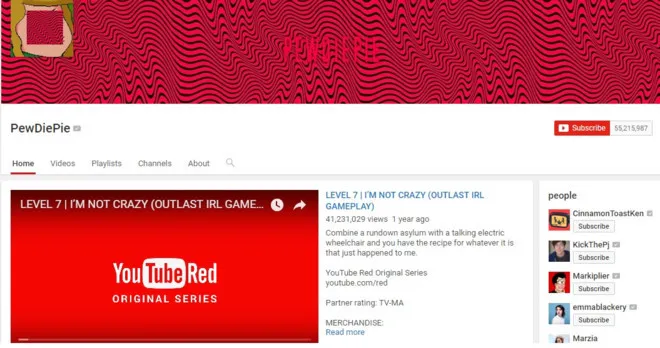
The cover image (thumbnail) is a big factor in whether viewers will click on your video or not. Design an eye-catching cover image, using bold colors and clear text to grab attention. You can use design tools like Canva to create a professional cover image.

>>> Learn more: 10+ Ways to Increase Youtube Views for Beginners
4. Increase natural interaction from viewers
Call for Comments & Shares
Encourage viewers to leave comments on your videos. Engage with them by replying to their comments and creating a community around your channel. This not only increases engagement but also creates a friendly environment for viewers.
Organize a contest
Running a small contest on your channel can create excitement and attract new viewers. Ask viewers to enter by leaving a comment or sharing your video.
5. Share Videos on Social Platforms
Use social media
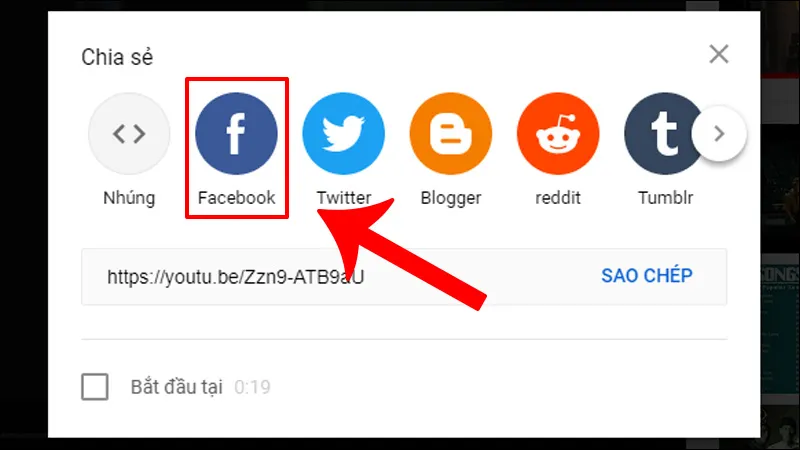
Share your videos on social media platforms like Facebook, Instagram, Twitter, and TikTok. Use social media groups and communities to get your videos in front of more people.
Send Email to Subscriber List
If you have an email list, send notifications to your subscribers about new videos. This can help you increase your YouTube views organically, while also maintaining engagement and loyalty from your existing audience.
6. Optimize SEO for Video
Use keywords
Make sure you use keywords in your video's title, description, and tags. This helps your video appear in search engines and increases discoverability.
Competitor analysis
Look at videos from competitors in your niche to understand their keyword strategy, video posting frequency, and content focus. From there, you can learn from them and make appropriate adjustments to your channel.
>>> Learn more: How to Unblock YouTube Using Proxy
7. Maintain a steady video posting frequency
Maintaining a consistent video posting schedule (e.g. 2 videos per week on Tuesday & Friday) helps viewers know when to expect new content. This helps build your personal brand, increase your YouTube following, and retain your audience over the long term.
8. Protect your personal information with Hidemium
Why use Hidemium?
When you share videos and interact with multiple platforms, protecting your IP and personal information is extremely important. Hidemium is an anti-detect browser that helps YouTubers, MMOs or crypto creators protect their digital identity, prevent tracking or account restrictions.
How to use Hidemium
✅ Hidemium is a platform that supports security and anonymity in the digital environment., especially suitable for content creators, dropshippers, marketers or YouTubers.
What benefits does Hidemium help in increasing Youtube views?
- Protect your personal identity when creating and operating multiple YouTube channels
- Avoid getting your channel locked when testing content or changing topics
- Support to increase Youtube views for free through safe community
- No cookies, no IP to avoid being tracked
Why is Hidemium safe and secure?
- Incognito browser simulates separate device environment for each profile
- Dynamic IP is not duplicated, not marked as abnormal
- No history, cookies, cache – helps avoid personal information leaks
- Simple interface, easy to use even for beginners
Getting 1000 YouTube views for free without ads or tools is possible if you apply the right strategies. By creating quality content, optimizing your videos, engaging with your audience, and sharing on social platforms, you will see your views increase rapidly. Don’t forget to protect your personal information with Hidemium for a safer online experience. Get started today and watch your YouTube channel grow!
>>> Learn more:
- MULTILOGIN REVIEW - ANTIDETECT BROWSER Worth the investment for MMO players
- GOLOGIN REVIEW - ANTIDETECT BROWSER FOR MMO BEGINNERS
- Hidemyacc Review - Popular Antidetect Browser Software in Vietnam
- Dolphin Anty Alternative Browser: Comprehensive Review 2025
- Antidetect Browser Replaces VMLogin – Detailed Review 2025
- Antidetect Browser Alternative MoreLogin – Detailed Review 2025
Related Blogs
.png)
You are wondering How to increase views on Etsy? As a seller, it can be frustrating when your products aren't getting any traffic — especially when you know they have potential. Don't worry! There are ways to help Your Etsy shop attracts potential customers and improve visibility.Whether you are a beginner or a seasoned veteran, understanding how to increase views on Etsy is an important factor[…]
.png)
In multi-account operations, e-commerce monitoring, and ad verification scenarios, browser environment isolation and reliable proxy services have become essential “infrastructure.” For users of multi-account browsers like Hidemium, choosing a stable, secure, and widely covered residential proxy service is crucial.This article will introduce you to IPPeak, explain why it’s worth considering, and[…]
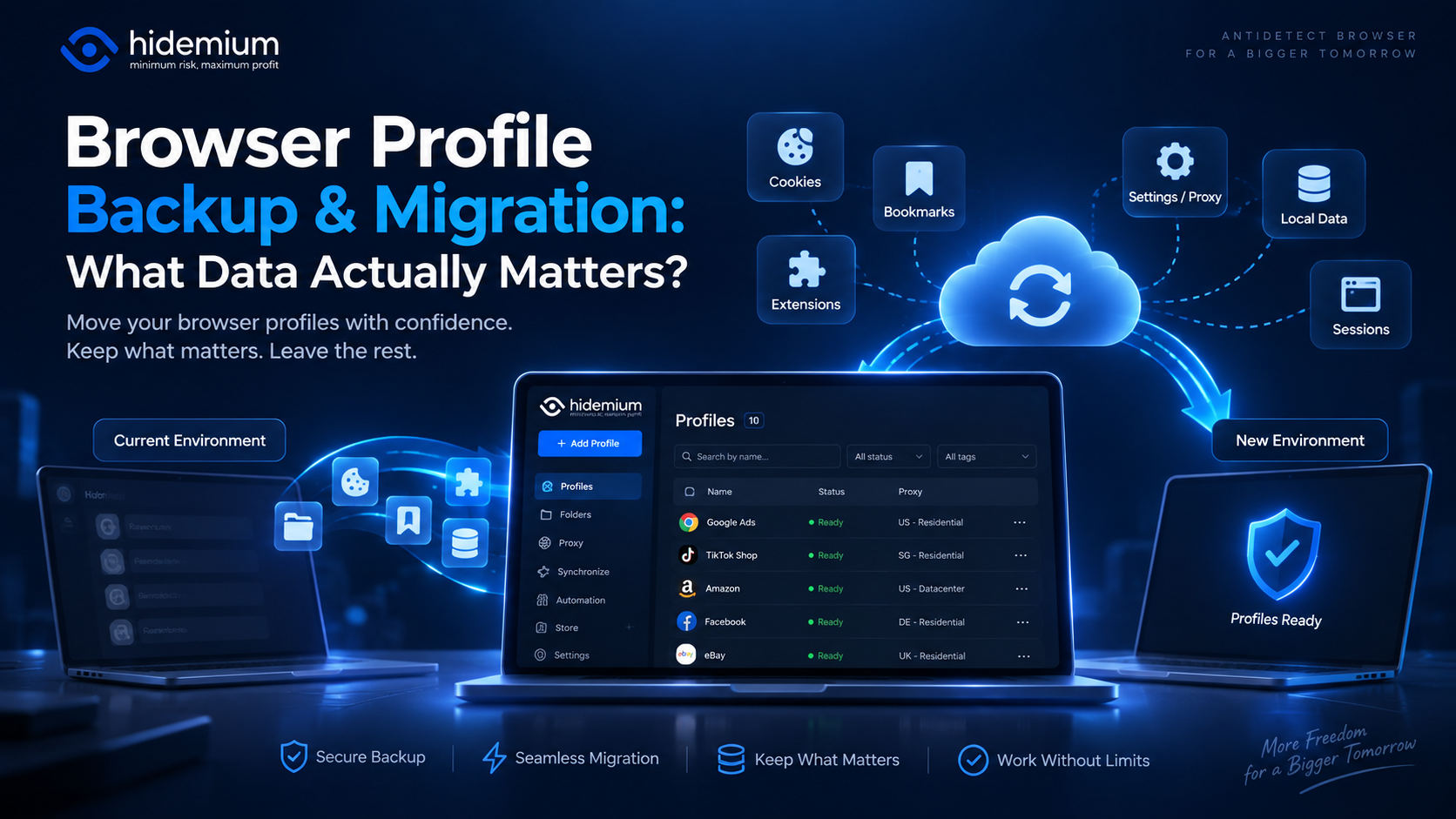
Moving a browser profile sounds easy:Export → Import → Open.But that is rarely the whole story.A migrated profile may open successfully while the user is logged out, extensions are missing, proxy settings have disappeared, or website data behaves differently.In other words:The profile moved, but the working environment did not.That is why browser profile backup migration should not be treated as[…]
.png)
In the digital era, no-code automation has become an essential trend for individuals and businesses to optimize their workflows. However, many people struggle with automation due to a lack of coding skills, making repetitive task automation seem out of reach.So how can someone with no coding background still create powerful automation scripts?The answer lies in the AI Prompt Script on Hidemium –[…]
Doing YouTube is no longer a trend, it is a serious career and can generate sustainable passive income, witnessing the development from "just for fun" to YouTube becoming a "billion dollar money making machine".If you're wondering, "Is YouTube still viable for beginners?", the answer is yes – and even more than before. This article Hidemium Antidetect Browser will summarize all the necessary[…]
Quick Answer: What Is the Best GoLogin Alternative?A good GoLogin alternative should help users manage multiple browser profiles, isolate browser fingerprints, assign proxies, protect sessions, and support automation without making daily workflows complicated.For users who need a balanced solution for browser profile management, fingerprint protection, proxy integration, browser automation, and[…]
