
IP Checker is a feature of Hidemium that automatically matches the location settings of your browser fingerprint profile to your external IP address settings.
Web platforms consider a mismatch between system and IP location information a red flag. IP Checker location allows you to avoid this flag IP, fly under the radar, and achieve greater account security.
What is IP Checker?
When a browser profile is first launched, Hidemium will check the public IP of the system and create corresponding browser fingerprint information to match the IP settings. Specifically, IP Checker changes the timezone and country values to match the IP address.
+ If a proxy is inputted into the browser profile, Hidemium will first confirm the validity of the proxy. If the proxy is valid, IP Checker will automatically fix the browser fingerprint profile information to match the new proxy.
+ IP Checker will automatically run when a browser fingerprint profile is launched, or a new proxy is inputted. And set browser location system is automatically changed. Proxy locations are shown within the Hidemium interface, and you may also click “Check Proxy” at any time to manually perform another location check.
Web platforms consider a mismatch between system and IP location information a red flag.
+ As always, Hidemium users can override IP Checker and create a customized browser fingerprint profile if they wish to do so.
IP Checker has recently been updated to be even better and more secure. Browser location checks for IP addresses are performed in real-time to ensure maximum accuracy. Traditional IP databases are not used.
How can you confirm IP Browser works?
Firstly, you create a browser fingerprint profile and input a proxy. Then you go to BrowserLeaks and take note of the IP and system location information on the left. Both the country and timezone will match.
Go to Google Maps and allow Google to access your location if you would like even further confirmation. Your location will show as the location of your IP address, whereas simply connecting to a proxy would not usually change your site in Google Maps.
Conclusion
IP Checker is an easy but highly efficient way of avoiding location in browser mismatches between your browser fingerprint profile and your proxy IP checker. When a browser fingerprint profile is launched or when the validity of a proxy is checked, IP Checker is automatically run. Users can override IP Checker settings, though we recommend not doing so unless you know exactly what you are doing.
New to Hidemium? View IP browser subscription plans here and start managing multiple accounts on any platform without risking account suspension or termination.
Related Blogs
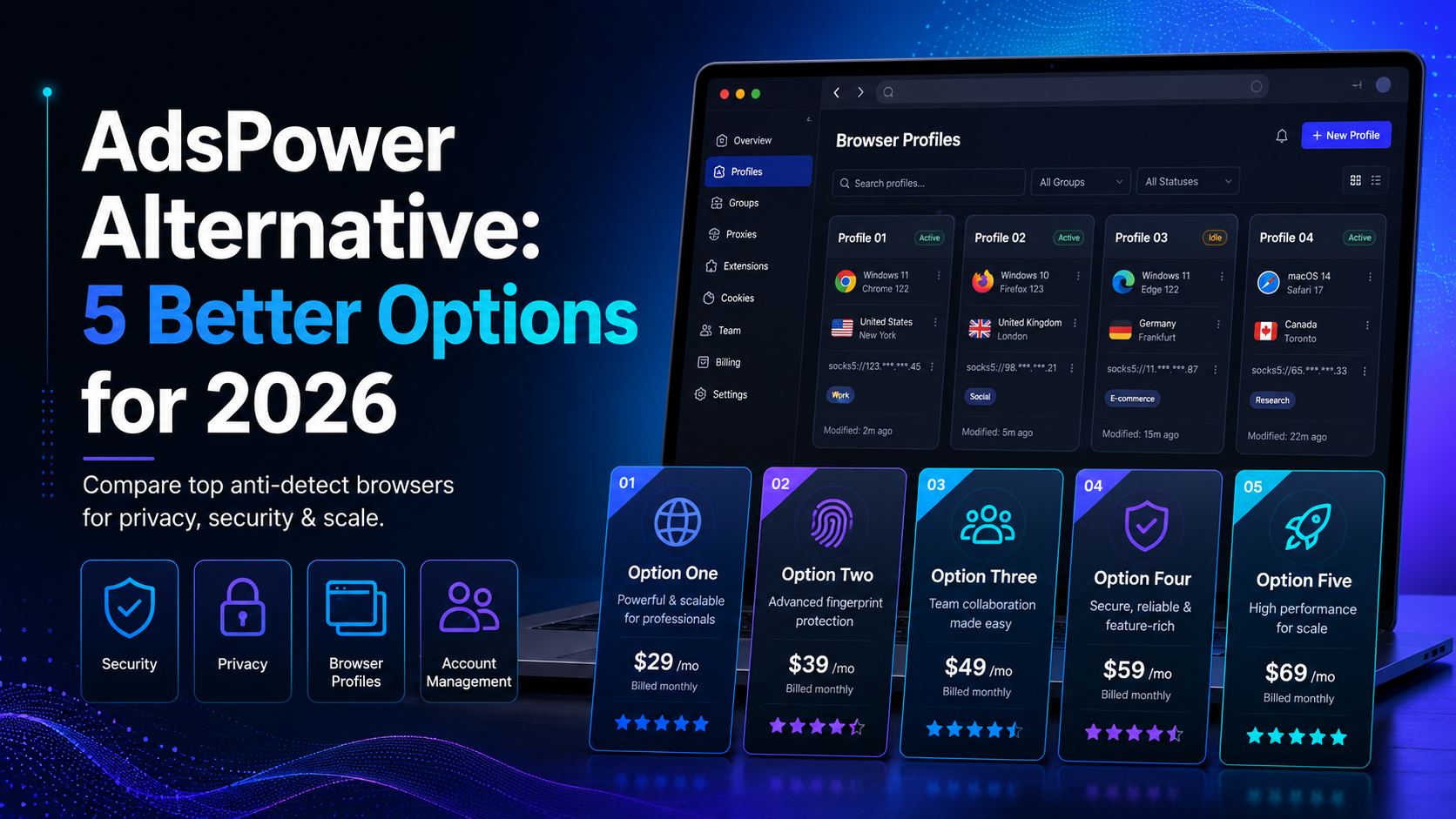
Why Marketers Are Searching for AdsPower Alternatives in 2026AdsPower has long been a popular choice for marketers who need to manage Facebook multiple accounts, run large-scale advertising operations, or conduct Facebook account farming. But in 2026, the landscape has shifted significantly — and so have the threats.Facebook's detection systems have grown far more sophisticated, leveraging[…]
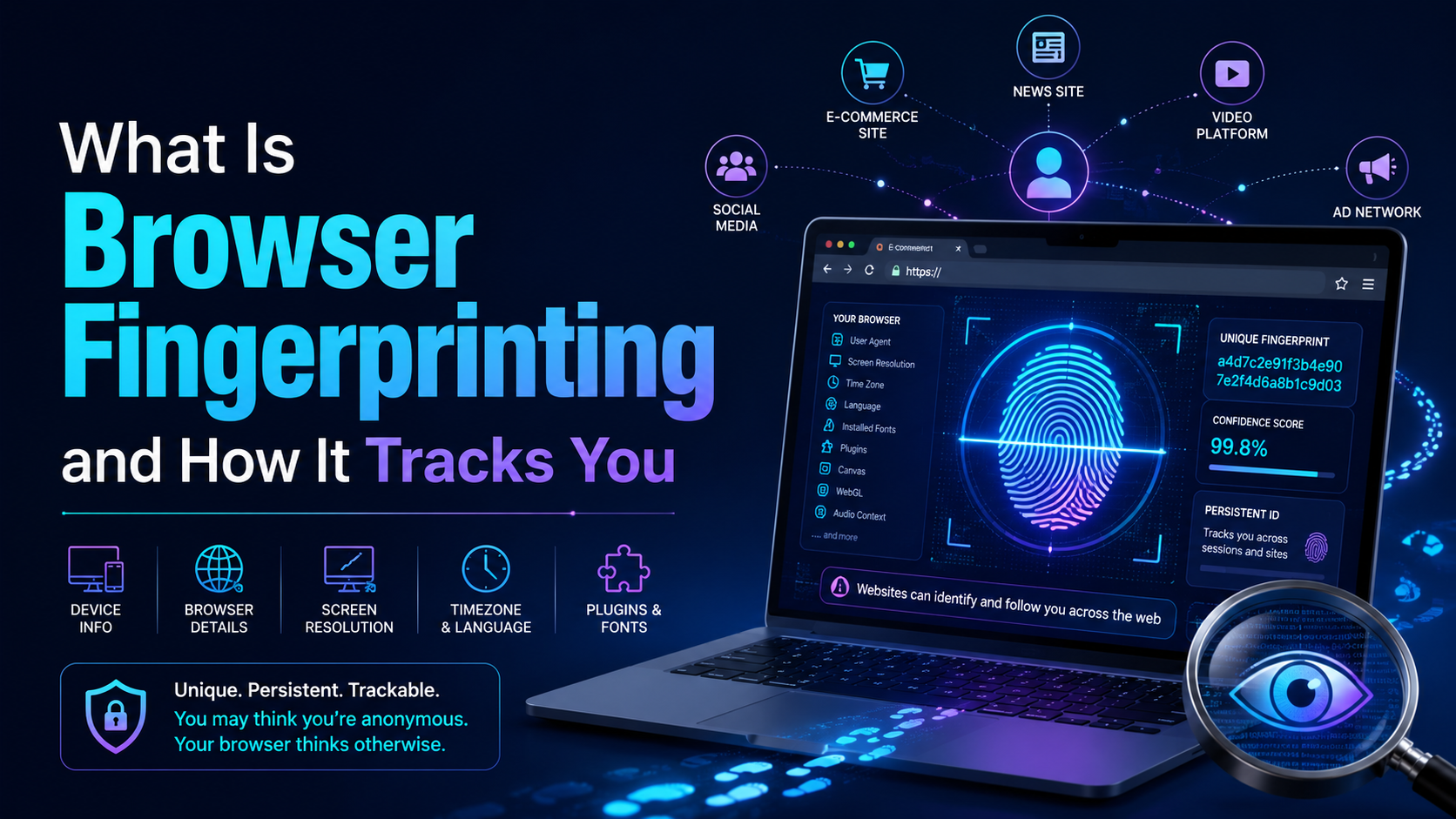
Have you ever heard of the Browser Fingerprint feature? It’s okay if you don’t know because most people rarely talk about it. Browser Fingerprinting is a highly accurate method to identify browsers and track online activity uniquely.However, there is still a way to remove fingerprints from the Internet. But first, let’s start by exploring what is Browser Fingerprint and how does it work?What is[…]
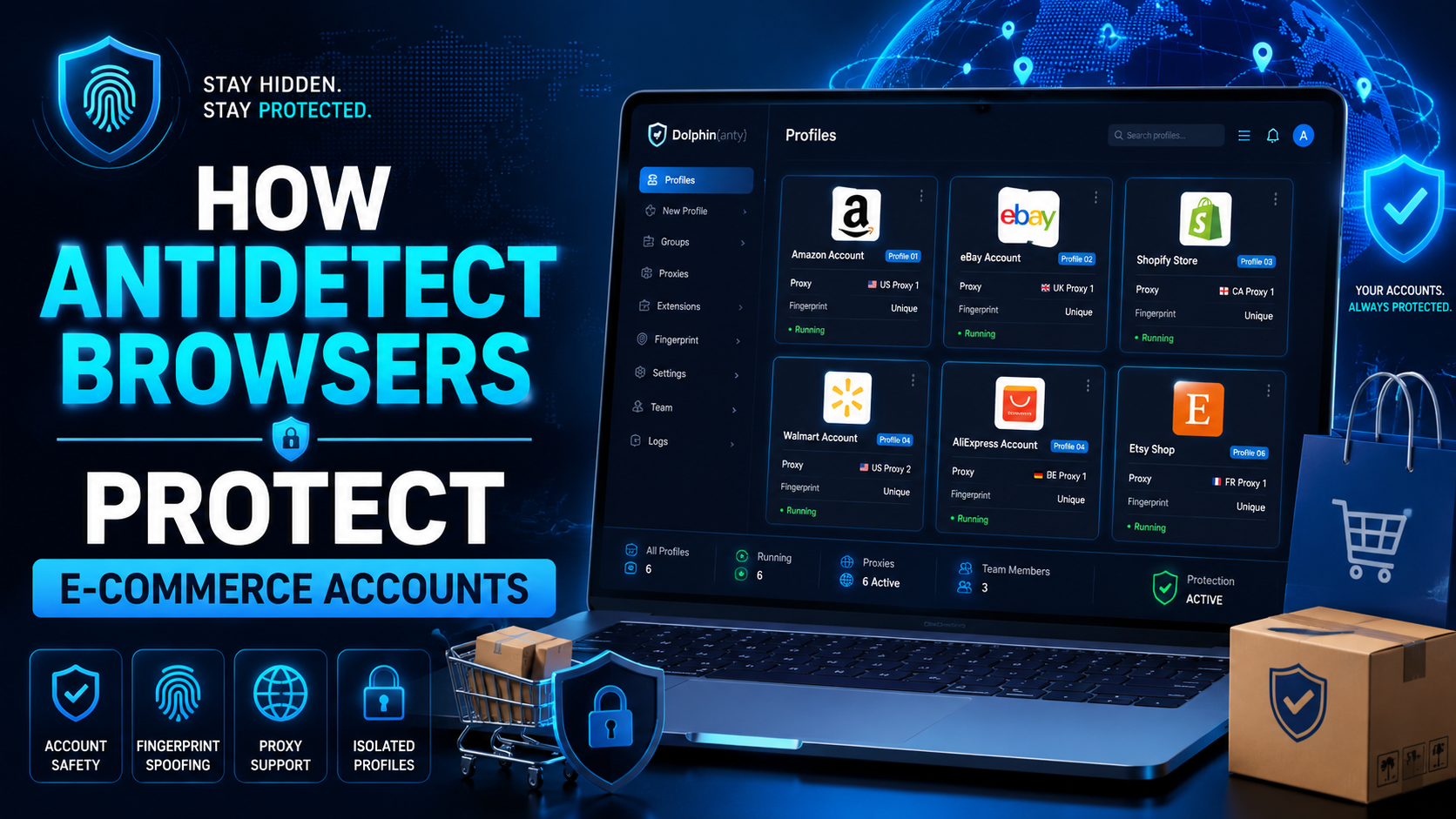
The world of e-commerce and dropshipping is growing rapidly, with more and more businesses looking to take advantage of the opportunities presented by online sales. However, with this growth comes an increase in online fraud, which can lead to account locks, chargebacks, and other financial losses. To prevent these issues, many businesses are turning to use Anti-detect Browser, which provides a[…]

MMO has never been an easy game—especially as platforms like Facebook, Google, Amazon, and eBay continue to tighten their algorithms. If you’re still in the habit of opening dozens of tabs in regular browsers such as Chrome, CocCoc, or Firefox to run jobs, you’re exposing yourself to a very high risk of mass account bans.This article will help MMO practitioners avoid costly losses caused by using[…]
Can You Browse Instagram Anonymously?Instagram is one of the most visited social media platforms in the world — but it's also one of the most aggressive when it comes to tracking user behavior. Whether you want to research competitors, view profiles without leaving traces, or simply protect your privacy, browsing Instagram anonymously has become increasingly important in 2026.The short answer is:[…]

When applied correctly, the 10 Antidetect Browser tips not only significantly reduce the risk of account restrictions but also enhance stability in multi-account management. Close synchronization between browser fingerprints, IP addresses, and access behavior helps platform AI systems assess activity as more natural.In addition, these techniques optimize marketing operations, save management[…]
