.png)

In the context of rapidly advancing technology, mastering how to check Proxy and Firewall will help users protect their information security and optimize their web browsing experience. Let's join Hidemium to explore simple methods for checking Proxy and Firewall through the detailed instructions in the article below.
How to Check Proxy and Firewall on Win 10, Win 11
Proxy and Firewall are two essential tools for managing network traffic and protecting systems from external threats. Regularly checking your Proxy and Firewall settings is crucial to ensure they are working effectively and have no security vulnerabilities. Below are detailed methods for checking Proxy and Firewall.
How to Check Proxy using Free Online Services
To check your Proxy, you can use free online services. Simply open your web browser on your device and visit websites such as https://www.whatismyproxy.com/ or https://ipfighter.com/. After checking, the results will be displayed on your screen, showing you the Proxy's IP address, location, and status.
How to Check Firewall on Win 10, Win 11
To check the firewall on Windows 10 and Windows 11 accurately, you can follow these steps:
Step 1: Open Windows Settings
Go to Control Panel or press the Windows + X key. In Control Panel, select "System and Security", then select "Windows Defender Firewall".
Step 2: Complete the check
In the left-hand menu, select "Turn Windows Defender Firewall on or off". Options will appear, allowing you to turn off Windows Defender Firewall for both "Private network settings" and "Public network settings".
Check the boxes as shown in the illustration below and click "OK" to save the changes.
Related Blogs

Why Did You Get Banned Even After Using a Proxy?You carefully set up your proxy. Created a new email address. Used different devices. Yet your account was still banned within 24 hours.Why? A Proxy only hides your IP address — but your browser fingerprint doesn't.Every time you open Chrome or Firefox, the browser sends dozens of identification signals to the server: canvas fingerprint, WebGL[…]

Managing multiple accounts becomes difficult when several sessions share the same browser environment. Cookies, local storage, browser settings, IP addresses, and device-level signals can all contribute to how a platform evaluates a session.Hidemium Antidetect Browser helps teams separate browser profiles, sessions, proxy configurations, and browser environments so each workflow can be managed[…]
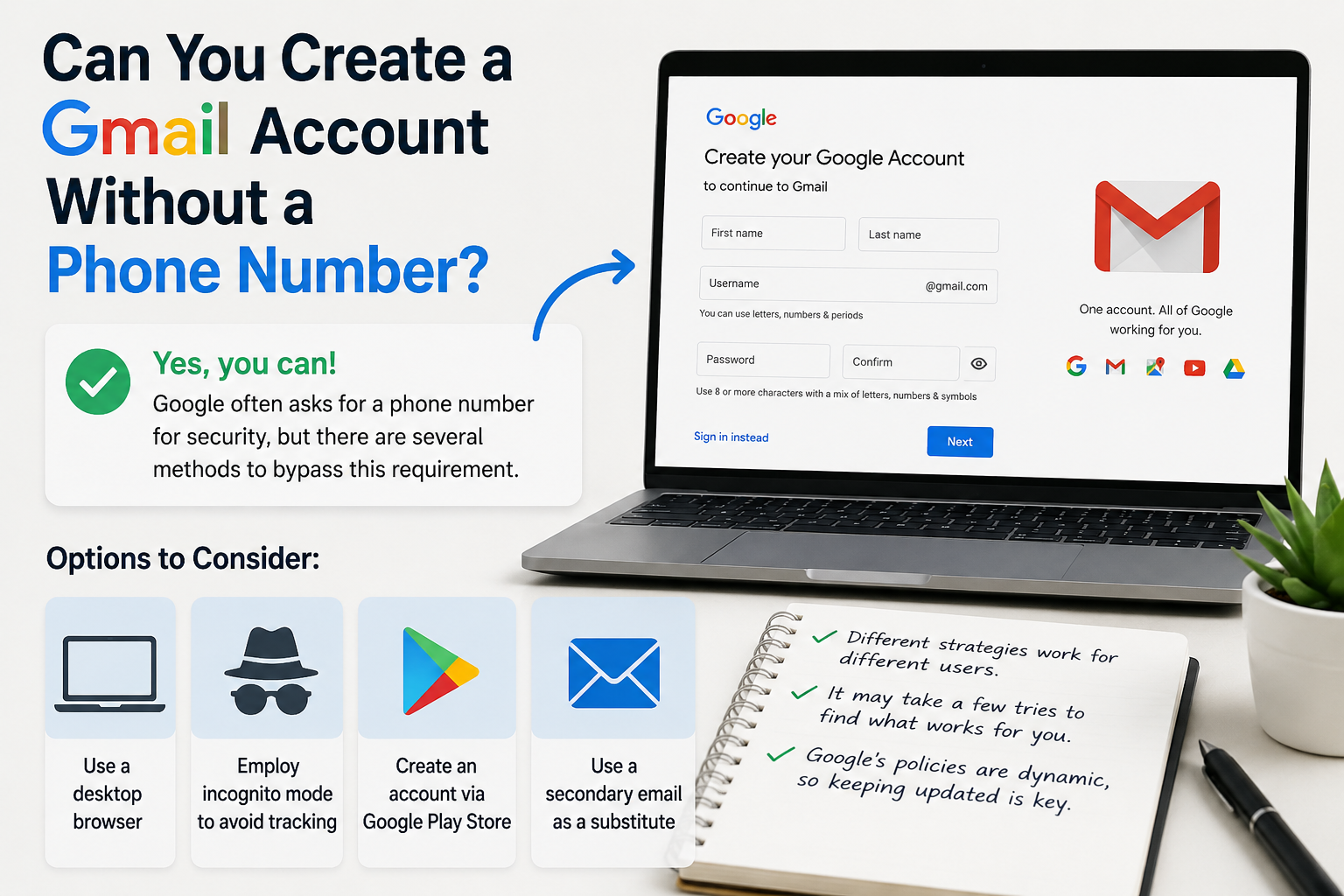
Create gmail with no phone numberCreating a Gmail account without a phone number is possible. Many users prefer this for privacy reasons.Google often requests a phone number for verification. However, there are ways to bypass this step.This guide will show you how to create a Gmail account without providing a phone number.We will explore different methods and tips to achieve this.Whether you're[…]
How can I download YouTube videos legally and safely?Whether you are preparing for a long flight, commuting through a cellular dead zone, or simply want to curate a personal archive of educational content, the desire to save YouTube videos is incredibly common. However, the internet is flooded with sketchy websites and misleading software promising free downloads, leaving many users confused[…]

Managing multiple social media accounts sounds simple—until you actually do it.If you're handling 5, 10, or even 15 accounts, you probably know the feeling: writing similar captions, repeating the same workflow, and constantly switching between accounts. It quickly becomes time-consuming and hard to scale.That’s where a structured workflow using Claude AI can make a real difference. Instead of[…]
.png)
Nowadays, websites can easily track user behavior through IP address and device parameters. This means that, even if you have changed your IP or used incognito mode on your browser, the system can still detect that you are logging in and operating multiple accounts at the same time.An effective solution to overcome this situation is to use it antidetect browser – specialized tool to help simulate[…]
