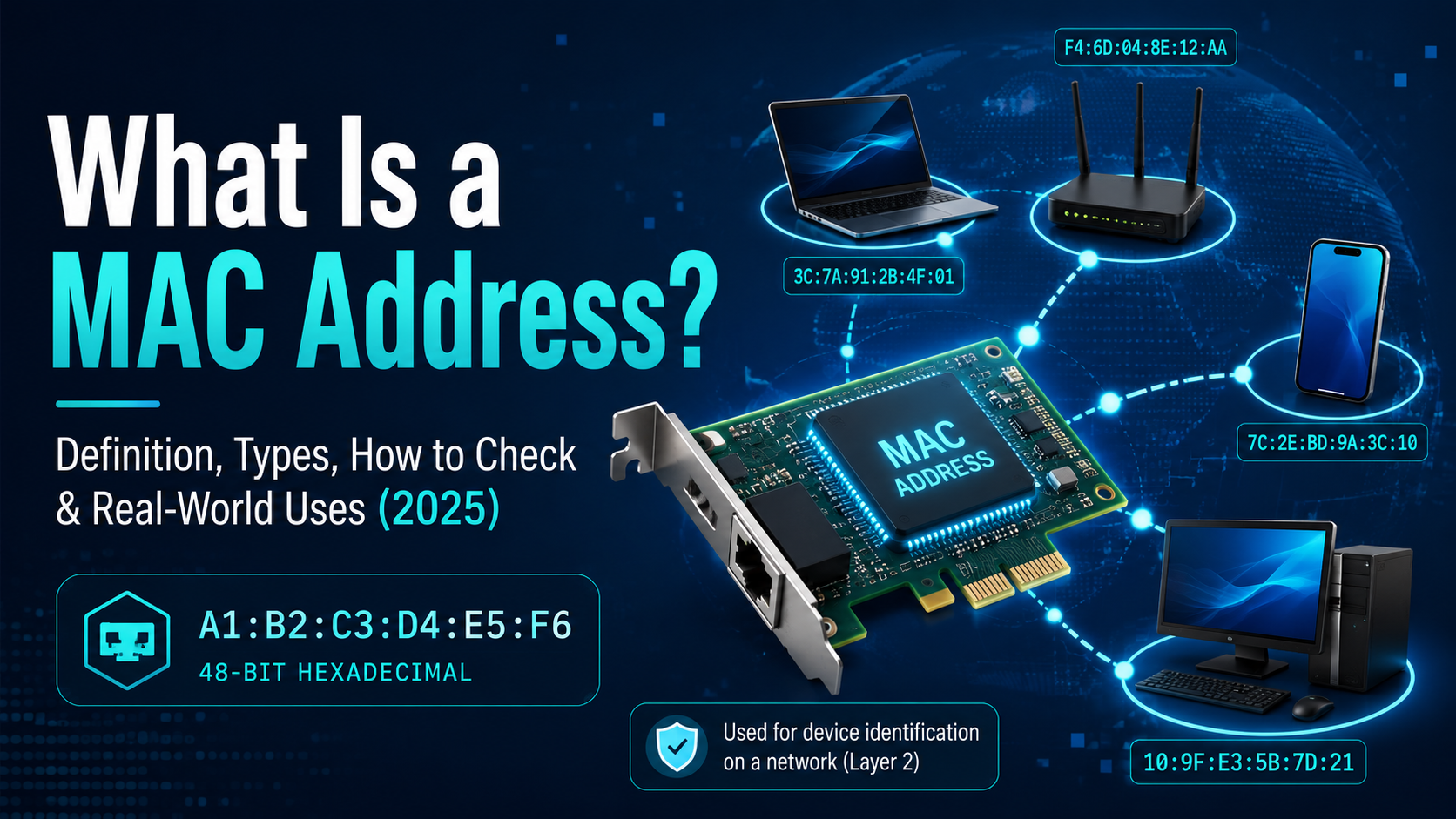

A MAC address (Media Access Control address) is a unique 48-bit physical identifier permanently assigned to every network interface card (NIC) by its manufacturer. It consists of 12 hexadecimal digits — for example, 00:1A:2B:3C:4D:5E — where the first 6 digits identify the manufacturer (OUI) and the last 6 digits identify the specific device. MAC addresses operate at Layer 2 (Data Link layer) of the OSI model and are used for device identification within a local area network (LAN). Understanding MAC addresses is foundational knowledge for anyone managing online privacy or network security.
1. What Is a MAC Address? Full Definition
MAC stands for Media Access Control. A MAC address is the hardware-level identifier that allows devices to communicate within the same network segment. Unlike IP addresses — which can change dynamically — a MAC address is hardcoded into the network card's firmware by the manufacturer and is globally unique by design.
Key facts about MAC addresses:
- Length: 48 bits (6 bytes), displayed as 12 hexadecimal characters
- Format examples: 00:1A:2B:3C:4D:5E (colon-separated) or 00-1A-2B-3C-4D-5E (hyphen-separated)
- OUI (Organizationally Unique Identifier): The first 3 bytes identify the manufacturer (e.g., Apple, Intel, Cisco)
- NIC Specific: The last 3 bytes are the device serial number assigned by the manufacturer
- Layer: Data Link Layer (OSI Layer 2)
2. Types of MAC Addresses
MAC addresses are classified into five main types based on their communication scope and assignment method:
| Type | Address Range / Identifier | Description | Common Use Case |
|---|---|---|---|
| Unicast | LSB of first byte = 0 | Sent to a single specific device | Standard point-to-point communication |
| Multicast | LSB of first byte = 1 | Sent to a group of devices | Video streaming, IGMP, OSPF routing |
| Broadcast | FF:FF:FF:FF:FF:FF | Sent to all devices on the LAN segment | ARP requests, DHCP Discover |
| Universally Administered (UAA) | Second LSB of first byte = 0 | Factory-assigned by manufacturer — globally unique | Default on all physical network cards |
| Locally Administered (LAA) | Second LSB of first byte = 1 | Manually or software-assigned; overrides UAA | Virtual NICs, MAC spoofing, privacy randomization |
3. How to Find Your MAC Address (All Devices)
3.1 Windows 10 / Windows 11
Method 1 — Settings (GUI):
- Press Start → go to Settings → Network & Internet
- Select Ethernet or Wi-Fi depending on your connection
- Click Hardware Properties
- Your MAC address is listed under Physical address (MAC)
Method 2 — Command Prompt (CMD):
- Press Win + R, type cmd, press Enter
- Type: ipconfig /all and press Enter
- Look for Physical Address under your active adapter
Method 3 — PowerShell:
- Open PowerShell and run: Get-NetAdapter | Select-Object Name, MacAddress
- This lists all adapters and their MAC addresses
Method 4 — Control Panel:
- Go to Control Panel → Network & Internet → Network and Sharing Center
- Click Change adapter settings
- Double-click your connection → select Details
- Find Physical Address
3.2 macOS
Method 1 — System Settings:
- Click the Apple menu → System Settings
- Go to Network → select your connection (Wi-Fi or Ethernet)
- Click Details → select Hardware tab
- Your MAC address appears as MAC Address
Method 2 — Terminal:
- Open Terminal
- For Wi-Fi: run ifconfig en0 | grep ether
- For Ethernet: run ifconfig en1 | grep ether
If you specifically need to change your MAC address on macOS for privacy reasons, read our step-by-step guide: How to Change MAC Address on Mac.
3.3 Linux
- Open Terminal
- Run: ip link show or ifconfig -a
- Look for link/ether next to your network interface (e.g., eth0, wlan0)
3.4 iPhone / iOS
- Go to Settings → General → About
- Scroll down to find Wi-Fi Address — this is your MAC address
- Note: iOS 14+ uses private (randomized) MAC addresses by default per network
3.5 Android
- Go to Settings → About Phone → Status
- Tap Wi-Fi MAC Address
- On Android 10+, check Settings → Network → Wi-Fi → [Network name] → Advanced for randomized MAC info
4. MAC Address vs IP Address: Key Differences
| Criteria | MAC Address | IP Address |
|---|---|---|
| Length | 48 bits (6 bytes) | IPv4: 32 bits / IPv6: 128 bits |
| OSI Layer | Layer 2 — Data Link | Layer 3 — Network |
| Assigned by | Device manufacturer (hardcoded) | ISP or DHCP server (dynamic) |
| Changeability | Fixed (can be spoofed in software) | Changes frequently |
| Scope | Local network (LAN) only | Internet / WAN (global) |
| Format | 00:1A:2B:3C:4D:5E | 192.168.1.1 or 2001:db8::1 |
| Visibility | Not visible beyond the local router | Visible across the internet |
While MAC addresses identify devices on a local network, your IP address is what websites see when you browse online. If you're concerned about IP-level privacy, using a reliable proxy service is one effective solution for masking your real IP without changing your MAC.
5. What Is MAC Address Spoofing?
MAC address spoofing is the practice of programmatically changing a device's MAC address from its factory-assigned (UAA) value to a custom (LAA) value — entirely in software, without any hardware modification.
Common legitimate uses of MAC spoofing:
- Privacy protection: Preventing tracking by Wi-Fi networks that log device MACs
- Network testing: Simulating different devices in a lab environment
- Virtual machines and containers: Assigning unique MACs to virtualized network interfaces
- Multi-account management: Tools like Hidemium Antidetect Browser use device fingerprint isolation — including browser fingerprint and hardware-level identity separation — to safely manage multiple accounts without cross-contamination or detection. See our comparison of the best antidetect browsers in 2026 to understand how different tools handle device identity.
Security risks:
- Attackers can spoof a trusted device's MAC to bypass MAC filtering on a router
- Can be used in ARP poisoning / man-in-the-middle attacks on unsecured networks
- MAC-based authentication alone is not sufficient — always combine with stronger auth methods
MAC spoofing is closely related to browser fingerprinting — another layer of device identity that websites use to track users. Run a browser fingerprint test to see exactly what data your browser exposes beyond just your MAC and IP address.
6. Real-World Applications of MAC Addresses
- DHCP IP assignment: Routers use MAC addresses to consistently assign the same IP to the same device (DHCP reservation)
- MAC filtering on routers: Network admins allowlist or blocklist specific devices by MAC address
- Network access control (NAC): Enterprise systems authenticate devices via MAC before granting network access
- ARP protocol: Maps IP addresses to MAC addresses within a LAN for packet delivery. This is directly related to how network ports route different types of traffic to the correct application on a device.
- Wake-on-LAN (WoL): Sends a magic packet to a device's MAC address to remotely power it on
- Device fingerprinting: While MAC addresses are not transmitted over the internet, they contribute to local device identity. For privacy-conscious users, understanding the full picture of device tracking — including choosing a secure browser — is essential for comprehensive protection.
7. Advantages and Disadvantages of MAC Addresses
Advantages:
- Globally unique: No two legitimate devices share the same factory-assigned MAC address
- Hardware-level reliability: Operates independently of network configuration or OS settings
- Efficient local routing: Enables fast, direct data delivery within a LAN without routing overhead
- Device authentication: Enables basic network access control without complex software
Disadvantages:
- Spoofable: Software tools can easily override a MAC address, making MAC-only authentication weak
- Privacy concern: Static MACs can be used to track devices across networks — this is why iOS 14+, Android 10+, and Windows 11 now randomize MACs by default. For a deeper dive into staying private online, see our guide to the best privacy-focused browsers.
- Limited scope: MAC addresses do not cross routers — not usable for internet-wide identification
- Management overhead: In large enterprise networks, tracking thousands of MAC addresses is operationally complex
8. Frequently Asked Questions (FAQ)
Can a MAC address be changed?
The factory-assigned MAC address (UAA) is burned into the NIC firmware and cannot be changed at the hardware level. However, the OS can override it in software — called MAC spoofing. Modern operating systems (iOS 14+, Android 10+, Windows 11) randomize MAC addresses by default when connecting to new Wi-Fi networks to protect user privacy. On macOS, you can also do this manually — follow our guide on how to change your MAC address on Mac.
Is a MAC address the same as an IP address?
No. A MAC address is a permanent hardware identifier operating at Layer 2 (local network only), while an IP address is a logical identifier at Layer 3 that can change and works across the internet. Devices need both: MAC for LAN delivery and IP for internet routing. If you need to anonymize your IP address, consider using a proxy or anonymous browsing solution.
Can someone track me using my MAC address?
Within a local network, yes — network administrators can see which MAC addresses are connected. However, your MAC address is not transmitted beyond your local router, so it is not visible on the internet. The primary tracking risk is via Wi-Fi probe requests, which is why modern operating systems use MAC randomization. For complete privacy, combining MAC randomization with a privacy-focused browser like Mullvad provides layered protection.
What does OUI mean in a MAC address?
OUI stands for Organizationally Unique Identifier — the first 3 bytes (24 bits) of a MAC address that identify the device manufacturer. You can look up any OUI in the IEEE public registry to identify the manufacturer of a network device.
What is a randomized MAC address?
A randomized MAC address is a locally administered (LAA) address generated by the OS rather than using the factory value. This feature — now standard in iOS, Android, and Windows 11 — prevents location tracking across different Wi-Fi networks. You can disable it per-network if needed for DHCP reservations or MAC filtering.
How is a MAC address used in network security?
MAC addresses are used in MAC filtering (allowlisting/blocklisting devices on a router), DHCP snooping, 802.1X port-based authentication, and network access control (NAC) systems. Since MACs can be spoofed, they should never be the sole security mechanism. For users managing multiple online identities professionally, an antidetect browser provides more robust identity separation than MAC-level controls alone.
Want to manage multiple online accounts securely without MAC or browser fingerprint leakage? Explore Hidemium Antidetect Browser — built for professional multi-account management with complete device identity isolation.
Related Blogs

We are proud to announce our Big Update: New Browser Core Versions of Hidemium of 2.1.3!Previous versions will automatically update to this version without interrupting your work✅ More advanced configuration options in the “new profile” screenDownload link:For win: https://hidemium.io/download/windowsFor mac: https://hidemium.io/download/mac

User Agent (UA) is an important component that helps browsers recognize and interact with websites effectively. Understanding what User Agent is and how to change it can not only protect your privacy but also optimize your browsing experience according to your personal needs. In this article,Antidetect Browser Hidemium will explain in detail about User Agent, its role and guide you how to change[…]
.png)
In the competitive arena of Amazon e-commerce, ranking higher in search results is pivotal for success. With over 2 million active sellers vying for customer attention as of 2024, optimizing your product listings with effective Amazon SEO techniques is no longer optional—it's a necessity for any dropshipping business. Whether you're wondering "what is dropshipping" or you're an experienced seller[…]

Advertising products and services on social networks are widespread to reach customers more effectively, especially on Facebook. Therefore, the seller’s primary concern is to use multiple Facebook ad accounts effectively to get the right users while ensuring that they do not violate the regulations of this giant. The following article will provide exciting information for those looking to sell on[…]
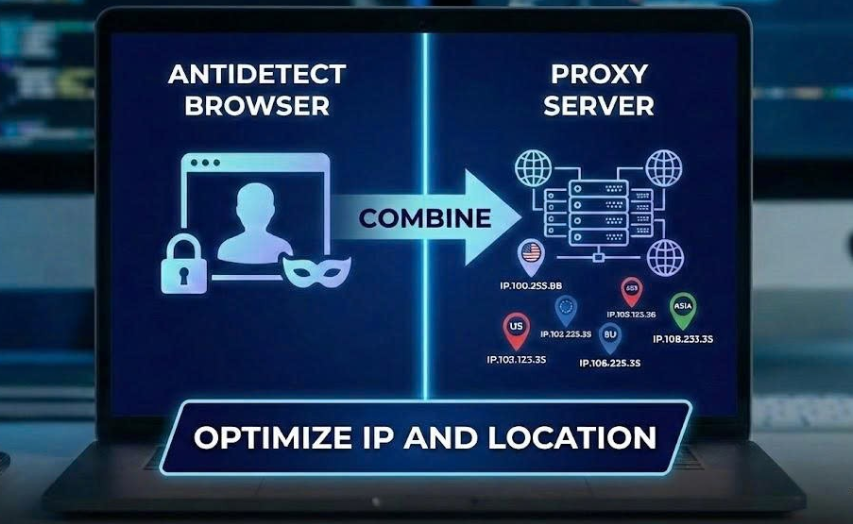
When managing multiple accounts for MMO, eCommerce, or multi-platform marketing, IP address and geographic location are always among the top risk factors. If multiple accounts log in from the same IP or an incorrect location, platforms can easily detect account linkage, leading to suspensions or bans.This is also why using a proxy alone is no longer sufficiently safe. A more sustainable solution[…]

The old story of VPNs is simple. Hide. Mask. Browse. But the world has moved on. So must the tools.Why anonymity alone isn't enoughPeople still think of VPNs as a cloaking device. That belief is narrow. Modern threats are layered. Attacks target devices, cloud apps, telemetry, supply chains, and identities — not just IP addresses. A good encrypted internet connection should do more than hide[…]
