

User Agent (UA) is an important component that helps browsers recognize and interact with websites effectively. Understanding what User Agent is and how to change it can not only protect your privacy but also optimize your browsing experience according to your personal needs. In this article,Antidetect Browser Hidemium will explain in detail about User Agent, its role and guide you how to change User Agent on four of the most popular browsers today: Chrome, Firefox, Edge and Safari.
1. What is User Agent?
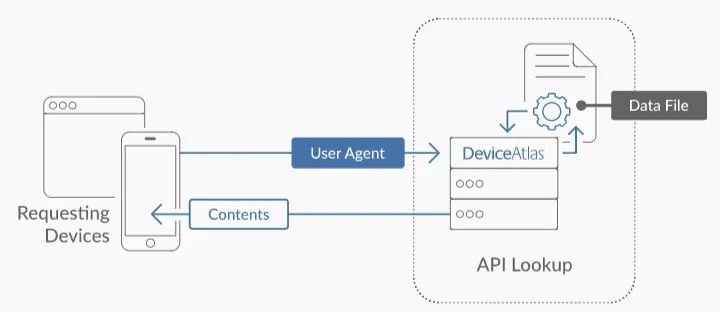
User Agent (abbreviated as UA) is an integral part of the HTTP protocol. It is a text string sent by a browser or application to a web server when a user visits a website. Through UA, the server can determine information such as the type of device, operating system, and browser the user is using.
When you visit a website, your browser automatically sends a User Agent string in the HTTP header. Each browser and operating system has a unique UA string. For example, the UA string might be “Mozilla Firefox on Windows” or “Opera on iPad.”
Websites will use information from the User Agent to display compatible content or restrict access based on the type of device or browser. Therefore, changing the User Agent properly will help you avoid some unnecessary access barriers or content restrictions.
>>> Learn more: What is a Residential Proxy? A Tool for Online Privacy and Identity Protection
2. Example of User Agent string:
Mozilla/5.0 (Windows NT 10.0; Win64; x64) AppleWebKit/537.36 (KHTML, like Gecko) Chrome/60.0.3112.113 Safari/537.36
Analyze the UA string above:
Mozilla/5.0: String opening, which is the usual default
Windows NT 10.0; Win64; x64: Operating system and system architecture information
AppleWebKit/537.36 (KHTML, like Gecko): Web engine for displaying content
Chrome/60.0.3112.113: Specific browser name and version
Safari/537.36: Secondary browser or platform compatibility information
Understanding the concept and how User Agent works will help you manage your web access activities more effectively. In the following sections, Hidemium will guide you in detail on how to change User Agent on the 4 most popular browsers today: Chrome, Firefox, Safari and Microsoft Edge - helping you improve accessibility and security when surfing the web.
3. The role of User Agent in web browser
User Agent (UA) is a string of information that the browser sends to the web server, which helps identify the type of device and software the user is using. The role of User Agent is important in ensuring website performance and compatibility:
Identifying the appropriate content format: Through UA, the web server can recognize the browser version and capabilities, thereby providing the most appropriate content for the user's device.
Increased compatibility: UA allows the server to adjust the display to optimize for each type of browser and operating system.
Support efficient resource distribution: Based on information from UA, the server can provide appropriate resources, contributing to improving page load speed and user experience.
Testing and Quality Assurance: Developers use UA to test compatibility and tweak websites across different browsers.
Collect analytics data: UA provides data that helps statistical tools track user behavior, thereby supporting content improvement and SEO strategy.
4. Benefits of changing User Agent
Changing the User Agent is a useful technique, especially for those who do web development, interface testing, or need to access restricted content. Here are some of the notable benefits:
Support for multi-browser testing: Changing UA helps developers easily simulate and test website interfaces on different browsers without having to install each software.
Simulate mobile experience: Users can preview the website interface on their phone or tablet just by changing the UA, which is very convenient in the process of designing responsive web standards.
Bypass browser access restrictions: Some websites restrict access if they detect an incompatible browser. Changing the UA will allow you to "emulate" a supported browser, making it easier to access content.
>>> Learn more: Top 15 Trusted Free Proxy Sites
5. Instructions for changing User Agent on popular browsers
Changing the User Agent is an effective way to test the appearance or behavior of a website across different devices and browsers. However, this also affects privacy because some websites may collect user data for their own purposes. Therefore, you need to do it carefully. Here are detailed instructions on how to change the User Agent on popular applications:
5.1. How to change User Agent on Google Chrome
Steps to follow:
Open Chrome browser on your computer.
Tap the three dots icon in the top right corner.
Method 1: Select “More Tools” → “Developer Tools”.
Method 2: Press the key combinationCtrl + Shift + I.Switch to the “Console” tab at the top of the window.
If you don't see it, click the three-dot menu icon in Developer Tools → select “Show Console”.
Select the “Network Conditions” tab.
Uncheck “Select automatically” in the User Agent section.
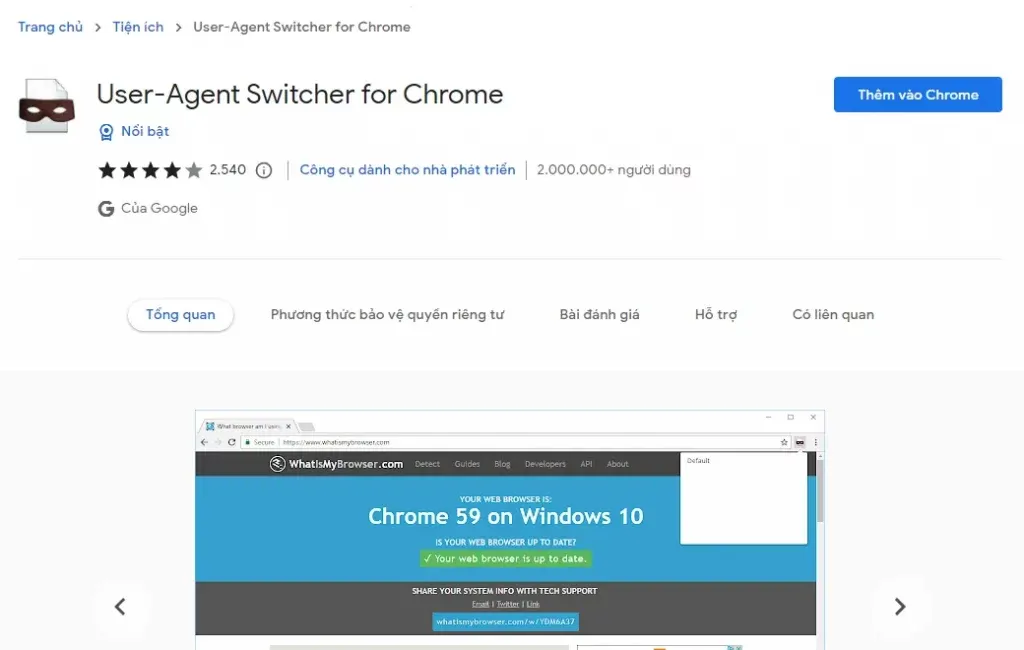
Select the desired User Agent from the available list or enter a custom one.
5.2. How to change User Agent on Mozilla Firefox
Steps to follow:
Open Firefox and type about:config into the address bar.
Search for the keyword “useragent” in the search box.
Go to item general.useragent.override. If not, you need to create a new one:
Right click → select “New” → “String”.
Name is general.useragent.override.
Enter the User Agent you want to use in the value box.
5.3. How to change User Agent on Microsoft Edge and Internet Explorer
Steps to follow:
Open Microsoft Edge or Internet Explorer browser.
Click on the three dots icon → select “F12 Developer Tools”.
Go to the “Emulation” tab.
In the “User Agent String” section, select a User Agent from the available list.
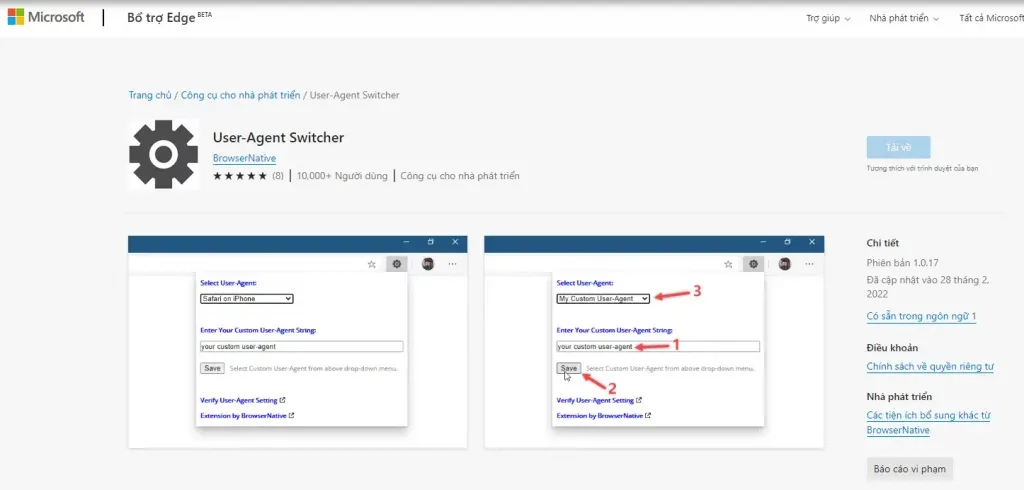
If you want to customize, select “Custom” and enter the desired User Agent in the text box.
5.4. How to change User Agent on Safari
Steps to follow:
Go to Safari → select “Preferences”.
Open the “Advanced” tab → enable the “Show Develop menu in menu bar” option.
In the main menu bar, select “Develop” → “User Agent”.
Select User Agent from the list or click “Other” to enter a custom value.
You can find suitable User Agents at websites that compile lists of User Agents.
6. Things to note when changing User Agent
Changing the User Agent can bring many benefits in terms of security and customizing the browsing experience. However, users should note the following important points:
Comply with laws and usage policies: Make sure you use User Agents in accordance with the laws and terms of use from the browser or website you visit.
Security and Identity: Changing the User Agent can affect device privacy and reliability. Please make changes with caution.
Check compatibility: Some websites may not display correctly or have functional errors when you use a non-standard User Agent.
Limit frequent changes: Changing the User Agent too often or unnecessarily can cause conflicts, affect browser performance, and degrade user experience.
>>> Learn more: Which Proxy Should You Buy for Facebook? Amazon? Instagram? Shopify? …
7. Hidemium – Effective User Agent changing solution for MMO users
For those who do MMO (make money online), the problem of having their account locked due to using multiple accounts on the same device is quite common. Even if you have used proxies or extensions to change the User Agent, the platforms can still detect duplicate accounts.
Antidetect Browser was born as an optimal solution to overcome this situation. However, famous software such as Multilogin is often expensive, and Gogolin is unstable, causing difficulties in use.
Hidemium – a Macro-based Antidetect browser – is a reliable choice for users. Hidemium supports fast and accurate User Agent changes, and allows full customization of parameters according to personal needs. This is a strength that many other browsers cannot meet.
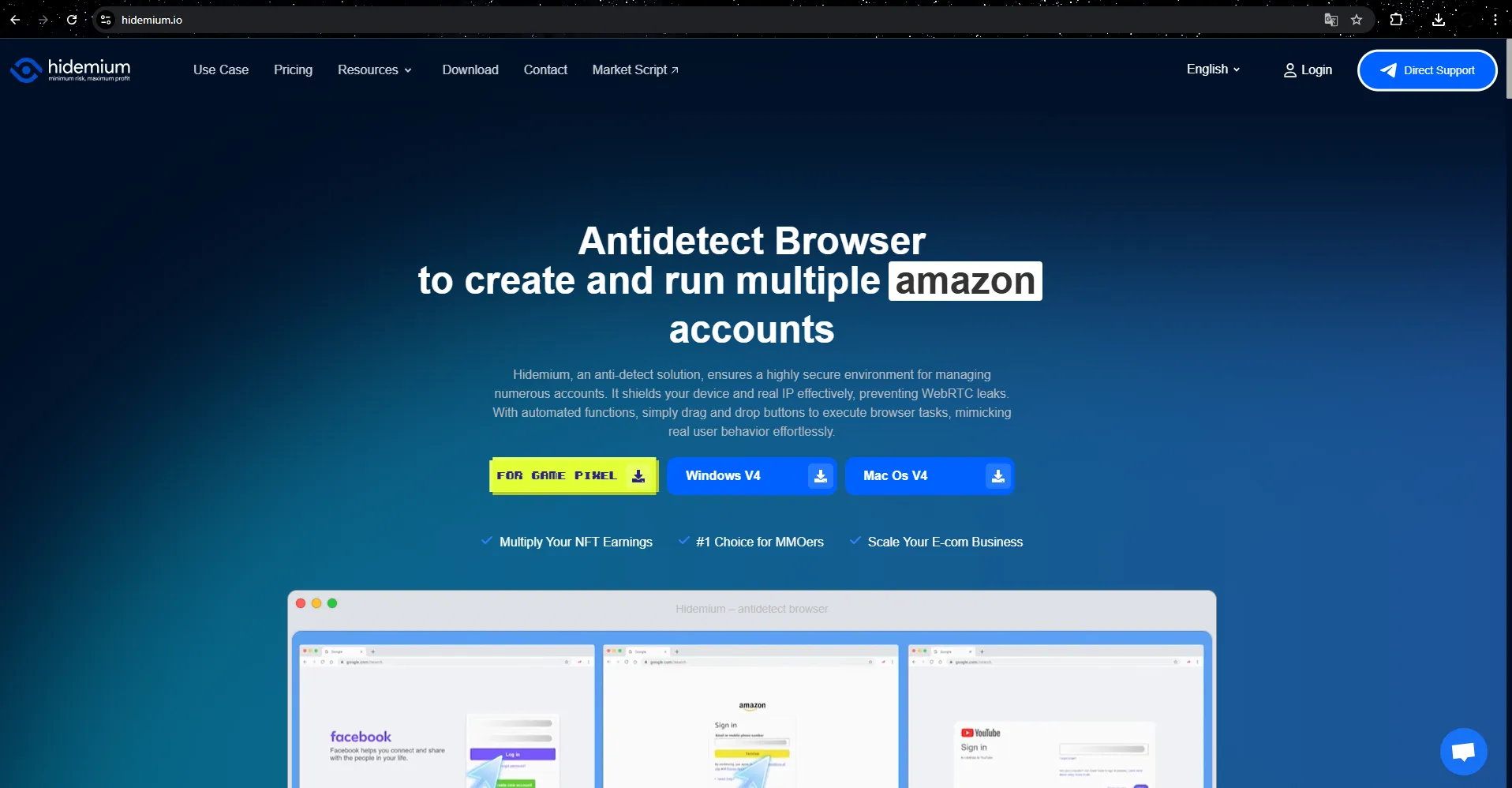
Besides the main function of changing browser fingerprint parameters, Hidemium also provides many other outstanding features such as:
Supports free proxy usage and allows users to easily manage proxies through the storage system.
Create automation scripts with simple drag-and-drop operations to bulk feed accounts.
Synchronize operations between profiles, helping to increase work efficiency.
Support effective teamwork through profile sharing or transfer.
With a friendly interface, stable performance, outstanding features and reasonable cost, Hidemium is increasingly trusted by users. This is the ideal solution to help individuals and businesses secure information, effectively manage multiple accounts and optimize workflow.
👉 Don't hesitate, contact Hidemium now for free consultation and experience outstanding features!
>>> Learn more:
Related Blogs

Do you think you're truly safe when using the Internet? This might not be as true as you believe. Websites often track your activities using various methods. Among these, browser fingerprinting is considered the most precise and effective tracking technology. This technique creates a unique device fingerprint based on your browser attributes and other identifiable information, posing significant[…]
.png)
In the competitive arena of Amazon e-commerce, ranking higher in search results is pivotal for success. With over 2 million active sellers vying for customer attention as of 2024, optimizing your product listings with effective Amazon SEO techniques is no longer optional—it's a necessity for any dropshipping business. Whether you're wondering "what is dropshipping" or you're an experienced seller[…]

Have you ever felt tired eyes from constantly staring at the tiny phone screen to text? If so, you are not alone. With nearly 3 billion WhatsApp users worldwide, many of us are also looking for a more convenient solution.The good news is: WhatsApp Web is the perfect choice to help you get rid of that inconvenience. Now, you can chat on a large screen, type faster with a computer keyboard, and[…]

We are proud to announce our Big Update: New Browser Core Versions of Hidemium of 2.1.3!Previous versions will automatically update to this version without interrupting your work✅ More advanced configuration options in the “new profile” screenDownload link:For win: https://hidemium.io/download/windowsFor mac: https://hidemium.io/download/mac

Is CapCut Getting Banned in 2026?If you've been searching “is CapCut getting banned” lately, you're definitely not alone. Millions of creators started worrying back in January 2025 when CapCut suddenly disappeared from US app stores overnight. Since then, the concern keeps coming back every few months — and for good reason. Is CapCut Banned in the US Right Now?As of 2026, CapCut is not banned in[…]
How to Run Multiple TikTok Accounts on One DeviceRunning multiple TikTok accounts on one device is a practical requirement for agencies, e-commerce sellers, content teams, franchise operators, and businesses managing several brands.One account may serve a local store, while another supports a different region, product line, client, or content strategy. The challenge is keeping every account[…]
