
Looking to expand your Print on Demand (POD) sales while keeping your account safe? Printify – one of the most popular POD platforms today – offers many attractive passive income opportunities. However, when you start scaling up to multiple accounts to optimize business efficiency, the risk of account suspension, data linking, or spam marking also increases.
In this article, Hidemium will help you understand clearly What is Printify?, how the platform works, and How to safely scale multiple Printify accounts thanks to anti-detect browser– a tool that many professional POD sellers trust to avoid risks and maintain business performance.
1. What is Printify?
Printify is a print on demand and dropshipping platform designed to help people make money simply and easily. This business model was launched in 2015 and as of now has factories in most countries of the United States, United Kingdom and China.
Users can design their own products and run the entire business from the comfort of their home. The platform will help you handle production and shipping directly to your customers.

What is Printify?
Currently, the platform offers a free version for small businesses and charges for additional features. If you are a new seller, you will have to design the UX/UI for your new store yourself and upload and edit photos manually.
Over 500,000 sellers trust Printify because the platform empowers people of all ages and from all walks of life to realize their lifelong dream of financial independence.
>>>Learn more: Etsy vs Shopify – Which Platform is Best for Sellers?
2. Pros and Cons of Selling on Printify
It is not natural that making money on Printify has become a trend, this platform brings users many advantages in the business process. Below are the most obvious advantages and disadvantages when you do business with Printify.
2.1 Advantages
- Product Variety: Printify offers a wide range of products available for printing and customization from t-shirts, mugs, bags to phone cases and many more.
- No need to store goods: Sellers do not need to store or manage goods because products are created and delivered directly from the printing partner when an order is placed.
- Easy integration: This platform can integrate with many popular online sales platforms such as Shopify, Etsy, WooCommerce, helping sellers easily manage their online stores.
Advantages of Printify
>>>Learn more: Shopify vs Etsy: Which Platform is Best for Sellers?
2.2 Disadvantages
- High Competition: Due to its popularity, competition on the platform can be very high, especially for popular products.
- Quality Control: Sellers may have difficulty controlling the quality of their products since they are printed and shipped from Printify's printing partners.
- Low Margins: Due to the cost of printing and manufacturing products, margins can suffer, especially for low-value products.
3. Detailed instructions on how to sell on Printify
Here is a detailed guide on how to sell on Printify for beginners:
Step 1: Sign Up – Create a Free Printify Account
After accessing the homepage, you enter your email address and create a password. Then, go to “My Account” and fill in your personal information in your profile.
Step 2: Explore the catalog and select the products you want to sell
Browse through our catalog and choose the products you want to sell from the print service provider that best suits you. To help you decide, we recommend checking the location, prices, and ratings of the print service provider.

Explore the catalog and select the products you want to sell
When choosing products, it’s important to keep your target audience in mind. For example, if you’re targeting an eco-friendly vegan audience, start with biodegradable T-shirts and reusable water bottles. But if you’re targeting college students, some budget-friendly products might be more appropriate.
Step 3: Upload your custom design
Once you've chosen your products, it's time to upload your designs. If you don't have any design experience, don't worry, there are plenty of options:
- Printify's Shutterstock integration puts millions of successful designs and user-friendly editing tools at your fingertips.
- Create text-based designs right from the Mockup Generator
- Hire a freelancer on other platforms
Step 4: Integrate your Printify account with your sales platform
You already have products and you just need to sell them. That’s why you need to create an eCommerce store. Printify makes it easy to integrate with some of the world’s most popular eCommerce platforms and online marketplaces like Shopify, Etsy, WooCommerce, and more.
Step 5: Optimize your store and start making money
Now you can export all the products you’ve created on Etsy and start making money. When a customer purchases from your store, Printify automatically receives the order request from Etsy. Then, print service providers will print, package, and ship the products directly to your customer.
4. Why scale multiple Printify accounts?
If you only sell with 1 account, you will soon encounter limitations: it is difficult to test many markets, there is no risk distribution, and especially if you are unfortunately locked, all revenue can be interrupted immediately.
Meanwhile, scale multiple accounts help you:
- Run multiple product/niche campaigns
- Risk isolation – if one account goes down, the others remain functional
- Product management is easier when divided into separate shops.
But – and this is the important part – if you scale without a good security strategy, the possibility of a mass account loss is extremely high.
To prevent this, the optimal solution now is to use an anti-detect browser– a tool to help you stay anonymous and manage multiple accounts without being linked.
5. Multi-instance browser - essential tool to scale Printify safely
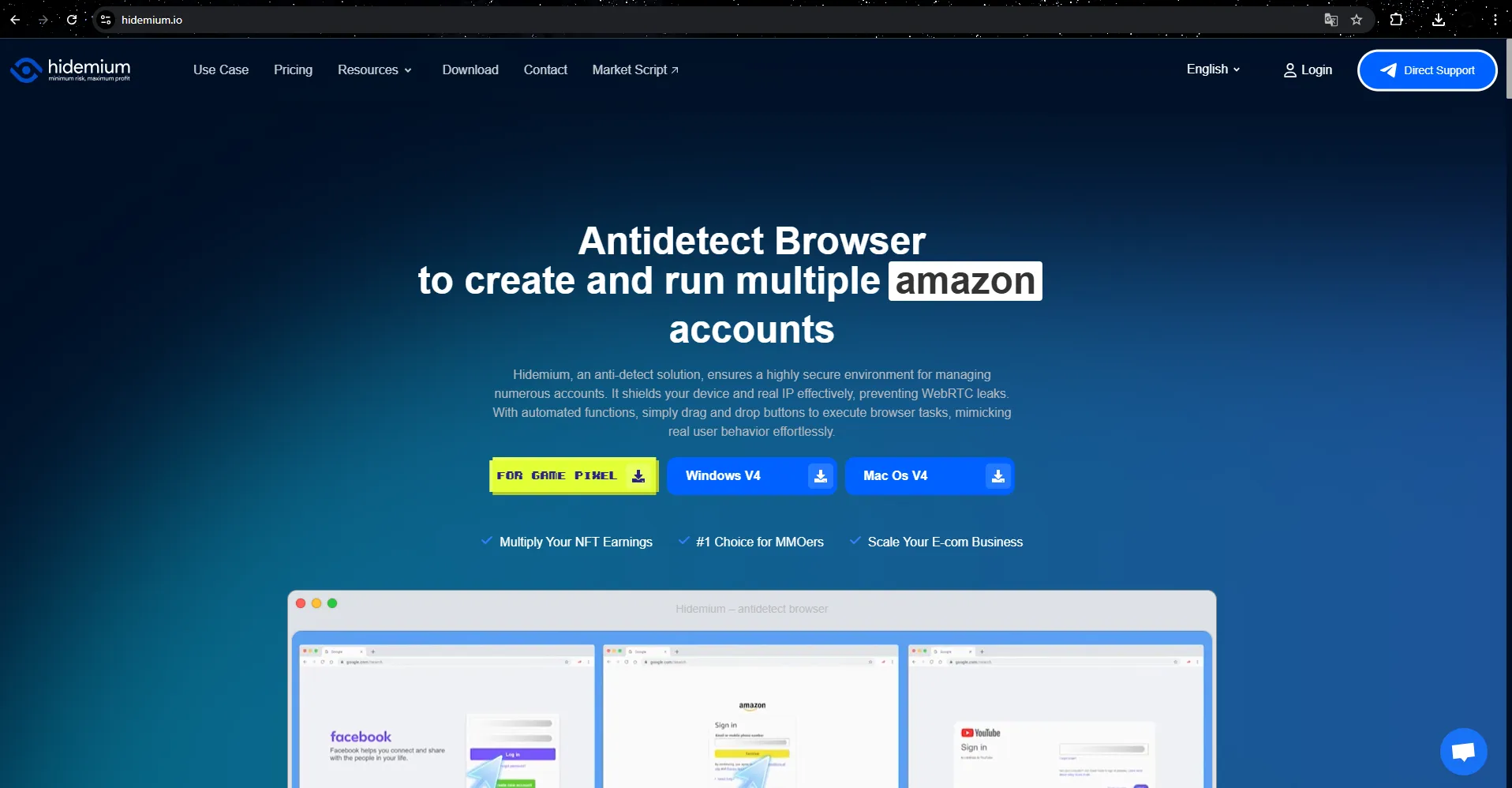
Multi-Account Browser allows you to securely create and manage multiple digital identities without revealing any links between accounts. For each Printify account, you can customize parameters such as IP address, device type, operating system, and browser fingerprint, ensuring that each account acts as a separate entity.
Multi-instance browsers work similarly to popular browsers like Chrome or Firefox, but the key difference is that they provide independent browser profiles for each account. Thanks to advanced browser fingerprinting technology, these profiles have no connection to each other, creating an optimal layer of security.
Outstanding features:
- Create hundreds of independent profiles, each associated with a separate Printify account
- Customize fingerprint parameters: IP, resolution, OS, User-Agent, Timezone…
- Do not share cookies, cache – avoid duplicate detection
- Store data by profile → easy to backup and restore when needed
Antidetect Browser
>>>Learn more: What is a Niche Scraper? How to Start Dropshipping & Alternative Tools
6. How to safely scale multiple Printify accounts with Hidemium
Step 1: Download and install Hidemium
- Access https://hidemium.io
- Sign up for an account
- Download the version suitable for your operating system (Windows, macOS…)
Once installed, log in to the app and get ready to create profiles.
Step 2: Create a profile for each account
Each profile in Hidemium is like a completely separate computer. To avoid Printify or Etsy “seeing” that your accounts are on the same device, you need to create a separate profile for each account.
How to create:
- Go to “Profiles” tab → select “New Profile”
- Choose a memorable name (e.g. Printify_USA_01, Etsy_UK_02…)
- Select the Virtual Operating System (User Agent) that you want to emulate (Chrome, Firefox…)
Step 3: Attach separate Proxy for each profile
This is the most important step so that each profile has a different IP, simulating operating from different countries or devices.
- Select the proxy type you have: HTTP, SOCKS5 or Residential
- Attach to each profile (in “Proxy Settings”)
- Should use static or residential proxy for more stability
👉 Tips:Don't use free proxies – they are easy to detect and block!
Step 4: Customize fingerprint and set cookies (if any)
- Hidemium automatically randomizes browser fingerprints (canvas, WebGL, timezone, language, etc.)
- If you need to keep cookies for automatic login later → use cookie manager extension or backup from old profile.
Step 5: Log in to each account and operate as usual
Once setup is complete, you can open each profile, log in to your Printify account and operate as if you were using a real computer.
- Upload product
- Connect Printful with Etsy
- Order Tracking
⚠️ Note: ARE NOTLog in with the same account in many different profiles. Each account – 1 profile – 1 unique IP.
Step 6: Manage and expand
- Name your profile clearly
- Save passwords using a manager or internal extension
- Backup your profile regularly to avoid data loss.
Once you get used to it, you can safely scale up to 5 – 10 – even 50 accounts.
7. Conclude
Scaling multiple Printify accounts is a smart strategy to expand your Print-on-Demand business, optimize your advertising campaigns, and diversify your niche. However, if done incorrectly, you may encounter a series of risks such as account lockout, duplicate fingerprints, or being detected by the affiliate system.
Use anti-detect browser như Hidemium is a safe and effective solution that helps you operate multiple accounts while ensuring each browser profile has a separate operating environment - from IP, fingerprint to cookie and session.
Whether you are a seller just starting out with Printify or running a large-scale POD system, investing in a dedicated browser infrastructure like Hidemium from the start is the foundational step to building a secure, sustainable, and infinitely scalable POD business model.

Related Blogs

As businesses become increasingly dependent on the online environment, protecting systems against Distributed Denial of Service (DDoS) attacks is more essential than ever. These attacks not only disrupt services but also cause significant losses to businesses.To protect themselves, businesses need to apply anti-DDoS measures to detect and prevent these attacks. Hidemium stands out as a[…]

Choosing the right proxy provider requires careful consideration of speed, stability, security, and customer service quality. In this article, we provide a detailed review of Naproxy, one of the most popular proxy providers today. By analyzing performance, reliability, and security features, you'll gain a comprehensive understanding to decide whether Naproxy is the right proxy solution for your[…]
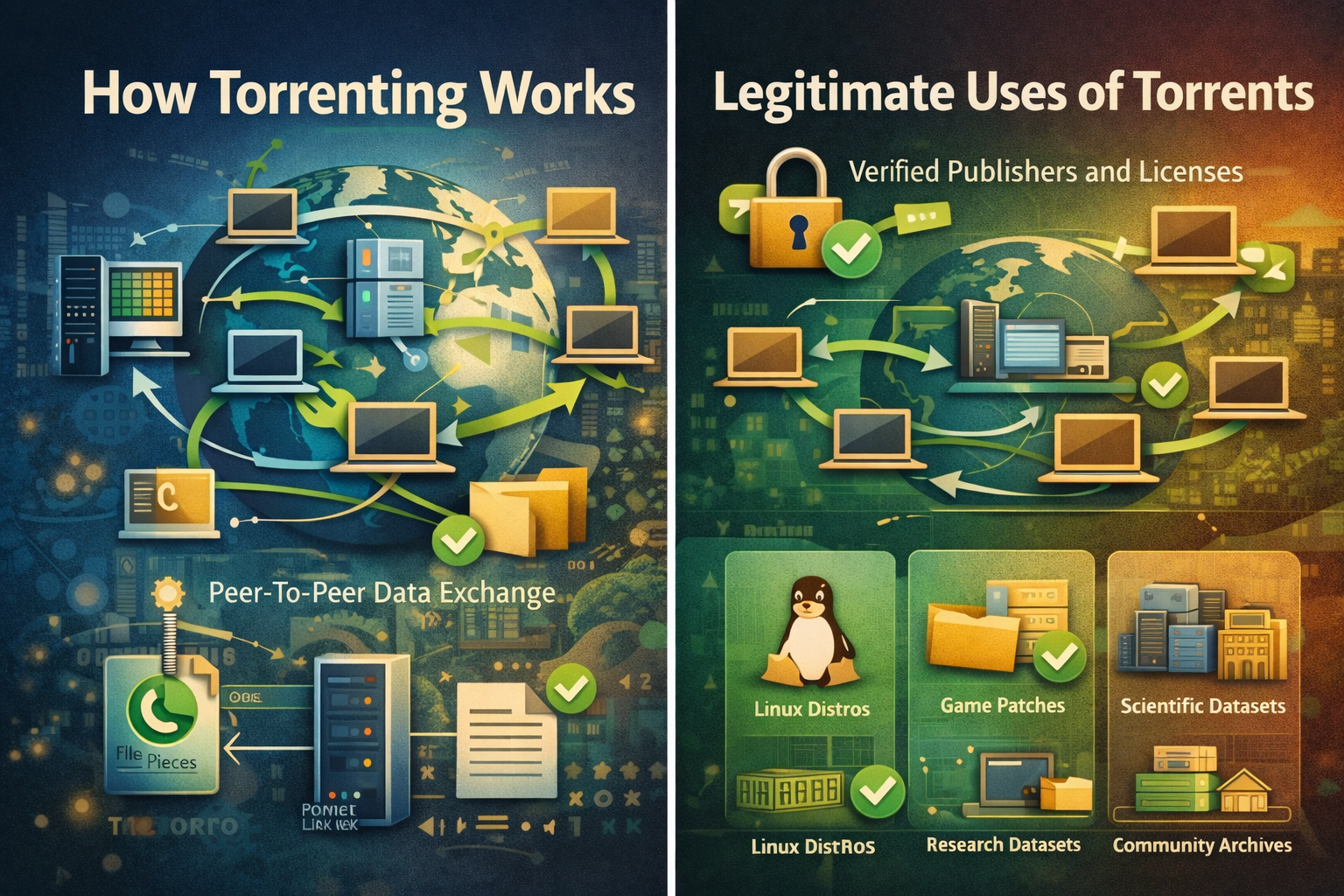
Torrenting is a peer-to-peer method for distributing large files, where many participants exchange small pieces concurrently so downloads and uploads proceed efficiently without relying on a single central server.Clear rules, reputable sources, and routine checksums make torrenting predictable for legitimate content such as open-source software, public datasets, and authorized media that rights[…]
Are you doing business in the traditional direction and want to find a new guide? Do you have a headache because the number of customers is decreasing, and the competition is increasing? So let me reveal that Facebook ads can help you troubleshoot the above problems. Through the article, let’s find helpful information about creating […]

Owning and operating a large number of accounts on social media platforms like X (Twitter) or Discord has become essential for those involved in MMO, airdrops, and marketing. However, the biggest challenge users face is that their accounts are frequently suspended or flagged for identity verification when multiple accounts are logged in on the same device.So how can this issue be resolved? The[…]
What Is an ISP Proxy? And How to Use It Safely for Multi-Account ManagementManaging multiple accounts today isn’t just about creating more profiles—it’s about staying undetected.Whether you're running stores on Amazon, scaling TikTok accounts, or doing affiliate marketing, your setup is only as strong as your proxy—especially when using an antidetect browser.One wrong IP choice can lead to[…]
