.png)

You are accessing a familiar website and suddenly receive a message: "Your IP address has been blocked"? This is a common error in 2025, especially for those who do MMO, affiliate, online marketing or use automatic tools such as auto view, auto sub, content seeding tools.... When your IP is blocked, you cannot access the website, send emails, or even get checkpointed on platforms like Facebook, Google or Youtube.
In this article, Hidemium will help you understand the reasons for IP blocking, how to check the blocking status, and most importantly, how to restore the blocked IP error most effectively and safely in 2025.
1. What is a blocked IP? Why is your IP blocked?
When you see the message "Your IP address has been blocked", which means that the website or platform has detected your IP behaving abnormally, eg:
- Too many visits in a short period of time (suspected to be bot or spam)
- Use automated tools (auto-refresh, data crawling...)
- Use VPN or proxy from restricted region
- The account associated with that IP has committed policy violations (such as spamming, mass negative comments)
- Under DDoS attack or signs of unauthorized access
The system will immediately block all access from that IP address, preventing you from continuing to use the service.
An IP address is like a digital identifier assigned by your Internet Service Provider (ISP). It's like being locked out of a building - not just an individual, but an entire household is denied access.
In this case, you won't be able to log in, create a new account, or even access the website. IP blocking is usually applied at the firewall or server level, so any browser tricks (like clearing cookies, using an incognito tab, etc.) won't work.

What is blocked IP?
>>>Learn more: Gmail mass registration tool without checkpoint
2. Common IP Blocked Error Messages You May Encounter
The IP Blocked error message does not always appear in the same form. Depending on the platform, the system will display different variations of the IP Blocked message, making it easy for users to get confused or not realize that the problem is coming from the IP address.
Here are some common IP error messages you may encounter when you are blocked from accessing:
- Your IP address has been blocked
- Your IP has been temporarily blocked due to unusual activity.
- Too many requests from your IP address
- Access denied – you do not have permission to view this page
Additionally, some platforms also provide more vague messages such as white pages or generic error codes (e.g. 403 Forbidden, 429 Too Many Requests), making it difficult to determine that an IP has been blocked. Therefore, recognizing the signs early and understanding what an IP blocked error is will help you be more proactive in fixing it.
3. Why is your IP address blocked? The most common reasons
Why are IPs blocked? Most IP blocks come from automated security systems on websites and platforms. These systems constantly monitor user behavior, visit frequency, and browser traces to detect suspicious behavior. When the system detects an IP with signs of spam, fraud, or unusual access, the block is automatically applied.
Here are common reasons why an IP address is blocked:
- Too many failed login attempts: If you or someone on the same network attempts to log in incorrectly too many times, the system may suspect a brute-force attack and block access from that IP.
- Request frequency too high: Using data collection tools, bots or auto makes IP send hundreds or thousands of requests in a row, making the security system suspect you are a bot and block the IP permanently or temporarily.
- IP is in a high risk area: Some public VPN IPs, datacenter IPs or proxies are globally marked as high risk. If you are using IP hiding tools, it is easy to get your IP blocked as soon as you access it.
- Platform policy violation: Behavior like spam, account selling, hate speech, or being reported by others can cause the platform to block entire IP ranges, even if you are not directly in violation.
- Use multiple accounts with the same IP: Creating multiple accounts without isolating cookies, sessions or browsers causes the system to recognize multiple accounts as invalid. Platforms like Facebook, Google, Amazon all have mechanisms to automatically detect and block IPs in this case.
👉 Note: Once blocked, not only you but all devices using the same Wifi network are affected, including phones, tablets or smart TVs.

4. Distinguish between temporary IP blocking and permanent IP blocking
Not all IP blocks are the same. Knowing whether your IP block is temporary or permanent can help you decide whether to wait, contact support, or take technical measures like changing your IP, using a proxy, or using an anonymous browser like Hidemium.
Temporary blocking order These blocks are usually issued for lesser violations or automated system activations. They can last from a few minutes to a few days. You will usually regain access after the timeout ends, especially if it was the result of a flood of requests or login attempts.
Permanent IP Blockare issued for more serious or repeated violations. These blocks do not disappear over time and may require you to contact support or take technical steps to resolve. In many cases, platforms will not respond to appeals—especially if the block was issued automatically based on internal policy.
Knowing what type of block you are facing will help determine whether you should wait or act immediately.
Whether you are temporarily or permanently blocked, there is a solution if you take the right action. In case you cannot wait or appeal is not effective, changing IP, using proxy or anonymous browser is the smart way to go.
👉 This is also when you should consider a powerful support tool like Hidemium – multi-IP anonymous browser, helps you bypass IP blocks safely and effectively. Next, we will learn more details How Hidemium Helps You Avoid IP Blocks and Re-Access Your Desired Platforms.
5. How to fix blocked IP address error effectively in 2025
There is no fixed formula for dealing with an IP address block, but you can refer to the methods below to quickly restore access and avoid being banned again.
- Restart your router
If your ISP uses dynamic IP addresses (common in home networks), restarting your modem or router may assign you a new IP. This may help bypass the ban if it is associated with your previous address. However, if you are using a static IP or your ISP is reassigning the same IP pool, this will not work.
- Switch to another mobile network or Wifi network
Connecting via a different internet network – like a smartphone hotspot – can give you a different IP, allowing temporary access. However, keep in mind that if the platform also tracks device fingerprints or session data, you may still be blocked.
- Using a Residential Proxy Provider
Residential proxies route your connection through real IPs assigned by your ISP that belong to everyday users. This makes your traffic appear natural and is less likely to be flagged.
Civil Proxy Providers Top offers rotating IP pools from different locations, helping you avoid IP reputation issues.

>>> Learn more:What is a Residential Proxy? A Tool to Protect Your Privacy and Identity Online
- Deploying Hidemium Anti-Detection Browser
If the platform tracks more than just IP, such as browser fingerprints, cookies, screen resolution, and time zone, then changing your IP isn't enough. That's where Hidemium comes in.
Hidemium creates separate browser profiles that simulate real user environments. Each profile has its own characteristics:
- Device fingerprint
- Geographical location
- Cookies and local storage
- Proxy settings
This ensures that platforms treat each browser as a separate, isolated user, even when running multiple accounts. For users who manage online businesses, multiple personas, or collect data on platforms that use active detection, this is a long-term, scalable solution.

Antidetect Browser Hidemium
6. Conclude
A blocked IP can cause serious disruption to your work, entertainment, or daily online activities. However, by understanding the causes and applying the right methods, you can completely restore access and prevent future IP blocking situations.
To effectively handle the blocked IP error, you should combine adjusting your usage behavior, using clean UP, and using support tools such as the specialized anonymous browser Hidemium - the optimal solution to help you browse the web safely, separate sessions and avoid being detected by the system for unusual activities.
Take the initiative to protect your internet access before it's too late!
>>> ARTICLES ON THE SAME TOPIC:
Related Blogs
What is WebRTC?WebRTC is a technology used to transmit real-time audio and video on web browsers. This means that it allows users to make online video and audio calls without the need for external software or applications.WebRTC is supported on most popular web browsers such as Google Chrome, Mozilla Firefox, and Apple Safari.Do sites collect WebRTC fingerprints?While WebRTC brings many[…]

The way people create content online has changed a lot. You can't just count on lucky timing or load up on hashtags and get noticed anymore. Now, sites like Instagram look for deeper actions from people. Factors such as the time users spend watching your videos, whether or not they message you, and whether they bookmark your post matter more than mere likes and comments. Some creators also use[…]
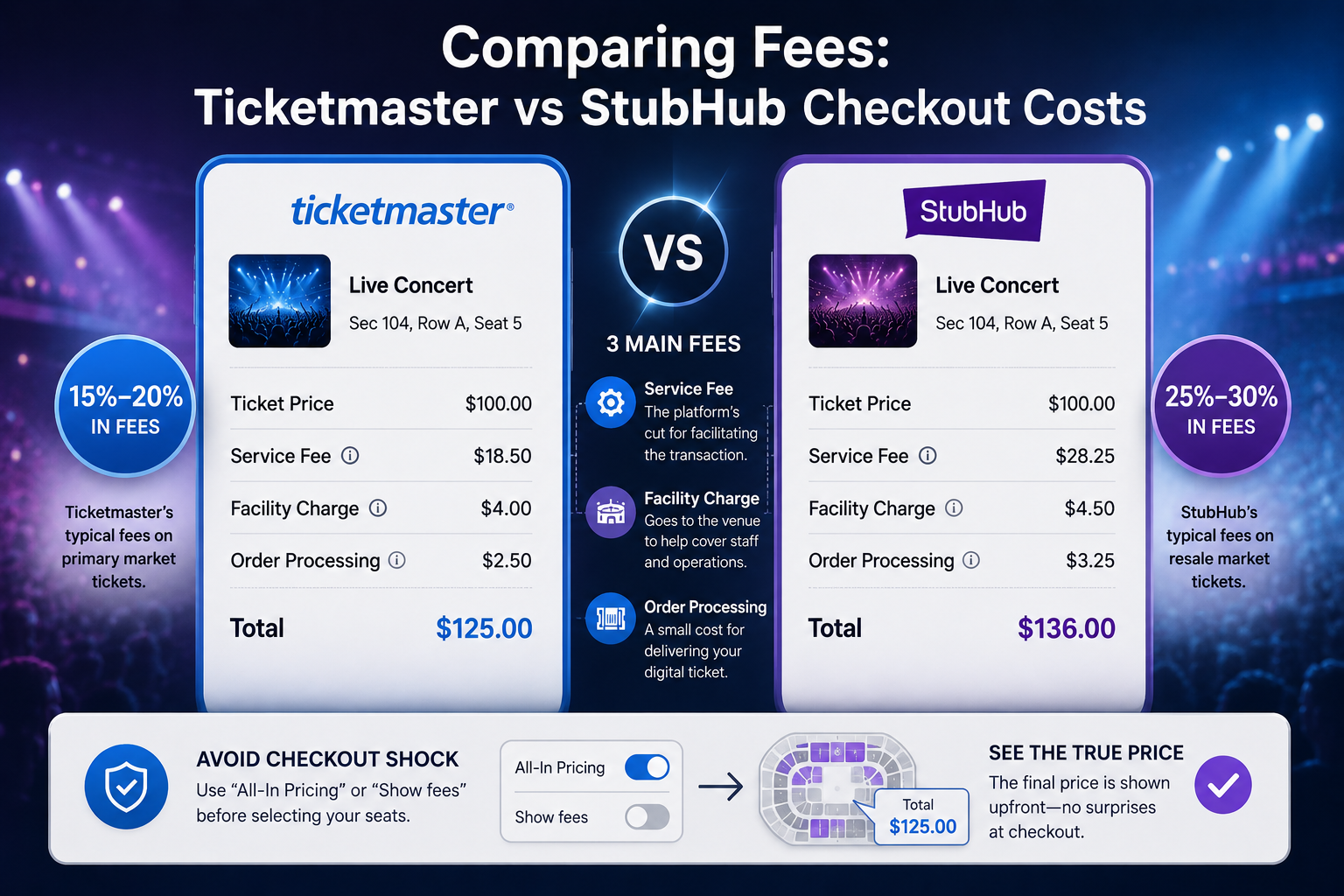
Stubhub and ticketmasterUnderstanding Primary vs Secondary Ticket Markets: Ticketmaster and StubHubYou wait in a digital queue for an hour to see a blockbuster tour, only to stare at a "Sold Out" screen. Frustratingly, those exact same seats often appear minutes later on another site for triple the cost. For the everyday fan, navigating StubHub vs Ticketmaster often feels like a rigged game.Live[…]
In today's digital landscape, antidetect browsers have become essential tools for professionals managing multiple online accounts, protecting privacy, or conducting market research. As the market evolves, choosing from numerous best antidetect browser can be challenging. We've thoroughly evaluated the top contenders to bring you a comprehensive guide for 2024.1. What Are Antidetect Browsers?An[…]
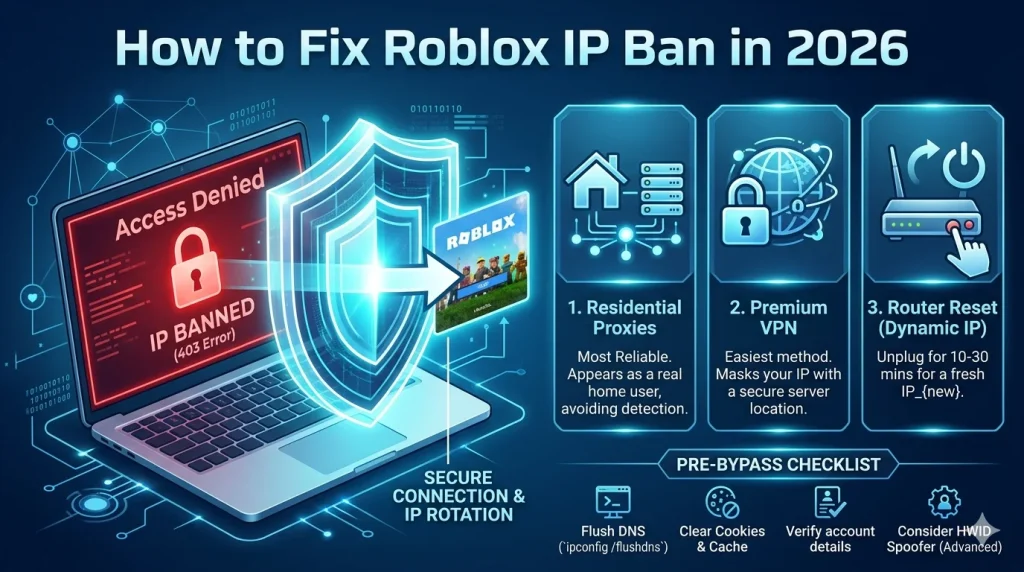
What Is a Roblox IP Ban?A Roblox IP ban is one of the most severe enforcement actions Roblox can take against a player. Unlike a regular account ban, which restricts a specific username, an IP ban blocks all activity from your internet connection's IP address — meaning every account you try to create or use from that IP will also be blocked.IP bans are typically reserved for the most serious[…]

As cyber threats and tracking technologies continue to advance, proxy servers have become a core layer of digital identity protection—used to isolate browser environments, prevent IP-based associations, and support stable multi-account operations. For data teams, marketers, and cross-border businesses, combining a high-quality SOCKS5 proxy with stealthy anti-detection browsers is now essential[…]
