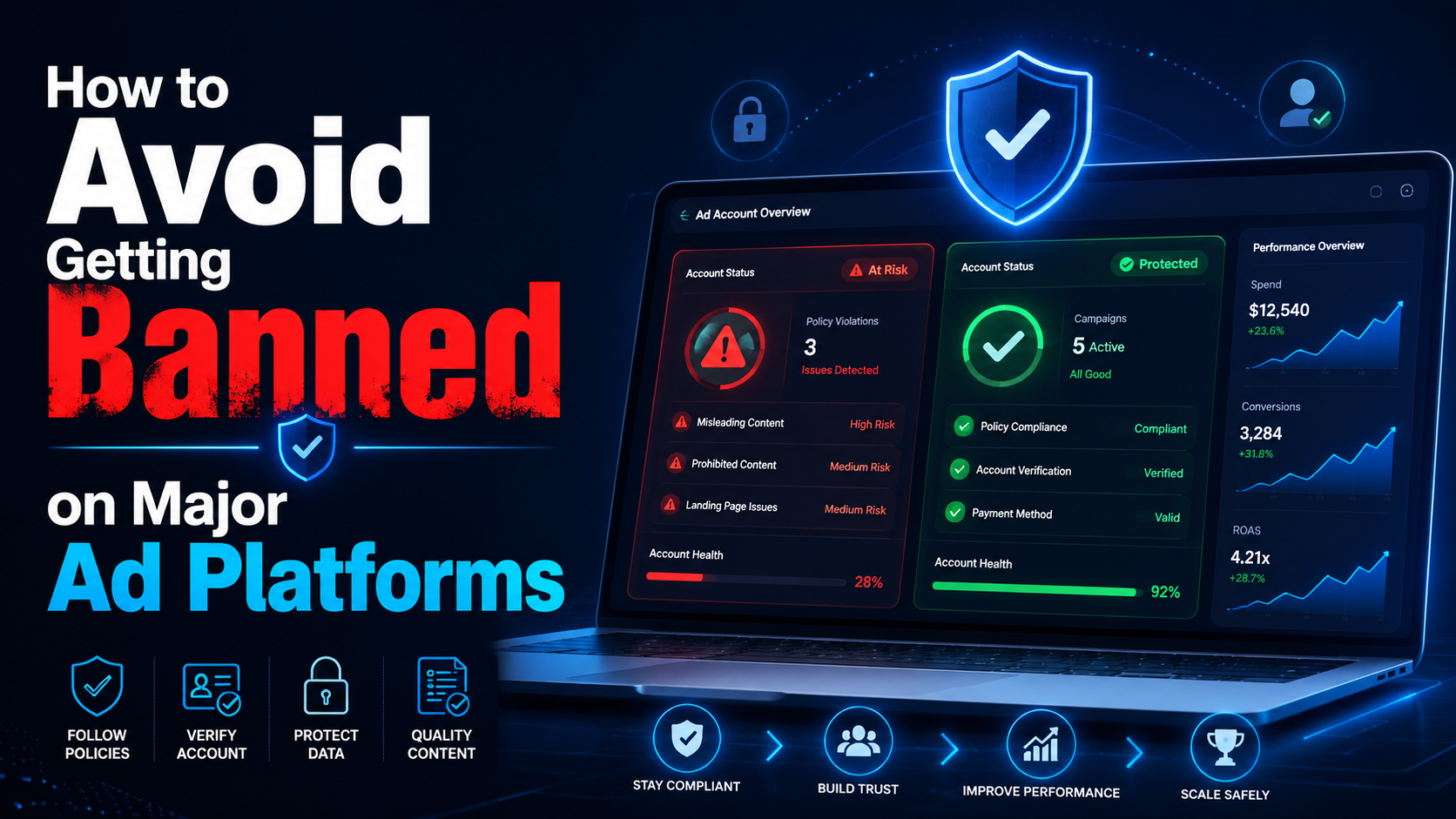

“You have been banned” is a situation often faced by most advertisers, affiliate marketers, or e-commerce professionals… on platforms:
- Can you get banned from Facebook
- Can you get banned from Google
- Banned amazon account
So why? How to find out why I was banned from Facebook? What do I need to do to solve this problem? Find the answer right away in this article.
What if your account has been banned?
Usually, before an account is banned, you don’t get a warning. And when that happens, you will receive an email notification that your profile has been banned or suspended. Many people only know when they try to log in to their account, and it doesn’t work.
Even if the reason the account is banned is not given, we can search for a list of the most common causes.
The reason the account is banned
Why platforms like Facebook, Google, and Amazon… can ban your account?
Access behavior with IP address conflict
The warning bell may ring if you use the same ad account or profile, but there’s a conflict. For example, you access an account through a VPN with a specific geographical location at one time, but another access uses a different location.
The same situation happens when you work in a team of colleagues in other countries accessing the same account.
Facebook or other platforms may mark such activities as suspicious and account ban.
Account history inconsistent
Many individuals or businesses choose to buy an account and set up a profile for immediate use. That is a considerable risk. Because as a new user of the purchased account, you can use it with a new IP address, geolocation, different behavior… That can lead to inconsistent account history. Even bought accounts may have been used for suspicious purposes in the past.
Multiple accounts with similar identities
Using a single browser profile to log in to multiple accounts increases the chance of being flagged. Many people try to hide or change the browser fingerprint. However, the usual solutions are still complex to prevent the detection of the natural fingerprint, including public IP, geolocation, hardware, system settings, etc.
Block the browser fingerprinting platform
Try to block fingerprinting because you think it’s the easiest way to prevent the platform from tracking you. However, it makes you immediately flagged because the behavior is marked as an attempt to conceal your identity – or suspicious activity.
In addition, Facebook also bans your account when it detects unauthorized access or malware infection on your computer, uses a fake name, or uses a personal account instead of a business page to advertise business…
So can you complain when the account is banned?
The answer is yes, you can appeal when an account is banned – but that almost always has a low success rate.
- If you have a Facebook account, you need to request a review through the Account Quality function, but little support information is provided.
- If you have a Google account, you must submit a detailed complaint and wait for an email response.
- For Amazon accounts, if the seller account is suspended, you need to contact the Amazon team to find out why. Then propose an action plan or POA that is convincing enough to demonstrate the problem doesn’t happen again. In case more than one account is discovered, and the account is disabled, you must file an appeal within 90 days.
However, these efforts often fail to yield more positive results. These platforms are always trying to protect their brands and want to handle errors with the utmost care. So your account is usually only restored when it is almost free of suspicious activity.
Besides, many people will also continue to create new accounts to maintain their business. However, this will also quickly lead to another ban because the platform can still track your new profile through your browser fingerprint and recognize the association with your banned accounts.
So what should you do to avoid your account getting banned?
To avoid account bans, you must resolve account history or behavior inconsistencies.
Instead of trying to block browser fingerprinting platforms or spoof differently, Hidemium provides a virtual browser configuration with unique fingerprint customization. It’s natural for any profile to be tracked across platforms like an actual device.
In addition, Hidemium helps each cookie, cache, browsing history… to be operated carefully, leaving no association between records. Learn the details of the plan to use Hidemium!
Related Blogs

In the era of digital data explosion, the need to collect and process information from the Internet is becoming increasingly urgent. This is the time Web Scraping Serves as a powerful alternative to time-consuming and resource-intensive manual data collection methods.So What is Web Scraping? How does it work and what value does it bring to individuals or businesses? Let's find out Hidemium[…]

Secrets to Safely Managing Etsy & eBay AccountsAre you struggling because your Etsy & eBay accounts keep getting suspended due to shared IPs or devices? The root cause is very likely browser fingerprints and an unclean login environment.Don’t worry—this article will guide you on how to build a clean, secure, and anonymous environment using Hidemium, helping you protect your Dropshipping/POD[…]
Managing multiple accounts becomes difficult when several sessions share the same browser environment. Cookies, local storage, browser settings, IP addresses, and device-level signals can all contribute to how a platform evaluates a session.Hidemium Antidetect Browser helps teams separate browser profiles, sessions, proxy configurations, and browser environments so each workflow can be managed[…]

Choosing the right eCommerce platform is a crucial step for online sellers to showcase their products effectively. While Amazon is a popular choice for many, other platforms like Shopify and Etsy are also worth considering.So, how do Shopify and Etsy compare?Both platforms offer unique advantages for beginners. However, what works on one platform might not be suitable for the other. So, how do[…]

Scaling Multi-Accounting: How Proxies Complement Anti-Detect BrowsersIf you have ever done multi-accounting, you know that this activity can lead to a ban. Websites and social networks prohibit managing several accounts at the same time and block violators.However, strict bans do not stop everyone. Many users who work on the Internet successfully bypass them and manage accounts without any[…]
Why Online Privacy Matters More Than EverEvery time you open your laptop or unlock your phone to surf the web, you leave a trail. From the ads that eerily follow you across different websites to the invisible trackers logging your device details, the internet is designed to collect data. This reality makes protecting personal data online one of the most critical digital skills you can master[…]
