
1. Open the Hidemium app, and select New browser Profile.

2. Click on Proxy settings.

3. From the dropdown menu select HTTP proxy.

4. Enter the proxy details, e.g. pr.lunaproxy.com:12233 and your sub-user username/password.


5. You can then click on Check proxy to see if setup is successful. All that’s left is to click the “create new profile” button.

HIDEMIUM

Related Blogs

IPv6 (Internet Protocol version 6) is the latest version of the Internet protocol, developed to replace IPv4 which is gradually being exhausted. In this article, Antidetect Browser Hidemium will help you learn what IPv6 is, clarify the difference between IPv6 and IPv4, and explore the outstanding benefits of IPv6 in the context of digital transformation and Internet of Things (IoT) development.1.[…]

Choosing the right proxy provider requires careful consideration of speed, stability, security, and customer service quality. In this article, we provide a detailed review of Naproxy, one of the most popular proxy providers today. By analyzing performance, reliability, and security features, you'll gain a comprehensive understanding to decide whether Naproxy is the right proxy solution for your[…]
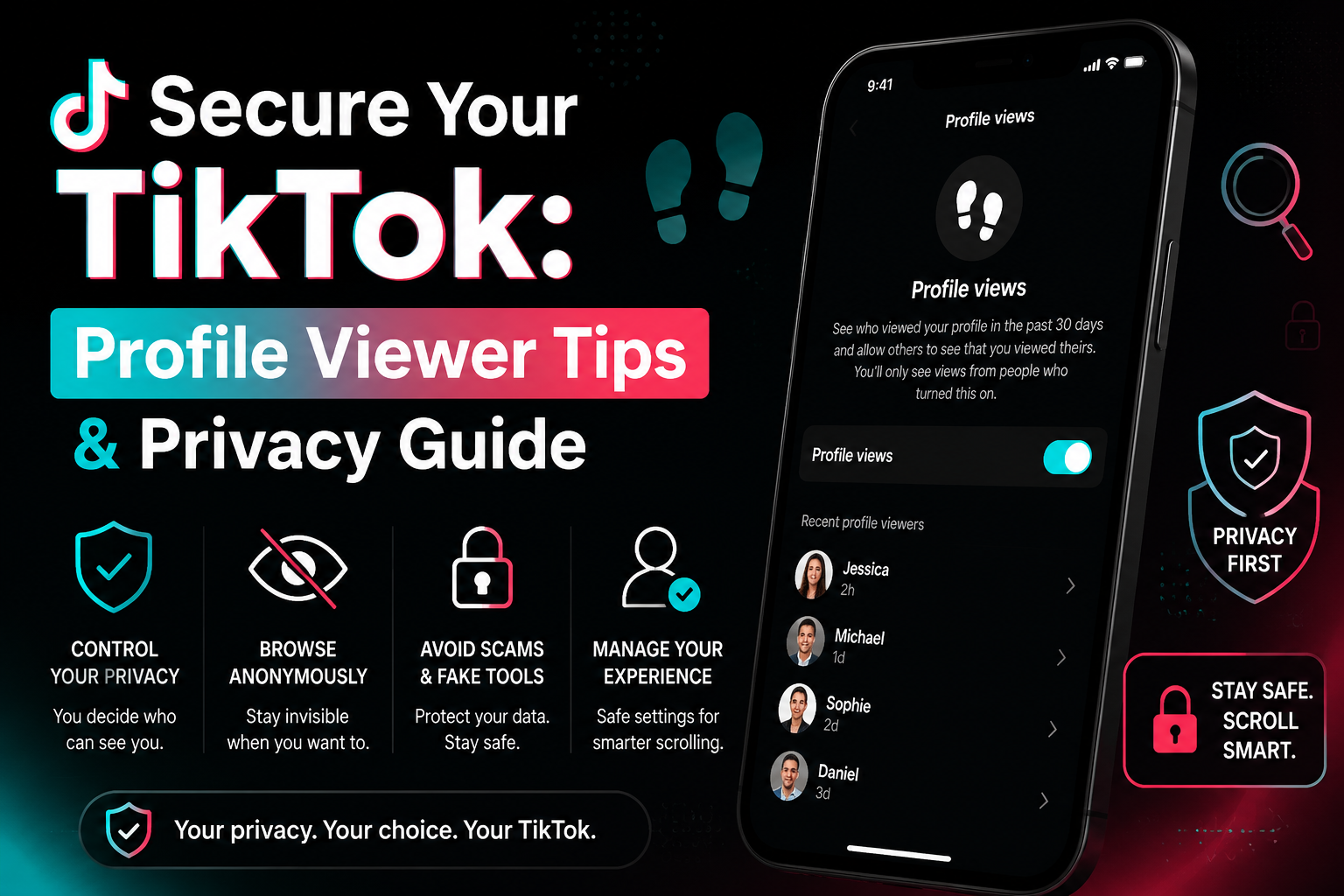
How to see who viewed your profile on TikTokWe've all been there: you're deep-diving into a new coworker's account at 2 AM and suddenly freeze. Can they see that I'm here? It is a common panic for anyone wondering how to see who viewed your TikTok profile. According to TikTok's official Help Center, the platform does actually have a native footprint tracking feature, but it might not work exactly[…]

Bước 1: Anh em chọn profiles cần update nhé, xong chọn Update Multiple Trong màn hình Update Multiple Profiles anh em lựa chọn thay đổi hàng loạt những tính năng cần update nhé. Sau đó ấn Update. Ok mọi thứ đã được update theo cấu hình ta vừa lựa chọn.
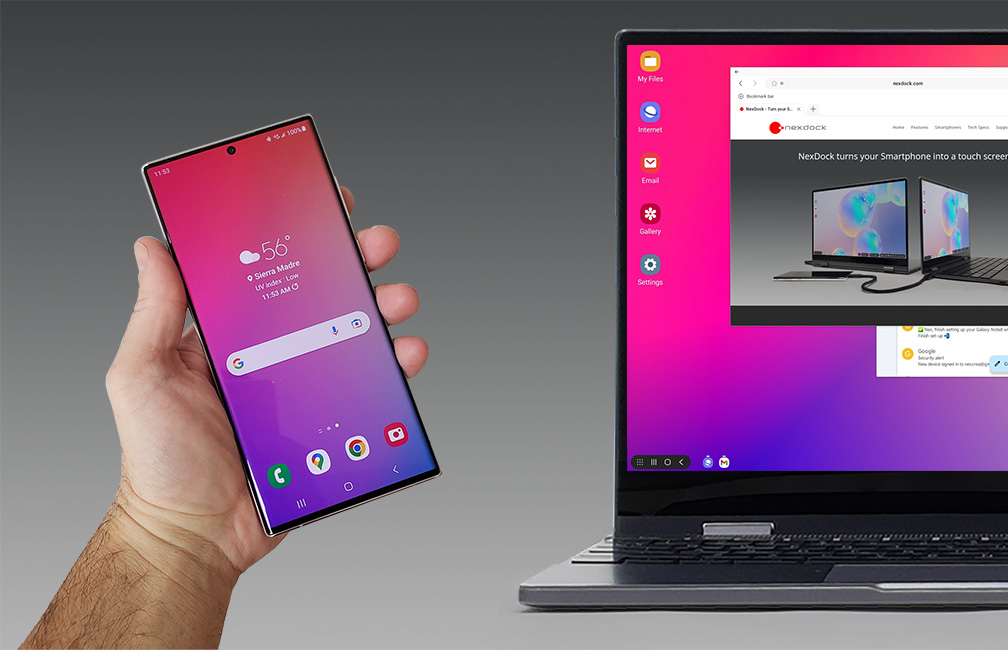
Let's start with a question: what device are you using to read this content? A reasonable guess would be a smartphone or a laptop, or perhaps even a used desktop. Over the past decade, smartphones have gradually outpaced desktop computers, making it harder for other devices to compete in terms of internet access. The only remaining competitor is the laptop, but in many cases, it has also taken a[…]

