

IPv6 (Internet Protocol version 6) is the latest Internet protocol designed to replace IPv4, which is gradually running out of available addresses. With its 128-bit length, IPv6 provides an almost unlimited number of IP addresses while also improving connection speed, security, and support for IoT devices.
However, not all users know whether their network already supports IPv6. Below are 4 simple and quick ways to check IPv6 on your computer or online.
Method 1: Check Online
The fastest way is to visit free IPv6 testing tools:
When you visit these sites, the system will display your current IP address. If you see an IPv6 address (a long string containing “:”), it means your network has IPv6 enabled.
Method 2: Check on Windows
Press Windows + R, type cmd, then hit Enter.
Enter the command:

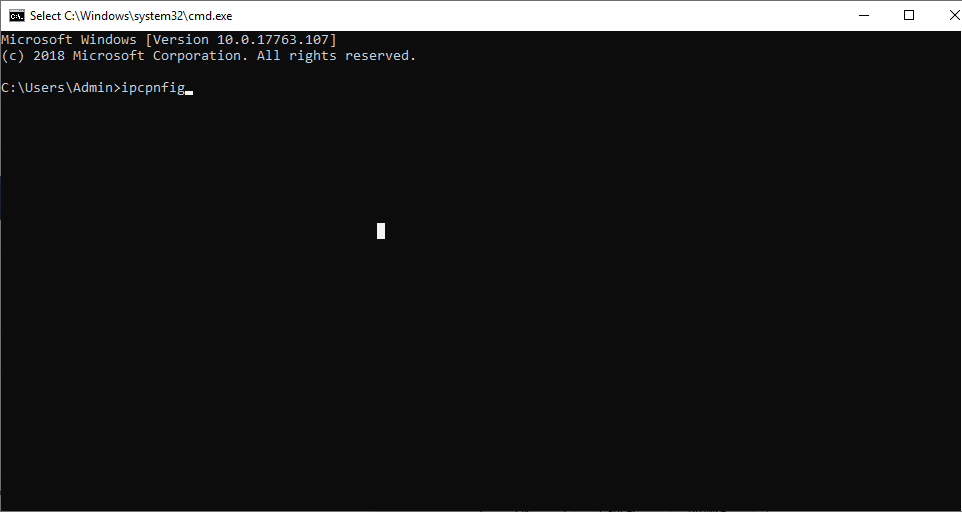
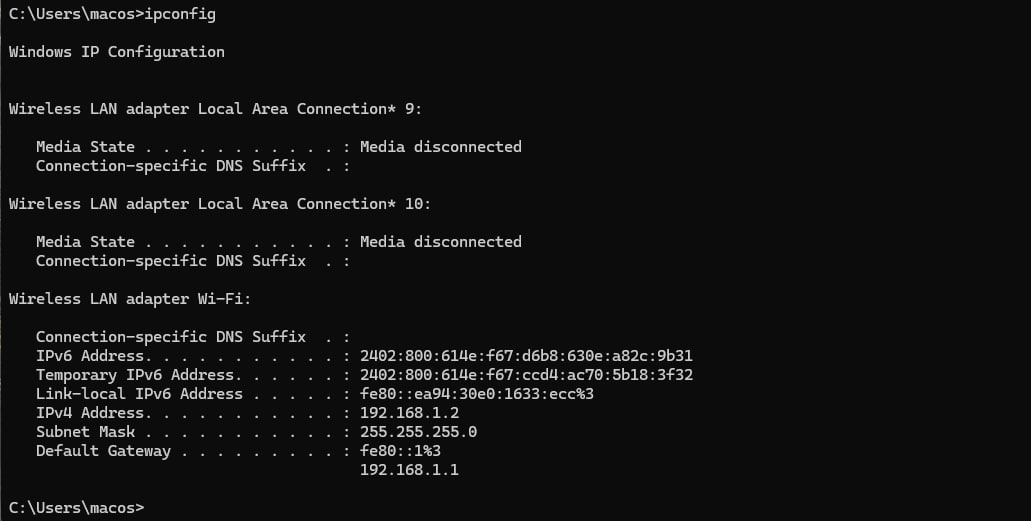
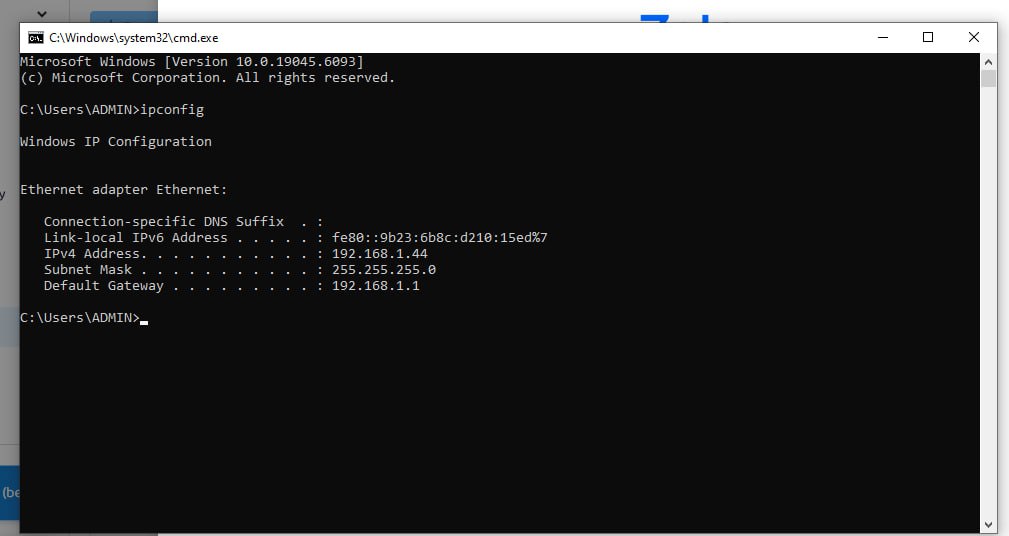
Look for the line IPv6 Address. If you see an address like 2405:4800:abcd:1234::1, it means you are using IPv6.
Using IPv6
Not Using IPv6
Method 3: Check on macOS or Linux
Open Terminal and enter:

or

If a long address containing colons appears (e.g., 2405:4800:xxxx:xxxx::1), it means your device is using IPv6.
Method 4: Check via browser
Visit https://whatismyipaddress.com or https://ipinfo.io.
If the site displays an IPv6 address instead of IPv4, your network is prioritizing IPv6.
Benefits of using IPv6:
No shortage of IP addresses: supports billions of devices connected simultaneously.
Improved speed and performance: more efficient data routing compared to IPv4.
Enhanced security: built-in IPsec reduces the risk of attacks.
Future-ready: compatible with 5G, IoT, Smart Home, and other upcoming technologies.
Checking whether your Internet supports IPv6 is very simple and only takes a few steps. If your modem/router hasn’t enabled IPv6 yet, contact your Internet provider for activation support.
IPv6 is the inevitable trend, offering faster speeds, stronger security, and more stable connections for users.
Related Blogs
What Is a Roblox IP Ban?A Roblox IP ban is one of the most severe enforcement actions Roblox can take against a player. Unlike a regular account ban, which restricts a specific username, an IP ban blocks all activity from your internet connection's IP address — meaning every account you try to create or use from that IP will also be blocked.IP bans are typically reserved for the most serious[…]

Do you think you're truly safe when using the Internet? This might not be as true as you believe. Websites often track your activities using various methods. Among these, browser fingerprinting is considered the most precise and effective tracking technology. This technique creates a unique device fingerprint based on your browser attributes and other identifiable information, posing significant[…]
Social media managers are tasked with producing a lot of content. Many platforms, many formats, one brand voice, daily or nearly daily publishing, all at once. Most of them now use some form of AI to help with at least a portion of that workload. There's nothing inherently wrong with using AI. The problems arise when AI-generated posts go live without getting a real editorial pass. The post that[…]
.png)
In the age of strong digitalization, using multiple accounts on platforms like Facebook, Google, TikTok or Amazon is common, especially for those doing affiliate marketing, advertising, or online business. However, these platforms are increasingly tightening their policies, easily detecting and locking accounts if unusual behavior is detected. And this is where browsers come in Antidetect Browser[…]
How to Integrate IPRoyal with Hidemium — Complete Privacy at Your FingertipsIn today’s digital landscape, privacy, speed, and scalability are crucial. Whether you’re a digital marketer, developer, or eCommerce entrepreneur, managing multiple accounts and operations demands tools that are secure, seamless, and efficient.That’s why combining Hidemium with IPRoyal creates a powerful solution — one[…]
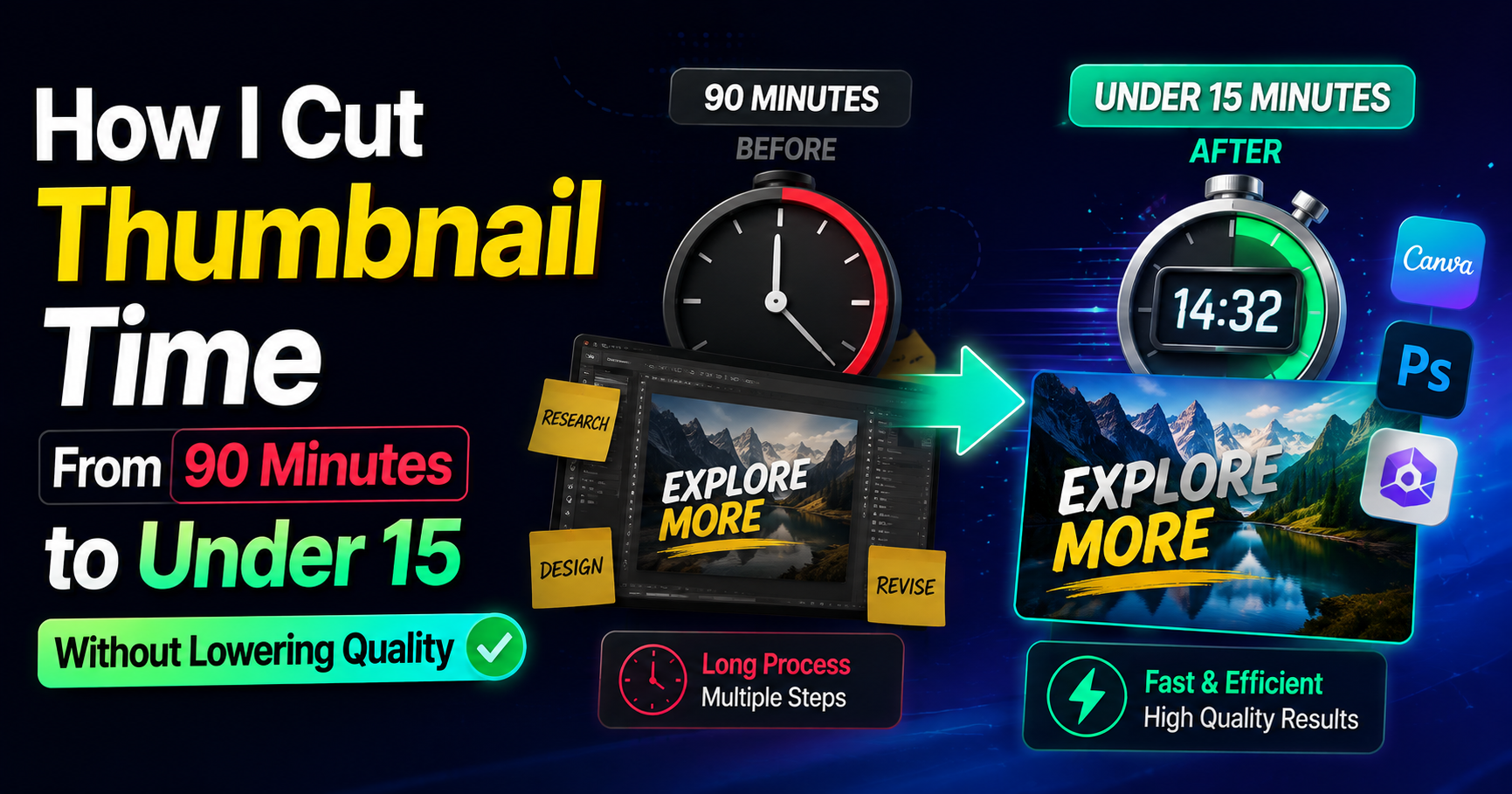
HubSpot’s latest marketing data shows short-form video consistently ranks among the top ROI-driving formats for marketers. That number only matters if people actually click. For freelancers who bill by the hour, every extra minute spent polishing a thumbnail is time that does not get invoiced elsewhere. I learned this the expensive way.I used to open a design file, stare at a blank frame, and[…]
