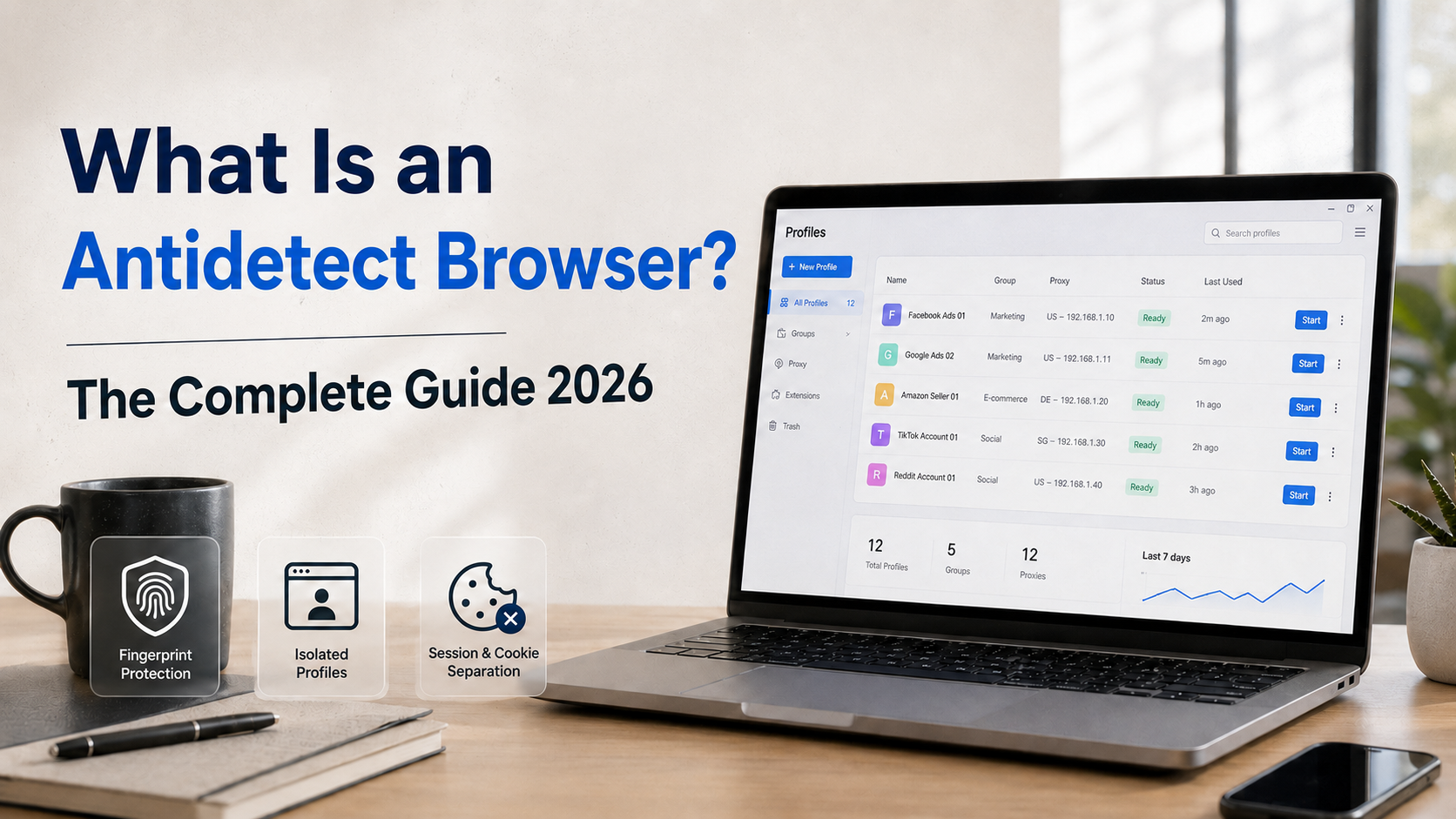

Are you managing multiple accounts on Facebook, Google, or Amazon but constantly getting banned due to "duplicate IP" or "fingerprint detected"? This is a common problem that thousands of marketers and sellers face every day. And the solution that more and more experts are turning to is the antidetect browser.
So what is an antidetect browser, how does it work, and who should use it? This article will answer all of those questions in the most comprehensive way.
What Is an Antidetect Browser?
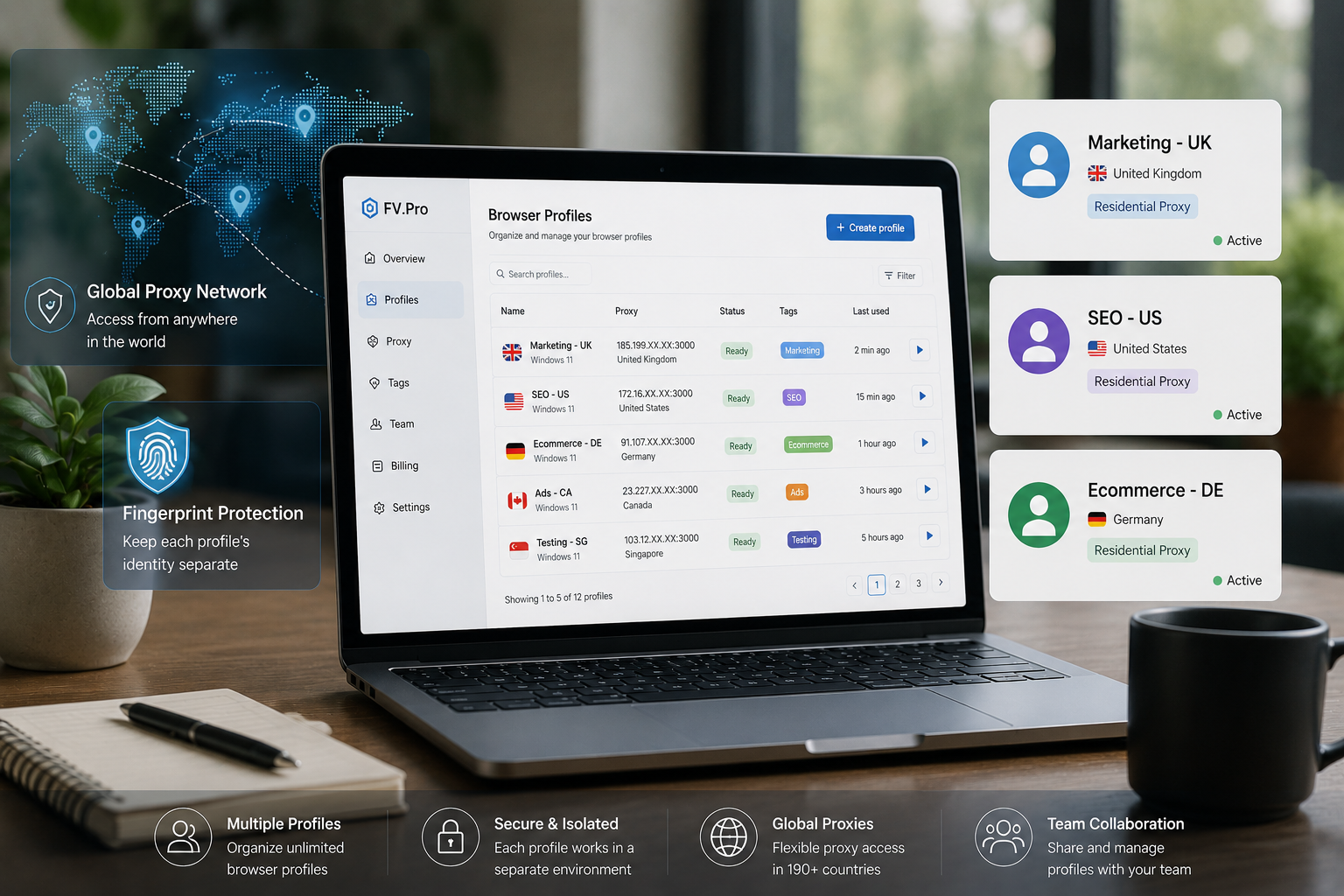
An antidetect browser (also known as an advanced privacy browser) is a specially designed browser built to conceal or spoof a user's digital identification information, also known as a browser fingerprint. Unlike regular browsers such as Chrome or Firefox, an antidetect browser allows you to create multiple independent browser profiles, each with its own unique "digital identity."
Each profile will have its own parameters such as: User Agent, Canvas fingerprint, WebGL, timezone, language, fonts, screen resolution, and many other technical parameters. Websites and advertising platforms will see each profile as a completely different user.
What Is Browser Fingerprint and Why Does It Matter?
Before understanding antidetect browsers, you need to know the concept of browser fingerprint.
What Is a Browser Fingerprint?
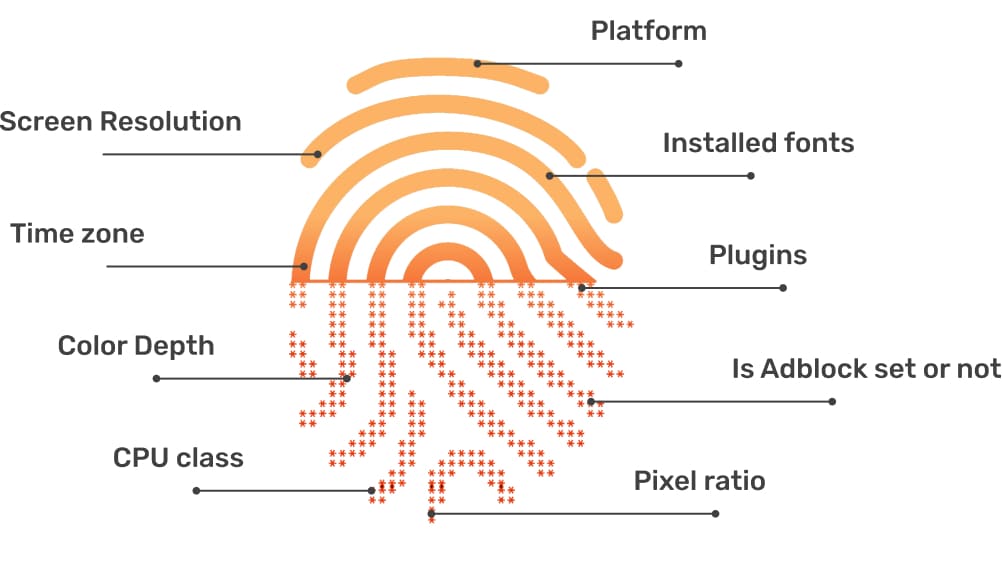
A browser fingerprint is a collection of technical information that your browser automatically sends to websites every time you visit. This information includes: browser type, version, operating system, screen resolution, installed fonts, timezone, language, GPU information (WebGL), audio context, and many other parameters.
When combined, this information forms a nearly unique "fingerprint" that can identify your device, even if you've changed your IP address or are using incognito mode.
Why Do Websites Track Fingerprints?
Major platforms like Facebook, Google, Amazon, and e-commerce marketplaces use fingerprint tracking to detect unusual behavior. If they see 10 accounts sharing the same fingerprint, the system will automatically flag these as fake accounts and ban them. This is why Incognito mode or a regular VPN is not enough to protect you when you need to manage multiple accounts.
You can check what information your browser is currently exposing through the browser fingerprint test tool and how to change it that Hidemium has shared in detail.
How Does an Antidetect Browser Work?
Creating Independent Browser Profiles
An antidetect browser allows you to create multiple profiles, each like a separate "virtual computer" within the browser. Each profile has its own cookies, localStorage, and session, and does not share data with other profiles.
Spoofing Technical Parameters
The most important part is the ability to customize the fingerprint. An antidetect browser can change or spoof the following parameters:
- User Agent: Spoofs the browser type, version, and operating system.
- Canvas fingerprint: Changes how images are rendered to create a different fingerprint.
- WebGL: Spoofs GPU information.
- Timezone and language: Set according to the geographic location of the proxy being used.
- Screen resolution: Customizes the screen resolution.
- Fonts: Controls the list of fonts that are recognized.
Pairing With Proxies
Each profile in an antidetect browser is typically assigned its own dedicated proxy (residential proxy, datacenter proxy, or mobile proxy). This ensures that each account not only has a different fingerprint but also comes from a different IP address, helping to avoid detection entirely.
Who Needs an Antidetect Browser?
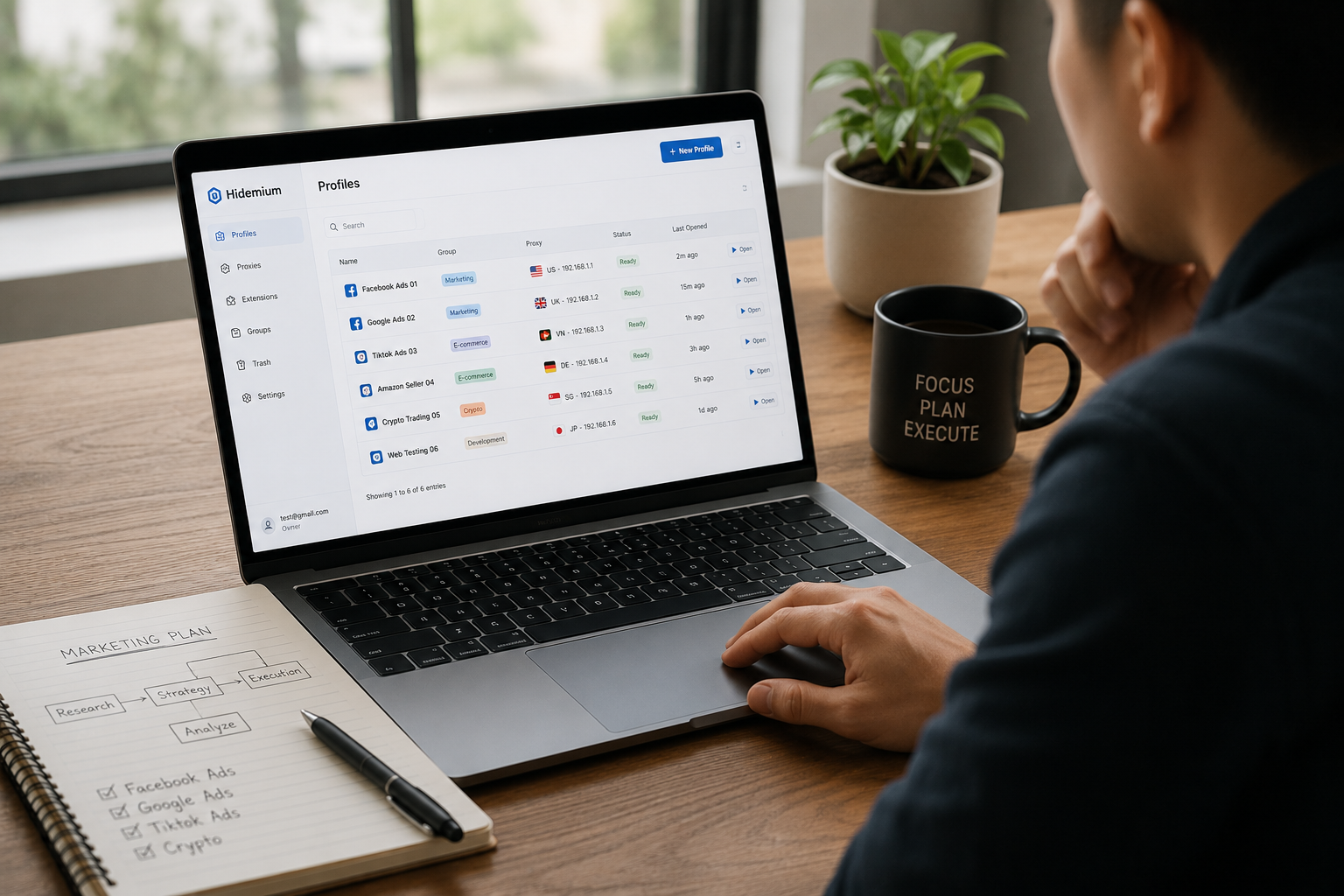
An antidetect browser is not just for "hackers" or advanced users. In reality, there are many legitimate and professional use cases:
Marketers and Media Buyers
People running Facebook Ads, Google Ads, or TikTok Ads often need to manage multiple ad accounts to spread risk, test creatives across different accounts, or scale campaigns. An antidetect browser helps them do this without worrying about mass bans when one account encounters an issue.
E-Commerce Sellers
Sellers on Amazon, eBay, Etsy, Shopee, or Lazada sometimes need to manage multiple stores for different product lines, or operate across multiple markets. An antidetect browser helps them keep accounts safely separated. You can also check out the guide on how to manage multiple Facebook accounts safely to apply to your multi-account strategy.
Web Scrapers and Data Analysts
Professionals who collect data from the web need to avoid being blocked by anti-bot systems. An antidetect browser with multiple different profiles helps them collect data efficiently without getting their IP or fingerprint blocked.
Affiliate Marketers
Affiliate marketers need to keep their campaigns separated, accurately track the performance of each offer, and test different landing pages without being cross-tracked between accounts by networks.
How Is an Antidetect Browser Different from a VPN or Proxy?
| Feature | VPN | Proxy | Antidetect Browser |
|---|---|---|---|
| Change IP address | Yes | Yes | Yes (via integrated proxy) |
| Hide browser fingerprint | No | No | Yes |
| Multi-account management | No | No | Yes |
| Create independent profiles | No | No | Yes |
| Isolate cookies/sessions | No | No | Yes |
As the table above shows, VPNs and proxies only solve the IP address problem, while antidetect browsers comprehensively address both fingerprint and session isolation. This is why, for work that truly requires safe multi-account management, using just a VPN or proxy is not enough.
Key Features to Look for in a Good Antidetect Browser
High-Quality Fingerprint Spoofing
This is the core feature. A good antidetect browser must be able to fully spoof all fingerprint parameters in a consistent and realistic way. Poor-quality fingerprint spoofing can actually make you even easier to detect than a real fingerprint.
Easy Profile Management
When you are managing dozens or hundreds of accounts, the ability to organize profiles into groups, search quickly, and perform bulk actions will save a great deal of time. An intuitive interface is an indispensable element.
Automation Support
Many modern antidetect browsers integrate with Selenium, Puppeteer, or Playwright, allowing you to automate repetitive tasks such as logging in, posting, or collecting data across multiple accounts simultaneously.
Teamwork and Profile Sharing
If you work in a team, the ability to share profiles among team members without sharing account passwords is very important. Some antidetect browsers also have a detailed permission management system.
Popular Antidetect Browsers Today
There are quite a few antidetect browsers on the market, each with its own strengths and weaknesses. Some popular names include Multilogin, Dolphin Anty, GoLogin, AdsPower, Incogniton, and Hidemium. When choosing, you should consider the following factors:
- Fingerprint spoofing quality: Can it pass fingerprint detection tools?
- Pricing: Is the monthly cost suitable for the number of profiles you need?
- Speed: Does opening multiple profiles at once run smoothly?
- Automation support: Can it integrate with your automation tools?
- Security policy: How is your profile data protected?
If you are looking for an alternative to AdsPower or Multilogin, you can check out the detailed review of the top 5 best antidetect browsers as alternatives to AdsPower in 2026 for a more in-depth comparison.
Frequently Asked Questions About Antidetect Browsers
Is using an antidetect browser illegal?
Using an antidetect browser itself is not illegal in most countries. It is a technology tool like any other software. However, how you use it is the deciding factor. Using it to manage legitimate accounts, conduct security research, or test software is entirely valid. Using it to commit fraud, scams, or violate platform terms of service is not recommended and may lead to legal consequences.
Does an antidetect browser actually work?
This depends heavily on the quality of the software. Good antidetect browsers can bypass most current fingerprint detection systems. However, you also need to combine it with quality proxies and natural user behavior to achieve maximum effectiveness.
How many proxies do I need for an antidetect browser?
The basic rule is that each profile should use a dedicated proxy. The most suitable type of proxy is usually a residential proxy because they have real IP addresses from real users, making them harder to detect than datacenter proxies. Mobile proxies are also a good choice for sensitive platforms like Facebook or Instagram.
Does an antidetect browser work on Mac and Linux?
Most popular antidetect browsers today support Windows, macOS, and some also support Linux. You should check the software's official website to confirm which operating systems are supported before subscribing.
Conclusion
An antidetect browser is an indispensable tool for anyone working seriously with multi-account management, digital marketing, or web automation in 2026. Unlike a VPN or a simple proxy, an antidetect browser solves the problem at a deeper level — the browser fingerprint layer — making each of your profiles truly an independent digital identity.
When choosing an antidetect browser, prioritize software with high fingerprint spoofing quality, an easy-to-use interface, and automation support if you need to scale your work.
Looking for a powerful, affordable, and easy-to-use antidetect browser? Try Hidemium — an antidetect browser built specifically for professional marketers and sellers, with top-tier fingerprint spoofing, automation support, and a user-friendly interface. Explore Hidemium now and experience it for free.
Related Blogs

User Agent (UA) is an important component that helps browsers recognize and interact with websites effectively. Understanding what User Agent is and how to change it can not only protect your privacy but also optimize your browsing experience according to your personal needs. In this article,Antidetect Browser Hidemium will explain in detail about User Agent, its role and guide you how to change[…]
In the digital age, online user tracking has become commonplace, conducted for both positive and negative reasons. According to a report by Ghostery—a renowned provider of free software—over 79% of websites with unique domains use tracking tools to gather user data. Among these methods, canvas fingerprinting has emerged as a popular and effective technique. This article by Hidemium will help you[…]
In the field of information technology, Endpoint (terminal) is a term used to refer to devices that are capable of connecting to a network such as personal computers, smartphones, printers, IoT devices or routers. So What is Endpoint?, and what role does it play in modern computer systems? Together Antidetect Browser Hidemium Find out more details in the article below.1. What is an[…]

In 2026, the MMO community is increasingly facing mass account suspensions even without clear policy violations. The main cause lies in managing multiple accounts within the same browser environment, making it easy for AI systems to detect overlapping digital fingerprints.That’s why antidetect browsers have become an essential tool for MMO users, dropshippers, affiliates, and multi-platform[…]
In today's online world, proxy IPs have become a key tool for businesses and individuals to improve data privacy, bypass geographic restrictions, and conduct efficient data capture. When choosing a proxy IP, you are often faced with two main choices: free proxy IPs and paid proxy IPs. Although "free" sounds attractive, can it really meet your needs? This article will delve into the key[…]
What is iTop VPN? iTop VPN is a service virtual private network (VPN) that helps protect identity, protect privacy, and increase security when accessing the Internet. This service encrypts access data and hides users' IP addresses, thereby avoiding tracking and overcoming geographical restrictions. In this article, Antidetect Browser Hidemium will guide you in detail Outstanding[…]
