
Hotspot Shield VPN is one of the software virtual private network (VPN) most popular today, trusted by many users thanks to its superior security and support for anonymous Internet access. With a series of useful features, Hotspot Shield becomes the ideal choice for those who want to protect their privacy online. So what is Hotspot Shield? What are the advantages and how to download this software? Let's Antidetect Browser Hidemium Discover in the following article.
1. What is Hotspot Shield VPN?
Hotspot Shield VPN is the leading free VPN software that allows users to turn public networks into private connections, providing complete anonymity when accessing the Internet. This tool creates virtual IP addresses, thereby helping you easily bypass content censorship barriers and access websites blocked by your network provider.
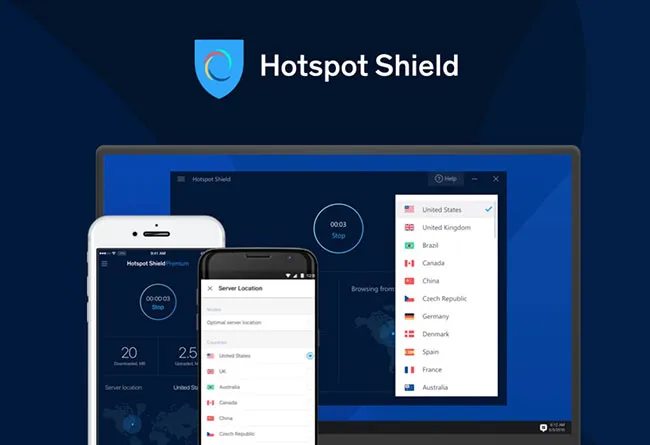
Not only that, with a network of thousands of servers in many countries, Hotspot Shield offers a variety of IP options, giving you flexibility in choosing access areas, improving speed and security when connecting.
>>> Learn more: Top 10 Best Free VPN Apps for Android in 2025
2. Pros and cons of Hotspot Shield VPN
To better understand the effectiveness of Hotspot Shield VPN, you need to consider both the positives and the limitations of this software.
2.1 Outstanding advantages
Hotspot Shield VPN is highly rated for the following features:
Secure connection effectively between user device and server, ensuring no data leakage when accessing the web.
Strong data encryption, protecting personal information, financial transactions and browsing history from third-party tracking.
Unlimited website access, even with sites blocked by your Internet service provider (ISP).
Stay safe when using public Wi-Fi, reducing the risk of hacker attacks or data theft.
2.2 Limitations to note
Despite its many advantages, Hotspot Shield VPN still has some disadvantages:
Access speed may be reduced when connecting to servers at a distance.
Limited free version on servers, bandwidth and features compared to paid plans.
Encryption protocol not at peak level, making privacy protection only fair, not absolutely optimal.
>>> Learn more: Proxy, VPN and Anti Detect Browser Comparison – What are the Main Differences?
3. Key Features of Hotspot Shield
Hotspot Shield VPN is one of the leading VPN services today thanks to its powerful features that meet the needs of security, access and user experience. Below are the outstanding features that you should not miss:
3.1. Free trial with friendly interface
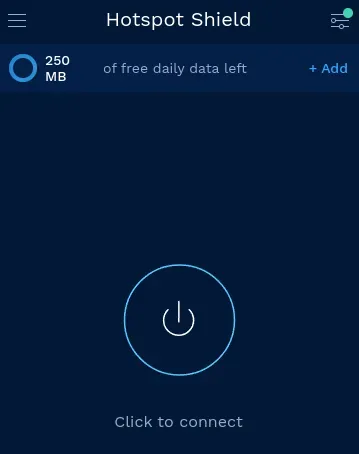
Hotspot Shield offers a free trial with an optimized, easy-to-use interface. With just one click, users can quickly connect or disconnect from the server. The analog clock displays the connection time, making it easy to control the session. The Settings section is arranged on a single page (in the paid version), supporting quick access to necessary settings. In addition, the software also has a feature to automatically start with Windows, helping to ensure the connection is protected as soon as the computer is turned on.
3.2. Hide IP address, protect user identity
With advanced encryption technology, Hotspot Shield creates a virtual IP address to completely anonymize your internet access. This helps users avoid being tracked, data stolen and protects personal information. In Vietnam, you can use the software to access and register on websites, forums or online games without any restrictions.
3.3. Unlock global content, unlimited access
Hotspot Shield makes it easy to bypass censorship barriers and quickly access blocked websites and services. You can watch content from popular platforms like YouTube, Netflix, Disney+, Prime Video, Twitter, and more with smooth, uninterrupted speeds.
3.4. Browse the web securely on any Wi-Fi network
When accessing the internet via public Wi-Fi at a coffee shop, hotel or airport, the risk of cyberattack is always present. Hotspot Shield ensures that all access data is encrypted, helping you browse the web with absolute safety. Personal information, financial transactions and sensitive data are effectively protected, providing peace of mind with every access.
3.5. Block malware and dangerous websites
Hotspot Shield comes with a built-in warning system and blocks access to over 3.5 million malicious websites. Thanks to that, you don't need to install additional antivirus software but still be protected against threats from scams, malware and spam. This is the ideal solution for users who want a safe and efficient internet environment.
>>> Learn more: Proxy, VPN and AntiDetect Browser Comparison – What are the Main Differences?
4. Detailed instructions on how to install Hotspot Shield VPN on computers and phones
After understanding clearly What is Hotspot Shield, if you are looking for how to install Hotspot Shield VPN to protect your identity and access the Internet safely, follow the steps below:
Install Hotspot Shield VPN on your computer
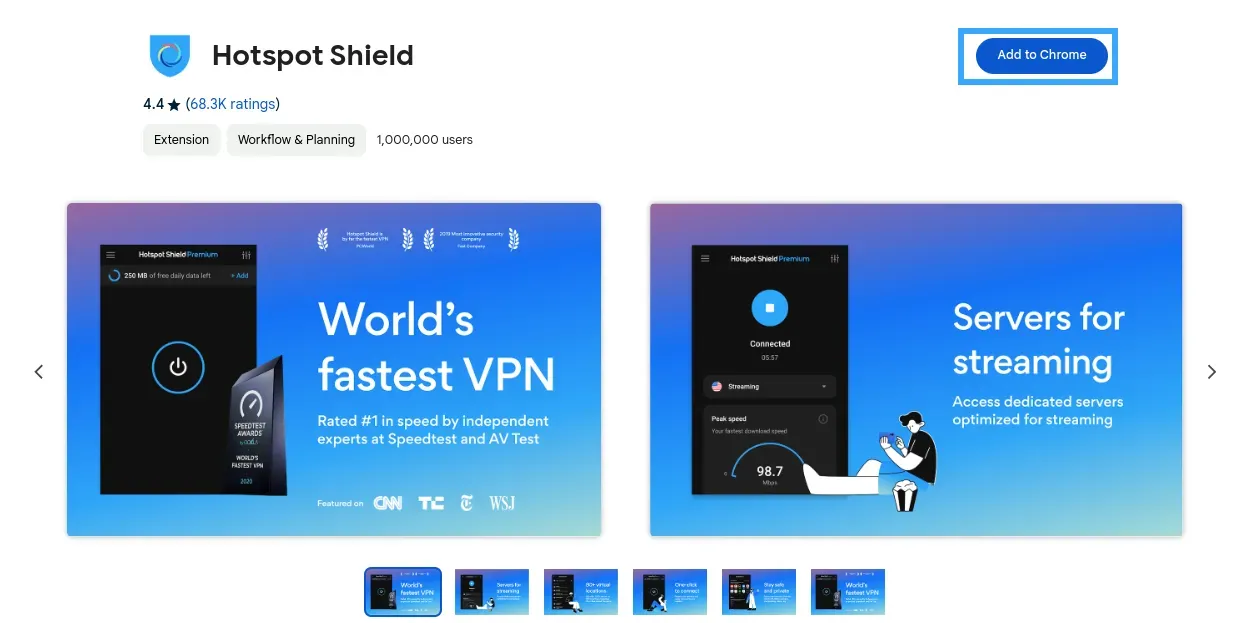
Step 1: Download extension Hotspot Shield To your computer.
Step 2: Click the button “Add to Chrome”to install the extension on Google Chrome browser.
Step 3: When the welcome screen appears, select “Continue For Free” to use the free version.
Step 4: Access the section Install the extension of Chrome, select “Utility Management” and pin the Hotspot Shield icon to the toolbar to complete the installation.
Install Hotspot Shield VPN on your phone
You can quickly download the Hotspot Shield VPN application by following the link corresponding to the operating system you are using:
iOS: Download directly from App Store
Android: Download from Google Play
5. Hotspot Shield Premium vs Hotspot Shield Business Comparison: Which Plan Should You Choose?
Both versions Hotspot Shield Premium and Hotspot Shield Business Both offer powerful features that help users access the Internet securely, anonymously, and without restrictions. However, each package is suitable for different audiences. Below is a detailed comparison table between the two versions so you can make the right choice:
Features | Hotspot Shield Premium | Hotspot Shield Business |
| Add members to the group | Not supported | Yes (1 manager + 5 members) |
| Dedicated Server | Are not | Have |
| Admin Panel | Have | Yes (role and user management) |
| Technical Support | Email Priority | 24/7 support via chat and email |
| Virtual Location | 24 countries | 24 countries |
| Unlimited Access | Have | Have |
| Unlimited data bandwidth | Have | Have |
| Ad-free browsing | Have | Have |
| Connect multiple devices | Not supported | Yes (up to 20 devices/business account) |
| Cross-platform compatibility | Have | Have |
The article has provided all the necessary information about Hotspot Shield VPN, including definitions, installation instructions, and a detailed comparison table between the two prominent service packages. If you are in need of a powerful VPN tool to secure your personal data and bypass content access restrictions, look no further Contact Hidemium now for free consultation and dedicated support!
>>> ARTICLES ON THE SAME TOPIC:
Related Blogs
Owning and operating a large number of accounts on social media platforms like X (Twitter) or Discord has become essential for those involved in MMO, airdrops, and marketing. However, the biggest challenge users face is that their accounts are frequently suspended or flagged for identity verification when multiple accounts are logged in on the same device.So how can this issue be resolved? The[…]
“You have been banned” is a situation often faced by most advertisers, affiliate marketers, or e-commerce professionals… on platforms:Can you get banned from FacebookCan you get banned from GoogleBanned amazon accountSo why? How to find out why I was banned from Facebook? What do I need to do to solve this problem? Find the answer right away in this article.What if your account has been[…]
.png)
If you're looking to enhance your online privacy or manage multiple social media, e-commerce, or ad accounts, Antidetect browsers are a crucial tool. With a wide range of options available, picking the right one can be a daunting task. To help you navigate, we've researched and compiled a list of the best Antidetect browsers for 2024. 1. What Are Antidetect Browsers?An Antidetect Browser is a[…]
In the era of digital marketing, search engine optimization (SEO) is a key factor that helps websites improve their rankings on Google, Bing and other search platforms. Well‑optimized content will increase the chance of appearing in high positions, attract high‑quality traffic, and make it easier for potential customers to access products or services. An effective SEO strategy not only boosts[…]
.png)
In multi-account operations, e-commerce monitoring, and ad verification scenarios, browser environment isolation and reliable proxy services have become essential “infrastructure.” For users of multi-account browsers like Hidemium, choosing a stable, secure, and widely covered residential proxy service is crucial.This article will introduce you to IPPeak, explain why it’s worth considering, and[…]
Vmcard2025: Enterprise Card Issuing for Multi-Account Success When you open new ad accounts, subscribe to AI/SaaS tools, scale cloud resources, or verify stores, payment failures can derail the plan: card binding fails, extra 3DS checks pop up, renewals don’t charge. Most of the time it isn’t a random glitch—it’s the merchant’s risk engine asking for better signals. This article explains the[…]
