How to Create and Manage Multiple Amazon Accounts in 2026 (Without Getting Banned)
Try Hidemium for free.png)

Managing multiple Amazon accounts sounds like a smart way to scale your business—until things go wrong.
Many sellers start with good intentions: separating brands, testing new products, or organizing operations. But without the right setup, multiple accounts can quickly get linked, flagged, or even permanently banned.
In this guide, we’ll walk through how to create and manage multiple Amazon accounts safely in 2026—and how tools like Hidemium help you do it the right way.
Can You Have Multiple Amazon Accounts?
The short answer is yes—but only under specific conditions.
Amazon allows multiple accounts mainly for business purposes, such as managing different brands or product lines. However, personal users are typically limited to one account.
If Amazon detects multiple personal accounts linked to the same user, it may suspend all of them.
This means the goal isn’t just creating accounts—it’s keeping them properly separated.
Why People Use Multiple Amazon Accounts
For many sellers, having more than one account is not about breaking rules—it’s about working smarter.
You might want to separate different brands to build unique identities, or keep personal purchases separate from business transactions. Some sellers also use multiple accounts to test different strategies without affecting their main store.
When done correctly, this setup can improve organization, scalability, and performance.
The Biggest Risk: Account Linking
Amazon doesn’t just look at your login—it analyzes patterns.
They track signals like IP address, device fingerprint, browser behavior, and even payment details. If multiple accounts share similar data, they can be linked together.
And once accounts are linked, a single issue can affect all of them.
👉 This is why understanding browser fingerprinting and account isolation is critical.
How to Manage Multiple Amazon Accounts Safely
Managing multiple accounts is less about quantity—and more about structure.
Each account needs to behave like a completely separate user.
You should always use different email addresses and phone numbers for each account. Payment methods and shipping details should also remain unique to avoid any overlap.
More importantly, your technical setup matters just as much as your account details.
Amazon tracks IP addresses and device environments. If multiple accounts are accessed from the same setup, they can easily be flagged.
That’s why serious sellers rely on tools that help create separation at a deeper level.
Why an Antidetect Browser Is Essential

Using proxies alone is not enough anymore.
Modern platforms like Amazon combine multiple signals, including browser fingerprints, operating system data, and device behavior.
Hidemium helps solve this by creating a fully isolated environment for each account.
With Hidemium, you can run multiple accounts on a single device while keeping them completely separate. Each account operates in its own browser profile, with a unique fingerprint and dedicated proxy.
👉 You can also explore proxy options here:
https://hidemium.io/free-proxy/
This setup significantly reduces the risk of account linkage and makes your workflow more scalable.
How to Create a Second Amazon Account (Step-by-Step)
Creating a second account is simple—but doing it safely requires attention.
Start by logging out of your existing account and avoiding reuse of the same browser session. It’s best to create a new environment from the beginning.
Use a completely new email address and phone number. Make sure your payment method is also unique and not shared with other accounts.
Instead of switching accounts manually, use a tool like Hidemium to create a separate browser profile. This ensures Amazon sees each account as a different user.
The process itself is easy—but the setup behind it is what determines whether your accounts stay safe.
How to Avoid Getting Banned
Most account bans don’t happen randomly—they happen due to patterns.
If multiple accounts share the same IP address, device fingerprint, or behavior, Amazon will eventually detect the connection.
To avoid this, every account should have its own environment.
That means different IPs, different browser profiles, and no shared data between accounts.
Consistency also matters. Sudden changes in login location or device can trigger security checks.
The goal is to make each account look stable and independent over time.
Ready to Scale Your Amazon Business?
If you're serious about running multiple Amazon accounts, don’t rely on risky setups.
Create isolated profiles, assign proxies, and manage all your accounts safely—without worrying about bans or account linkage.
FAQ
Can I have multiple Amazon accounts?
Yes, but only for valid business purposes. Personal accounts are usually limited to one per user.
Why do Amazon accounts get banned?
Accounts are often banned when they are linked through shared IPs, devices, or payment details.
Do I need proxies for multiple accounts?
Yes, proxies help assign different IPs, but they should be combined with proper browser isolation.
Is Hidemium necessary?
If you're managing multiple accounts seriously, tools like Hidemium help reduce risk and simplify operations.
Related Blogs

If you are searching for an Ultra VPN extension, you are probably looking for a quick way to change the IP address used by your browser, access region-specific content, or add another layer of privacy while browsing.A browser VPN extension can be useful for those tasks, but it is important to understand what it actually changes.A VPN or proxy-style browser extension primarily affects network[…]
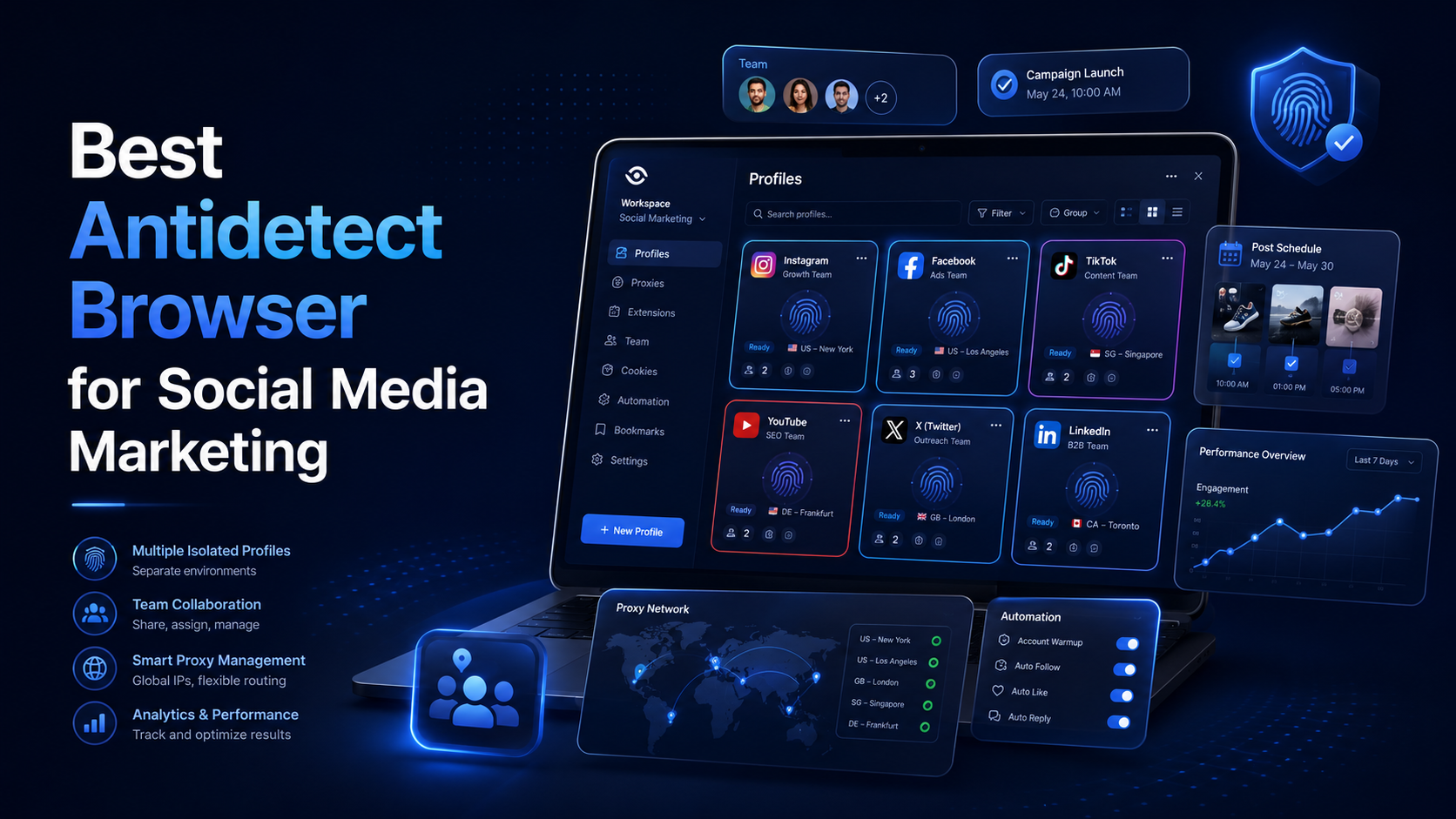
Best Antidetect Browser for Social Media MarketingSocial media marketing is no longer limited to publishing content on one Facebook or Instagram account. Agencies and in-house marketing teams may manage several brands, regional pages, advertising accounts, content calendars, and client workspaces at the same time.This creates an operational challenge. When multiple accounts are opened in the same[…]
In the digital age, using two computers in parallel to serve work is becoming more and more popular. To optimize performance and share data easily, connecting 2 computers via IP address is a useful solution, especially when both devices are on the same local network. Here are detailed instructions on how to do it.Antidetect Browser Hidemium:1. How to connect 2 computers via internal IP[…]

Why Did You Get Banned Even After Using a Proxy?You carefully set up your proxy. Created a new email address. Used different devices. Yet your account was still banned within 24 hours.Why? A Proxy only hides your IP address — but your browser fingerprint doesn't.Every time you open Chrome or Firefox, the browser sends dozens of identification signals to the server: canvas fingerprint, WebGL[…]
.png)
GoLogin, one of these Antidetect Browser oldest and popular, has established a strong position in protecting online identities and maintaining anonymity while browsing the web. However, with increasingly strong competition from competitors with modern technology, attractive prices and more intuitive interfaces, is GoLogin really worth the investment? Let's find out the details to make the right[…]

In the process of doing business online, many sellers face the problem of accounts being repeatedly suspended even though their content does not violate any rules and their ads fully comply with platform policies. This leads to business disruptions, declining revenue, and major difficulties in scaling operations. The root cause lies in poor digital identity management.That is why more and more[…]
