

Last updated: November 2026
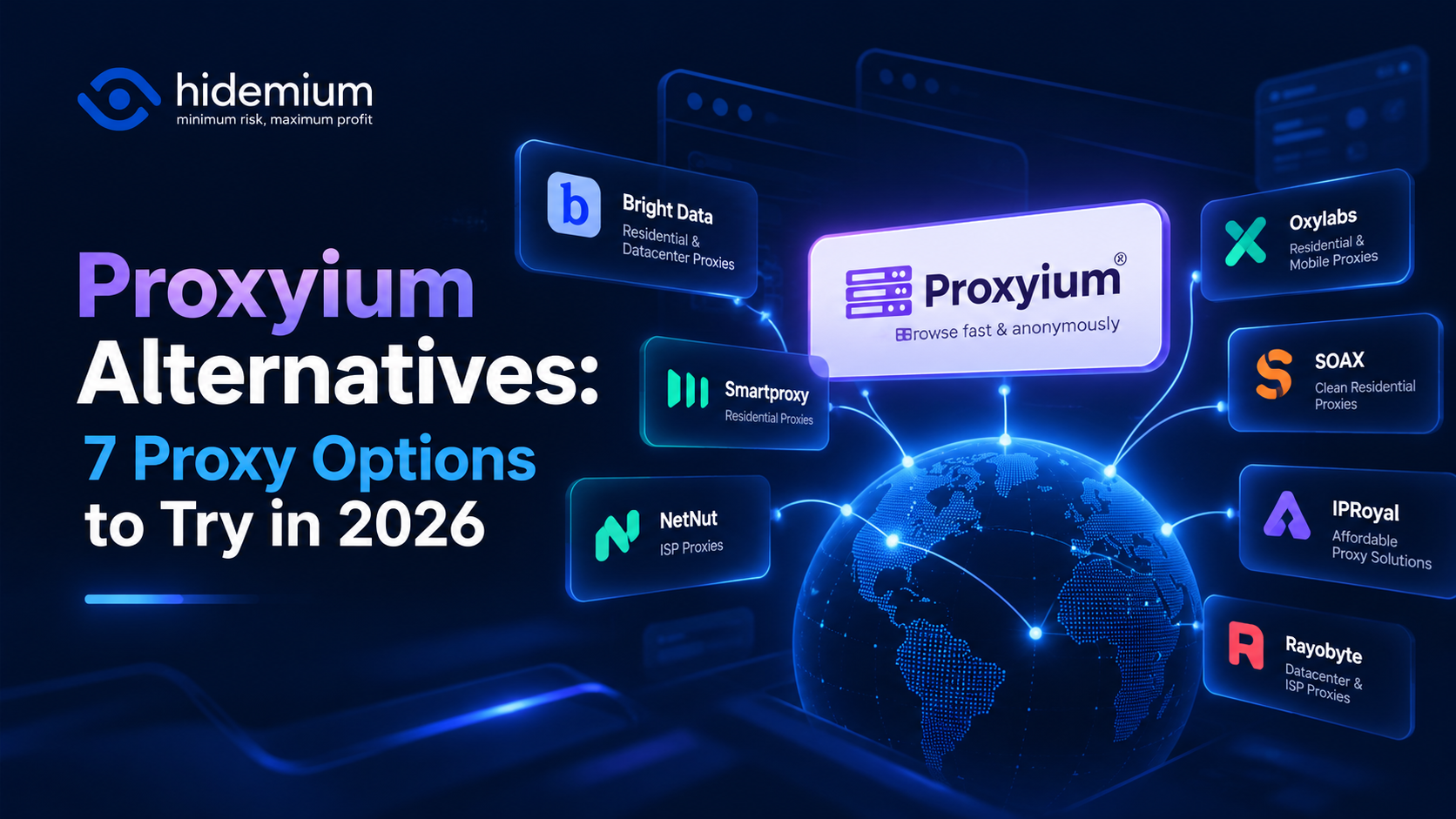
Looking for Proxyium alternatives? The right replacement depends on why Proxyium no longer meets your needs.
If you simply want to open a public webpage through a browser-based proxy, CroxyProxy, KProxy, hide.me Web Proxy, 4everproxy, ProxySite, and BlockAway are options worth evaluating.
If you need to configure proxy endpoints, IP locations, or browser profiles, a provider such as HideProxy offers a different type of solution.
This guide compares seven alternatives, explains when a web proxy is enough, and shows how to evaluate a provider before using it.
Quick Answer: Which Proxyium Alternative Should You Choose?
The best Proxyium alternatives depend on your use case:
- CroxyProxy: For quick browser-based website access.
- KProxy: For straightforward web-proxy browsing.
- hide.me Web Proxy: For occasional browser-based access.
- 4everproxy: For basic regional website checks.
- ProxySite: For temporary access to public websites.
- BlockAway: For simple web-proxy use.
- HideProxy: For configurable proxy endpoints and browser-profile workflows.
Key takeaway: Choose a web proxy for convenience. Choose a configurable proxy provider when you need more control over IP addresses, sessions, authentication, or application integration.
Neither option guarantees anonymity or compatibility with every website.
1. Proxyium Alternatives: Quick Comparison
Alternative | Type | Best For | Main Limitation |
| HideProxy | Configurable proxy service | IP and browser-profile workflows | Requires configuration |
| CroxyProxy | Web proxy | Quick website access | Limited endpoint control |
| KProxy | Web proxy | Simple browsing | Limited session customization |
| hide.me Web Proxy | Web proxy | Occasional browser access | Limited advanced controls |
| 4everproxy | Web proxy | Regional browsing | Availability may change |
| ProxySite | Web proxy | Temporary website access | Shared infrastructure |
| BlockAway | Web proxy | Basic web-proxy use | Limited advanced features |
The best option depends on the websites you need, the level of IP control required, and whether you need temporary or ongoing access.
Provider features and pricing may change. Always confirm current conditions on the official website.
2. What Is Proxyium?
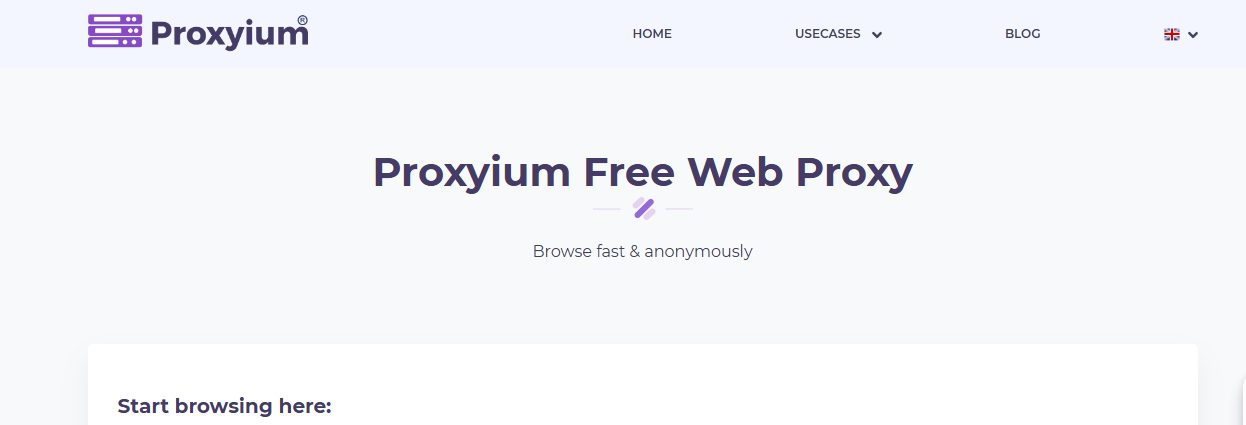
Proxyium is a browser-based web proxy service.
Instead of manually configuring a proxy server inside your operating system or browser, you enter a website URL into Proxyium.
The service retrieves supported web content through its proxy infrastructure.
The connection follows a simplified process:
Your Browser → Proxyium → Destination Website
This approach is convenient for quick browsing without technical setup.
However, web proxies generally provide less control over:
- Specific IP addresses.
- Proxy authentication.
- Geographic location.
- Session persistence.
- Network protocols.
- Per-profile proxy assignment.
Some websites using complex JavaScript, authentication, or streaming functionality may not work correctly through every web proxy.
Read more: What Is Proxyium?
3. How We Selected These Proxyium Alternatives
We compared seven services based on practical requirements:
Ease of setup: Can users access websites without configuring proxy settings?
IP control: Can users select or configure a particular proxy endpoint?
Location options: Are regional connections available?
Session management: Can a connection remain consistent when necessary?
Browser compatibility: Does the service support ordinary browsing or browser-profile workflows?
Privacy and transparency: Does the provider publish relevant policies and documentation?
Use-case suitability: Is the solution intended for occasional browsing or repeatable operational tasks?
This article is an editorial feature comparison, not an independent speed, security, or uptime benchmark.
No provider is ranked as universally fastest, safest, or most anonymous.
4. The 7 Best Proxyium Alternatives
4.1. HideProxy — Best for Configurable Proxy Workflows
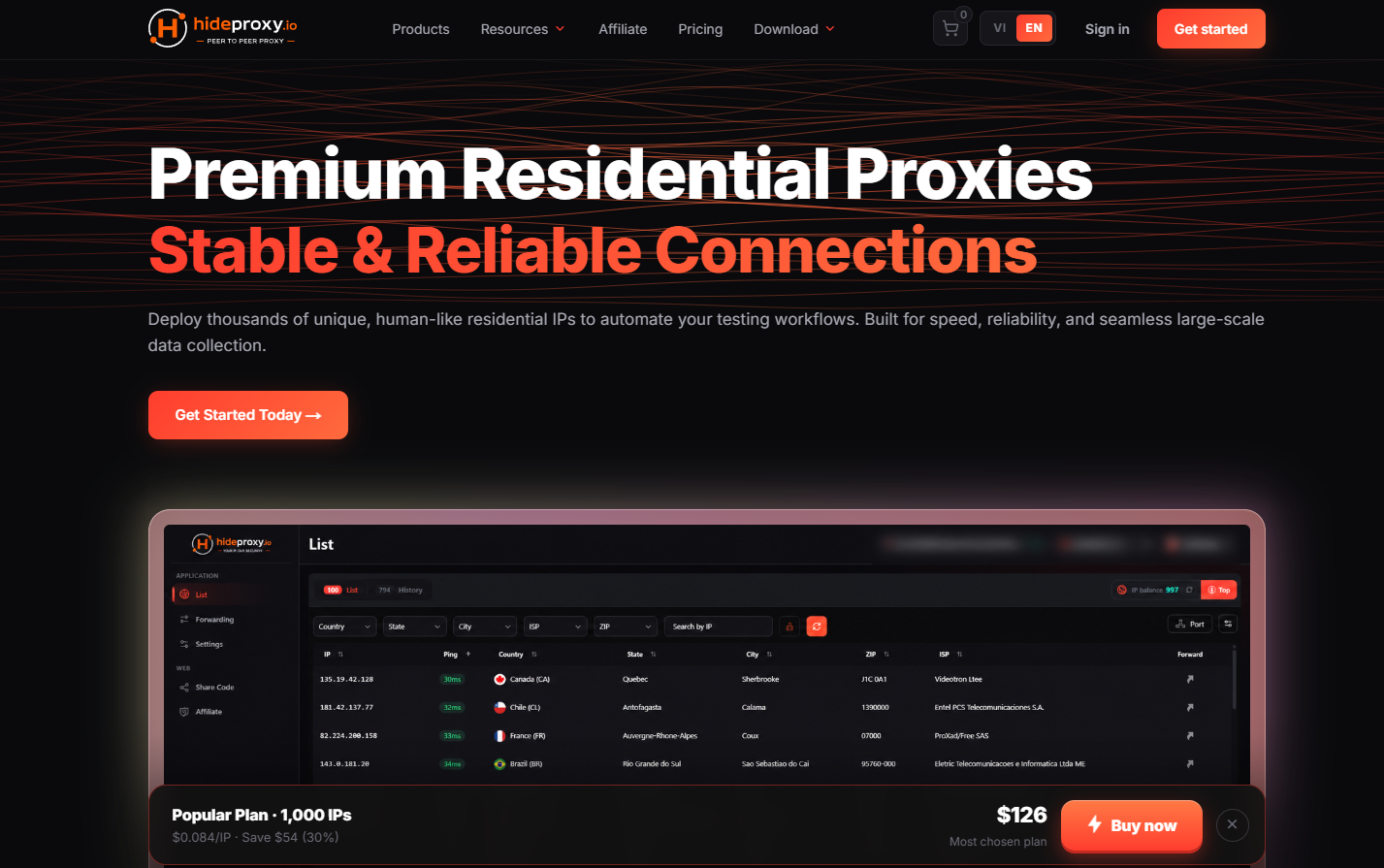
HideProxy is worth considering when you need more control over proxy connections than a basic web proxy typically provides.
Instead of entering a URL into a proxy webpage, users configure a proxy endpoint inside a compatible browser or application.
Why Consider HideProxy?
HideProxy may suit workflows requiring:
- Configurable proxy endpoints.
- Proxy assignment to individual browser profiles.
- Greater control over network connection settings.
- Location-specific IP options, depending on the selected plan.
- Session requirements that a simple web proxy cannot satisfy.
Main Limitation
HideProxy requires configuration.
Available IP types, regions, authentication methods, and session behavior depend on the product and plan.
Best for: Users who need configurable proxy connections rather than temporary browser-based access.
Official website: HideProxy
4.2. CroxyProxy — Best for Quick Browser Access
CroxyProxy is a web proxy designed for convenient browser-based access.
Users can enter a destination website without manually configuring an IP address, port, or proxy authentication.
Why Consider CroxyProxy?
- Simple browser-based interface.
- Minimal setup.
- Suitable for occasional access to supported websites.
- Useful for basic public-page testing.
Main Limitation
CroxyProxy does not provide the same endpoint-level control as a configurable proxy service.
Actual website compatibility should be tested.
Best for: Users who need a simple alternative to Proxyium for temporary browsing.
Official website: CroxyProxy
4.3. KProxy — Best for Simple Web-Proxy Browsing
KProxy is another option to compare with Proxyium when convenience is more important than advanced connection settings.
Like other browser-based proxies, it allows users to access supported webpages through a proxy interface.
Why Consider KProxy?
- Straightforward browser access.
- Suitable for temporary browsing.
- No need to manage a dedicated proxy endpoint for basic use.
- Practical for checking public website content.
Main Limitation
Requirements involving specific IP assignments, long sessions, or application-level integrations should be evaluated separately.
Best for: Users who want an uncomplicated web proxy for occasional browsing.
Official website: KProxy
4.4. hide.me Web Proxy — Best for Occasional Browsing

hide.me Web Proxy is a browser-based proxy option.
It is important to distinguish the provider's web-proxy service from its separate VPN products.
Why Consider hide.me Web Proxy?
- Browser-based access.
- Suitable for occasional use.
- No manual endpoint configuration for basic web-proxy browsing.
- An option for users who want to review a provider's privacy-related services.
Main Limitation
A web proxy does not automatically route all device traffic or protect every application.
Best for: Users who need browser-level access rather than device-wide VPN routing.
Official website: hide.me Web Proxy
4.5. 4everproxy — Best for Basic Regional Browsing
4everproxy is another browser-based service in the same general category as Proxyium.
It may be useful for basic location-oriented checks when the currently available servers meet your requirements.
Why Consider 4everproxy?
- Web-based proxy access.
- Potential regional connection options.
- Suitable for temporary browsing.
- Useful for basic public-content research.
Main Limitation
Available servers, locations, connection behavior, and usage limits can change.
Best for: Users who want a web proxy for temporary regional website checks.
Official website: 4everproxy
4.6. ProxySite — Best for Temporary Website Access
ProxySite follows a traditional web-proxy model.
Users enter a URL and access supported website content through the proxy interface.
Why Consider ProxySite?
- Simple URL-based browsing.
- Suitable for quick access to public webpages.
- No manual proxy configuration for basic use.
- Practical for temporary browser tasks.
Main Limitation
Shared infrastructure and limited session control may make the service unsuitable for repeatable workflows requiring predictable IP continuity.
Best for: Users who only need occasional browser-based proxy access.
Official website: ProxySite
4.7. BlockAway — Best for Basic Web Proxy Use
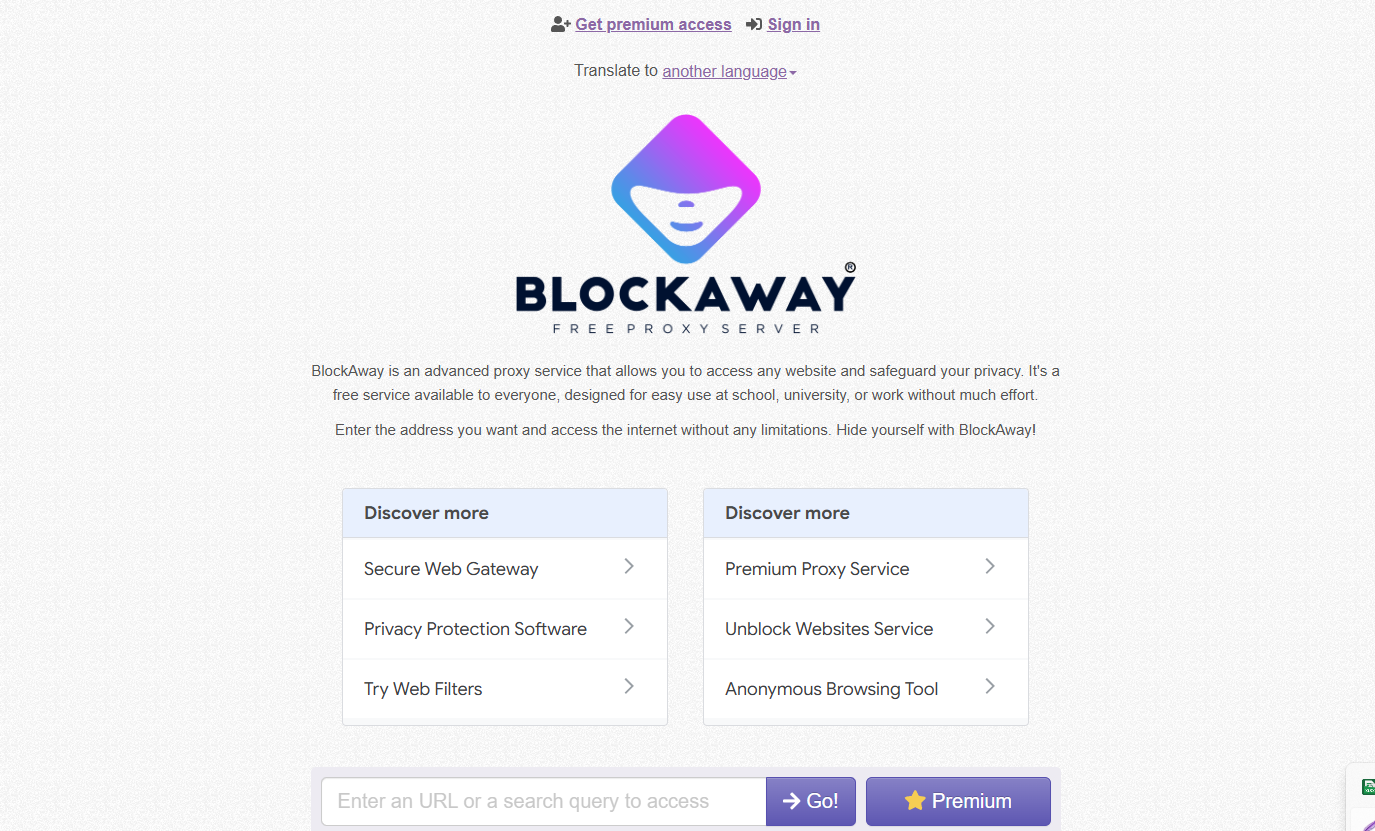
BlockAway is another web proxy focused on simple webpage access.
It is worth evaluating when you want to access supported content through a browser-based proxy without configuring a dedicated endpoint.
Why Consider BlockAway?
- Simple web-proxy approach.
- Minimal configuration.
- Suitable for occasional browsing.
- Useful for basic public-page checks.
Main Limitation
Features such as dedicated IP assignment, sticky sessions, and advanced authentication may be limited.
Confirm current availability and restrictions directly.
Best for: Users who need basic browser-based proxy functionality.
Official website: BlockAway
5. Web Proxy vs. Configurable Proxy vs. VPN vs. Antidetect Browser
Although these solutions can all play a role in online privacy or network management, they serve different purposes.
What Is a Web Proxy?
A web proxy is typically accessed through a webpage.
Users enter a destination URL, and the service retrieves supported content through an intermediary connection.
Best for: Quick browsing with minimal setup.
Main limitation: Less control over IP assignments, sessions, and application-level traffic.
What Is a Configurable Proxy?
A configurable proxy provides connection details such as:
- Hostname or IP address.
- Port.
- Protocol.
- Authentication credentials, when required.
These settings can be entered into compatible browsers and applications.
Best for: Repeatable workflows that require more control over network connections.
What Is a VPN?
A VPN creates an encrypted tunnel between a device or selected applications and a VPN server, depending on configuration.
It can change the public IP observed by websites.
However, a VPN does not automatically create separate browser cookies or profiles.
What Is an Antidetect Browser?
An antidetect browser manages separate browser environments with configurable settings and storage.
It can be combined with a proxy when independent network connections are required.
Important: Changing a public IP address does not automatically remove cookies, existing logins, or browser fingerprinting signals.
6. Which Proxyium Alternative Should You Choose?
The right solution depends on your specific requirements.
Requirement | Recommended Starting Point |
| Access a webpage without setup | CroxyProxy or KProxy |
| Compare another web-proxy service | hide.me, ProxySite, or BlockAway |
| Check public content from another region | 4everproxy or another provider with suitable locations |
| Configure a proxy inside an application | HideProxy or another configurable provider |
| Maintain a stable exit IP | A suitable static or ISP proxy plan |
| Encrypt network traffic through a tunnel | VPN |
| Manage separate browser profiles | Hidemium with compatible proxy connections |
When Is a Free Web Proxy Enough?
A free web proxy may be sufficient when:
- You only need occasional browsing.
- You do not need a specific IP address.
- The website works correctly through the proxy.
- You do not need long-lived sessions.
- You are not transferring sensitive information through an untrusted intermediary.
When Do You Need a Configurable Proxy?
Consider a configurable proxy when:
- Your application requires a proxy host and port.
- You need a specific geographic location.
- You need predictable session behavior.
- Different browser profiles require different connections.
- You need repeatable network settings.
Decision rule: Start with a web proxy when convenience is the priority. Move to a configurable proxy when additional control is necessary.
7. How to Use Configurable Proxies With Hidemium
For teams that manage multiple authorized browser environments, Hidemium provides browser-profile management, while a compatible proxy provider handles network routing.
A simplified setup looks like this:
Hidemium Profile A → Proxy A → Website
Hidemium Profile B → Proxy B → Website
Each browser profile can maintain separate storage and assigned connection settings.
Step 1: Create a Hidemium Browser Profile
Open Hidemium and create a new profile for your intended workflow.
Give the profile a clear name so it can be managed easily.
Read the Hidemium profile documentation.
Step 2: Configure the Proxy
Enter the connection information supplied by your proxy provider.
Depending on the service, this may include:
- Proxy host.
- Port.
- Protocol.
- Username and password.
See the Hidemium proxy setup guide.
Step 3: Verify the Network Connection
Launch the browser profile and open a reputable IP-checking website.
Compare the public IP shown with the endpoint you expected to use.
If the IP differs, review the proxy settings and any rotation rules.
Step 4: Check Session Requirements
If your workflow requires a stable IP, confirm that the purchased proxy product supports your required session duration.
Not every rotating proxy maintains the same IP indefinitely.
Step 5: Keep Profiles Organized
Use clear profile names and appropriate access controls.
Separate profiles can improve workflow organization, but they do not guarantee that external websites will treat every profile as an independent user.
Read more: Datacenter vs. Residential Proxies
8. How to Evaluate a Proxyium Alternative Safely
Before using any proxy service for important work, review its technical capabilities and security practices.
Check Provider Transparency
Look for:
- Official website.
- Privacy policy.
- Terms of service.
- Support channels.
- Technical documentation.
- Information about traffic handling and logging.
Test Website Compatibility
Some web proxies may not fully support websites that rely on authentication, complex JavaScript, cookies, or streaming.
Test the actual website you intend to access.
Verify HTTPS and Connection Security
Check whether the destination supports HTTPS and understand how the proxy service handles traffic.
An HTTPS connection to a proxy homepage alone does not guarantee end-to-end confidentiality for every destination.
Confirm IP and Location
Use an IP-checking tool to confirm the public IP observed through the proxy.
Remember that IP geolocation is approximate.
Review Pricing and Usage Limits
Check for:
- Bandwidth restrictions.
- Available locations.
- Request limits.
- Session limitations.
- Paid plans.
- Additional charges.
A service advertised as free may still have usage restrictions.
Avoid Sensitive Logins Through Untrusted Proxies
Do not enter passwords, payment information, or sensitive credentials through unknown proxy services without reviewing their security and privacy practices.
9. Common Mistakes When Switching From Proxyium
Assuming Every Proxy Works the Same Way
Web proxies, residential proxies, ISP proxies, datacenter proxies, and VPNs offer different capabilities.
Choose based on the actual connection requirements.
Choosing Another Web Proxy When You Need Endpoint Control
Switching from Proxyium to a similar service may reproduce the same limitations.
If you need IP assignment, session management, or integration, evaluate configurable proxies instead.
Assuming Every Proxy Provides a Stable IP
IP rotation and session persistence depend on the service and plan.
Verify the product conditions before purchasing.
Believing a Changed IP Guarantees Anonymity
Websites may still recognize logged-in accounts, cookies, browser fingerprints, and other identifiers.
Changing your IP alone does not eliminate all tracking.
Choosing Only by Price
A low-cost provider may not meet your location, performance, session, or compatibility requirements.
Consider the total cost of using the service for your actual workflow.
10. Conclusion: Which Proxyium Alternative Should You Try First?
The best Proxyium alternative depends on whether you need simple website access or greater control over proxy connections.
For quick browser-based access, start by testing CroxyProxy or KProxy. You can also compare hide.me Web Proxy, 4everproxy, ProxySite, and BlockAway according to the websites you need.
For configurable proxy endpoints, location choices, and session management, consider HideProxy or another suitable proxy provider.
If your work also requires multiple separate browser environments, consider Hidemium together with compatible proxy connections.
What Should You Do Next?
- Identify your primary requirement: Quick website access, regional browsing, stable IP, or browser-profile management.
- Choose the appropriate category: Web proxy, configurable proxy, VPN, or antidetect browser.
- Test one or two services: Check website compatibility and the resulting public IP.
- Review security and pricing: Confirm provider policies, limits, and total costs.
- Select the simplest solution that meets your needs.
Start with a web proxy for occasional browsing. Move to dedicated proxy infrastructure when additional control is necessary.
11. Frequently Asked Questions
What Is the Best Proxyium Alternative?
CroxyProxy and KProxy are practical starting points for quick browser access. HideProxy is worth evaluating when configurable proxy endpoints and browser-profile workflows are required.
Are There Free Proxyium Alternatives?
Yes. Several browser-based proxy services offer free access or free-use options. Their current availability and limitations should be checked on official websites.
Is Proxyium a VPN?
No. Proxyium is a browser-based web proxy. A VPN typically routes traffic through an encrypted network tunnel.
Can a Web Proxy Change My IP Address?
A web proxy can cause destination websites to observe its proxy server's IP for requests routed through the service.
However, this does not automatically change the IP used by other applications or guarantee anonymity.
Which Proxyium Alternative Works for YouTube?
Compatibility varies by service, available servers, and the video functionality required.
Test the specific website and follow applicable access rules.
Can I Use a Web Proxy for Multiple Hidemium Profiles?
A basic web-proxy page does not automatically provide independent network endpoints for multiple browser profiles.
A configurable proxy provider is generally more appropriate for per-profile proxy assignment.
Is HideProxy the Same as Proxyium?
No.
Proxyium provides webpage-based proxy access, while HideProxy is positioned as a configurable proxy service.
Is Hidemium a Direct Proxyium Alternative?
No.
Hidemium manages separate browser profiles, while Proxyium provides web-proxy access.
They solve different problems but can be used alongside suitable network services.
Are Free Web Proxies Safe?
Safety depends on the provider, its logging practices, connection security, and handling of user traffic.
Avoid using untrusted proxy services for sensitive information.
Should I Use a VPN Instead of a Web Proxy?
Choose a VPN when your priority is encrypted network routing.
Choose a web proxy for simple browser-based access.
Choose a configurable proxy when you need greater control over endpoints, authentication, and session settings.