

In today’s digital age, using sample Prompt Scripts to automate browser tasks is becoming more and more popular, especially when combined with the Hidemium antidetect browser. With the powerful support of AI models like ChatGPT, Claude, and Gemini, users can easily perform tasks such as form filling, page scrolling, or content analysis – all without any coding knowledge.
This article will introduce the Top 5 most effective Prompt Script examples for beginners, including guidance on choosing the right AI and how to use them directly with Hidemium.
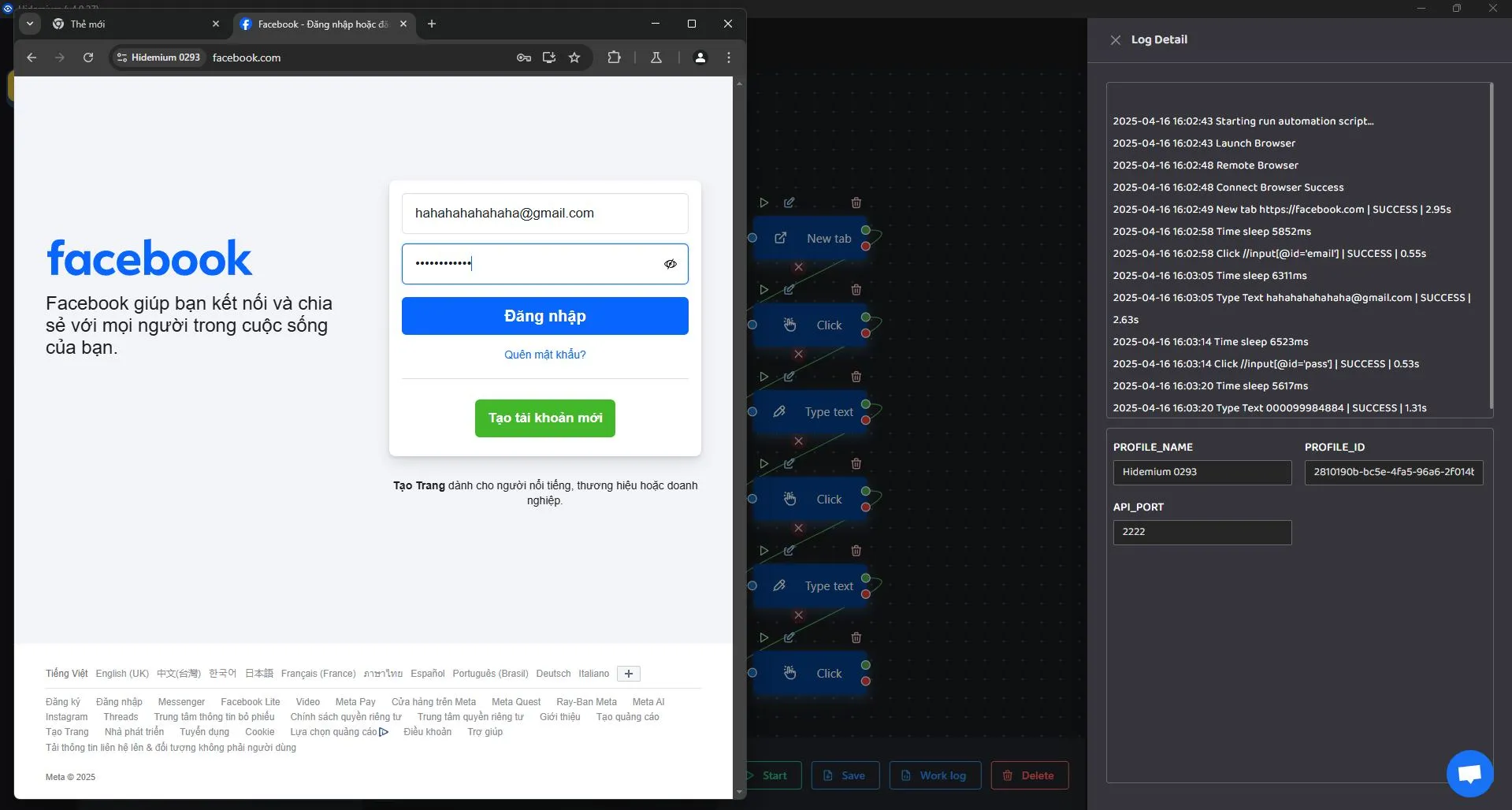
1. Auto Form Filling
Use case:
Registering an account, logging in, or completing survey forms.
Sample Prompt Script:

Recommended AI:
ChatGPT and Claude: Great at form structure recognition and accurate data entry.
Gemini: Ideal for forms with enhanced security layers.
2. Auto Scroll
Use case:
Browsing long content on platforms like TikTok, Facebook, or e-commerce sites like Shopee.
Sample Prompt Script:

Recommended AI:
Gemini: Smooth and stable scrolling.
ChatGPT: Best for simpler websites.
3. Auto Like or Follow
Use case:
Boosting engagement on social media platforms.
Sample Prompt Script:

Recommended AI:
Claude: Excellent at mimicking real human behavior.
ChatGPT: Fast and accurate with basic buttons.
4. Search Filter Script
Use case:
Filtering products or posts based on conditions like price or category.
Sample Prompt Script:

Recommended AI:
Claude and Gemini: Great for handling multi-step logic.
ChatGPT: Best for basic filtering tasks.
5. Competitor Monitoring Script
Use case:
Track product updates or new content from competitors.
Sample Prompt Script:

Recommended AI:
Gemini: Excellent for detailed content analysis and real-time alerts.
Claude: Ideal for note-taking and structured data storage.
5. How to Run Prompt Scripts in Hidemium
No matter which sample script you use, they can all be executed easily within the Hidemium platform with just a few steps:
🔧 Steps:
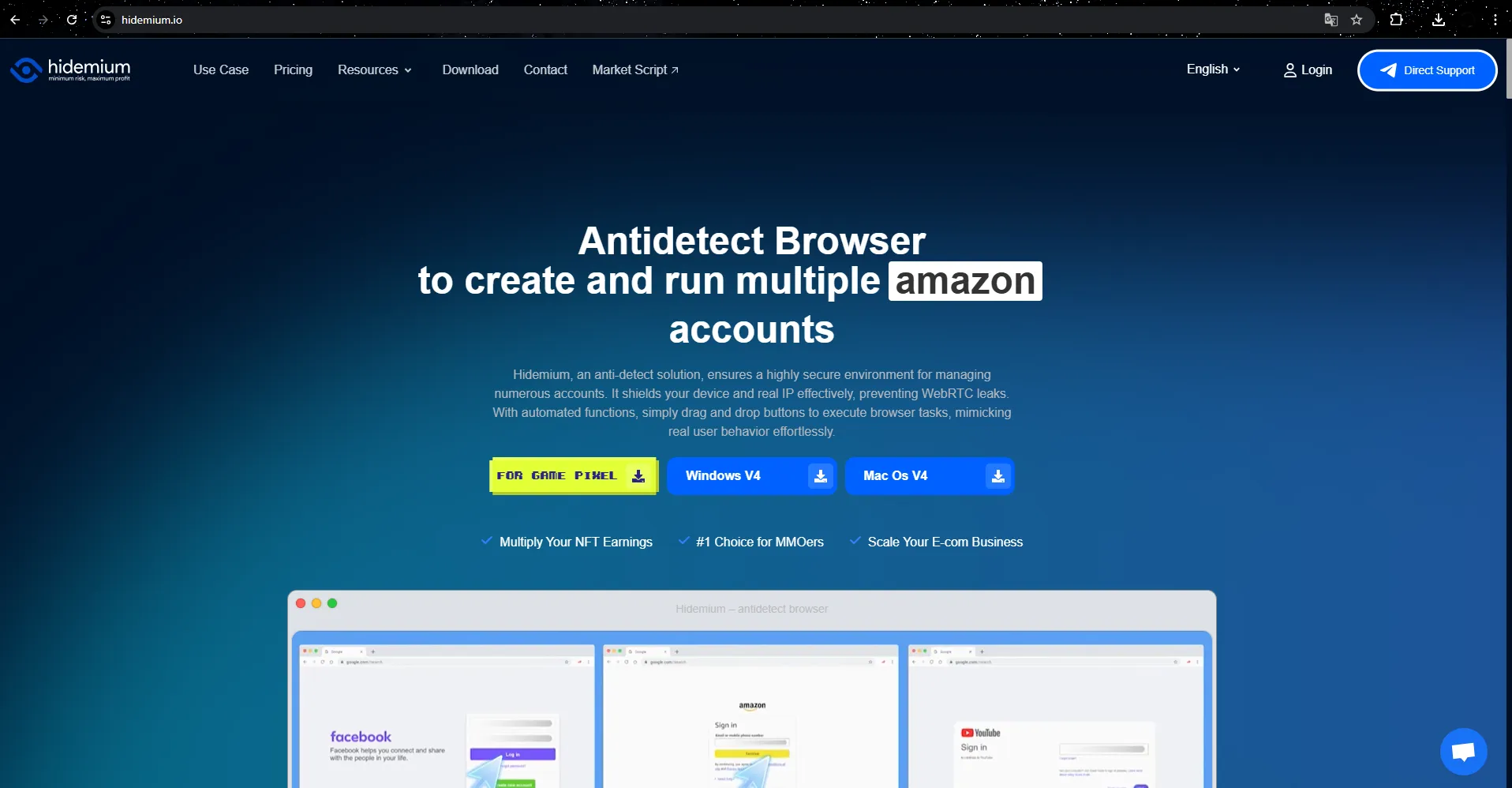
Download and install Hidemium, and claim 1000 free profiles + a 3-day trial.
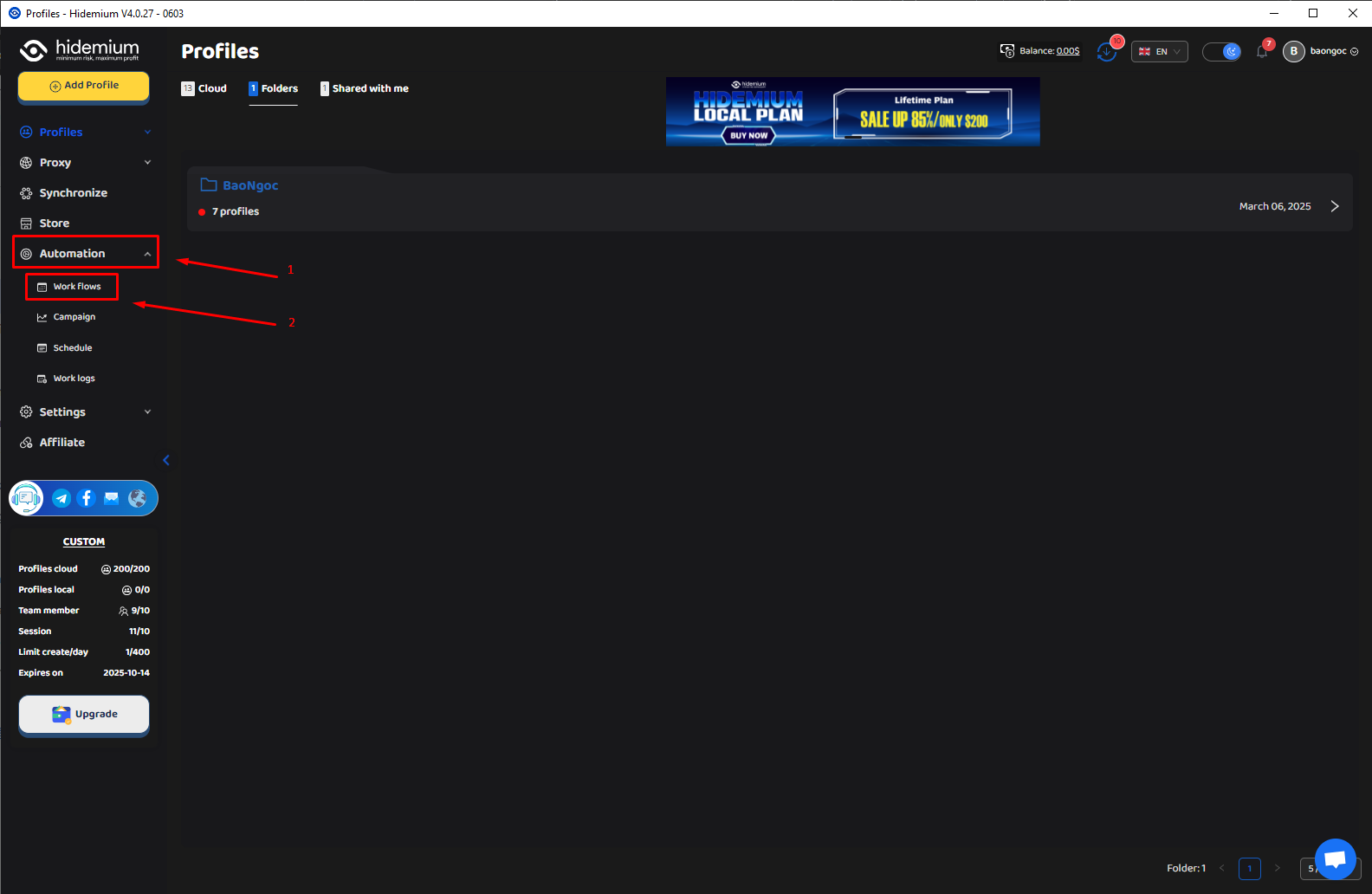
Go to the Automation → Workflows tab.
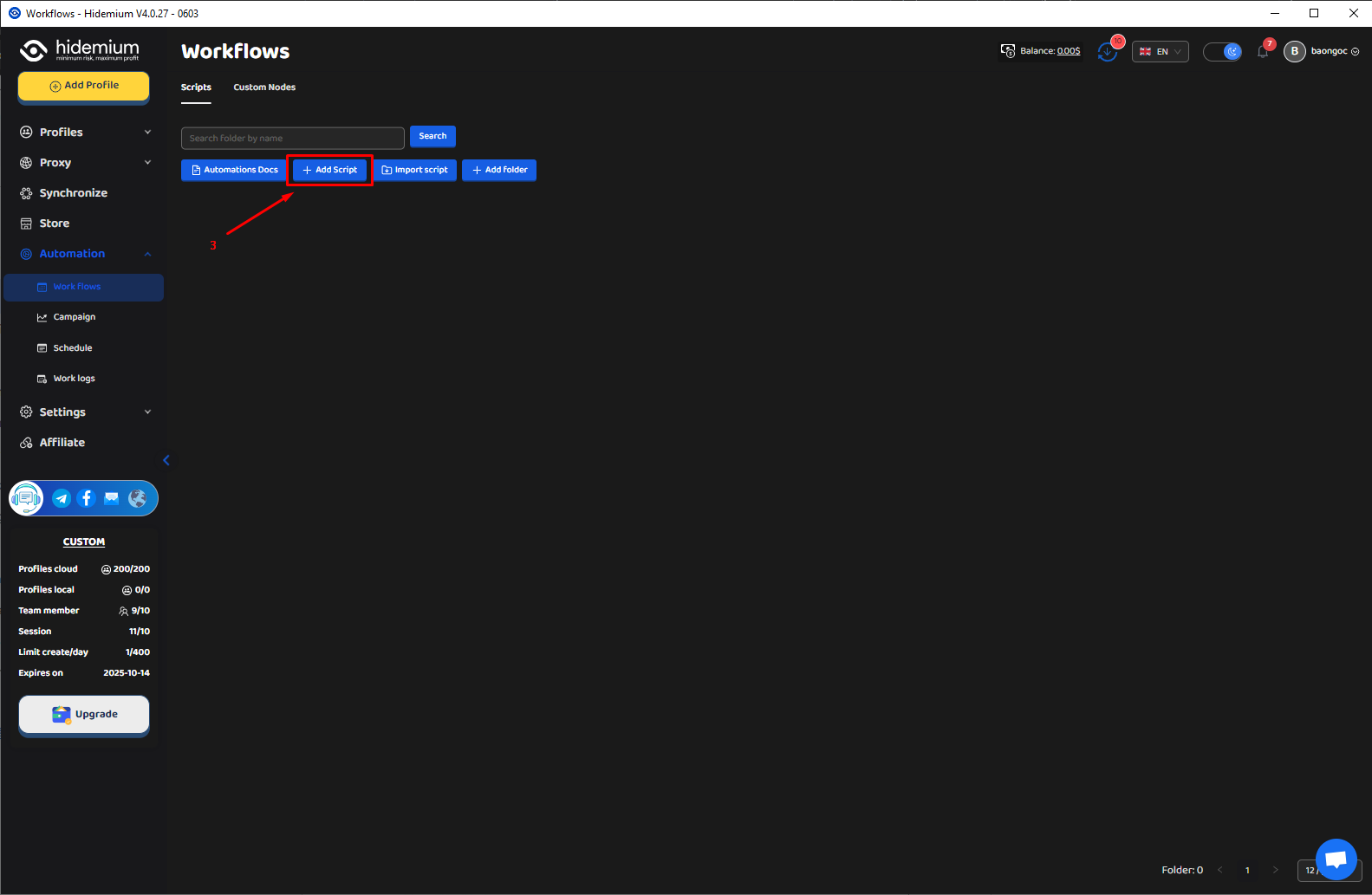
Click Add Script, then select Config Model: ChatGPT, Claude, or Gemini.
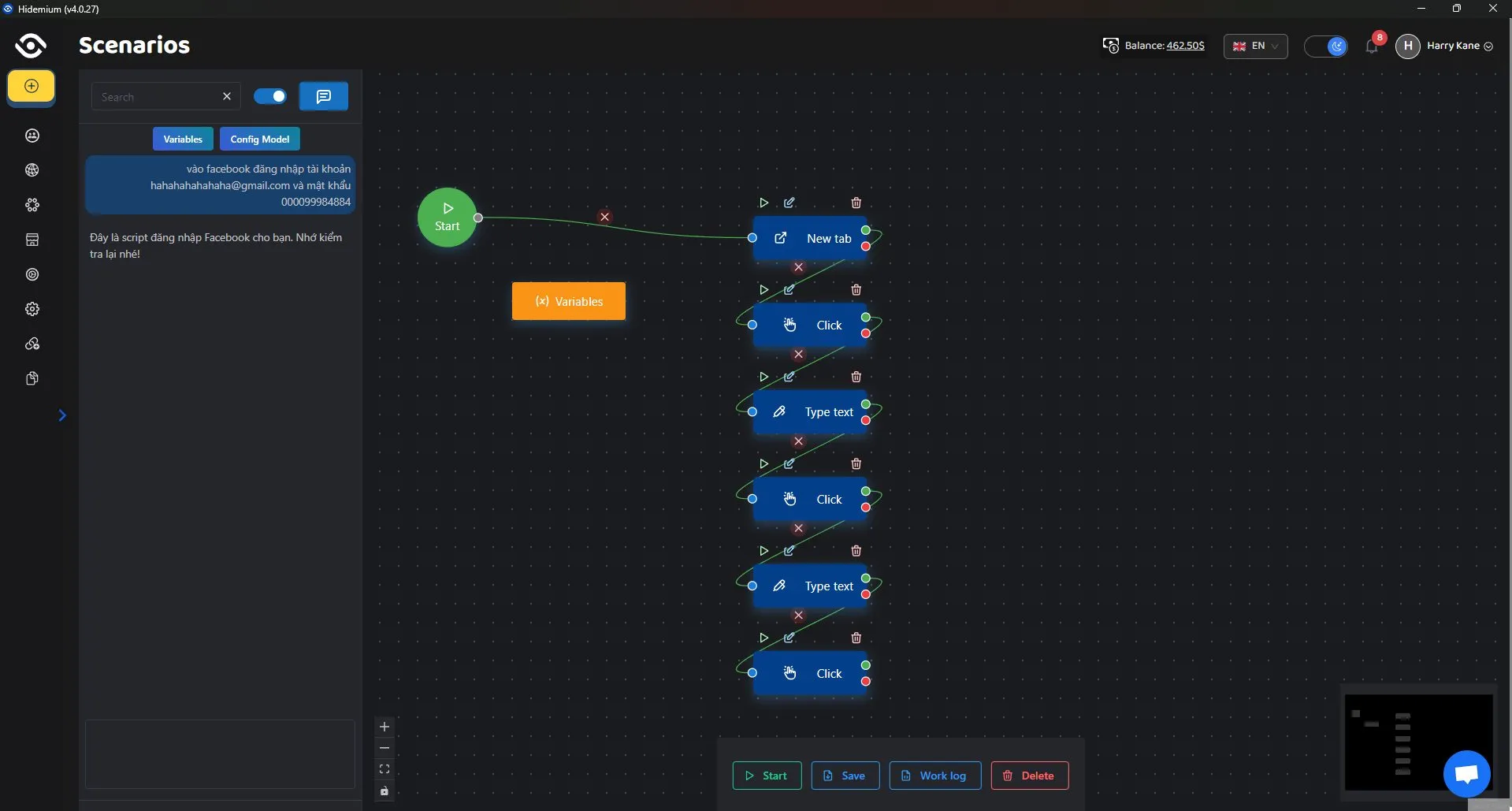
Paste your prompt into the input box, click Save, then select Start to test it.
6. Conclusion
Using sample Prompt Scripts with AI tools like ChatGPT, Claude, and Gemini offers powerful automation capabilities. Whether you’re a beginner or a seasoned user, Hidemium and these scripts help save time, boost productivity, and simplify complex tasks – without the need for advanced programming skills.
Learn more:
👉 What is ChatGPT? Easily automate tasks with Prompt Script
👉 What is Google Gemini? Integrate Gemini into Prompt Script Automation
👉 What is Claude AI? Use Claude to Create Smart Automated Prompt Scripts
Related Blogs

If you've ever experienced region-based access restrictions, account suspensions, or concerns about your personal information being compromised online, you understand the crucial role of a quality proxy service. IPBurger was created to address these issues by providing a flexible, highly secure, and easy-to-use proxy system.Whether you need to collect data, manage multiple accounts, or simply[…]

Affiliate marketing is currently one of the most popular and sustainable ways to make money online. Whether you are a beginner or a veteran, using the right support tools will help save time, easily manage campaigns and improve conversion efficiency.In this article, Hidemium will introduce 15 top affiliate marketing tools, divided into many groups: tracking & analytics, link management, SEO,[…]
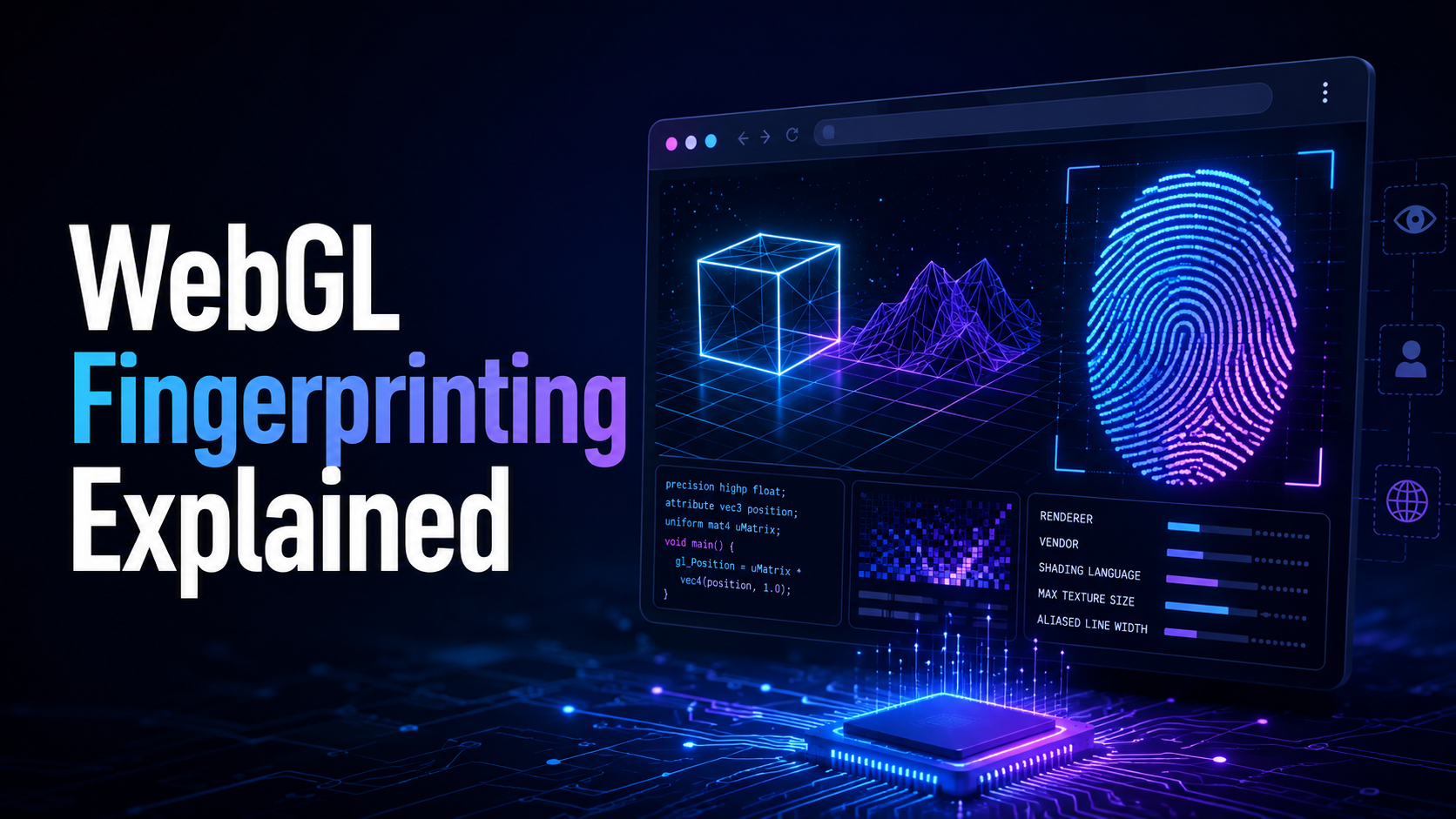
What is WebGL fingerprinting?WebGL fingerprinting is a browser fingerprinting technique that uses WebGL graphics rendering to collect signals about your GPU, graphics driver, browser, operating system, and rendering behavior. Websites can use these signals to help recognize a browser or evaluate whether a browser environment looks consistent and natural.WebGL stands for Web Graphics Library. It[…]

Facebook Ad Credits are an important concept for those who are running ads on this platform, especially in the context of Facebook regularly launching attractive incentive programs. If you are looking to optimize your advertising budget, this is a tool worth considering. Together Hidemium Find out how to make the most of your Facebook ad credits here!1. What is Facebook Ad Credit?Facebook Ad[…]
Browser emulator is a technique that allows your browser to appear as if it is running on a different device, operating system, or browser. This method is often used for website testing, privacy protection or Access content restricted by region or platform.So how does browser emulation work? Is it really safe and legal? In this article, Hidemium will help you understand how it works, when to use[…]

In today's competitive and fast-paced digital world, the absence of regular app updates can lead to the demise of even the most promising applications. Regular updates are a barometer to measure the app's success and help them stay relevant in the long run. If companies don't roll out new features or updates frequently, they need to be prepared for mass uninstallations and increased user[…]
